> ## Documentation Index
> Fetch the complete documentation index at: https://support.getskara.ai/llms.txt
> Use this file to discover all available pages before exploring further.
# How can I make calls using Google Voice?
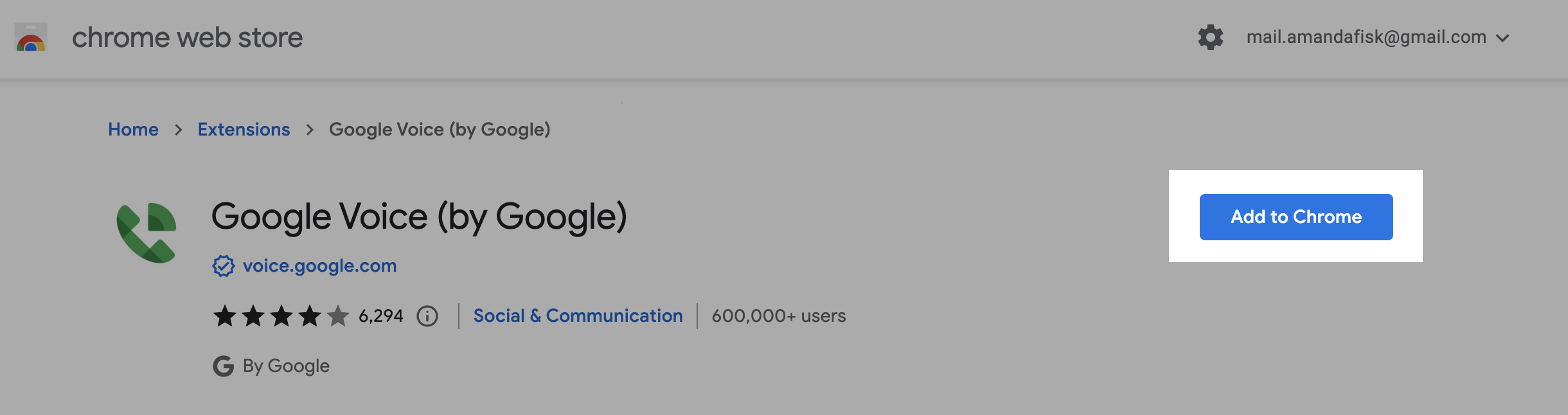
Install the chrome extension for google voice from the link provided -
[Click Here](https://chrome.google.com/webstore/detail/google-voice-by-google/kcnhkahnjcbndmmehfkdnkjomaanaooo?hl=en)
Click on **Add to Chrome** button to add the extension to your chrome browser.
 Further, click on **Add extension** to confirm the installation.
 Once done you will receive a success message saying "**Google Voice has been added to Chrome**".Finally, after adding the extension, you will be able to click on the \*\* G \*\*reen phone icon \*\* and make the calls using Google voice.
 **Note:** Calls are not logged inside salesmate while using the extension.