> ## Documentation Index
> Fetch the complete documentation index at: https://support.getskara.ai/llms.txt
> Use this file to discover all available pages before exploring further.
# How to Add Call Logs
In Salesmate, all phone calls you make and receive are automatically logged.You can check them by:
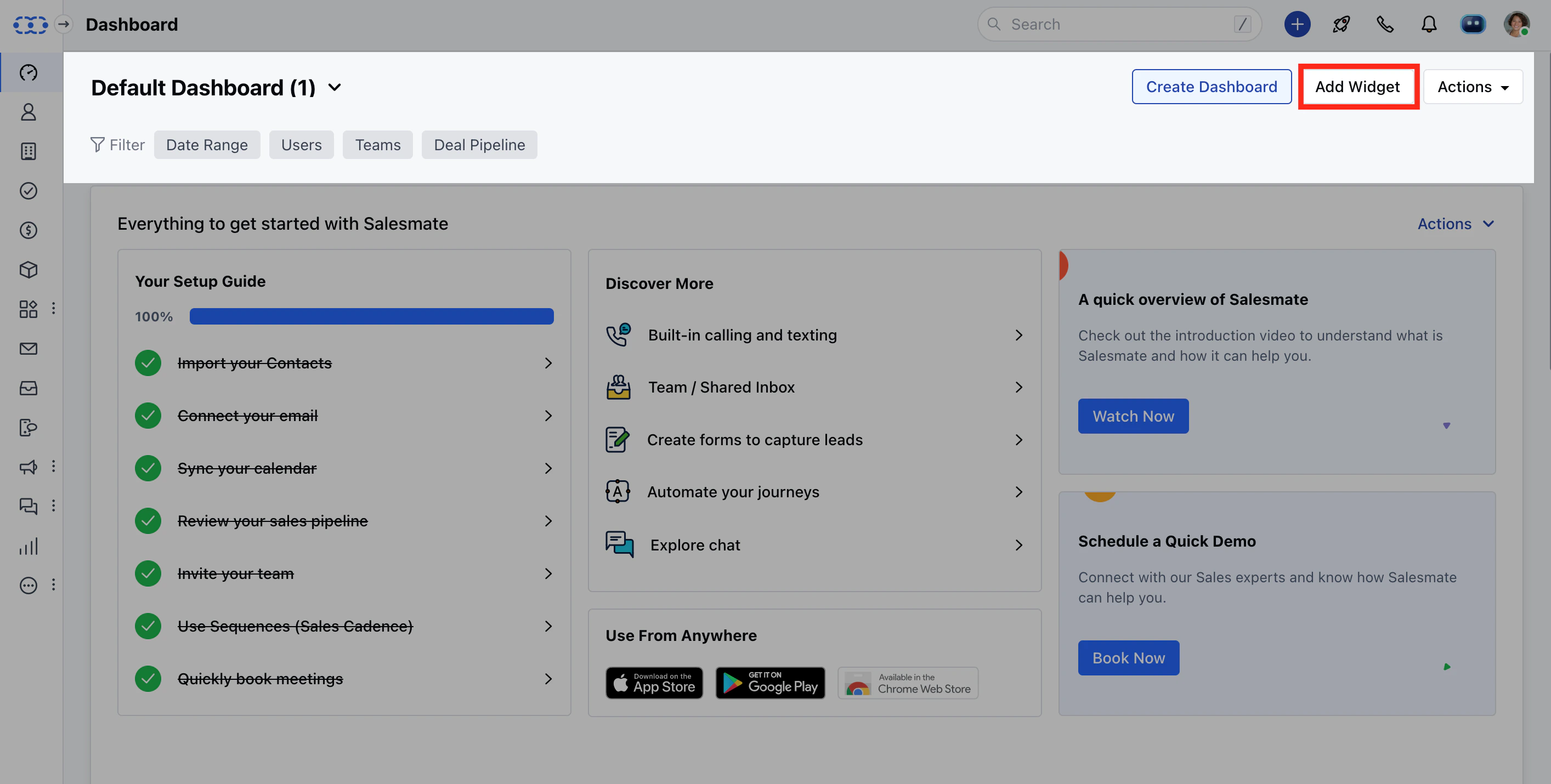
Navigate to **Add Widget** on **Dashboard**
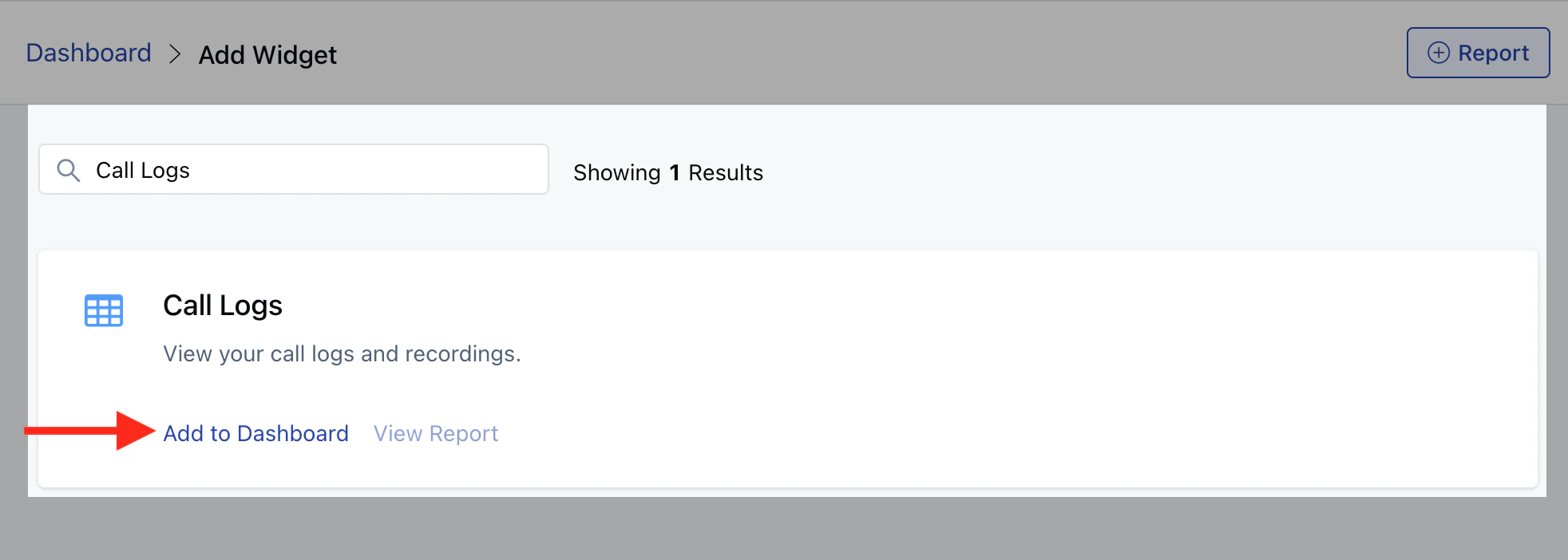
 Search for \*\*Call Logs.
* \*\*Click on **Add to Dashboard.**
Search for \*\*Call Logs.
* \*\*Click on **Add to Dashboard.**
 However, on the off chance that you receive a call from a contact on your personal number. You might want to have it logged too, for that Salesmate allows you to manually log calls and also add notes for the same.