> ## Documentation Index
> Fetch the complete documentation index at: https://support.getskara.ai/llms.txt
> Use this file to discover all available pages before exploring further.
# What is contact impersonation
When a new visitor starts a chat with you, he might share an email address that might not belong to him.
* If Skara cannot identify the visitor as a [verified contact](https://support.salesmate.io/hc/en-us/articles/360058808931) i.e. the email shared by the visitor belongs to him or not, then messenger will show an impersonation warning with every chat message sent by this visitor.
* Skara will auto consolidate contact information once the visitor is identified as verified contact after login or signup.
* The impersonation warning is removed once the visitor identifies himself by logging in with the same email in Skara.
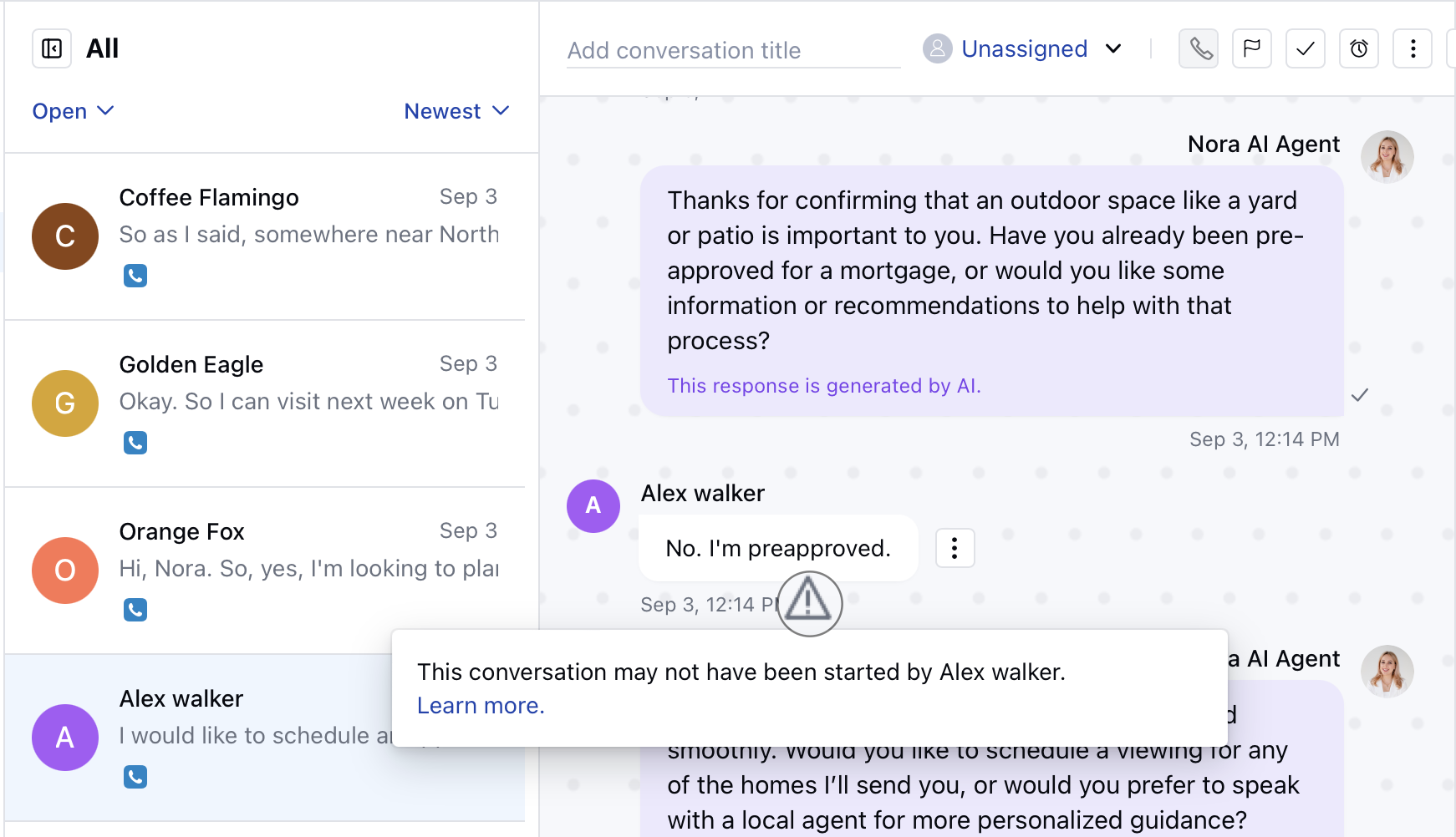 **Note:** This impersonation warning is only visible on the inbox side to users of the messenger.