> ## Documentation Index
> Fetch the complete documentation index at: https://support.getskara.ai/llms.txt
> Use this file to discover all available pages before exploring further.
# How to Enable/Disable sounds for Chats?
Users can choose if the visitor or customer should hear the sounds while receiving an incoming message or sending the outgoing message.
To configure the sounds, please follow these steps:
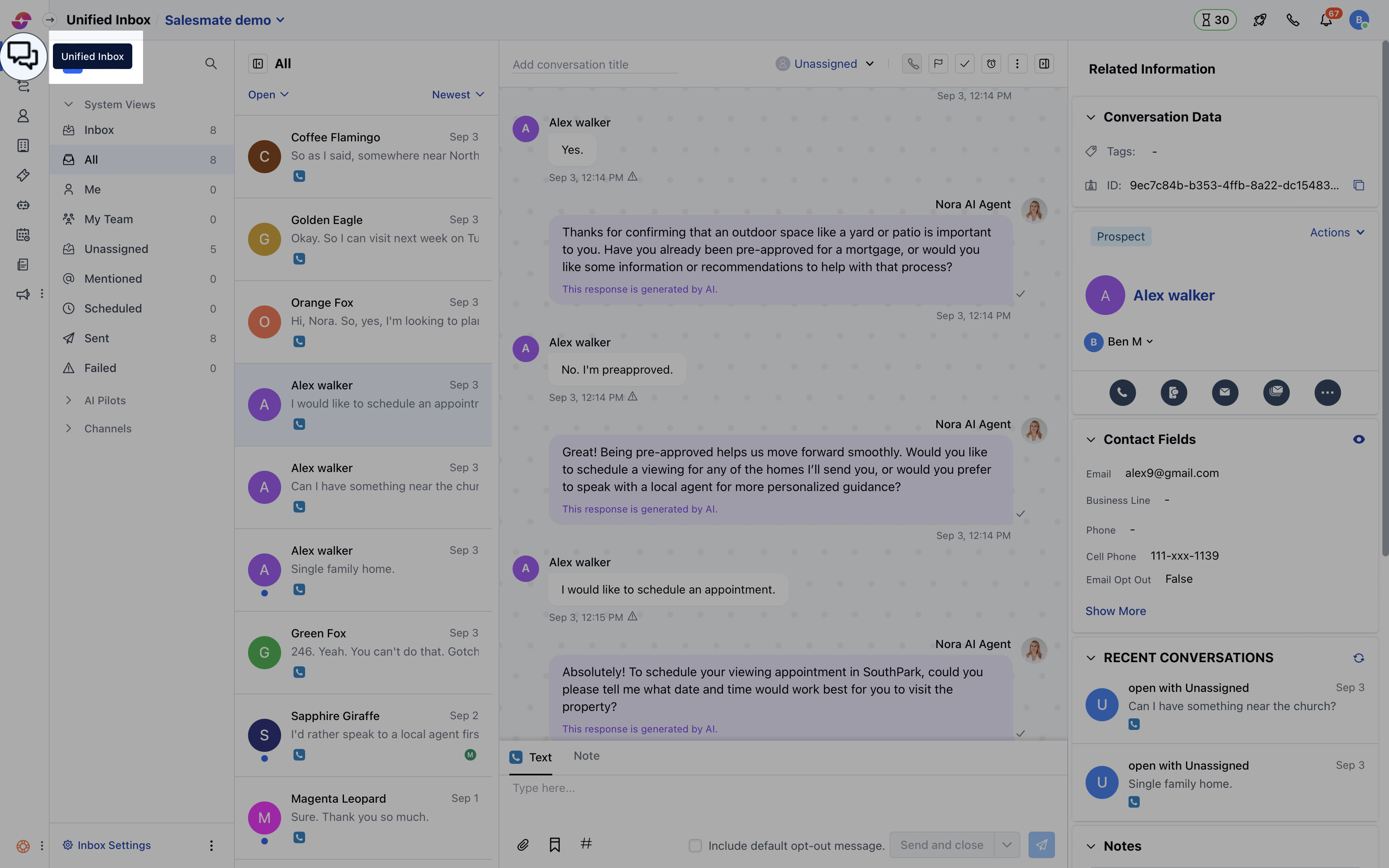
* Navigate to **Conversations Icon** on the left menu bar
* Click on **Chats**
* Head to **Chat Settings** on bottom left.
 * Switch to the **Misc** tab where you can toggle the switch to enable or disable the sound and hit the **Update** button to save the changes.
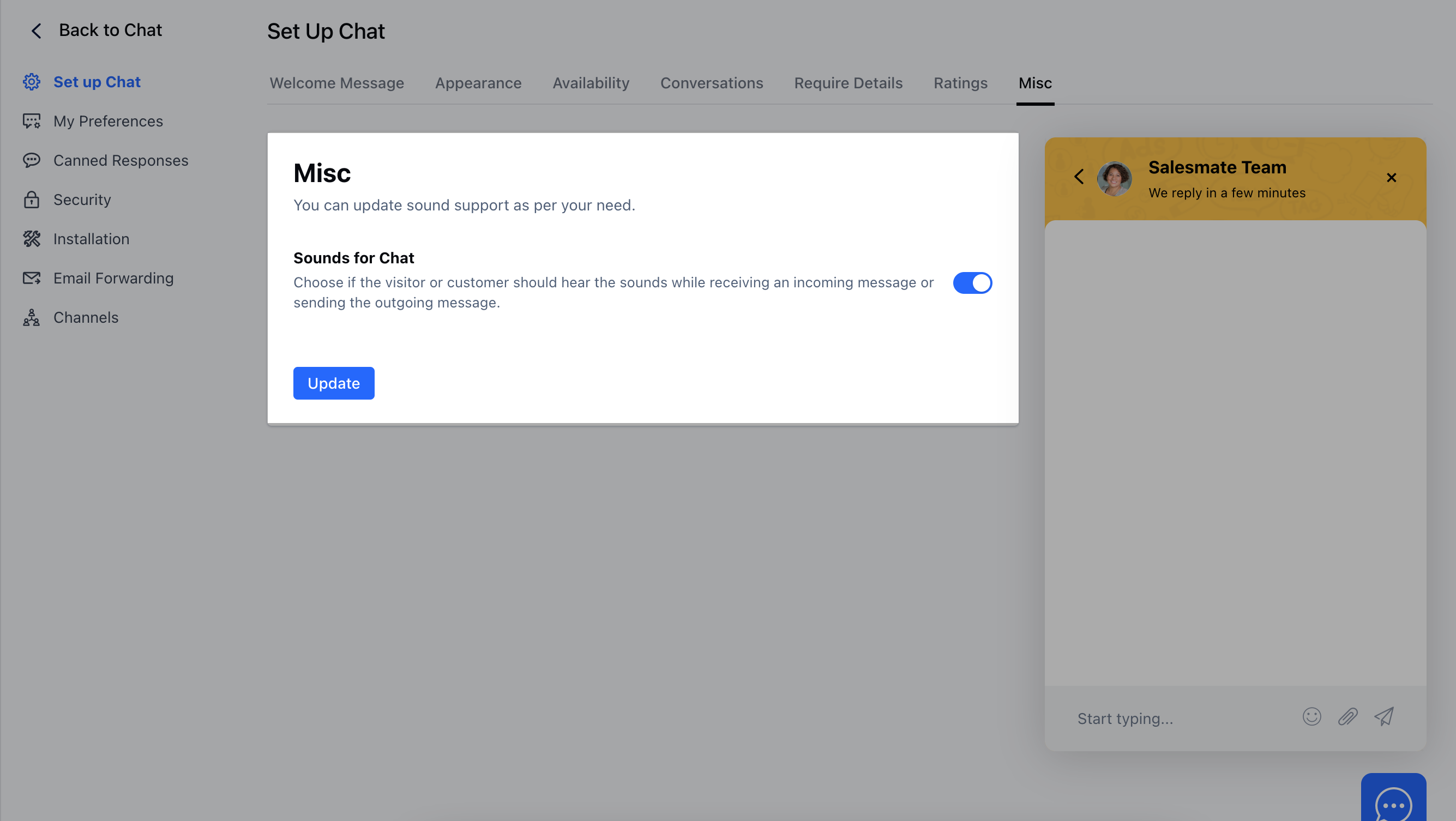 **Note:** This setting is only for the Chat widget installed on your website, and not for the users who are using the Chat inbox.