> ## Documentation Index
> Fetch the complete documentation index at: https://support.getskara.ai/llms.txt
> Use this file to discover all available pages before exploring further.
# What is Salesmate Chats?
* **Salesmate Chats** allows you to connect with your website and app visitors and serve customers better.
**Note:** You need to Activate Unified Conversation Inbox to use Salesmate
Chats. [Learn
More](https://support.salesmate.io/hc/en-us/articles/26735788331033-How-to-Activate-Unified-Conversation-Inbox)
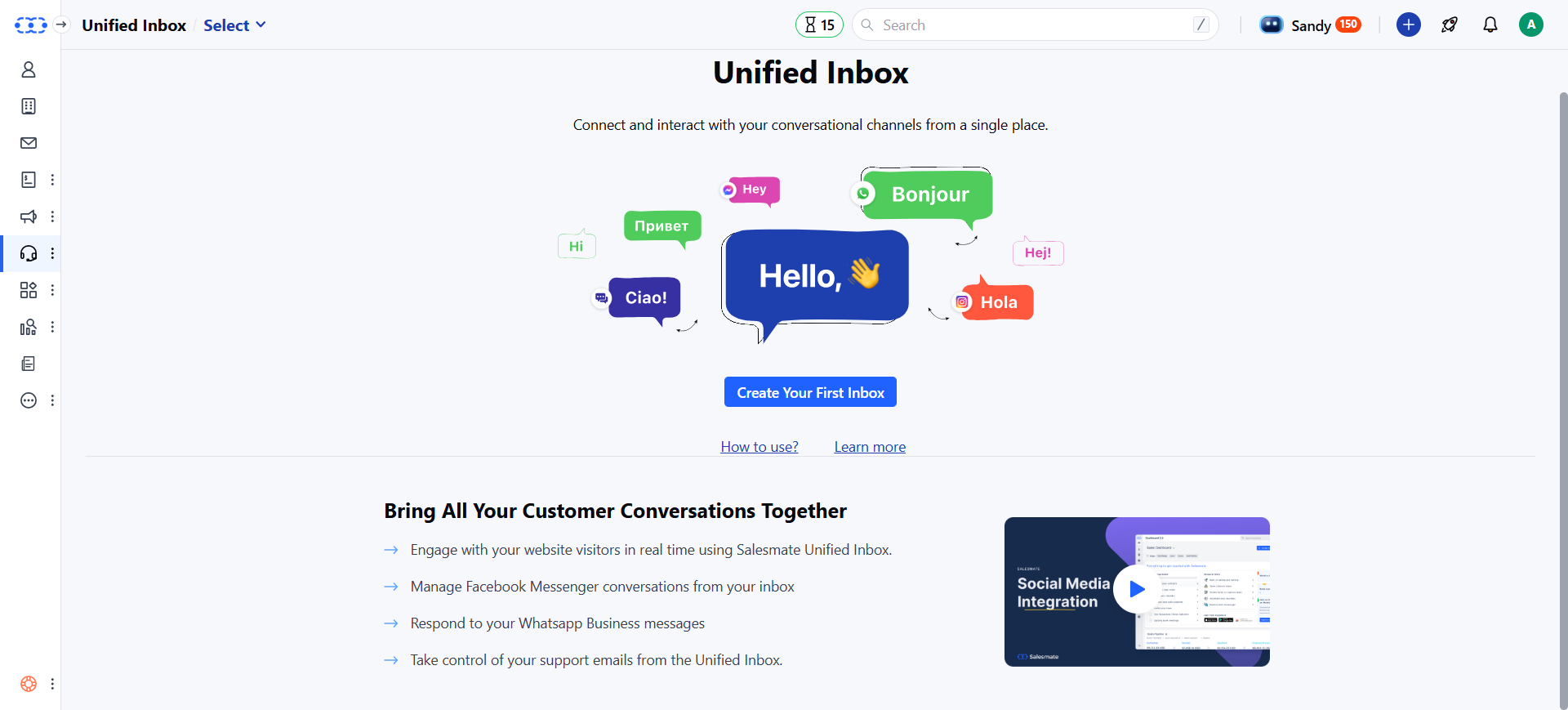 Add a chat widget to your website, and:
* Start talking to your visitors in minutes.
* Engage your customers during their buying process and help them make a purchase.
* Resolve your customer support queries quickly to increase customer satisfaction.
# Key Features
Salesmate Chats is an add-on and its pricing is based on the number of user seats you wish to add for users who will be managing chat communication.
# Requirements
* You need to be an admin to install the Chats.
* Learn More about
* [Installing Chats](/unified-inbox/channels-installation/salesmate-chats)
Add a chat widget to your website, and:
* Start talking to your visitors in minutes.
* Engage your customers during their buying process and help them make a purchase.
* Resolve your customer support queries quickly to increase customer satisfaction.
# Key Features
Salesmate Chats is an add-on and its pricing is based on the number of user seats you wish to add for users who will be managing chat communication.
# Requirements
* You need to be an admin to install the Chats.
* Learn More about
* [Installing Chats](/unified-inbox/channels-installation/salesmate-chats)