> ## Documentation Index
> Fetch the complete documentation index at: https://support.getskara.ai/llms.txt
> Use this file to discover all available pages before exploring further.
# View Associated Conversations in Company Layout
With Associated Conversations Widget easily view and manage all recent interactions with contacts within the same Organization.
To access the Associated Conversation Widget,
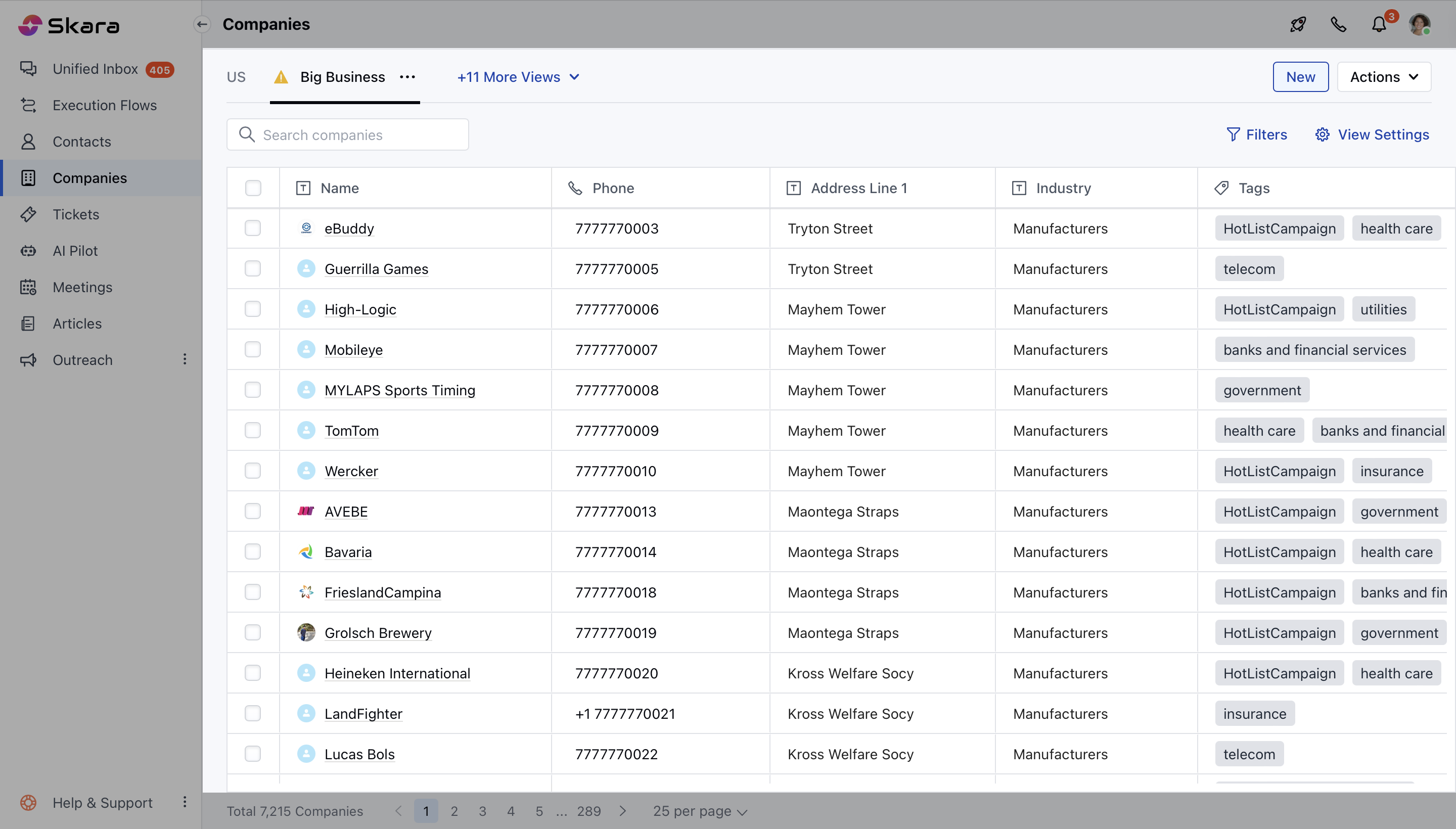
* Navigate to the **Company Module** from the left sidebar accessing to **Listing View**
 * Select the **Organization** and open it in the **Detail View**
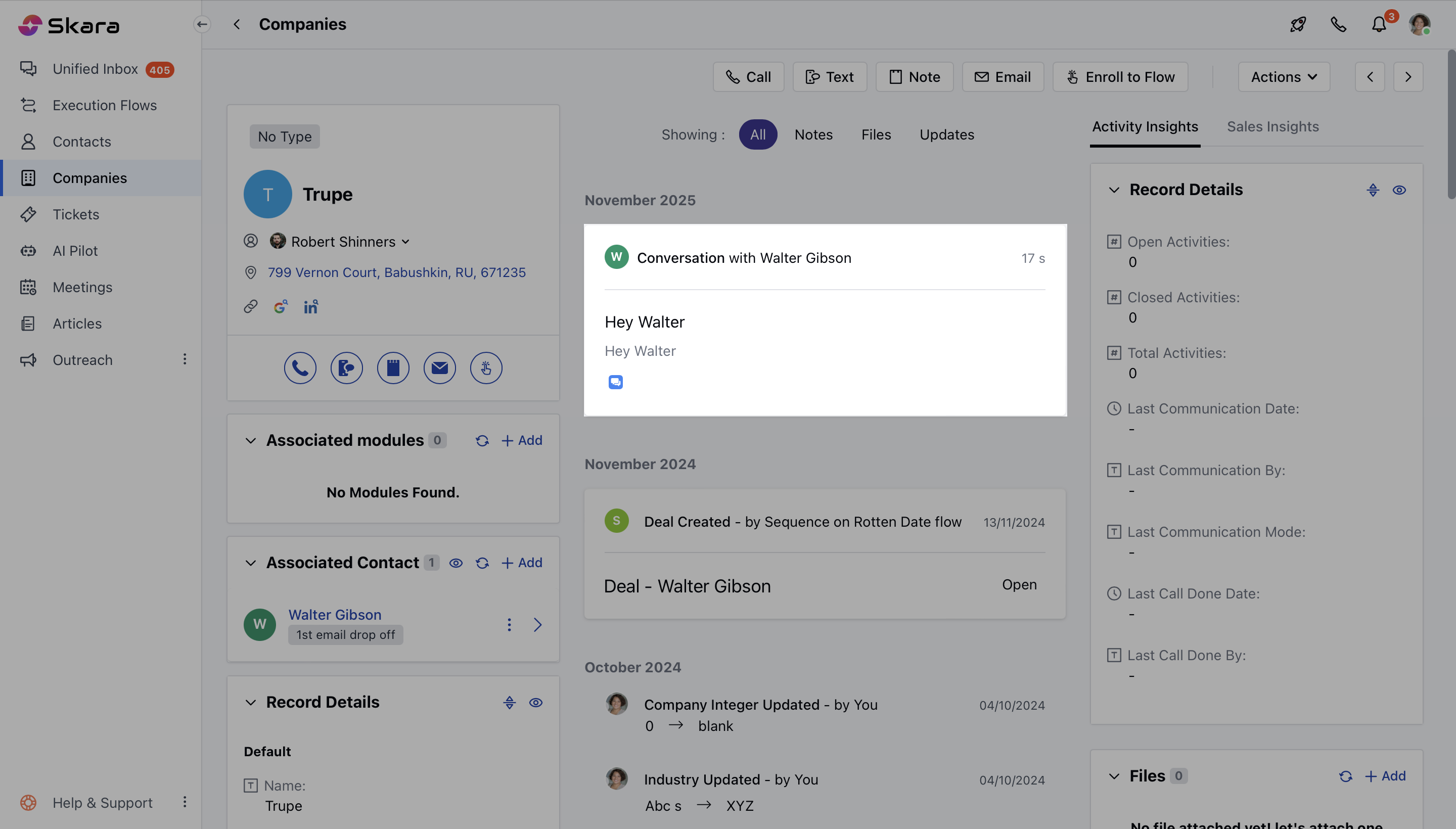
* Here you can find all recent conversations linked to contacts within the same company, using the **Associated Conversation** Widget. [Learn More about how to add Widgets to
Layout](https://support.salesmate.io/hc/en-us/articles/23726589057177-Customize-the-Page-Layout-in-Salesmate).
* Select the **Organization** and open it in the **Detail View**
* Here you can find all recent conversations linked to contacts within the same company, using the **Associated Conversation** Widget. [Learn More about how to add Widgets to
Layout](https://support.salesmate.io/hc/en-us/articles/23726589057177-Customize-the-Page-Layout-in-Salesmate).