> ## Documentation Index
> Fetch the complete documentation index at: https://support.getskara.ai/llms.txt
> Use this file to discover all available pages before exploring further.
# Marketing Contacts Usage
By accessing the **Marketing Contacts Usage information**, you can gain **valuable insight** s into the performance of your **campaigns** and make informed decisions to optimize your marketing efforts. In this article, we will guide you on how to view the usage details for your email campaigns and Automation Journeys
Once you are logged into your Salesmate account,
Navigate to the **Outreach icon** Click on **Email Campaigns**
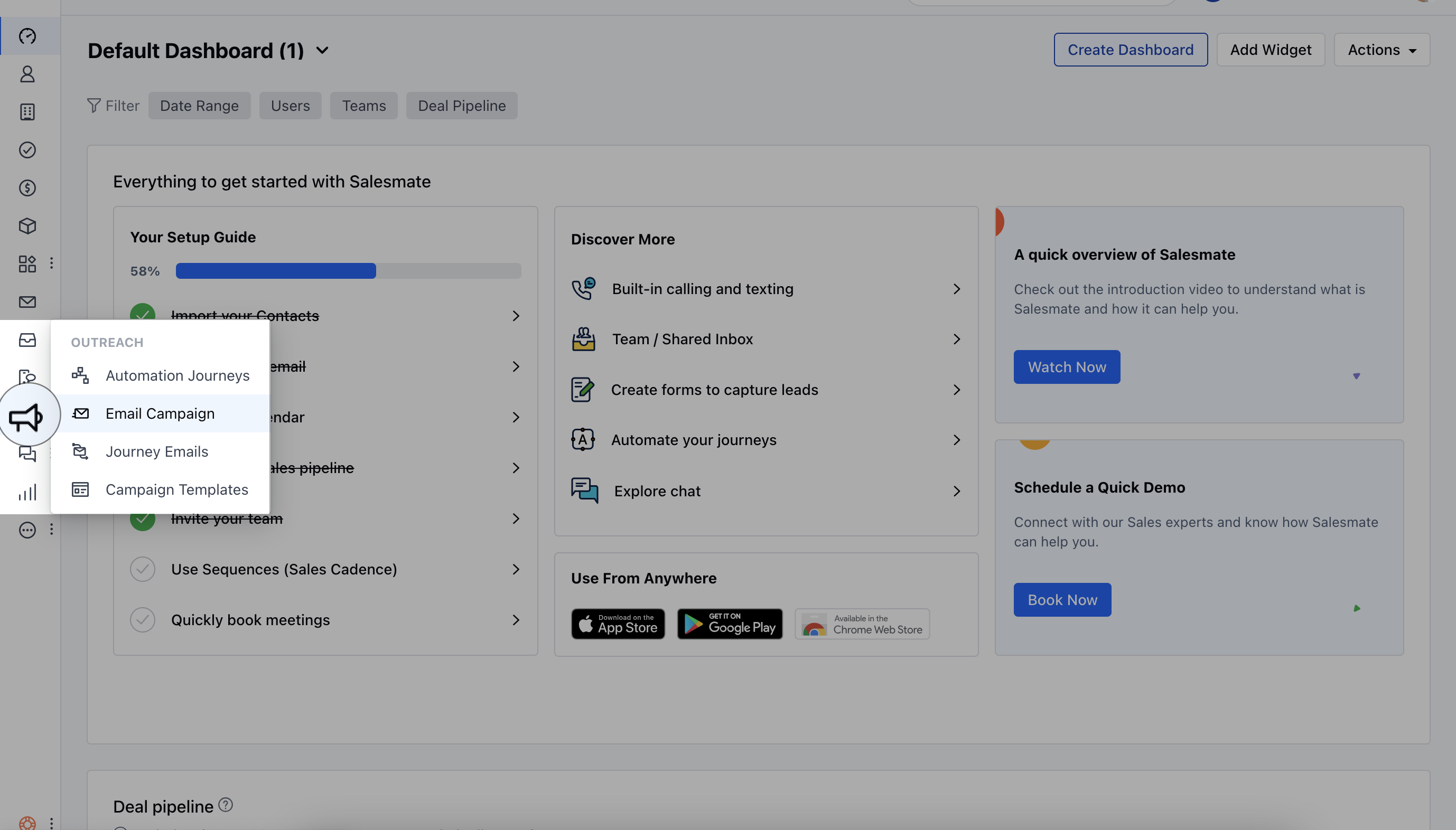 On this screen, you will be able to see "**Marketing Contacts Usage**"Click on **View details** to see your marketing contacts usage
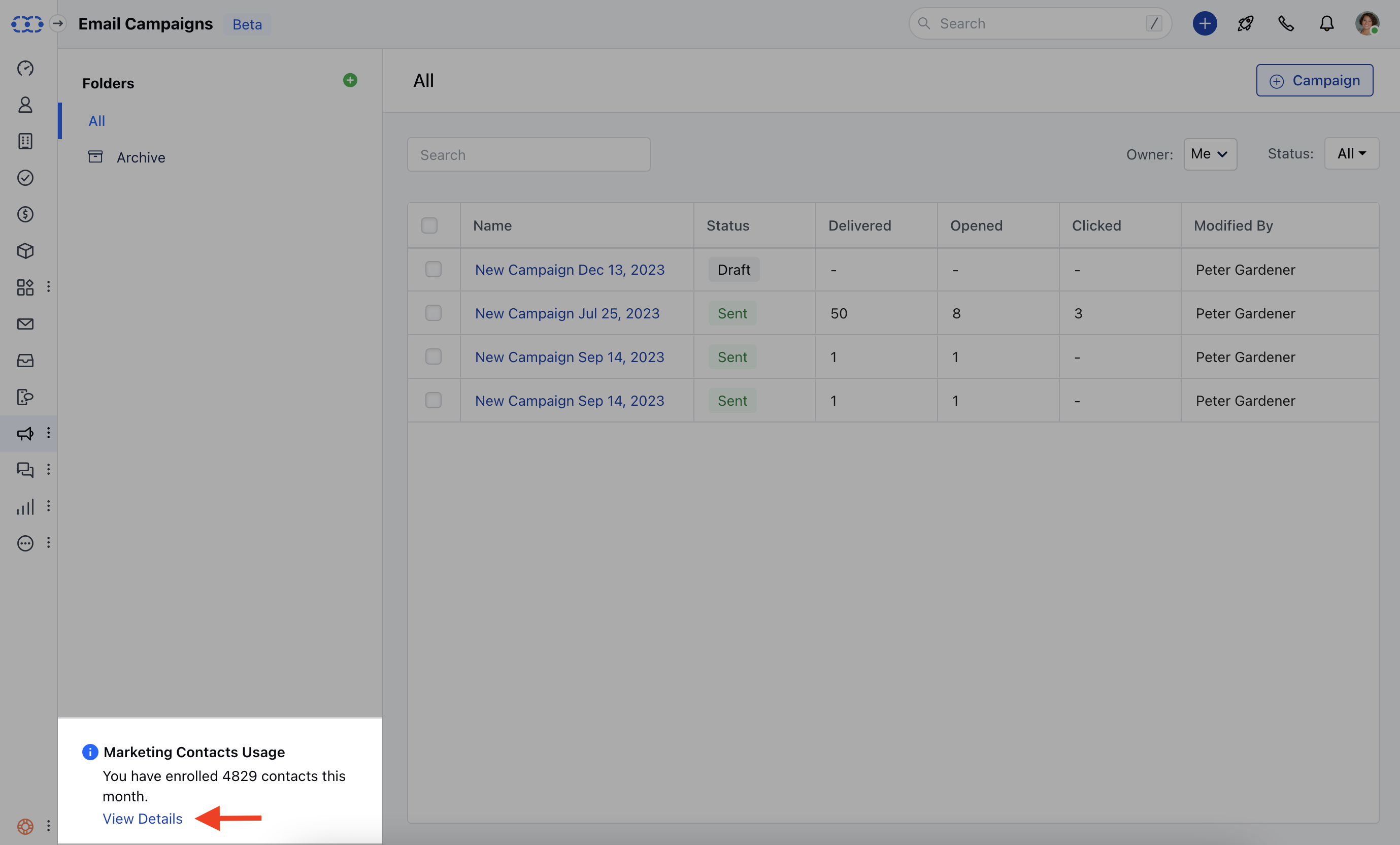 ### **Used Contacts** The **Used Contacts** section shows the number of contacts that have been utilized in the automation journey or campaign. This information gives you an overview of how many contacts have been engaged or included in your marketing efforts.
### **Allowed Limit** The **Allowed Limit** indicates the maximum limit set for the number of emails you can send through your automation journey or campaign. It is essential to be aware of this limit to avoid exceeding your email-sending capabilities.
### **Used Limit** The "**Used Limit**" section presents the actual number of emails that have been sent through your automation journey or campaign. This data allows you to monitor your email usage and evaluate the effectiveness of your marketing communications.
### **Used Contacts** The **Used Contacts** section shows the number of contacts that have been utilized in the automation journey or campaign. This information gives you an overview of how many contacts have been engaged or included in your marketing efforts.
### **Allowed Limit** The **Allowed Limit** indicates the maximum limit set for the number of emails you can send through your automation journey or campaign. It is essential to be aware of this limit to avoid exceeding your email-sending capabilities.
### **Used Limit** The "**Used Limit**" section presents the actual number of emails that have been sent through your automation journey or campaign. This data allows you to monitor your email usage and evaluate the effectiveness of your marketing communications.
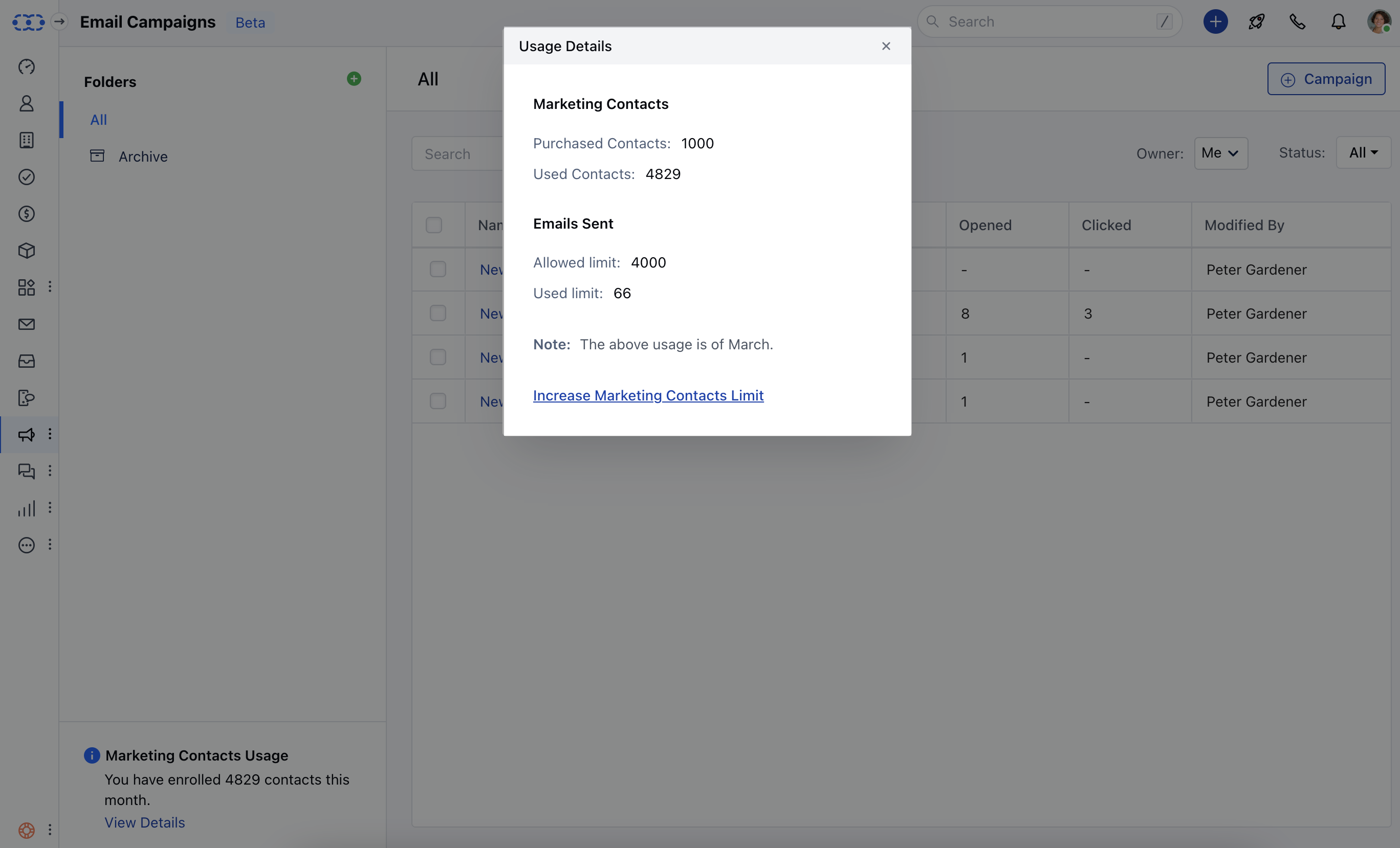 ### **Increasing Marketing Contacts Limit** If you find that you need to increase your marketing contacts limit, which refers to the contacts limit specifically for your automation journeys, you have the option to do soOn the usage details popup, you will find a link or button that leads to the subscription upgrade page. Click on this option to access the page where you can increase your marketing contacts limit according to your requirements.
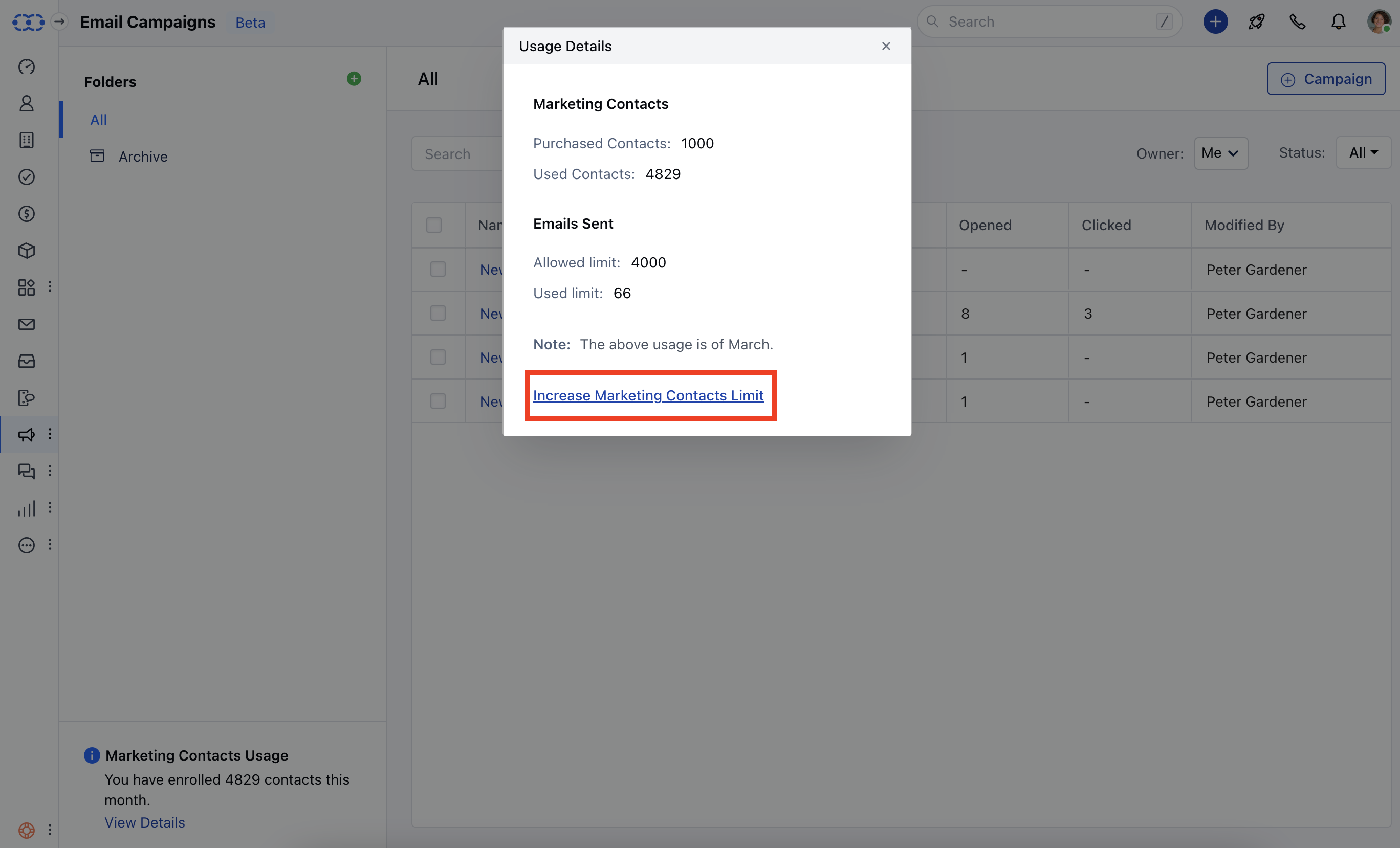 \*\*Note:\*\*It is advisable to keep the access to Increase Marketing Contacts Limits to the Admin profile as it is an additional charge on top of your monthly subscription.