> ## Documentation Index
> Fetch the complete documentation index at: https://support.getskara.ai/llms.txt
> Use this file to discover all available pages before exploring further.
# How to Add Today's Date in an Email Template?
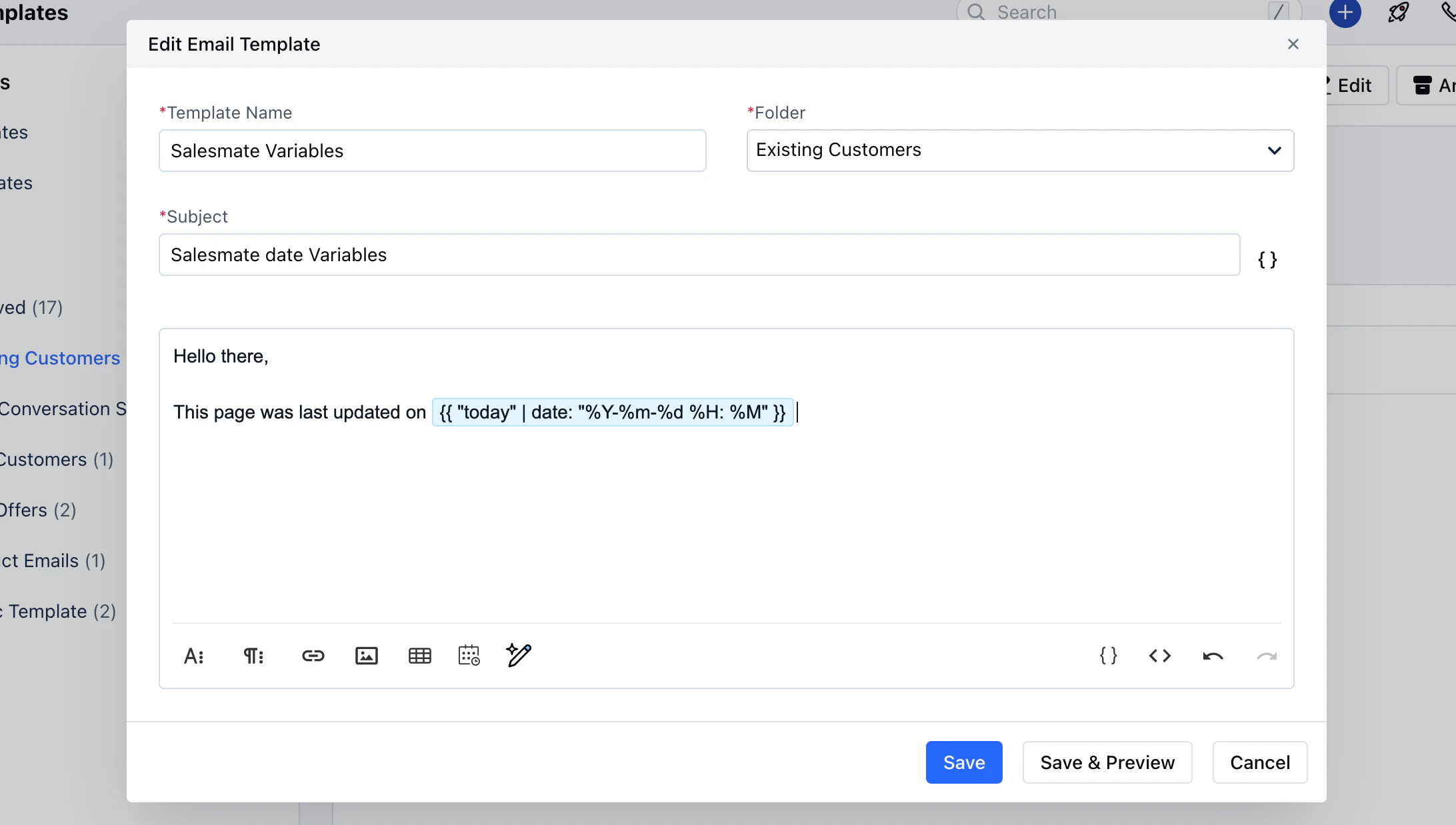
To add today's date in an email template, You can use special word "today" with date function. Add the following attribute in the email template:
**Input**
```highlight theme={null}
This page was last updated at {{ "today" | date: "%Y-%m-%d" }}
```
**Output**
```highlight theme={null}
This page was last updated at 2024-03-12
```
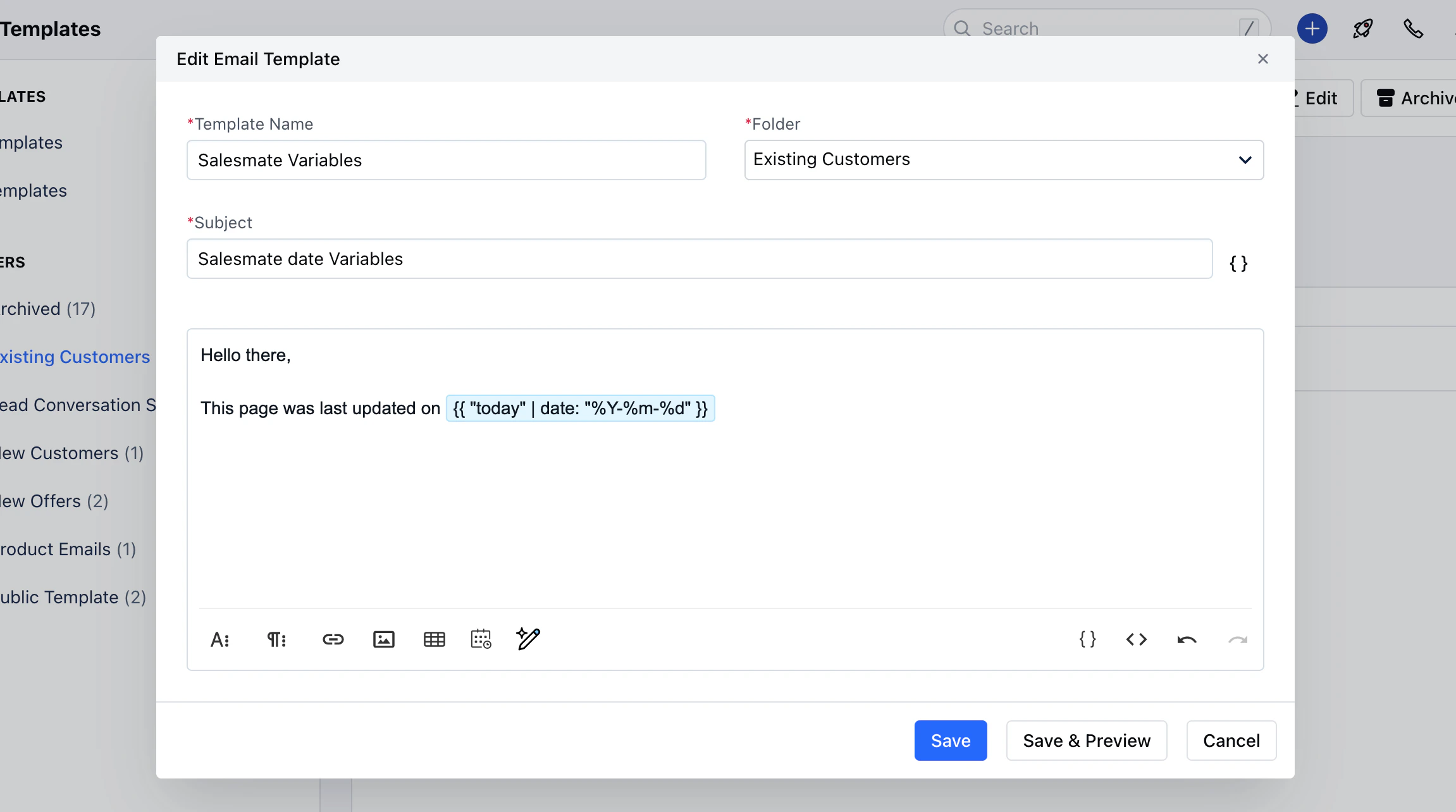 You can also add the current time with the date.
* **Input:**
```highlight theme={null}
This page was last updated at {{ "today" | date: "%Y-%m-%d %H: %M" }}
```
* **Output:**
```highlight theme={null}
This page was last updated at 2024-03-12 19:06
```
You can also add the current time with the date.
* **Input:**
```highlight theme={null}
This page was last updated at {{ "today" | date: "%Y-%m-%d %H: %M" }}
```
* **Output:**
```highlight theme={null}
This page was last updated at 2024-03-12 19:06
```