> ## Documentation Index
> Fetch the complete documentation index at: https://support.getskara.ai/llms.txt
> Use this file to discover all available pages before exploring further.
# How to Create Email Templates
An email template is a pre-defined email layout, that may already include content like images or text. Rather than create a new email from scratch each time, you can use a template as a base. Templates are also handy for making sure email designs follow brand guidelines.Topics Covered,
* [**How to Create an Email Template**](#how-to-create-an-email-template)
* [**Text Editor Options**](#text-editor-options)
To create Campaign Templates please check this article **-**
[**Article Link**](https://support.salesmate.io/hc/en-us/articles/19847146942361 "/hc/en-us/articles/19847146942361")
### How to Create an Email Template
To create email templates:
Navigate to the **More Icon** from the left Menu barClick on **Email Templates** Head over to **New Template** to create a template.
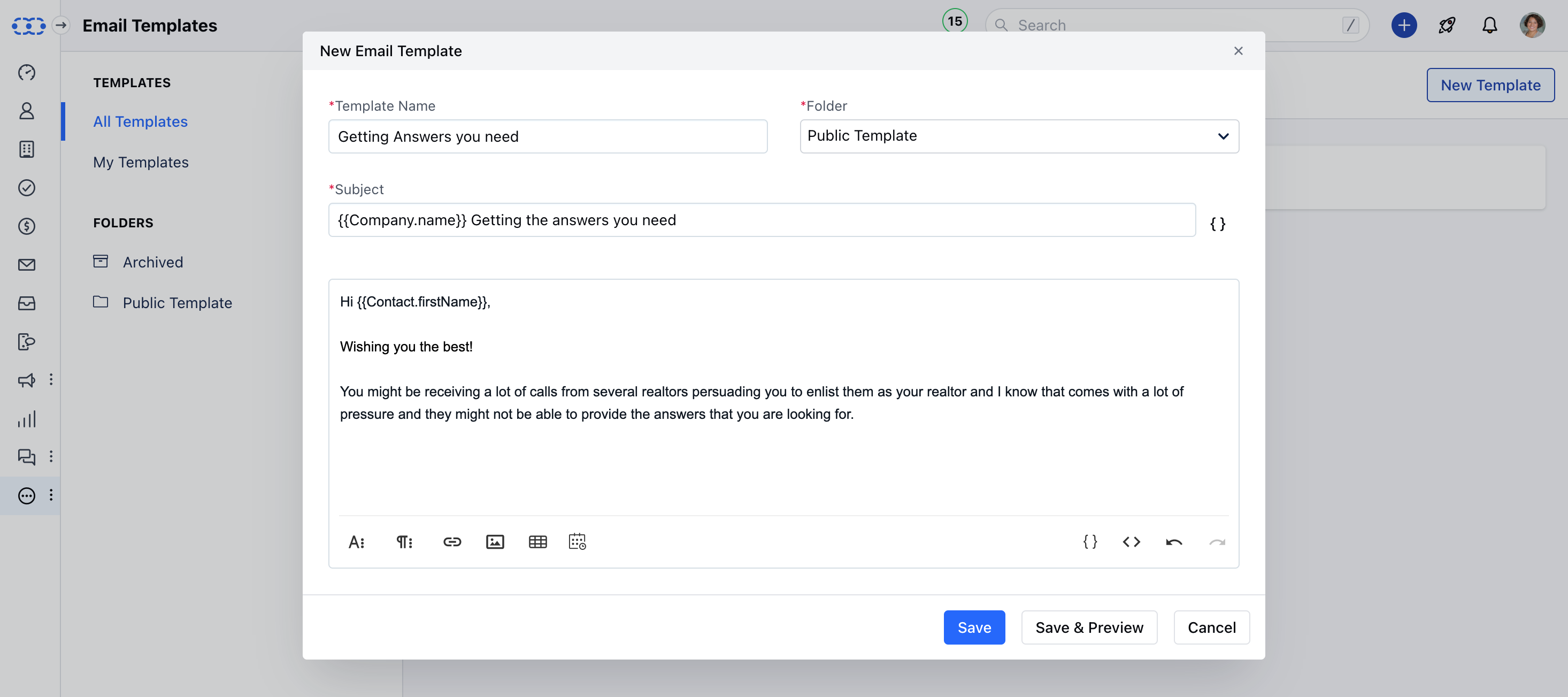
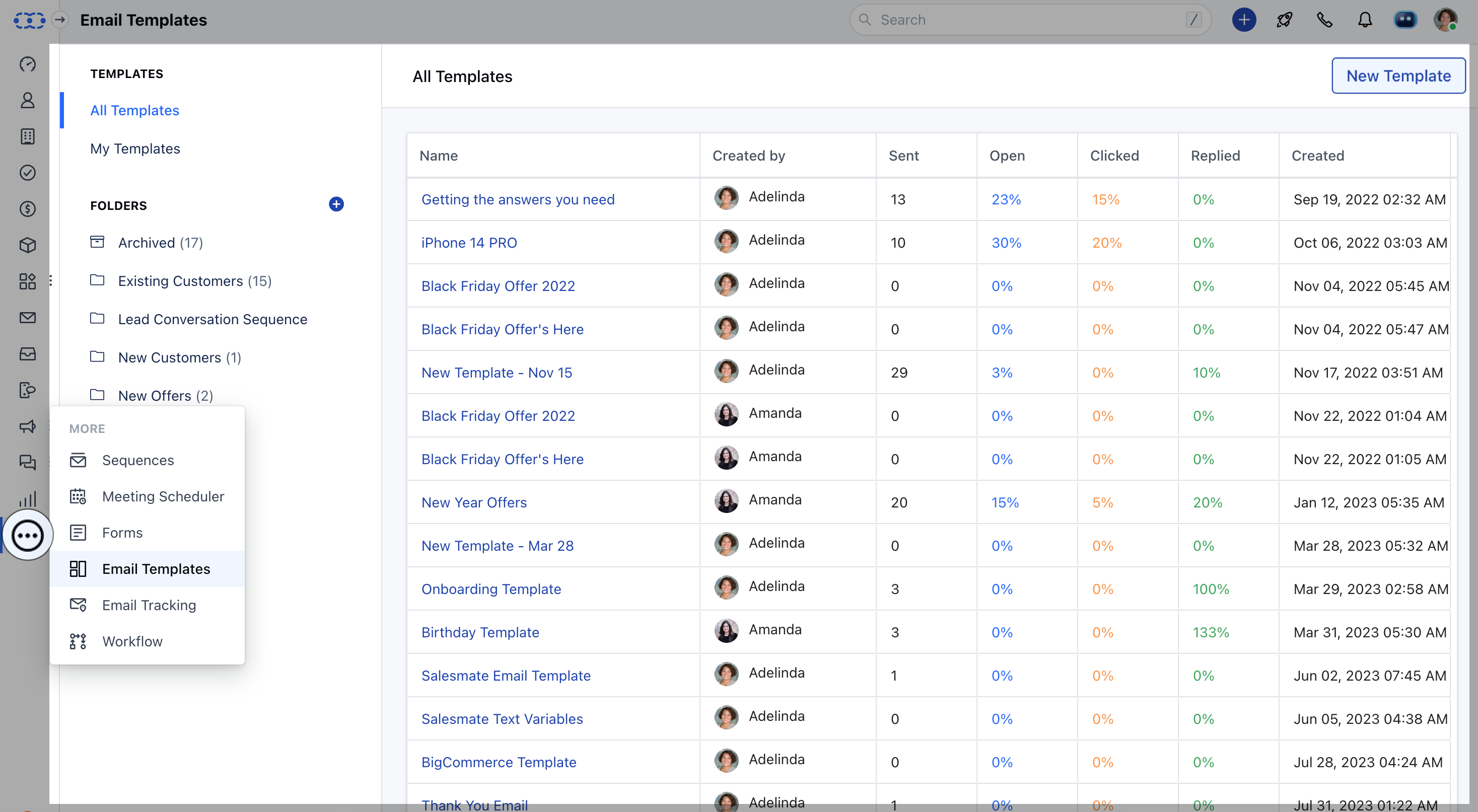 Here add the following details to start creating a New Template,- **Template Name:** Add a name to the template for using it while you send the emails
* **Folder:** Manage your email templates based on your requirement
* **Subject:** Add the purpose of the email
* **Body:** Add email content and use attributes to personalize the emails
Here add the following details to start creating a New Template,- **Template Name:** Add a name to the template for using it while you send the emails
* **Folder:** Manage your email templates based on your requirement
* **Subject:** Add the purpose of the email
* **Body:** Add email content and use attributes to personalize the emails
 ### Text Editor Options
Use a different text editor option to customize the email content
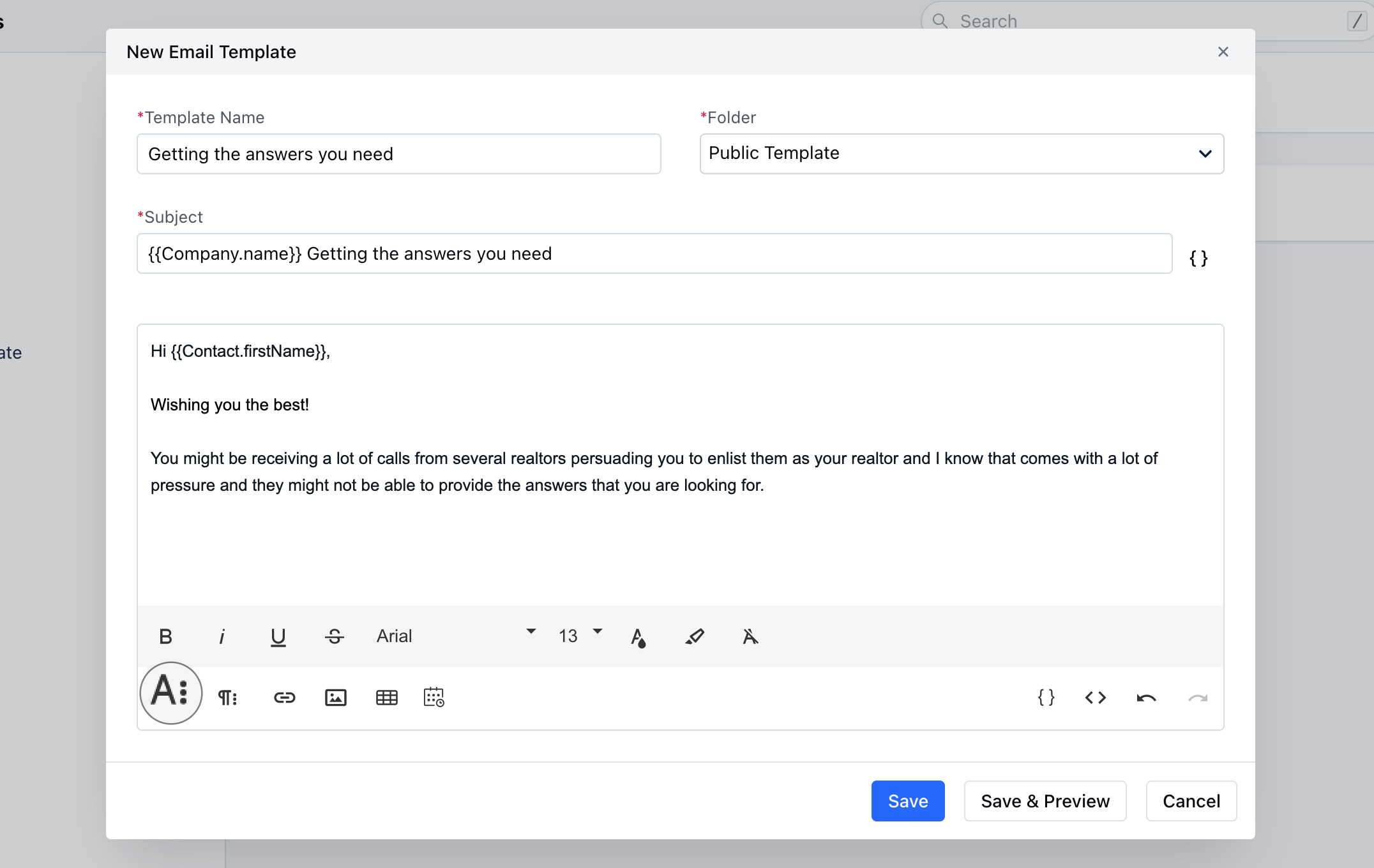
* **More Text:** With this option, you can customize the content by changing **Font Style, Font Size, Font Family, Text color, and Background color**. You can also **Underline the Content**,**Use Strikethrough**, and also **Clear Formatting** from here.
### Text Editor Options
Use a different text editor option to customize the email content
* **More Text:** With this option, you can customize the content by changing **Font Style, Font Size, Font Family, Text color, and Background color**. You can also **Underline the Content**,**Use Strikethrough**, and also **Clear Formatting** from here.
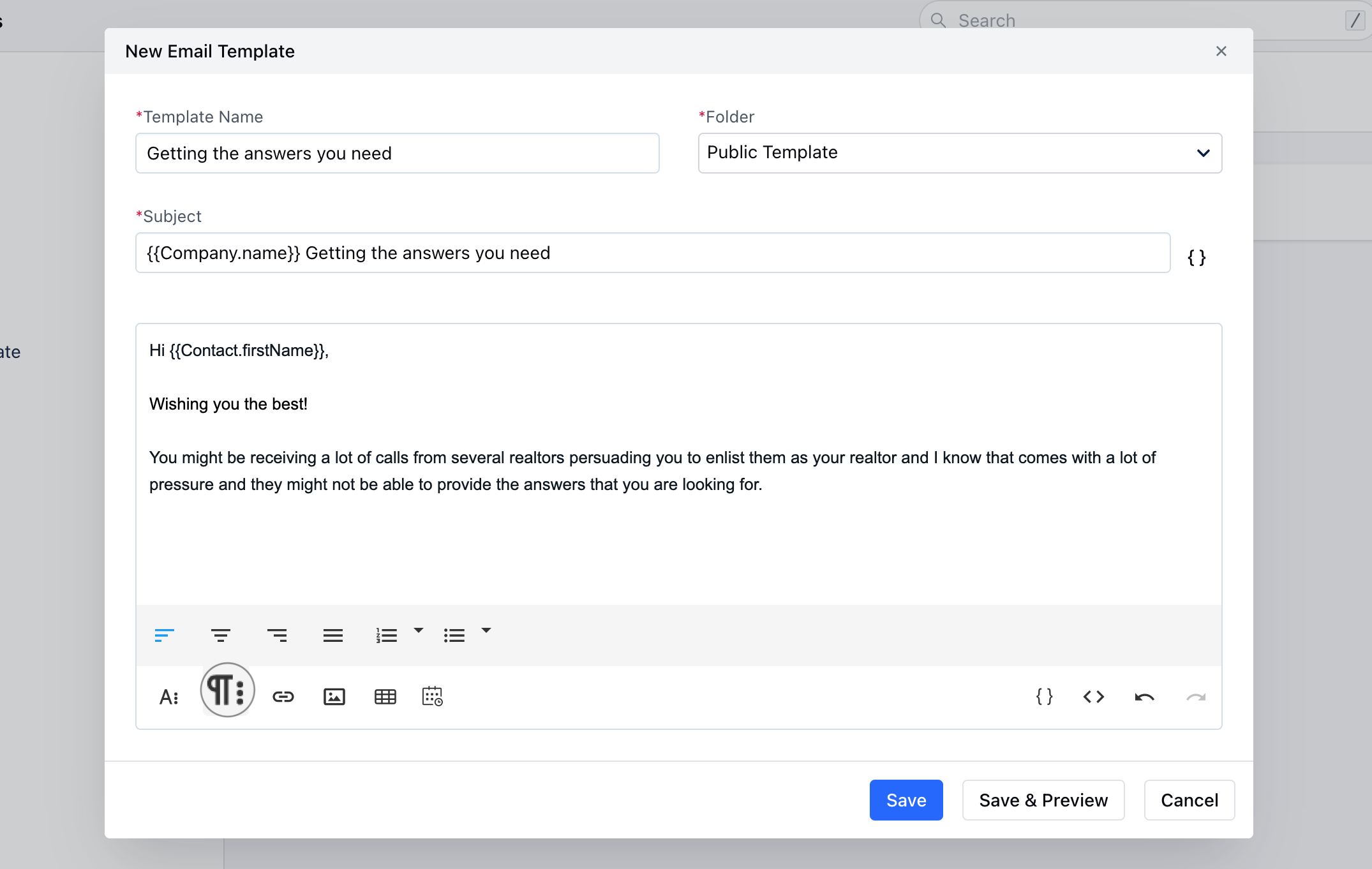
 * **More Paragraph:** With this option, you can align the content to the Left, Right, or Center. Furthermore, you can also use the Order or Unorder List for alignment.
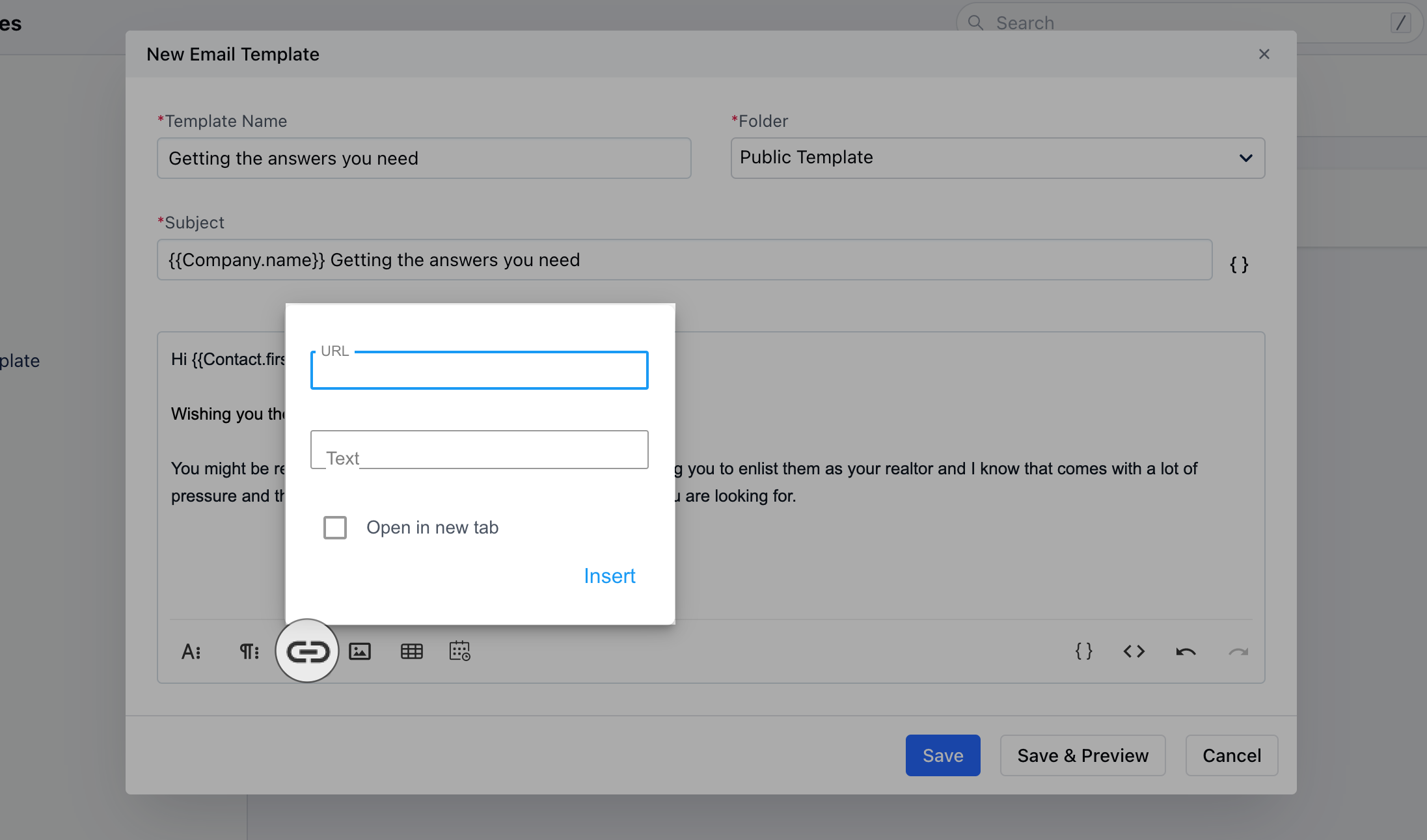
 * **Insert Link:** This option allows you to add any links to your content.
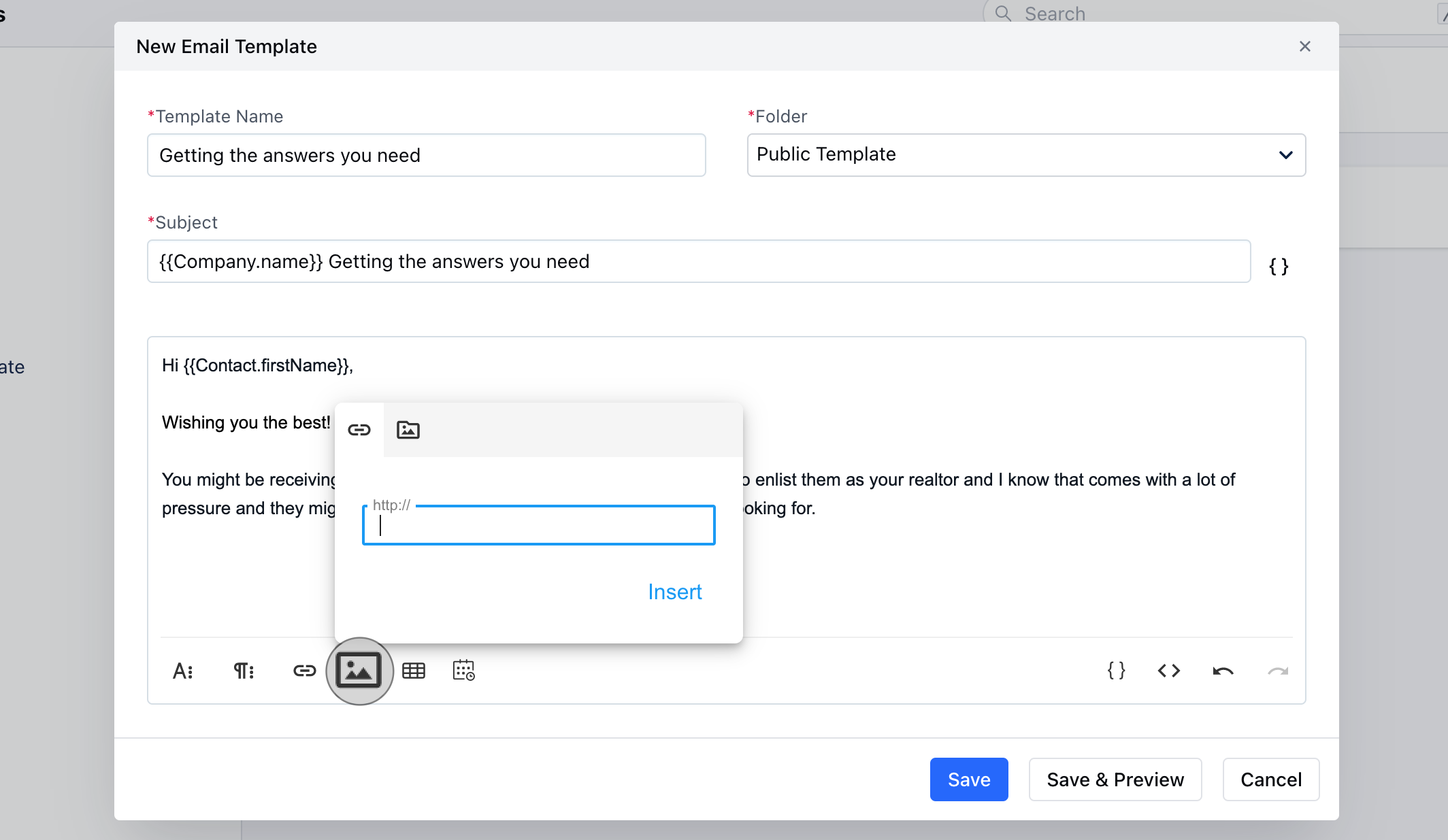
 * **Insert Image:** This option allows you to add any image or gif to personalize your content by simply adding the links or using the Media Manager
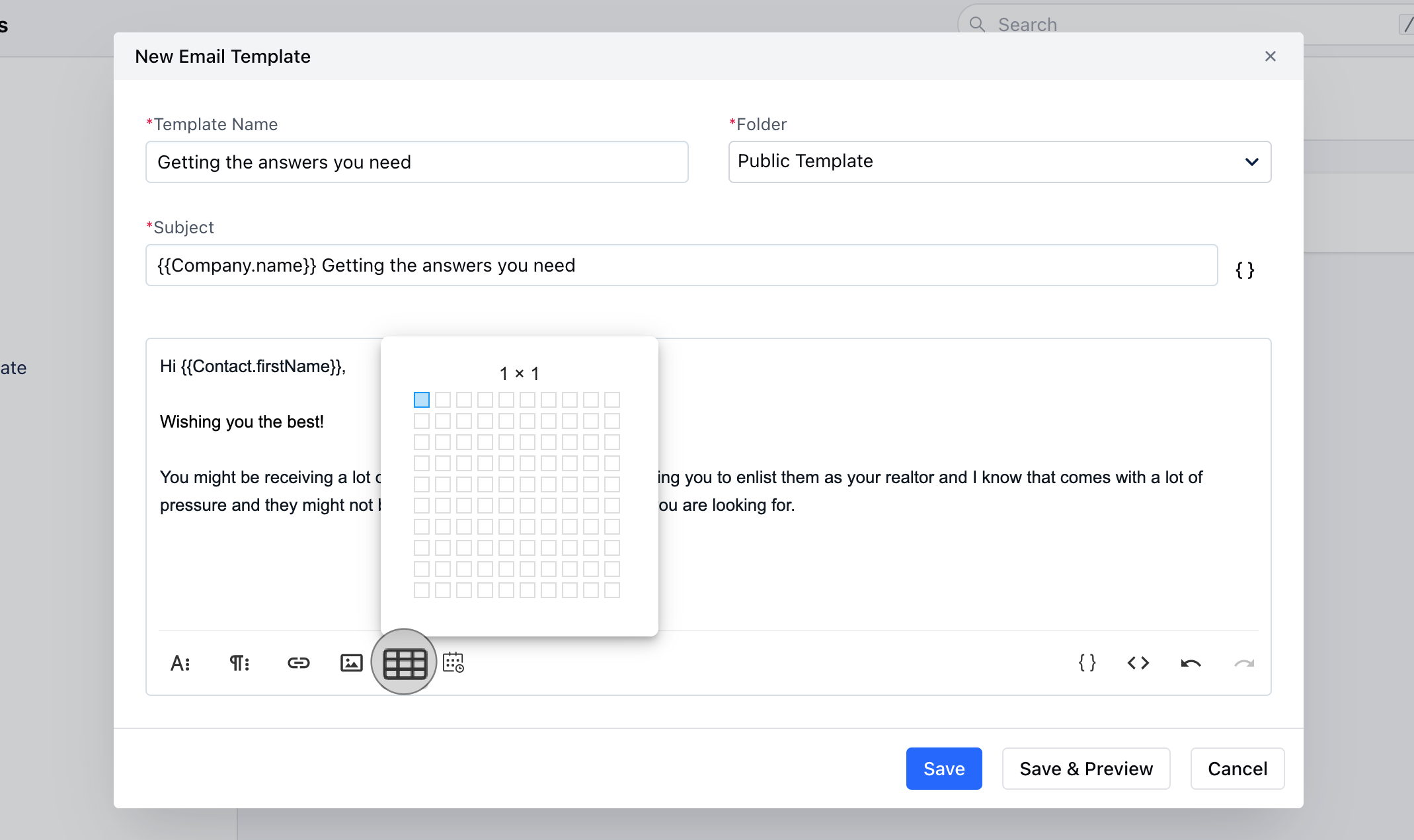
 * **Insert table:** You can use this option to add content in table format.
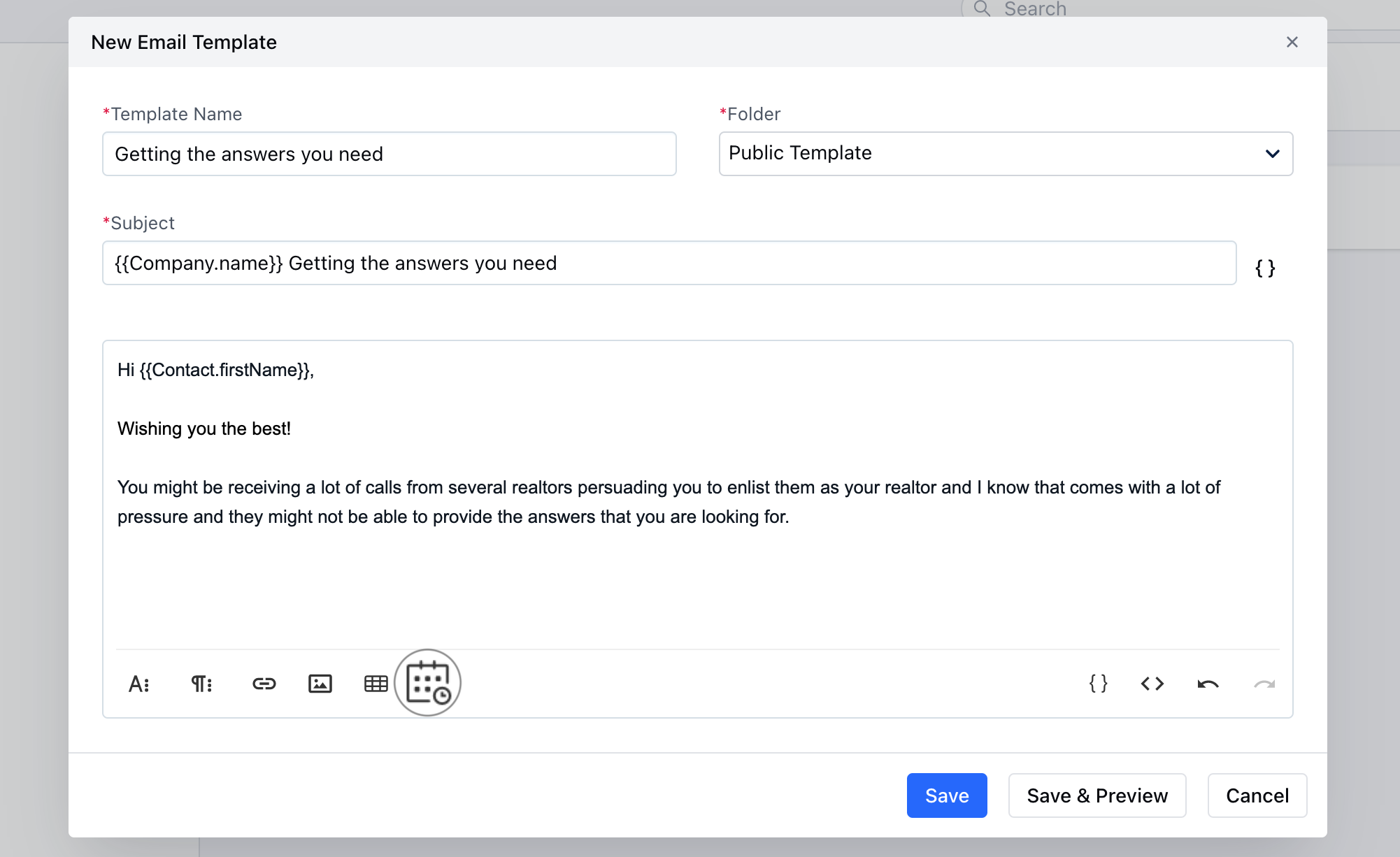
 * **Meeting Scheduler:** With this option, you can add Meeting links to your content.
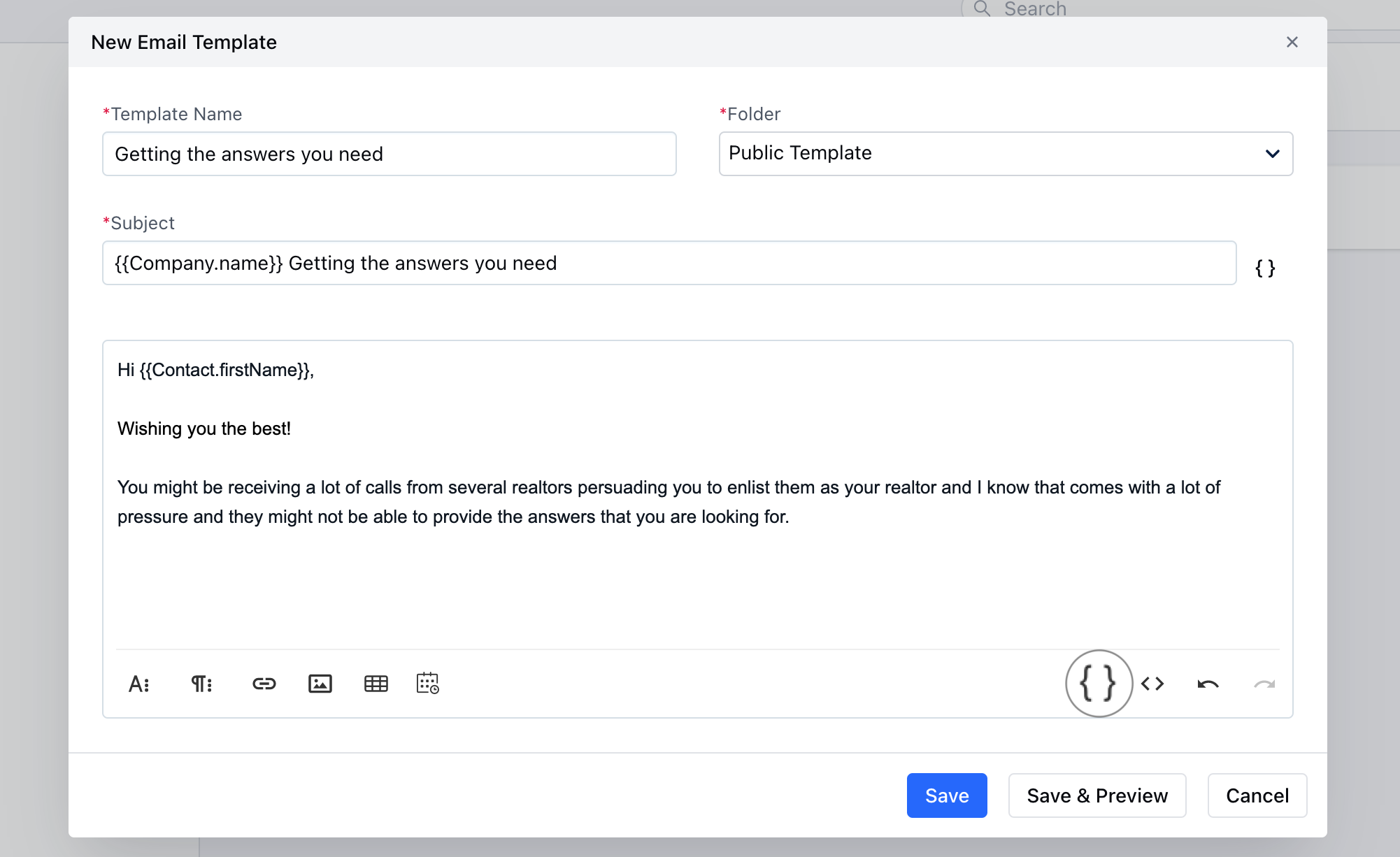
 * **Insert Attributes:** Insert attributes to personalize your content
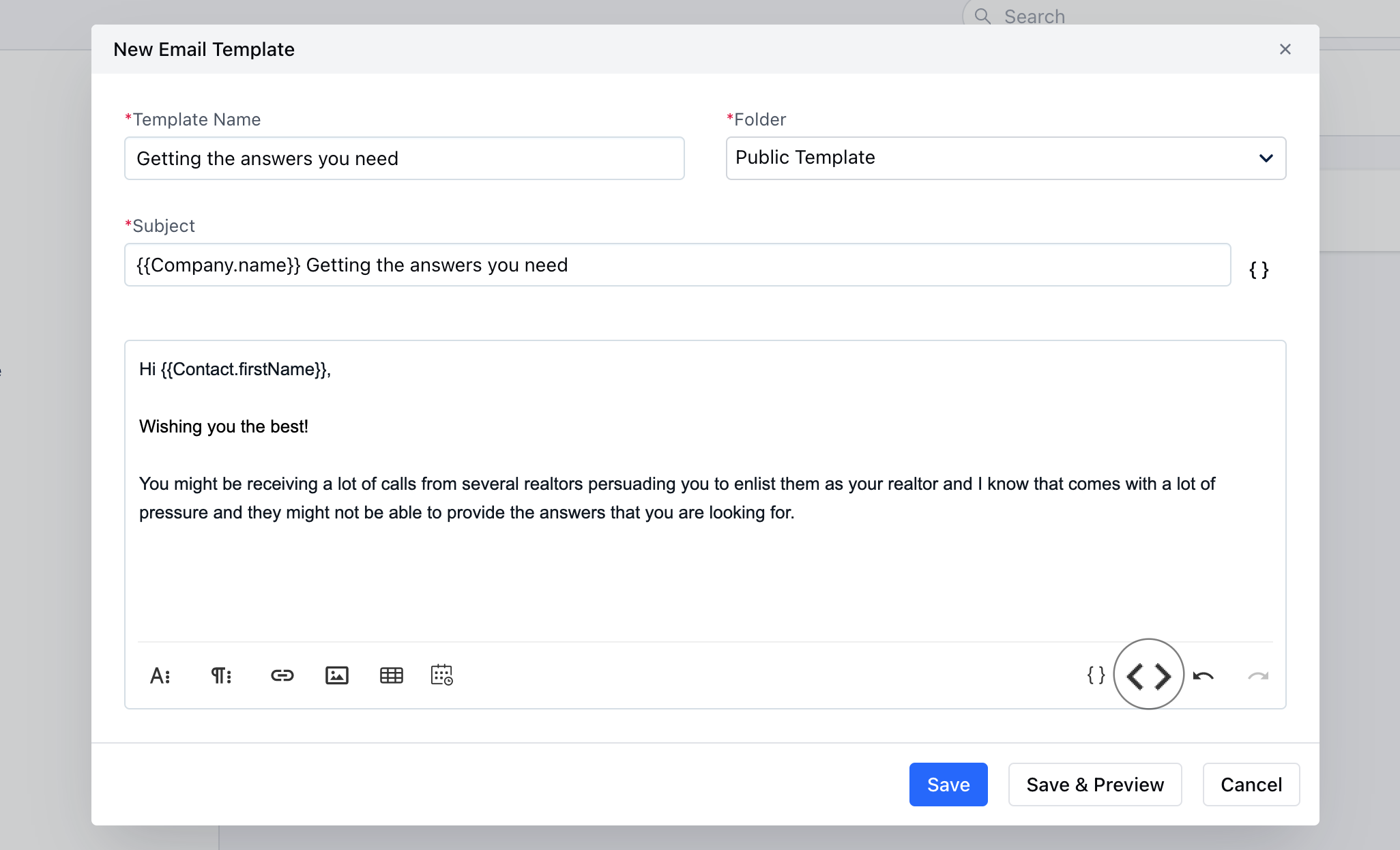
 * **Code View:** View email in the HTML editor
 Click on **Save** to save the template