> ## Documentation Index
> Fetch the complete documentation index at: https://support.getskara.ai/llms.txt
> Use this file to discover all available pages before exploring further.
# How to Edit Knowledge Base Article
Salesmate allows you to edit your knowledge base articles at any time, whether you're making quick changes to a draft, updating a published article, or adding translations for other languages.
**Note:** You’ll need “**Edit Articles**” permission to make any changes. Users without “**Publish**” permission can still update articles, but cannot make them live.
* [Learn more](https://support.salesmate.io/hc/en-us/articles/44391129991449)
### **Topics covered:**
* [Steps to Edit a Knowledge Base Article](#steps-to-edit-a-knowledge-base-article)
* [Editing an Article in Draft Stage](#steps-to-edit-a-knowledge-base-article)
* [Editing an Article in Published Stage](#steps-to-edit-a-knowledge-base-article)
* [Editing Articles in Other Languages](#editing-articles-in-other-languages)
### Steps to Edit a Knowledge Base Article
* **Navigate to the** Articles section from the left sidebar.
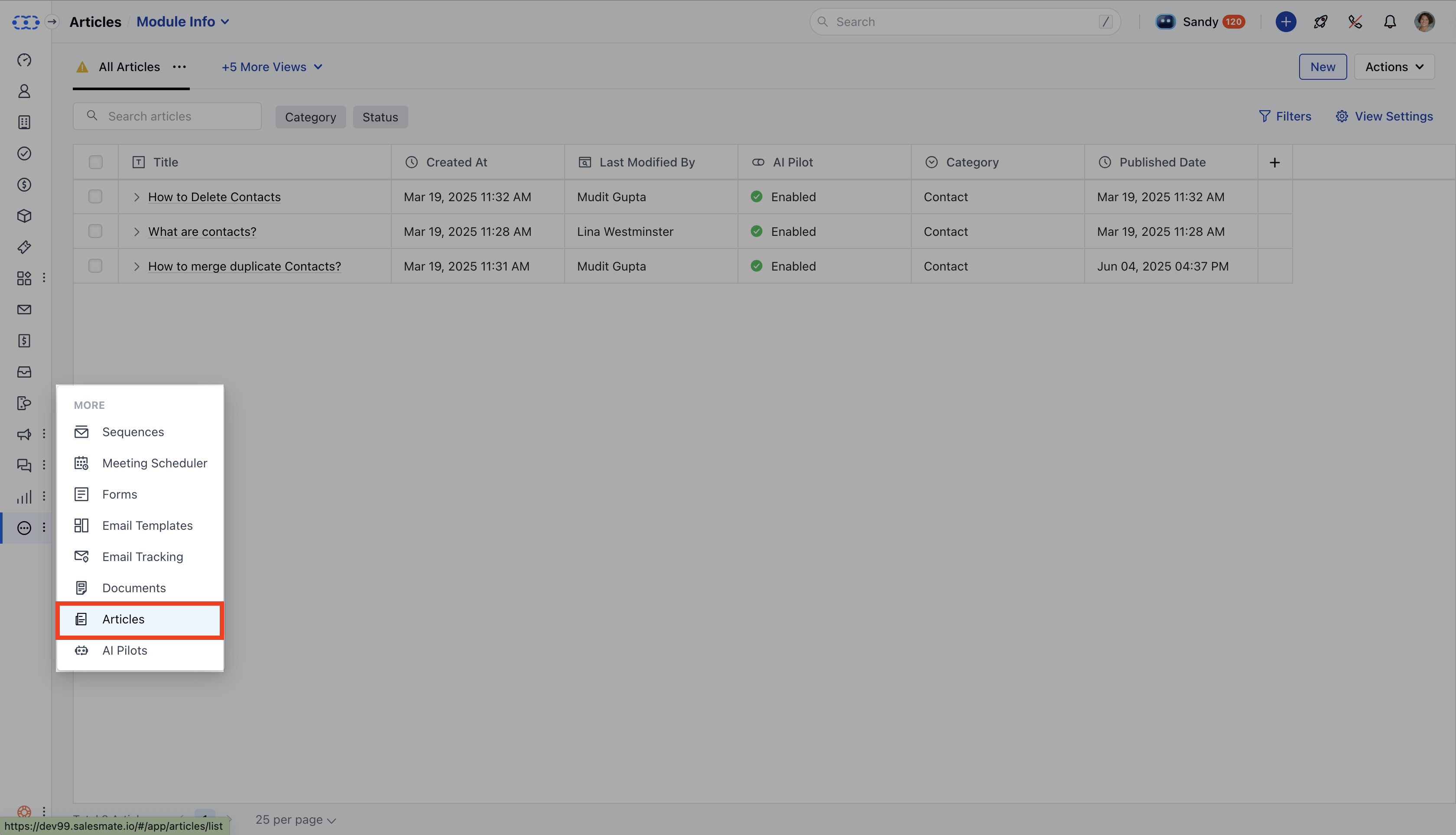 * Locate the article you want to modify from the listing page.
* **Hover over the article, then click** Edit from the action menu or click directly on the article title.
* Locate the article you want to modify from the listing page.
* **Hover over the article, then click** Edit from the action menu or click directly on the article title.
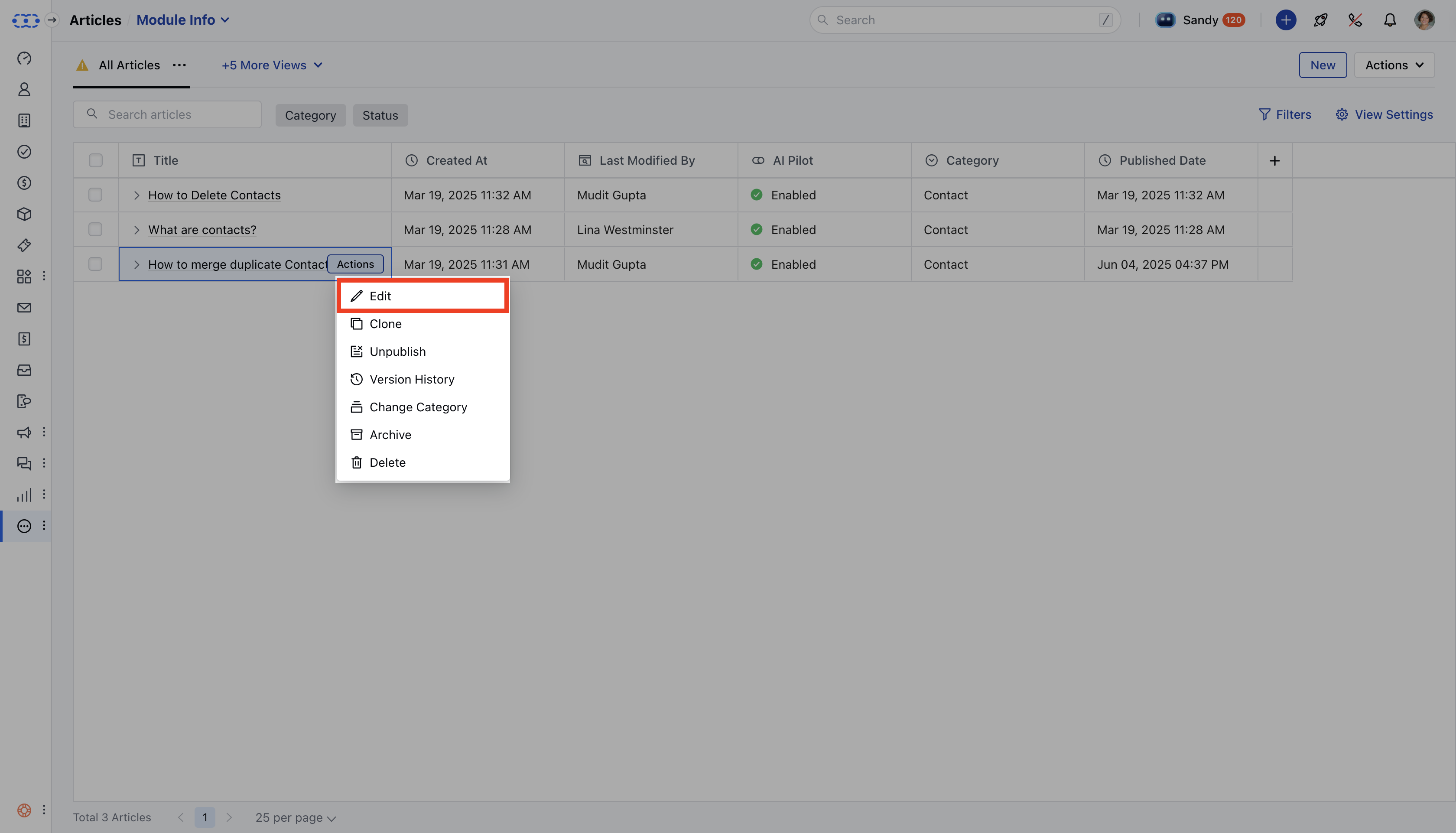 * **If you have** edit permissions , you’ll be taken to the editor; if not, you’ll be redirected to the
* **article detail view** instead.
* **The article opens in either** Draft or
* **Published** mode based on its current status.
### Editing an Article in Draft State
* **If the article is still in** draft , you'll be taken directly to the editor.
* Make your changes, and then:
* Click **Save** to save the draft manually, or wait for auto-save (every 60 seconds). \* Click **Submit for Approval** or **Publish** when you're ready to proceed.
* **If you have** edit permissions , you’ll be taken to the editor; if not, you’ll be redirected to the
* **article detail view** instead.
* **The article opens in either** Draft or
* **Published** mode based on its current status.
### Editing an Article in Draft State
* **If the article is still in** draft , you'll be taken directly to the editor.
* Make your changes, and then:
* Click **Save** to save the draft manually, or wait for auto-save (every 60 seconds). \* Click **Submit for Approval** or **Publish** when you're ready to proceed.
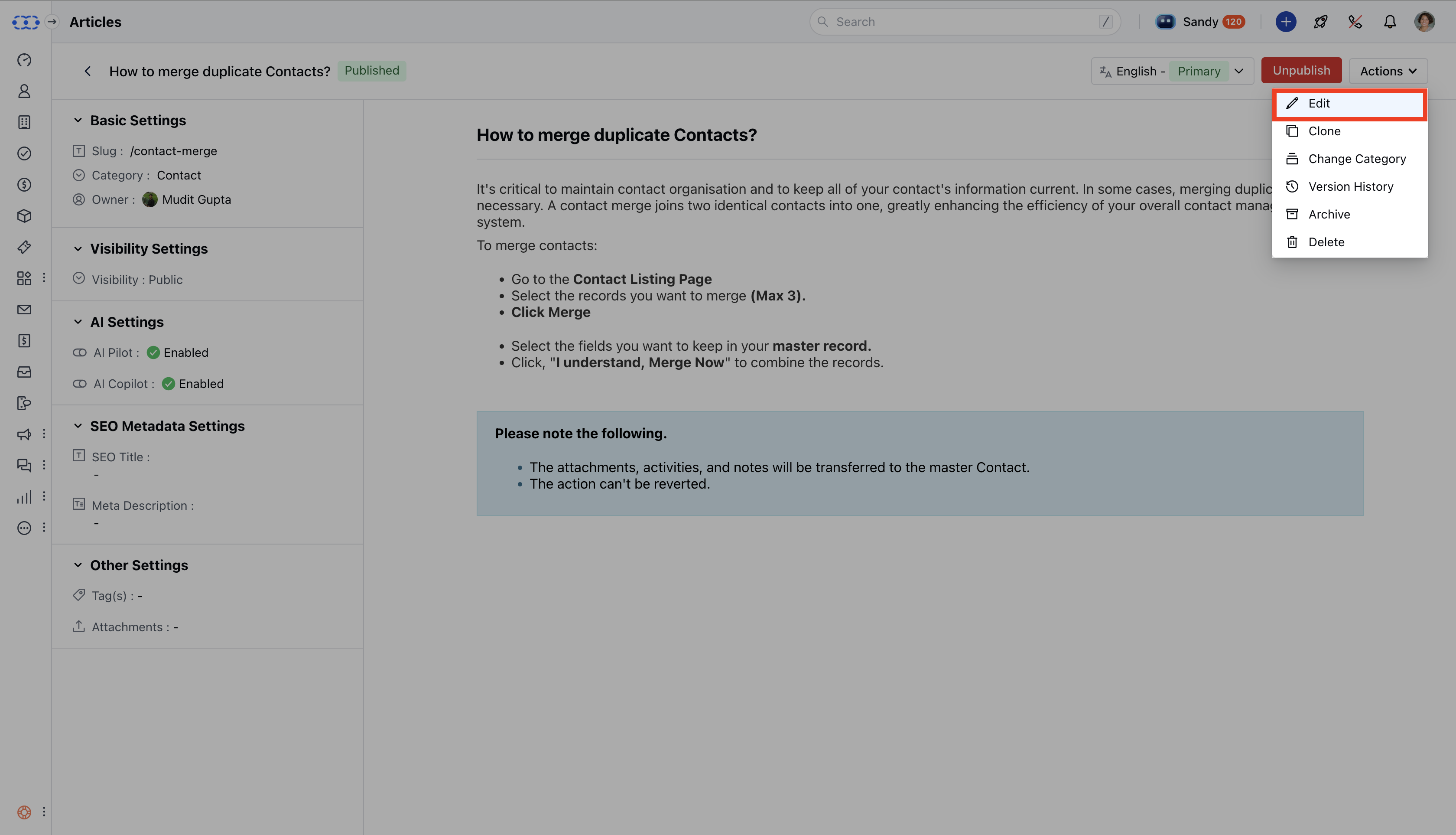 ### Editing an Article in Published State
* **Clicking a** published article takes you to the
* **detail view**.
* Any content changes you make here will:
* Be saved in a **new draft version**. \* Not affect the live article until you click **Publish**.
* To view or edit these changes, open the editor, it will display the draft version.
### Configuration Changes:
* Configuration updates (like changing Slug, Category, Visibility, or AI Settings) require publish permission and when these changes are saved, the article is automatically published.
* Without publish rights, you won’t be able to edit these settings.
### Additional Actions for Published Articles
While viewing a published article, you can also:
* Edit the content (saved as a draft)
* Clone the article
* Unpublish it (which reverts it to a draft)
* Reassign or change the category
* Review the article’s version history
* Archive the article
* Permanently delete it
### Editing an Article in Published State
* **Clicking a** published article takes you to the
* **detail view**.
* Any content changes you make here will:
* Be saved in a **new draft version**. \* Not affect the live article until you click **Publish**.
* To view or edit these changes, open the editor, it will display the draft version.
### Configuration Changes:
* Configuration updates (like changing Slug, Category, Visibility, or AI Settings) require publish permission and when these changes are saved, the article is automatically published.
* Without publish rights, you won’t be able to edit these settings.
### Additional Actions for Published Articles
While viewing a published article, you can also:
* Edit the content (saved as a draft)
* Clone the article
* Unpublish it (which reverts it to a draft)
* Reassign or change the category
* Review the article’s version history
* Archive the article
* Permanently delete it
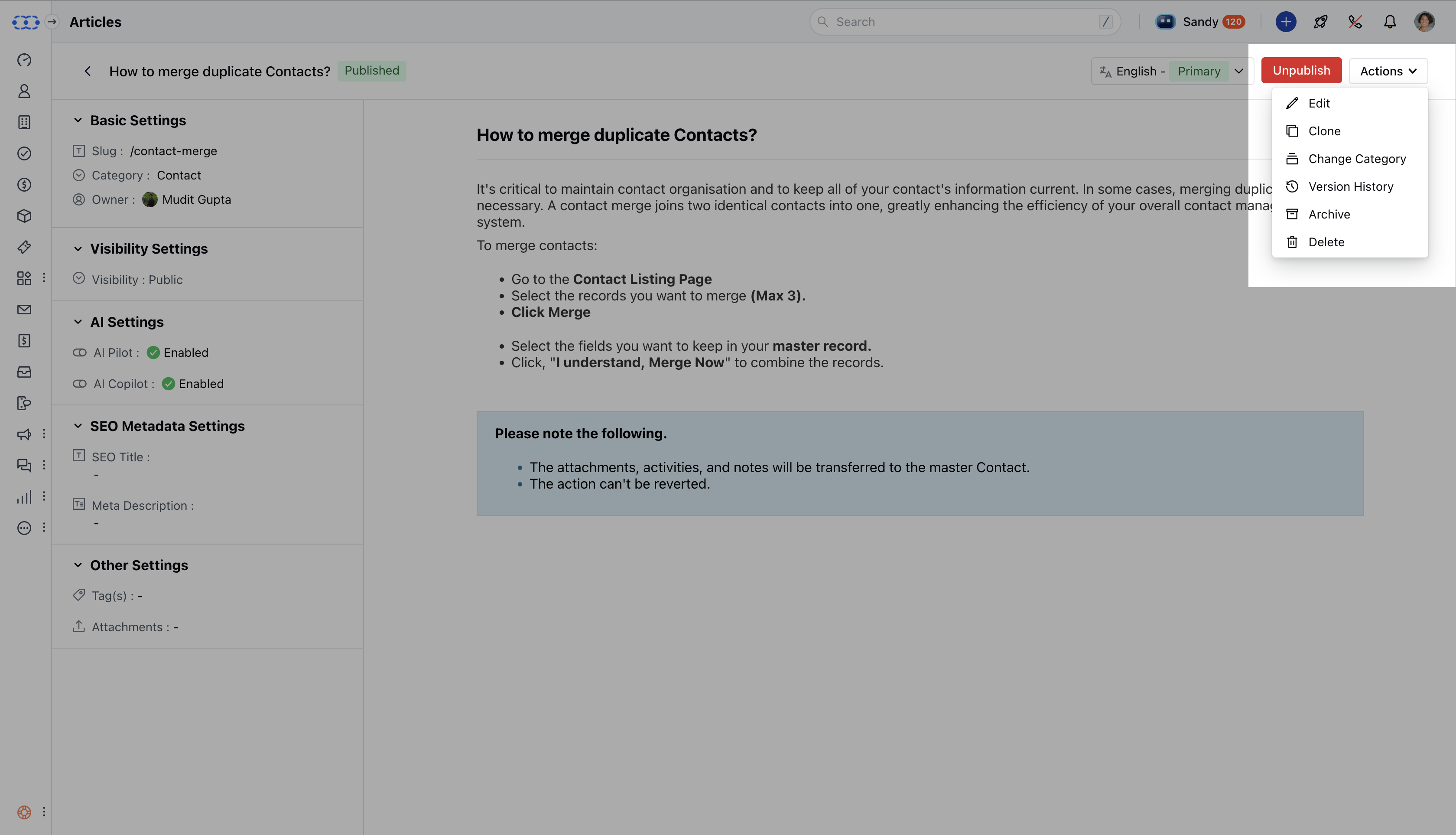 ### Editing Articles in Other Languages
If you’re working with a translated version of the article (i.e., not in the primary language):
* You can freely edit the body content.
* However, certain fields will remain locked, including:
* Slug \* Category
* Visibility \* AI settings
### Editing Articles in Other Languages
If you’re working with a translated version of the article (i.e., not in the primary language):
* You can freely edit the body content.
* However, certain fields will remain locked, including:
* Slug \* Category
* Visibility \* AI settings