> ## Documentation Index
> Fetch the complete documentation index at: https://support.getskara.ai/llms.txt
> Use this file to discover all available pages before exploring further.
# How to Unarchive Knowledge Base Articles
In Skara, you can unarchive a knowledge base article to restore it for public or internal access. Unarchiving brings the article back to its original state, making it accessible again.
**Note:** You need **"Edit Articles"** permission to unarchive an article.
### How to Unarchive an Article
* Navigate to **Articles** from left side outreach under **More**.
* If multiple knowledge bases exist, select the appropriate one.
* Locate the article you want to unarchive.
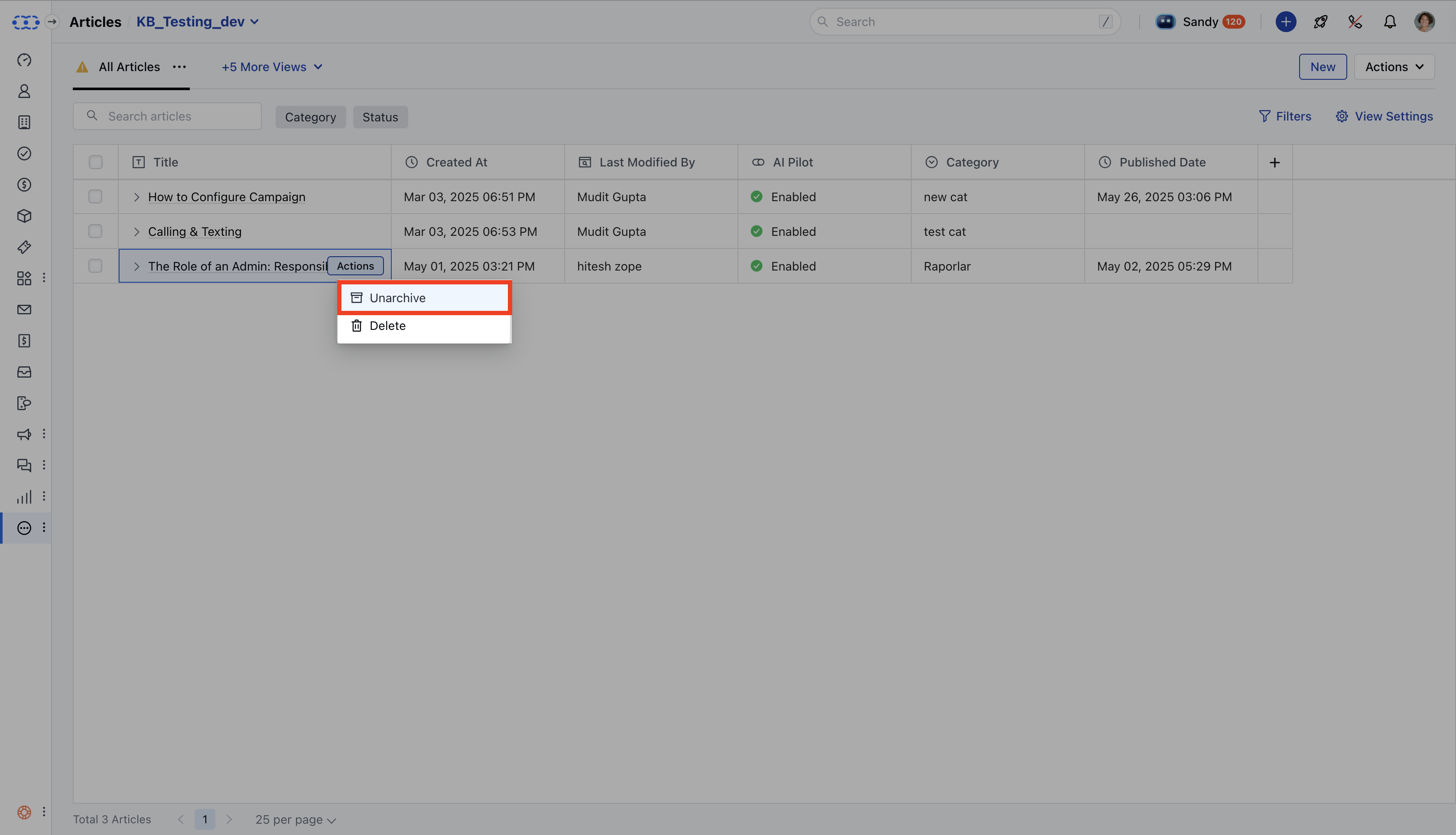
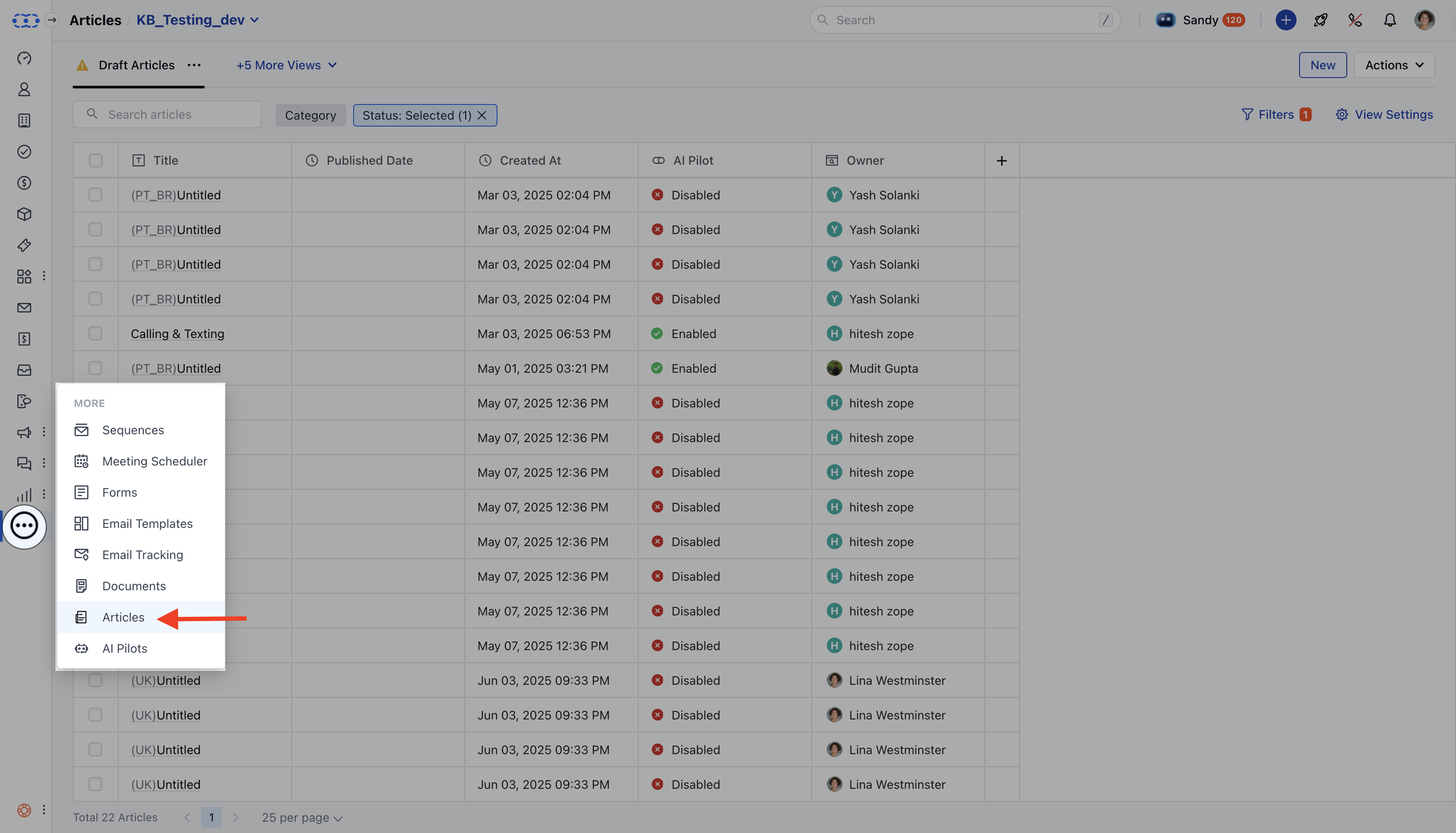 * Click on the **Actions** button and choose **Unarchive**.
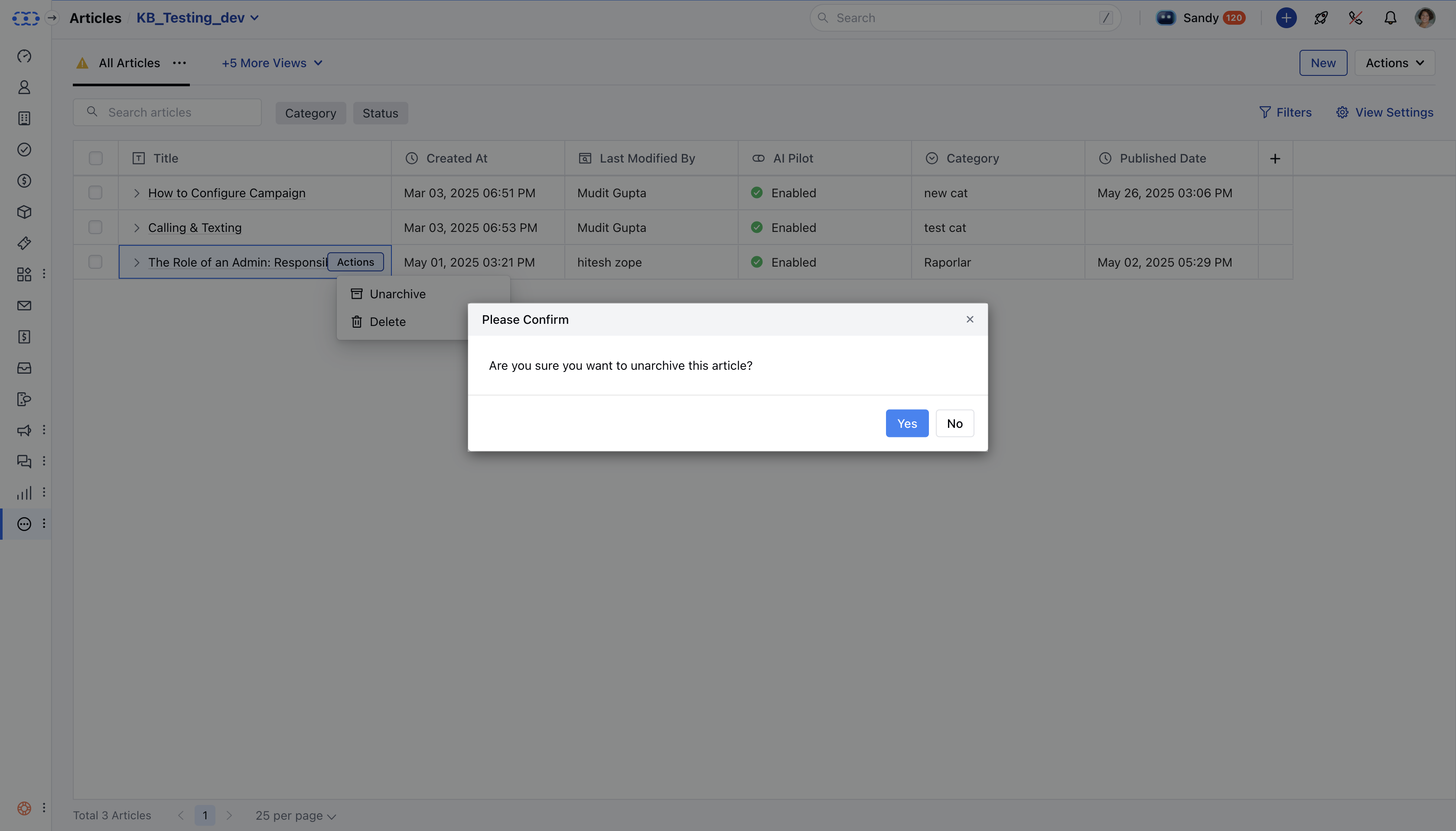
 * A confirmation dialog will appear: ***"Are you sure you want to unarchive this article? It will be restored to its previous state."*** Click **Yes** to confirm.
 * A success message will appear:“Unarchived successfully.
**Note**: The article status is changed to **Draft** when you unarchive an article.
* A success message will appear:“Unarchived successfully.
**Note**: The article status is changed to **Draft** when you unarchive an article.