> ## Documentation Index
> Fetch the complete documentation index at: https://support.getskara.ai/llms.txt
> Use this file to discover all available pages before exploring further.
# How can I reset my login password?
You can reset your **Skara** password by following the below-mentioned steps :
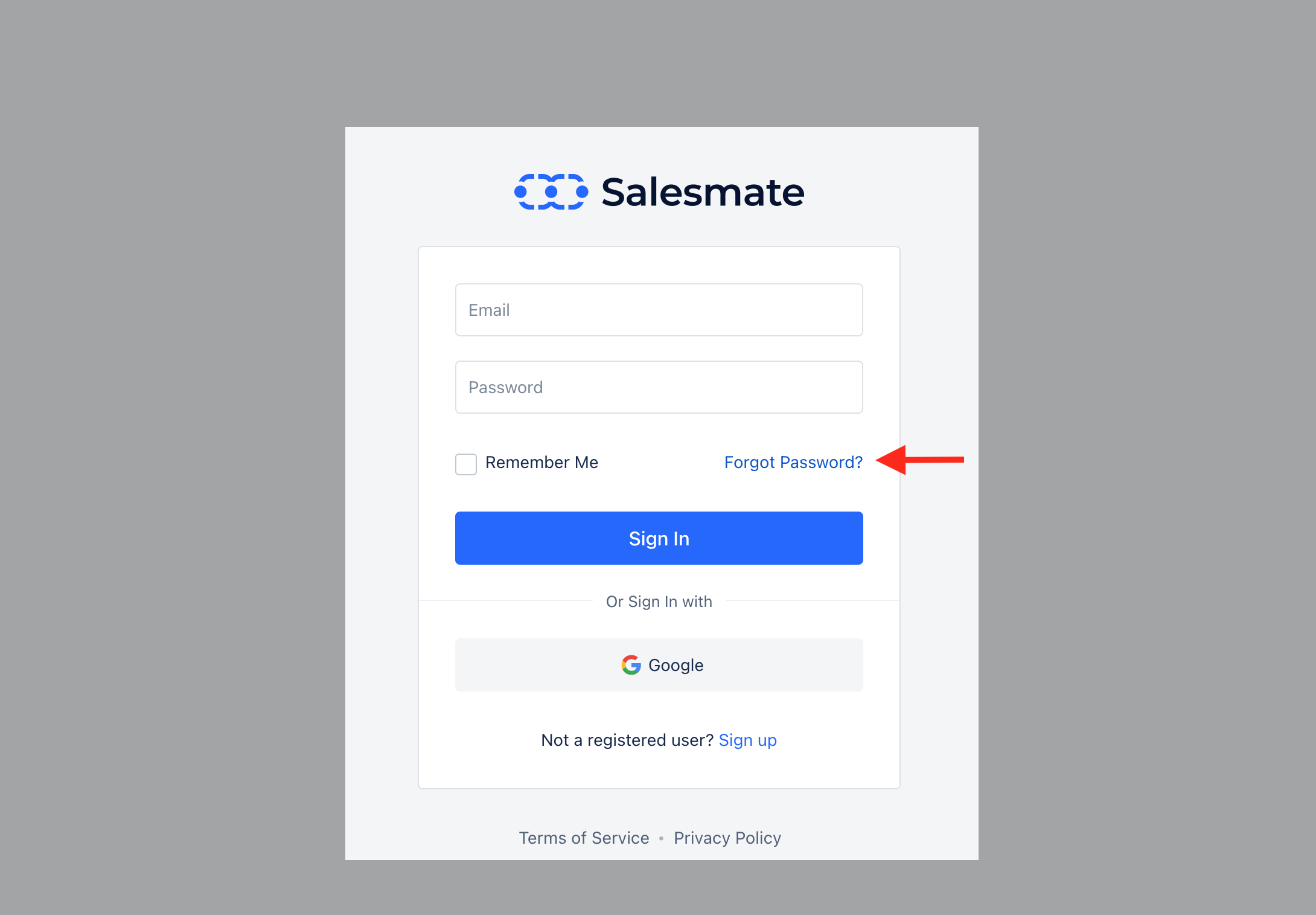
* On the login screen, click the "**Forgot Password**" option.
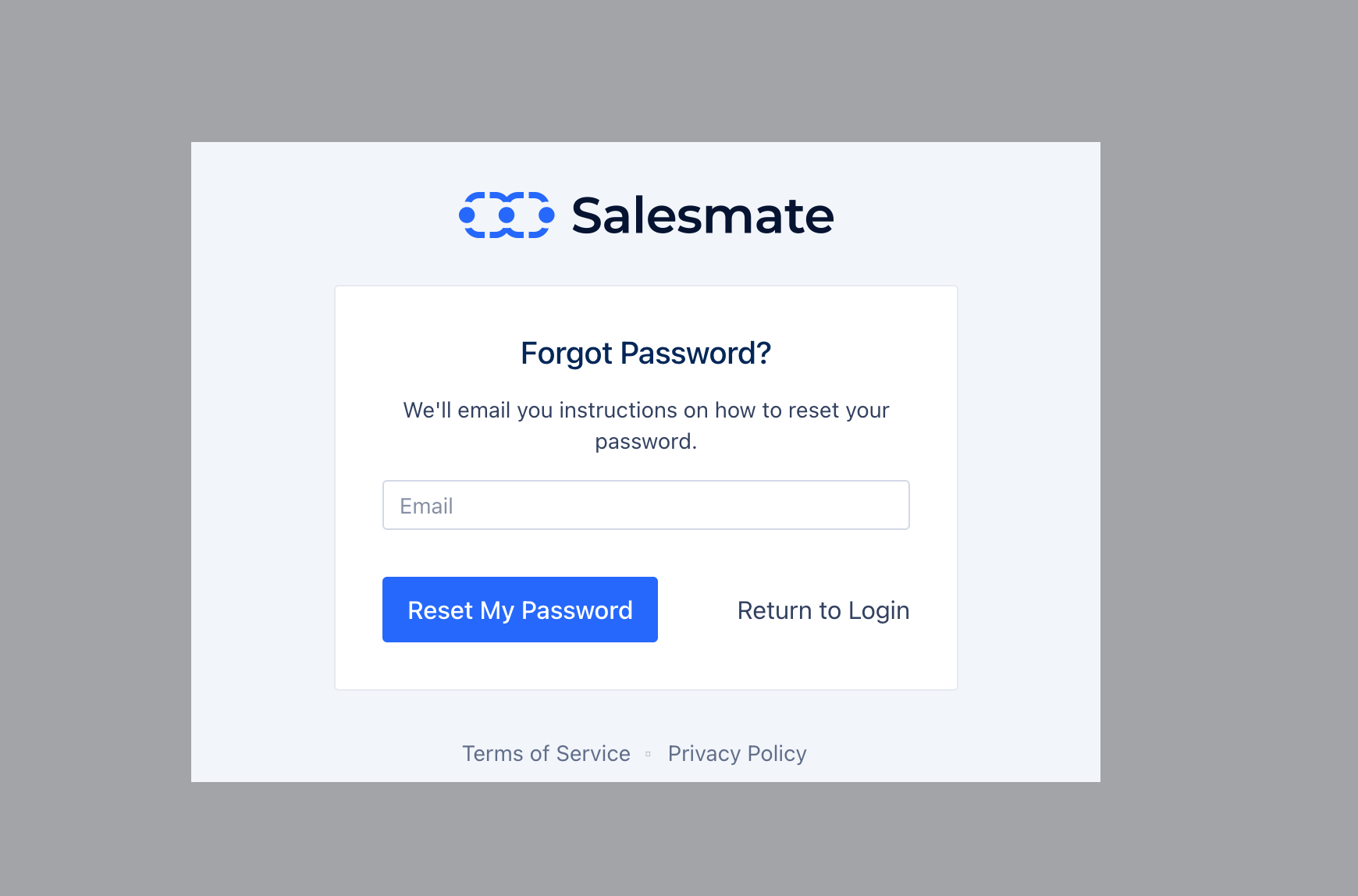
 * Enter the **email** that you signed up with / use to log in to Salesmate
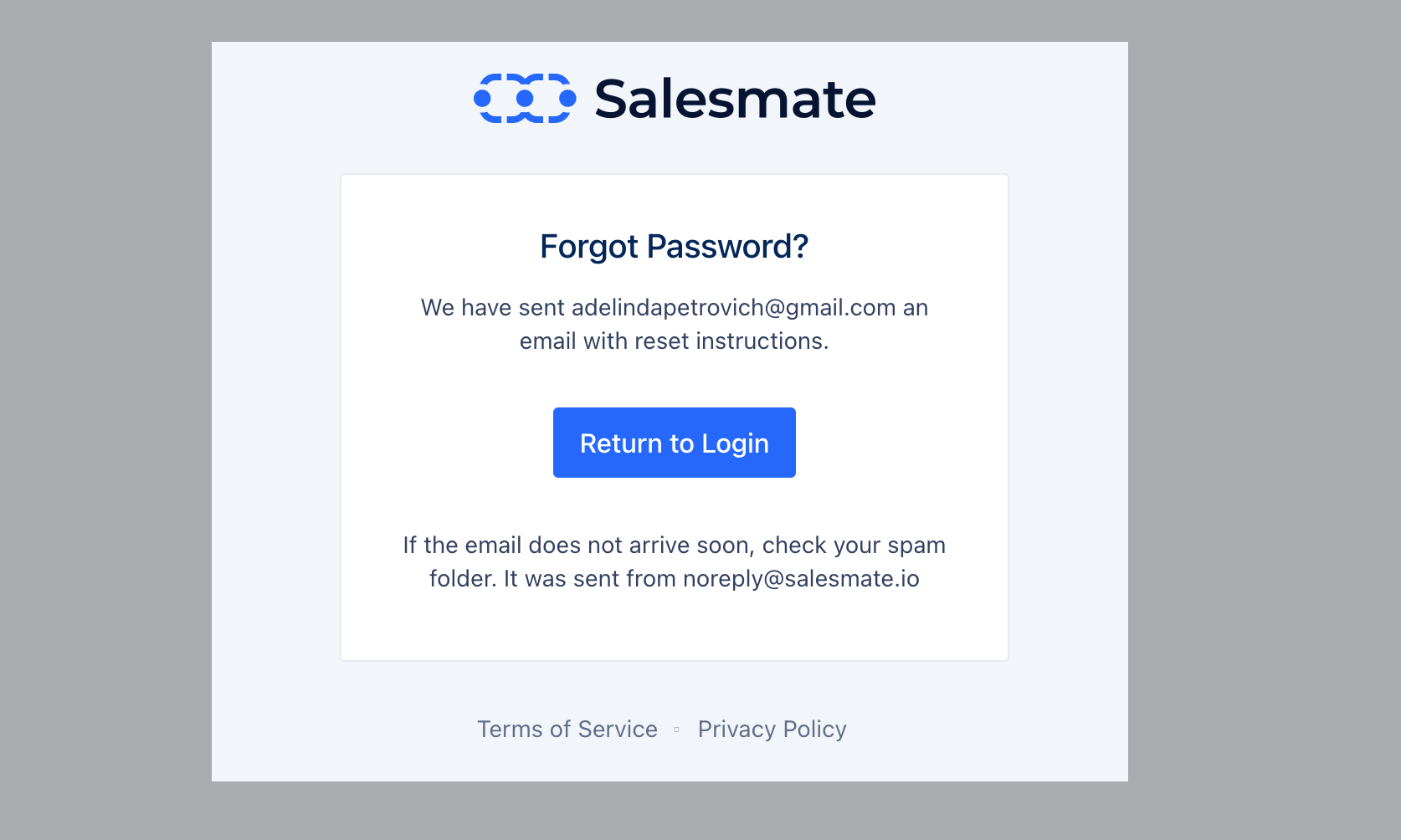
 * Reset Email Notification , confirmation is displayed (Email sent from - [noreply@salesmate.io)](mailto:noreply@salesmate.io\))
 * Click **Reset Password**, this will send you an email to the registered email
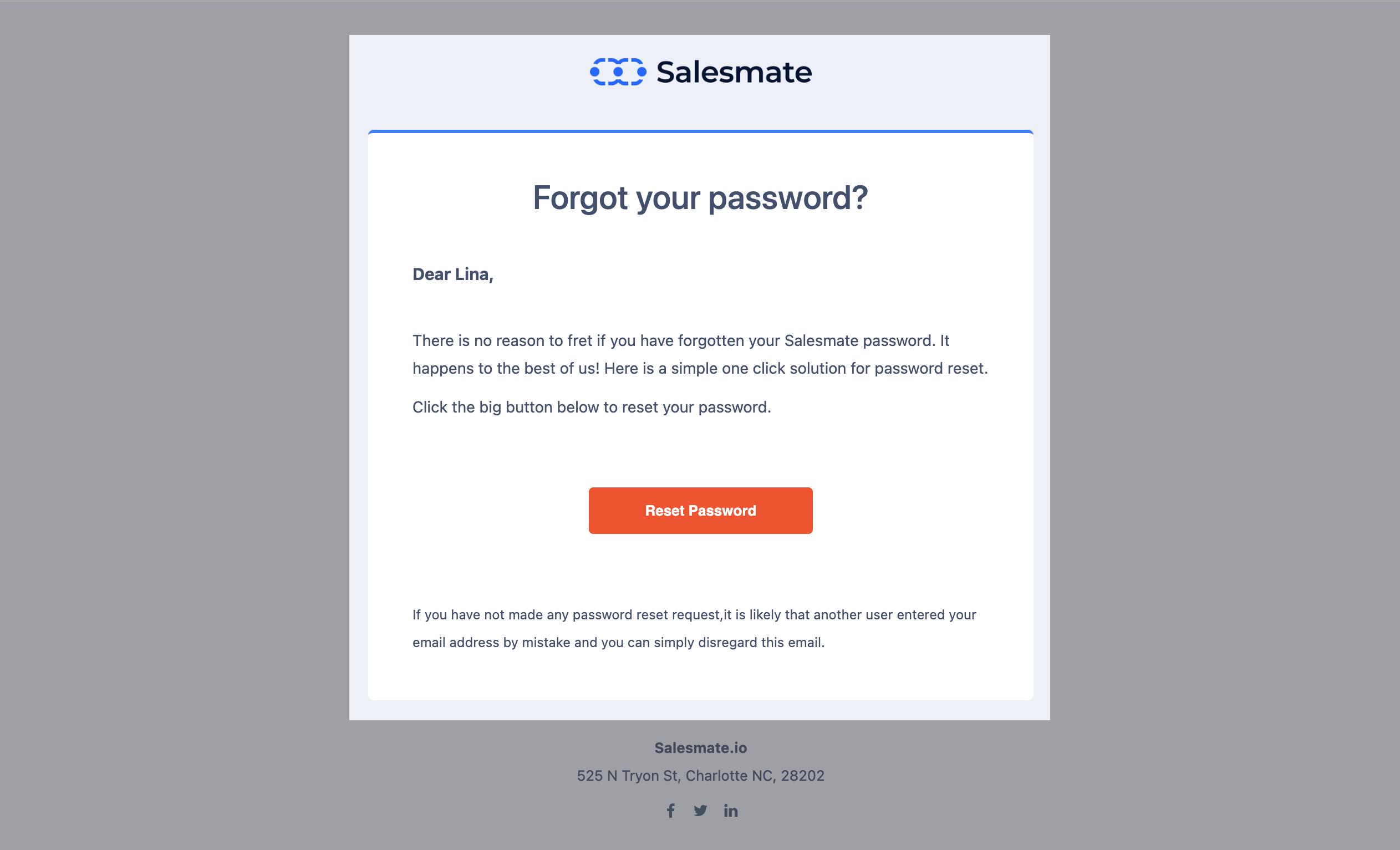 * Hit the "**Reset Password**" button in your email
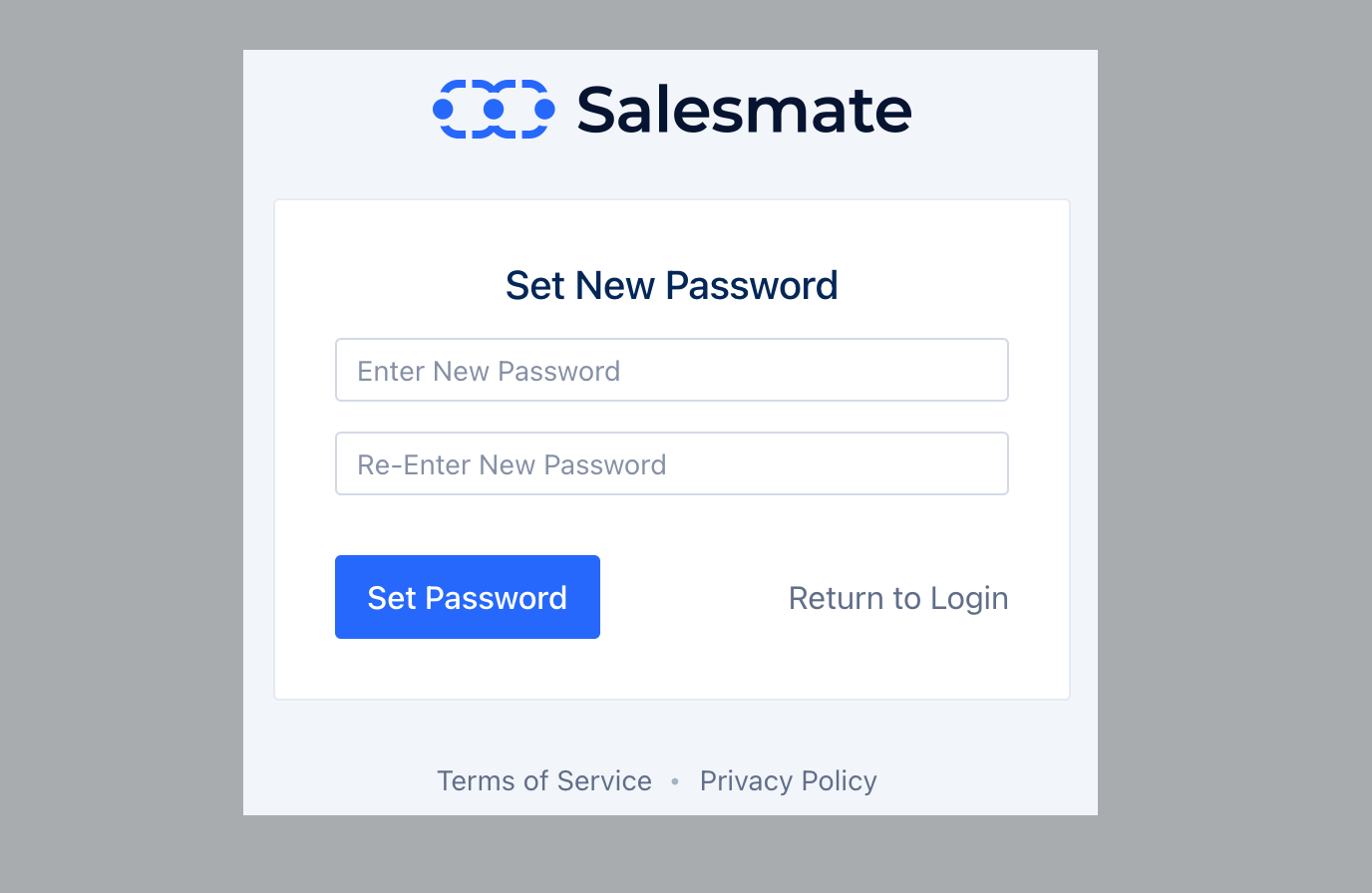 * In the new screen enter your **New password** and confirm by clicking on the Set **Password option**.
* This will reset your password.
* In the new screen enter your **New password** and confirm by clicking on the Set **Password option**.
* This will reset your password.
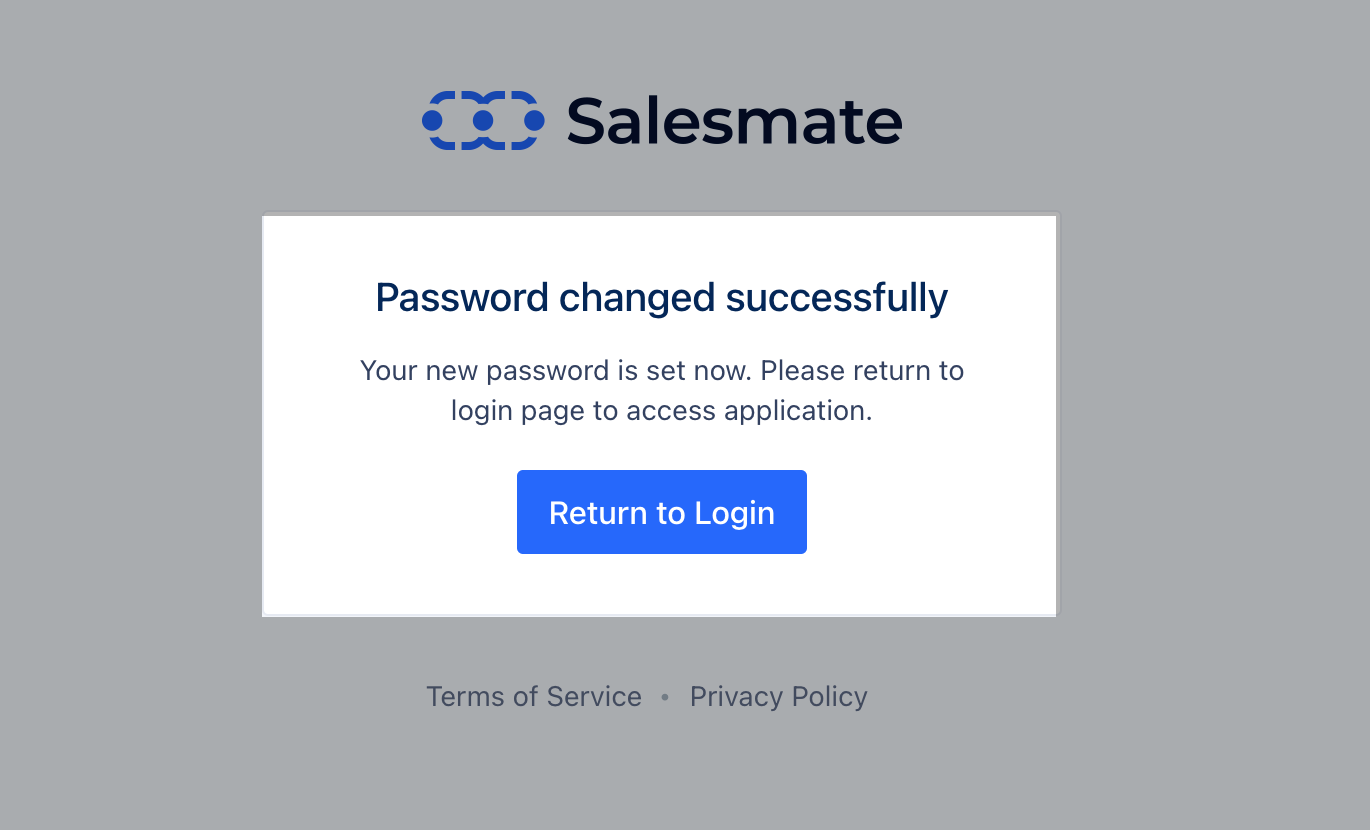 Use the email address and the new password to log in to your Skara account.