> ## Documentation Index
> Fetch the complete documentation index at: https://support.getskara.ai/llms.txt
> Use this file to discover all available pages before exploring further.
# Enroll to Sequence
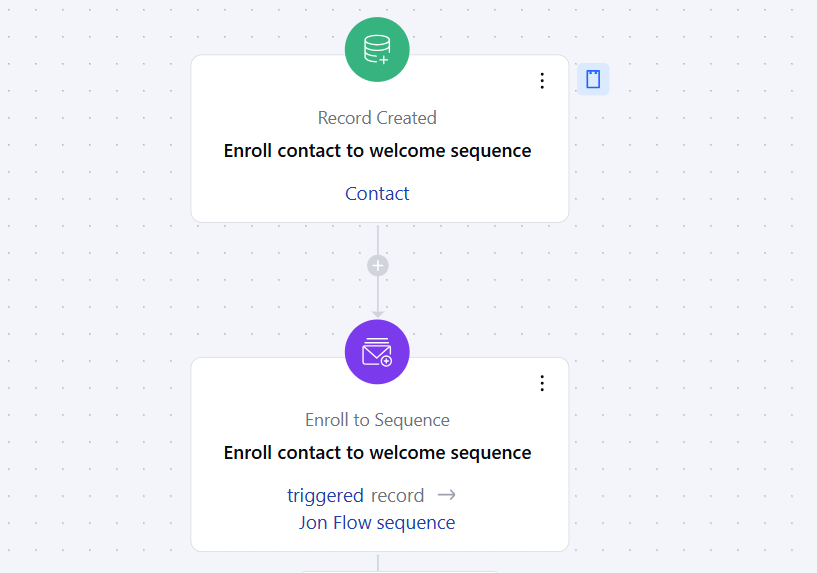
The **Enroll to Sequence Action** allows you to automatically enroll a contact or deal into a predefined sequence of emails, texts, or tasks as part of a Smart Flow.
### **Topics covered:**
* [How to Configure Enroll to Sequence Action](#how-to-configure-enroll-to-sequence-action)
* [Practical Example](#practical-example)
### How to Configure Enroll to Sequence Action
When setting up a Smart Flow, select the **Enroll to Sequence** action.
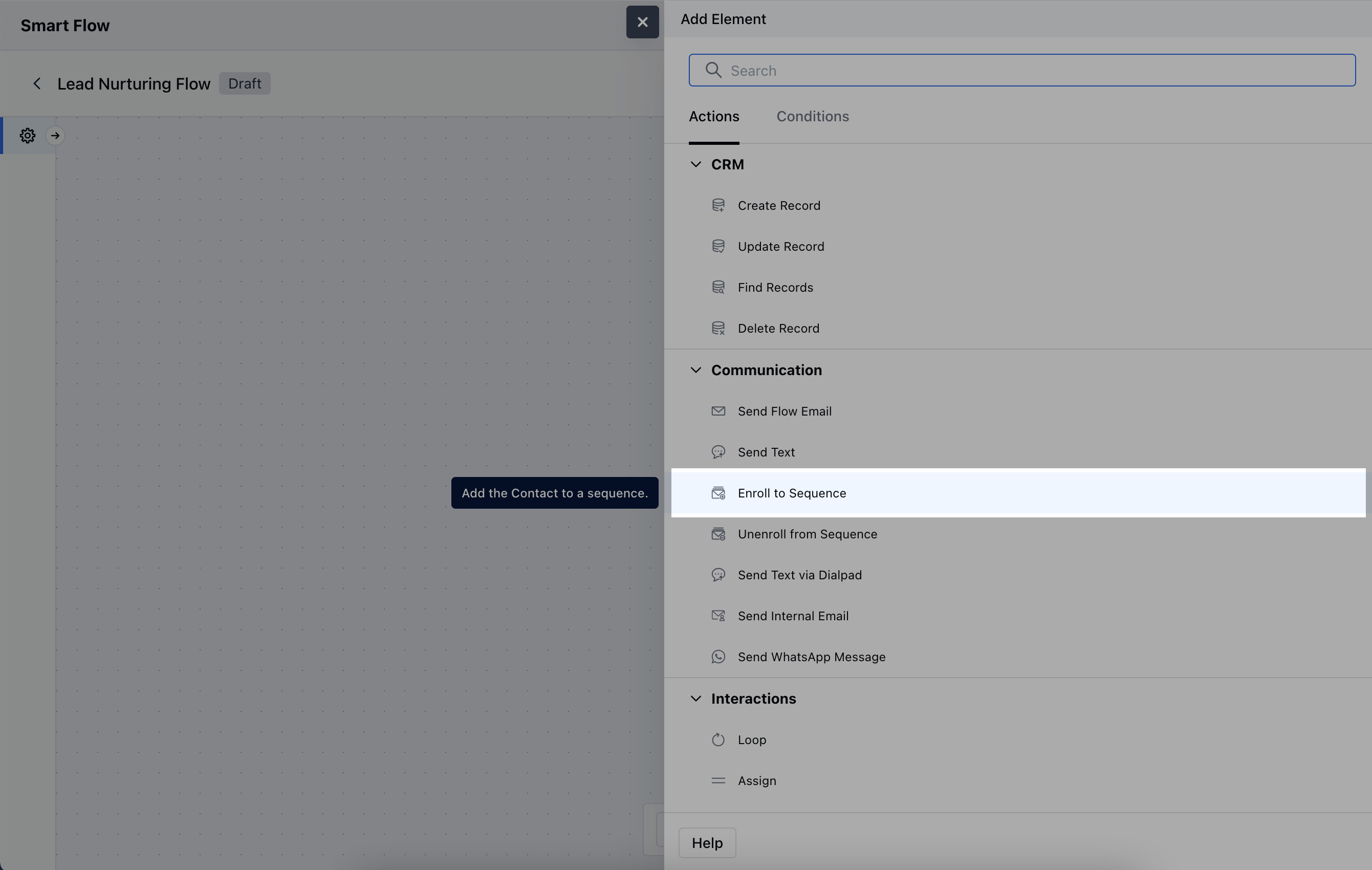 When setting up the **Enroll to Sequence Action**, you will need to configure the following details:**Name**: Provide a clear and descriptive name to identify the action's purpose.
* **Description**: Give a brief explanation of the action's function, describing what it will achieve.
* **Select Record(s) to Enroll**: Determine which records will be enrolled in the sequence. You can either select the contact associated with the flow trigger or manually choose specific records.
* **Related Record**: Specify any related record to associate with the sequence.
* **Sequence**: Choose the designated sequence that the record will follow.
* **Enrolled by**: Select the user whose Name and Email address will be used to send the Sequence.
* **From Email**: Select the email address that will be used for sending communications within the sequence.
* **From Phone**: Choose the phone number to be used for sending text, if the User has been assigned multiple numbers.Once the configuration is completed, hit **Save**.
When setting up the **Enroll to Sequence Action**, you will need to configure the following details:**Name**: Provide a clear and descriptive name to identify the action's purpose.
* **Description**: Give a brief explanation of the action's function, describing what it will achieve.
* **Select Record(s) to Enroll**: Determine which records will be enrolled in the sequence. You can either select the contact associated with the flow trigger or manually choose specific records.
* **Related Record**: Specify any related record to associate with the sequence.
* **Sequence**: Choose the designated sequence that the record will follow.
* **Enrolled by**: Select the user whose Name and Email address will be used to send the Sequence.
* **From Email**: Select the email address that will be used for sending communications within the sequence.
* **From Phone**: Choose the phone number to be used for sending text, if the User has been assigned multiple numbers.Once the configuration is completed, hit **Save**.
 ### Practical Example
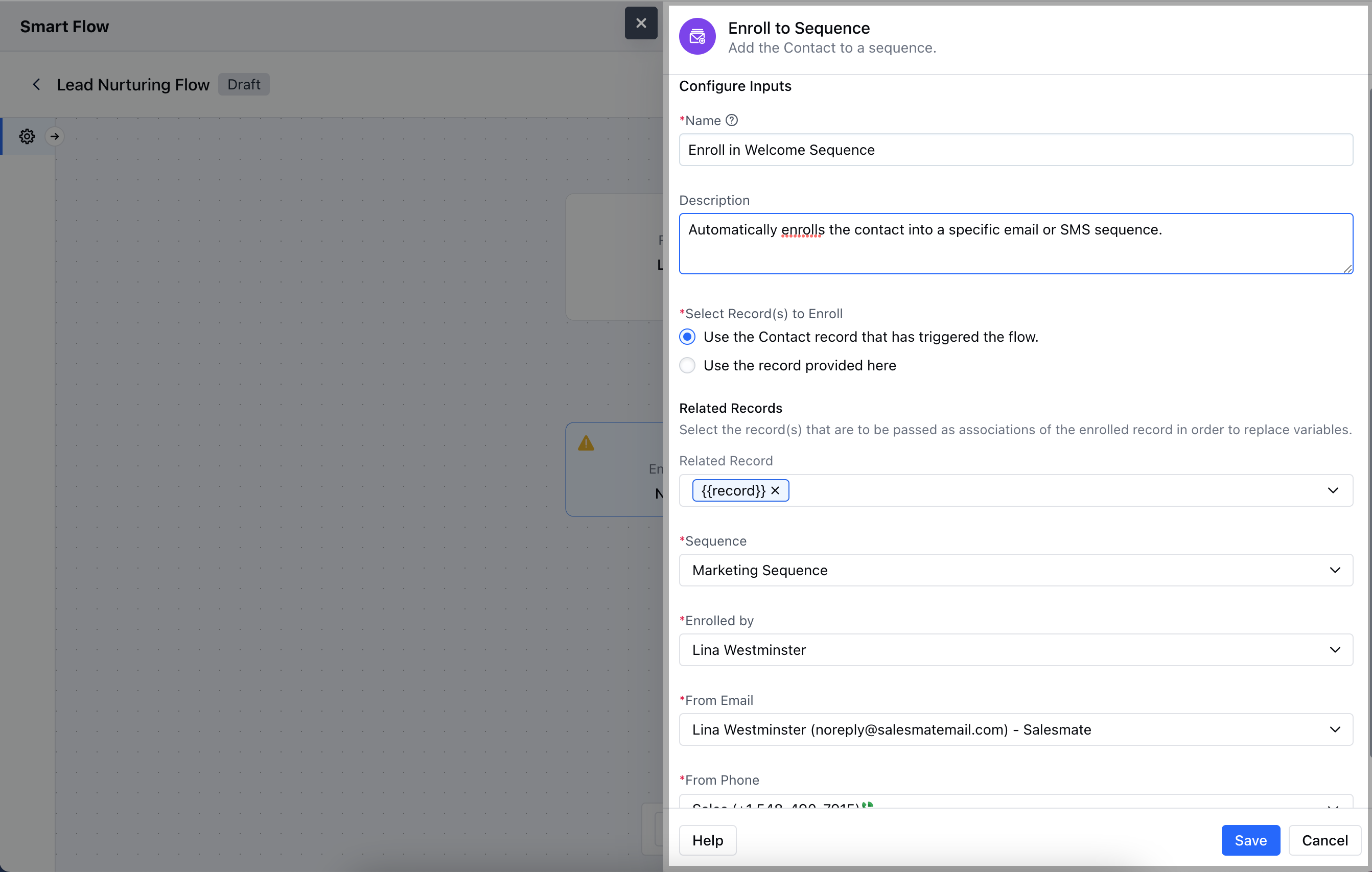
For instance, you want to enroll a contact to sequence automatically when you have closed a deal with them to capture their feedbackUsing the above case, you can use Smart flows to enroll the contact into a sequence which has steps to collect their feedback of the product or experience of their purchase process.This sequence would send them an automated feedback collection E-mail, Send Text, Create activity to call them to ensure maximum efforts are made to capture this feedback.You can use the action of **Record Updated** and configure the journey to enroll the records to this sequence i.e.
* **Feedback Collection Sequence**.
### Practical Example
For instance, you want to enroll a contact to sequence automatically when you have closed a deal with them to capture their feedbackUsing the above case, you can use Smart flows to enroll the contact into a sequence which has steps to collect their feedback of the product or experience of their purchase process.This sequence would send them an automated feedback collection E-mail, Send Text, Create activity to call them to ensure maximum efforts are made to capture this feedback.You can use the action of **Record Updated** and configure the journey to enroll the records to this sequence i.e.
* **Feedback Collection Sequence**.