> ## Documentation Index
> Fetch the complete documentation index at: https://support.getskara.ai/llms.txt
> Use this file to discover all available pages before exploring further.
# Product Added to Wishlist
The **Product Added to Wishlist** trigger activates a flow when a customer adds a product to their wishlist.
**Note:** This Trigger is a part of [BigCommerce](https://support.salesmate.io/hc/en-us/articles/6774740880153-Introduction-and-Installation-of-BigCommerce) Integration
* **Topics covered:** -
* [How to Configure Product Added to Wishlist Trigger](#how-to-configure-product-added-to-wishlist-trigger)
* [Practical Example](#practical-example)
### How to Configure Product Added to Wishlist Trigger
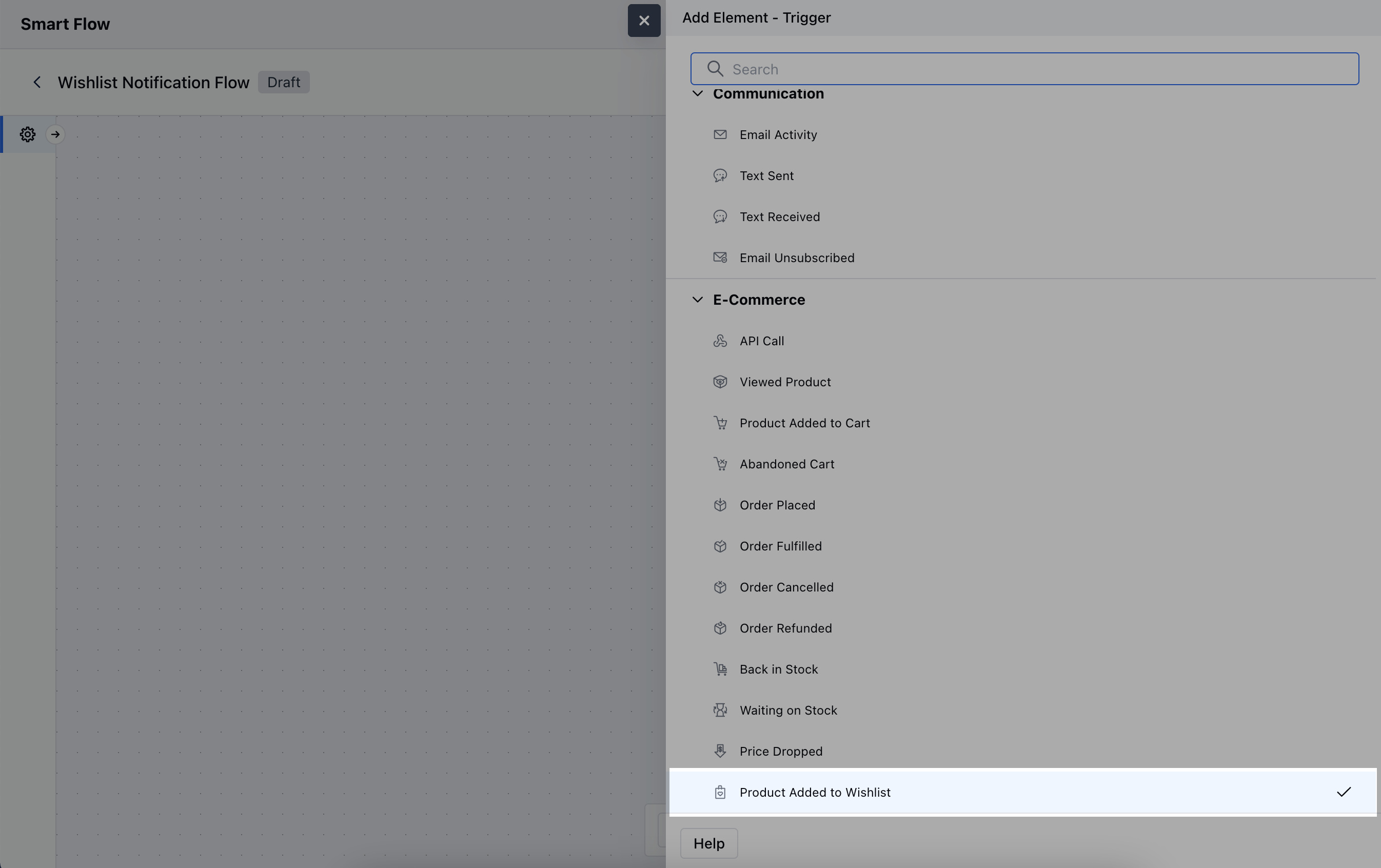
While creating the Trigger Based Flows select **Product Added to Wishlist** trigger.
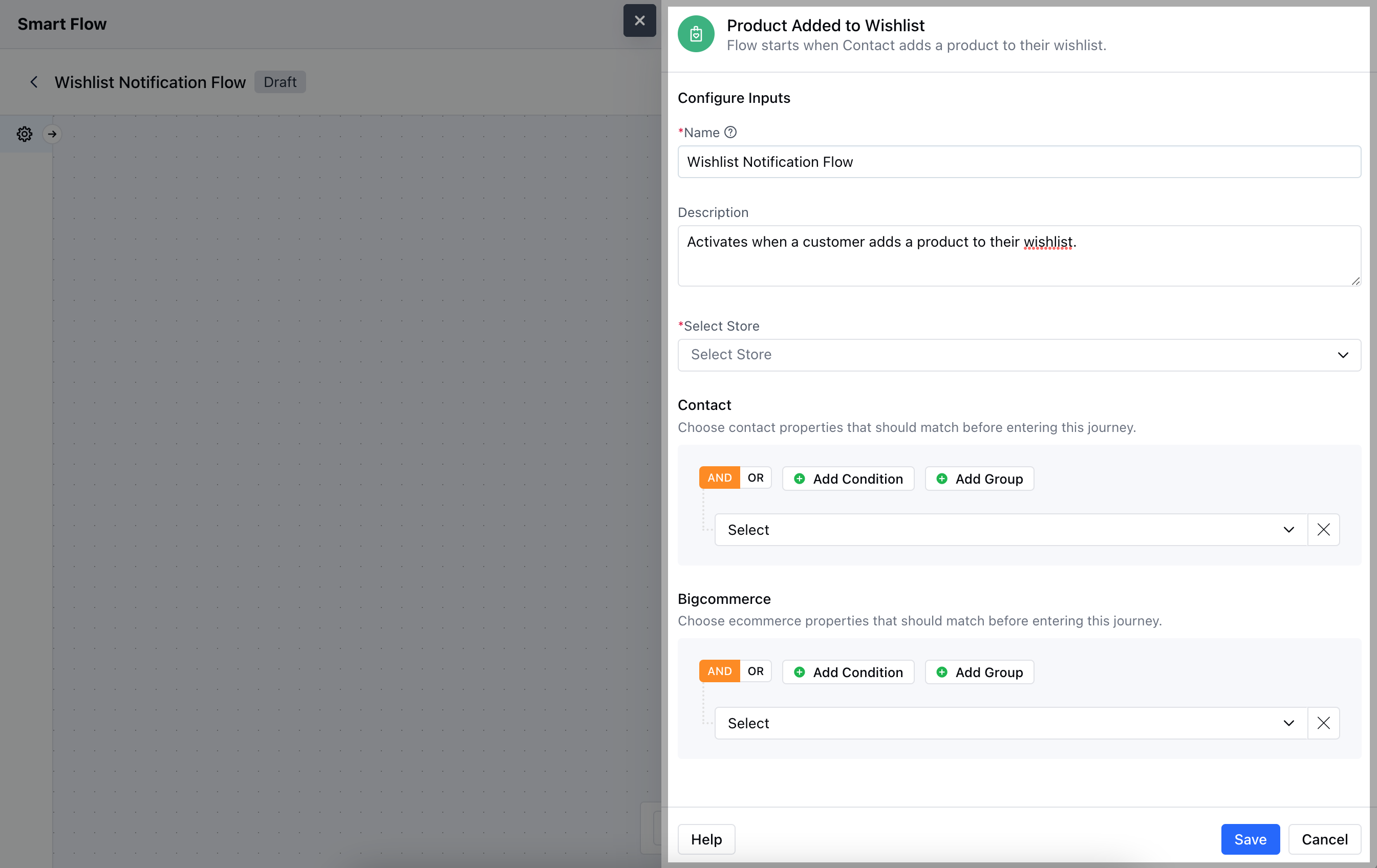
 When setting up the **Product Added to Wishlist** trigger, you will need to configure the following elements:- **Name:** Provide a specific and descriptive title for the trigger to easily identify its function within your system.
* **Description:** Write a concise explanation detailing the purpose of the trigger.
* **Select Store:** Choose the appropriate BigCommerce Store that supports wishlist functionality, ensuring the trigger is linked to the correct inventory.
* **Contact:** Define any specific criteria related to customer behaviour or preferences.
* **BigCommerce:** Specify conditions related to the products themselves, to ensure the trigger activates only for the desired products in the wishlist.Once the configuration is completed, hit **Save**.
When setting up the **Product Added to Wishlist** trigger, you will need to configure the following elements:- **Name:** Provide a specific and descriptive title for the trigger to easily identify its function within your system.
* **Description:** Write a concise explanation detailing the purpose of the trigger.
* **Select Store:** Choose the appropriate BigCommerce Store that supports wishlist functionality, ensuring the trigger is linked to the correct inventory.
* **Contact:** Define any specific criteria related to customer behaviour or preferences.
* **BigCommerce:** Specify conditions related to the products themselves, to ensure the trigger activates only for the desired products in the wishlist.Once the configuration is completed, hit **Save**.
 ### Practical Example
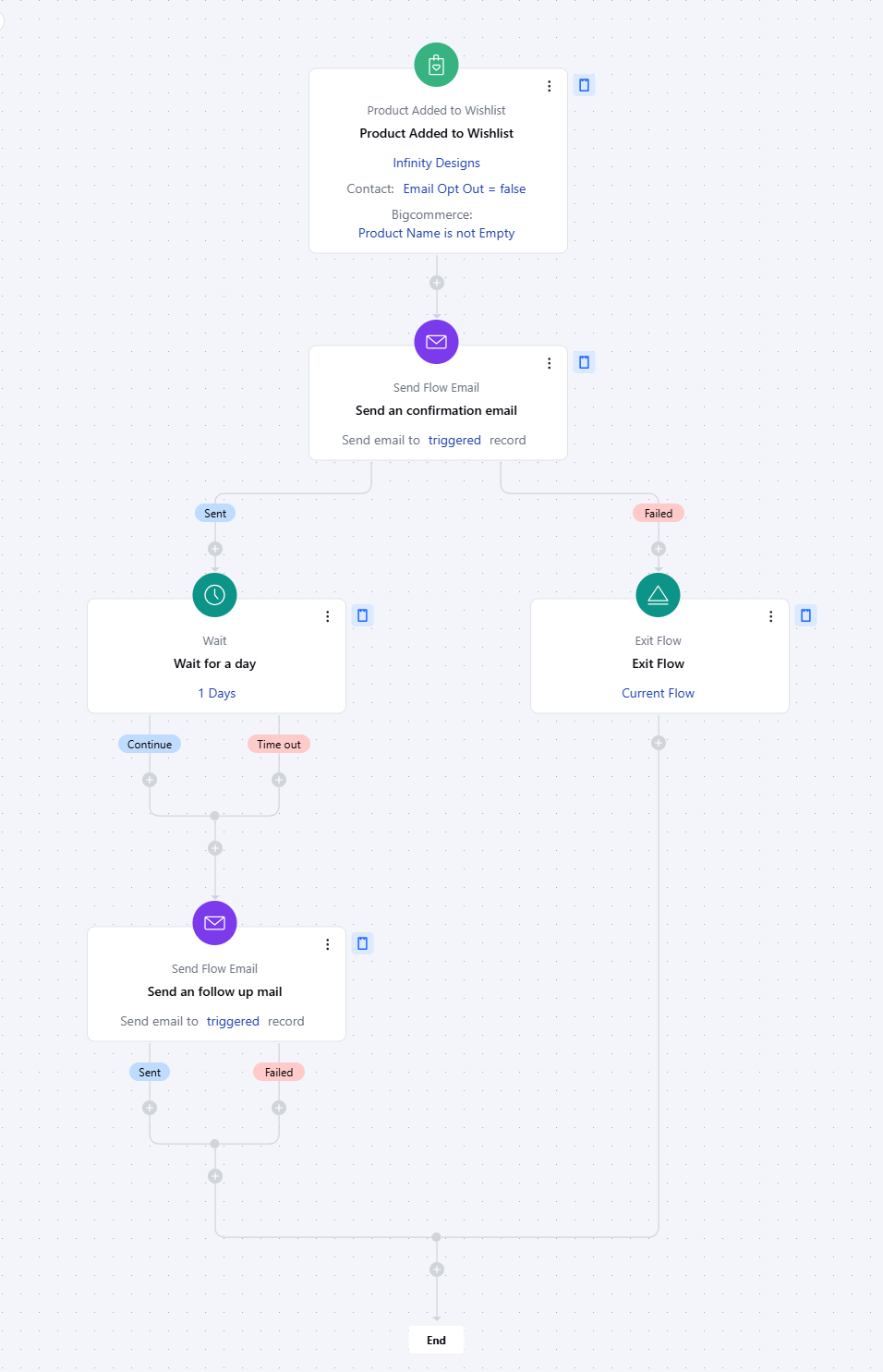
Let's create a Smart Flow to send out an email to the set of customers who have just added a particular product to their Wishlist. Further, we can wait for a couple of days and if the product is still on the wish list we can send out another reminder Email.
### Practical Example
Let's create a Smart Flow to send out an email to the set of customers who have just added a particular product to their Wishlist. Further, we can wait for a couple of days and if the product is still on the wish list we can send out another reminder Email.