> ## Documentation Index
> Fetch the complete documentation index at: https://support.getskara.ai/llms.txt
> Use this file to discover all available pages before exploring further.
# Record Deleted
The Record Updated trigger in Salesmate starts a Smart Flow automatically whenever a record is deleted.
* **Topics covered:**
* [How to Configure Record Deleted Trigger](#how-to-configure-record-deleted-trigger)
* [Practical Example](#practical-example)
### How to Configure Record Deleted Trigger
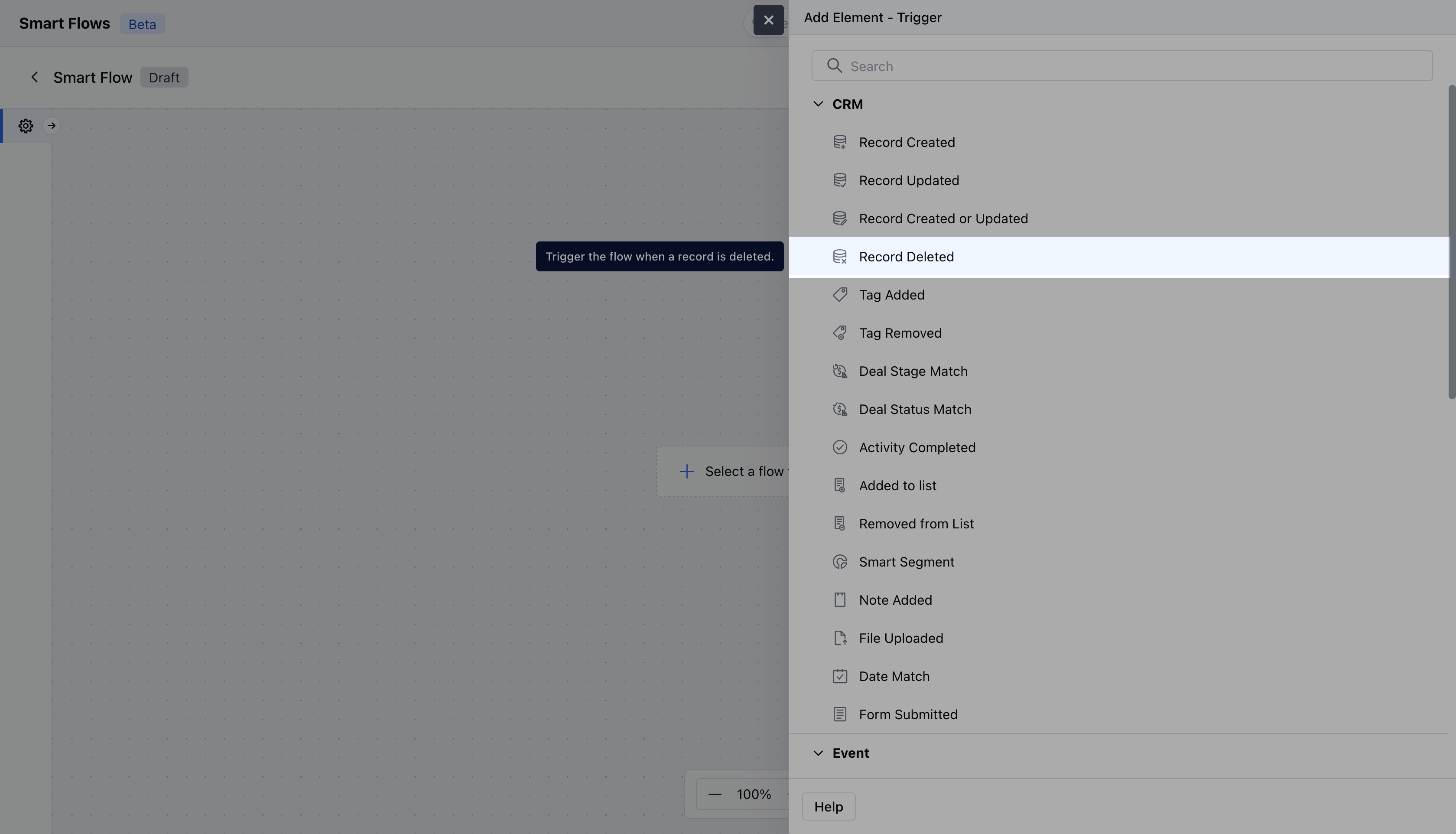
While creating the Trigger Based Flows select **Record Deleted** trigger.
 Once selected, you would then need to configure the Trigger.As you click on the block, a pop will open to add following details.
* **Name:** Provide a clear and descriptive name for the trigger to easily identify its purpose and function within your flow.
* **Description:** Enter a brief explanation of what the trigger does and its role in the flow.
* **Module:** Select the specific module where the trigger should be applied.Once done, click on\*\* Save.
* \*\*
Once selected, you would then need to configure the Trigger.As you click on the block, a pop will open to add following details.
* **Name:** Provide a clear and descriptive name for the trigger to easily identify its purpose and function within your flow.
* **Description:** Enter a brief explanation of what the trigger does and its role in the flow.
* **Module:** Select the specific module where the trigger should be applied.Once done, click on\*\* Save.
* \*\* \*\*
### Practical Example
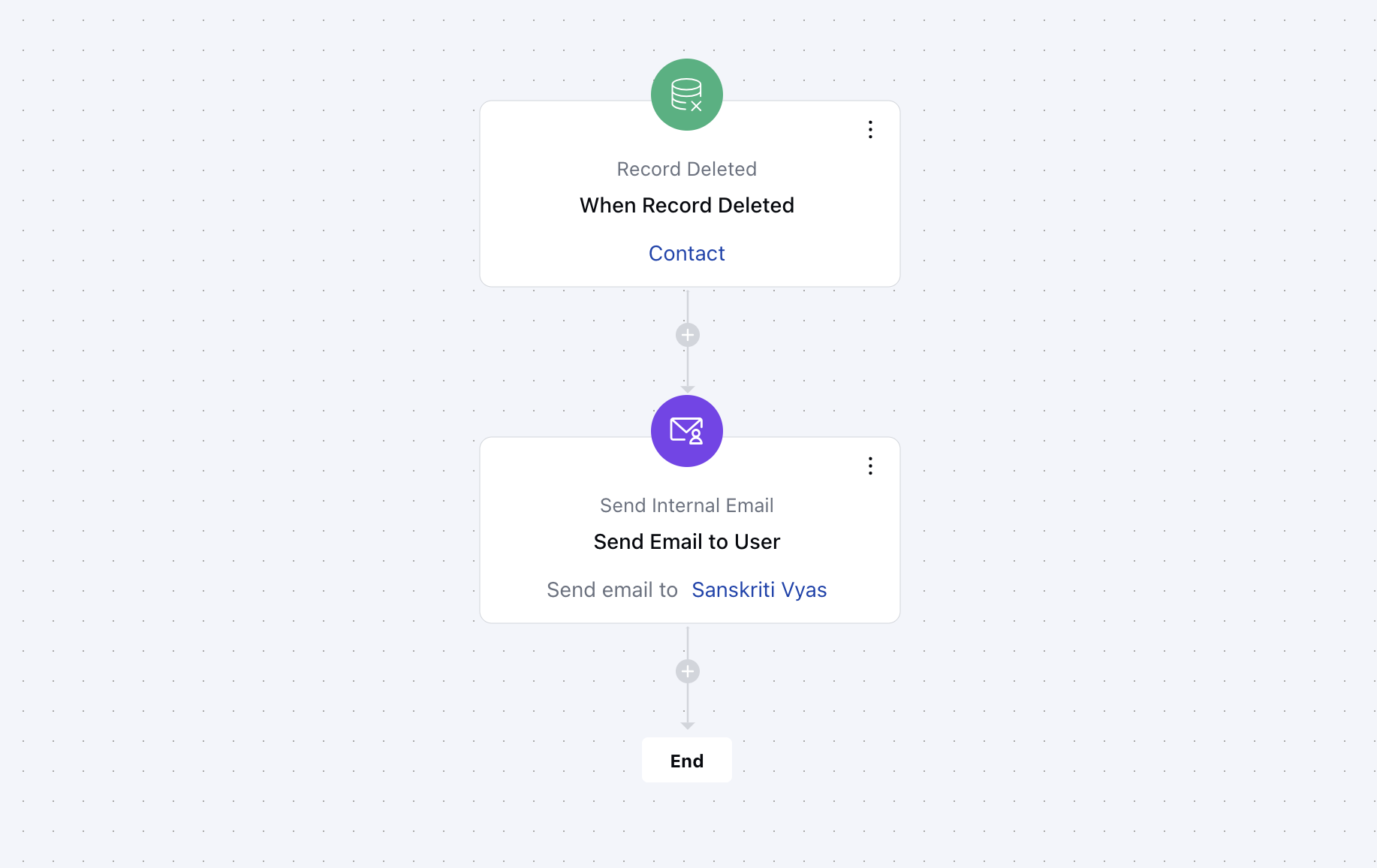
When a customer record is deleted, a notification is generated automatically and sent to the help desk, along with the reason for the deletion. This serves to establish transparency and follow-up measures in order to maintain the relationship with the customer for future purposes.
\*\*
### Practical Example
When a customer record is deleted, a notification is generated automatically and sent to the help desk, along with the reason for the deletion. This serves to establish transparency and follow-up measures in order to maintain the relationship with the customer for future purposes.