> ## Documentation Index
> Fetch the complete documentation index at: https://support.getskara.ai/llms.txt
> Use this file to discover all available pages before exploring further.
# How to Archive or Unarchive Snippets
**Topics covered:**
* [How to Archive the Snippets](#how-to-archive-the-snippets)
* [How to Unarchive a Snippet](#how-to-unarchive-a-snippet)
### How to Archive the Snippets
Follow these steps to archive a snippet:
* Navigate to the **Profile Icon** and Go to **Setup** .
* Select **Library** and then choose **Snippets** from the menu.
* Hover over the snippet you wish to archive.
* An Action button will appear. Click on it and select the **‘Archive’** option.
* **Once the snippet is archived, a success message will appear stating,** "Archived Successfully."
 ### How to Unarchive a Snippet
Recover important content effortlessly without the need for recreating it from scratch. If you need to restore a previously archived snippet for use, follow these steps to unarchive it:
* Navigate to the **Profile Icon** in the top right corner.
* Go to **Setup**.
* Select **Library** and then choose **Snippets** from the menu.
* Go to the archived folder and locate the archived snippet you want to restore. Use the search bar or filter options if the list is long.
### How to Unarchive a Snippet
Recover important content effortlessly without the need for recreating it from scratch. If you need to restore a previously archived snippet for use, follow these steps to unarchive it:
* Navigate to the **Profile Icon** in the top right corner.
* Go to **Setup**.
* Select **Library** and then choose **Snippets** from the menu.
* Go to the archived folder and locate the archived snippet you want to restore. Use the search bar or filter options if the list is long.
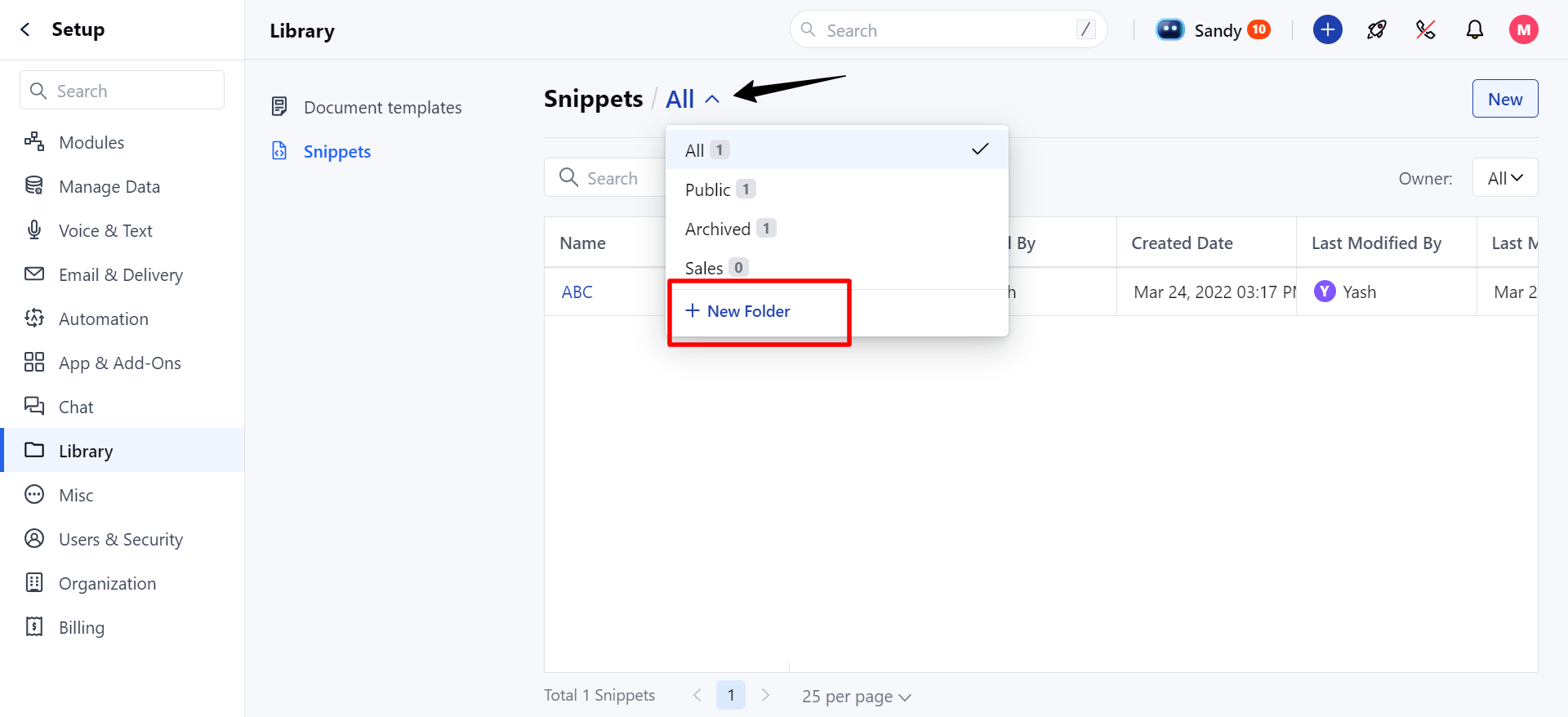 * Hover over the snippet you wish to Unarchive.
* Click on the **Action** button that appears and select the **‘Unarchive’** option.
* **Once the snippet is successfully unarchived, a success message will appear stating,**"Unarchived Successfully."
* Hover over the snippet you wish to Unarchive.
* Click on the **Action** button that appears and select the **‘Unarchive’** option.
* **Once the snippet is successfully unarchived, a success message will appear stating,**"Unarchived Successfully."
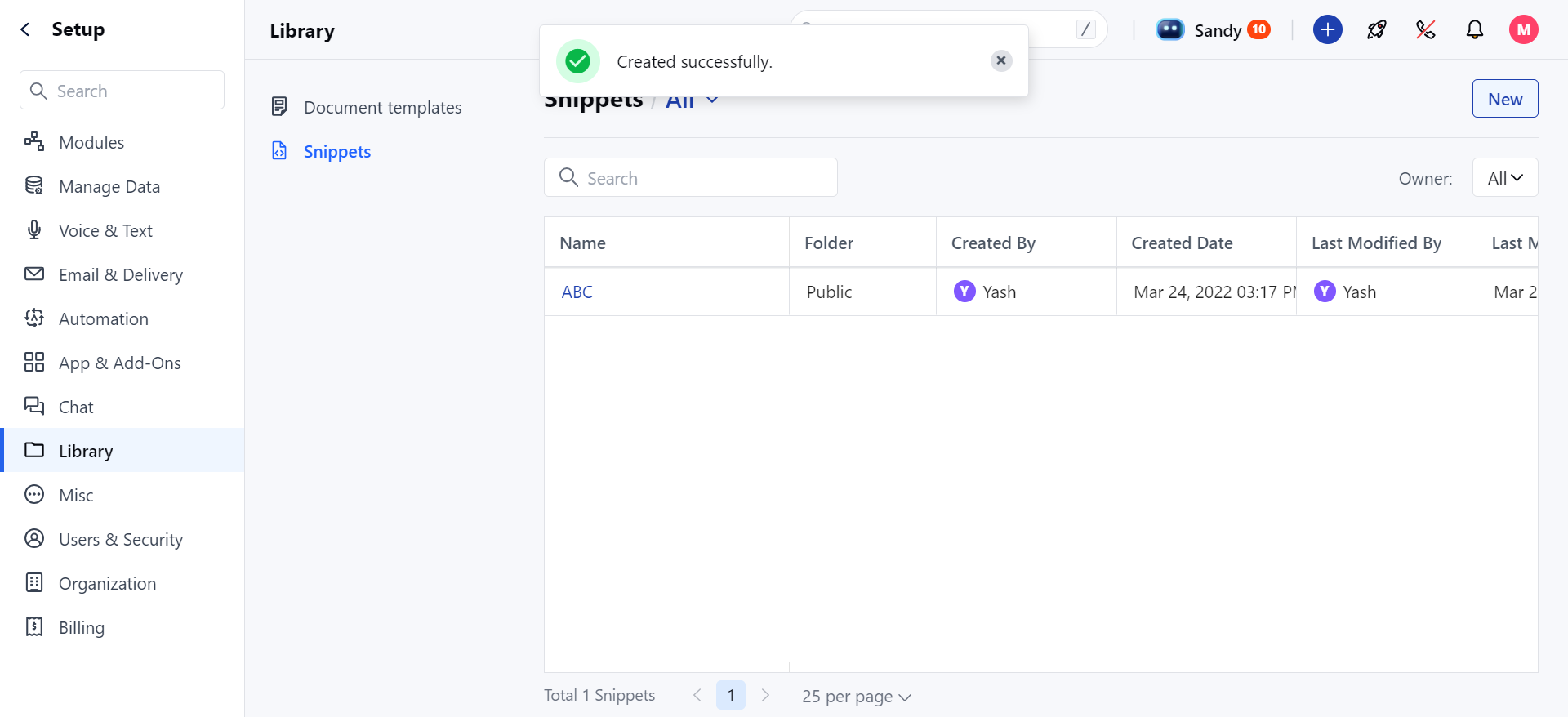 **Note:** When a snippet is unarchived, it will return to its original folder. If the original folder no longer exists, the snippet will appear in the "All" folder.