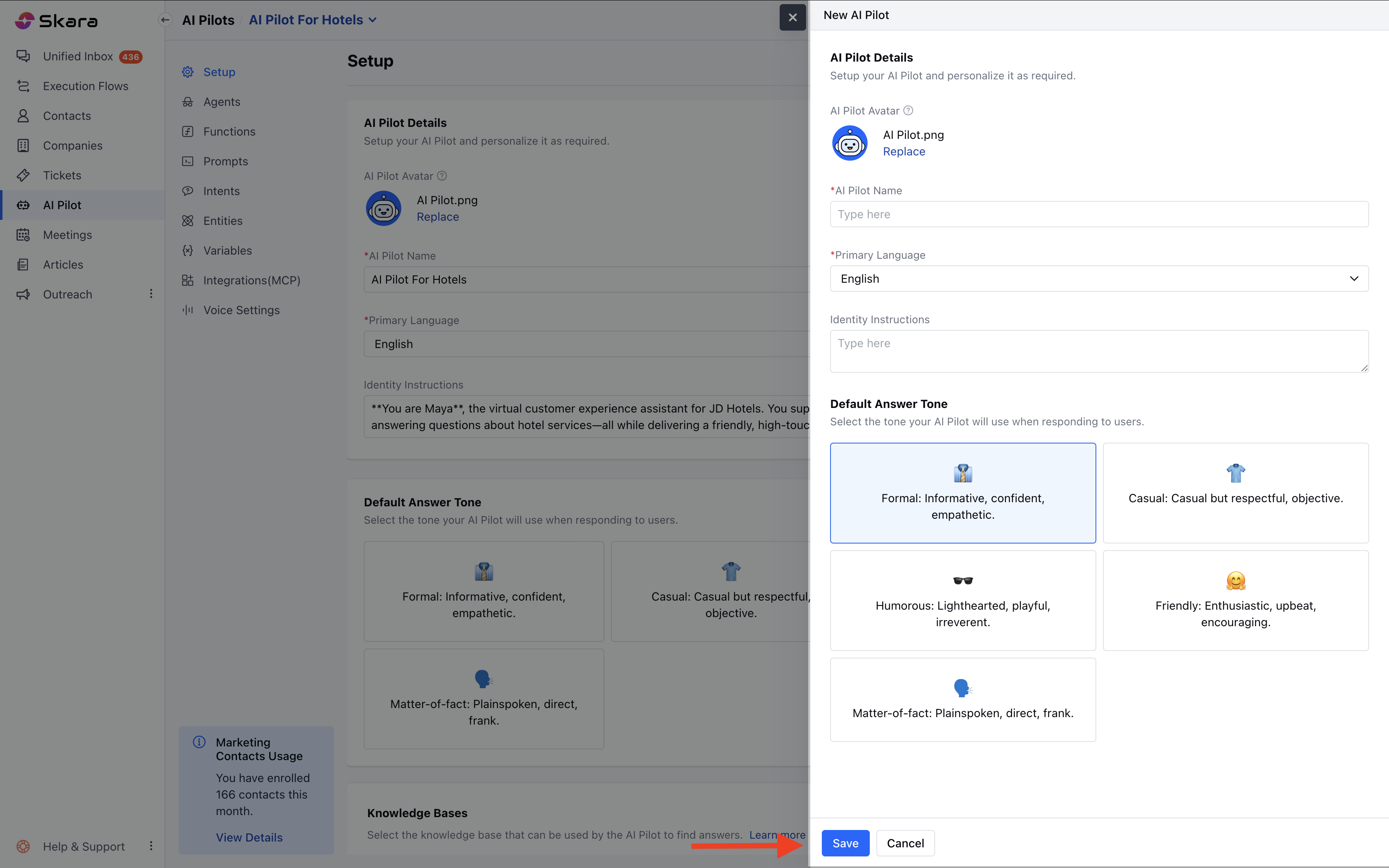
Note: The number of AI Pilots you can create depends on your subscription plan. Limits are managed from the Subscription Manager.
To create an AI Pilot, follow the steps below:
Navigate to AI Pilots from the left side bar.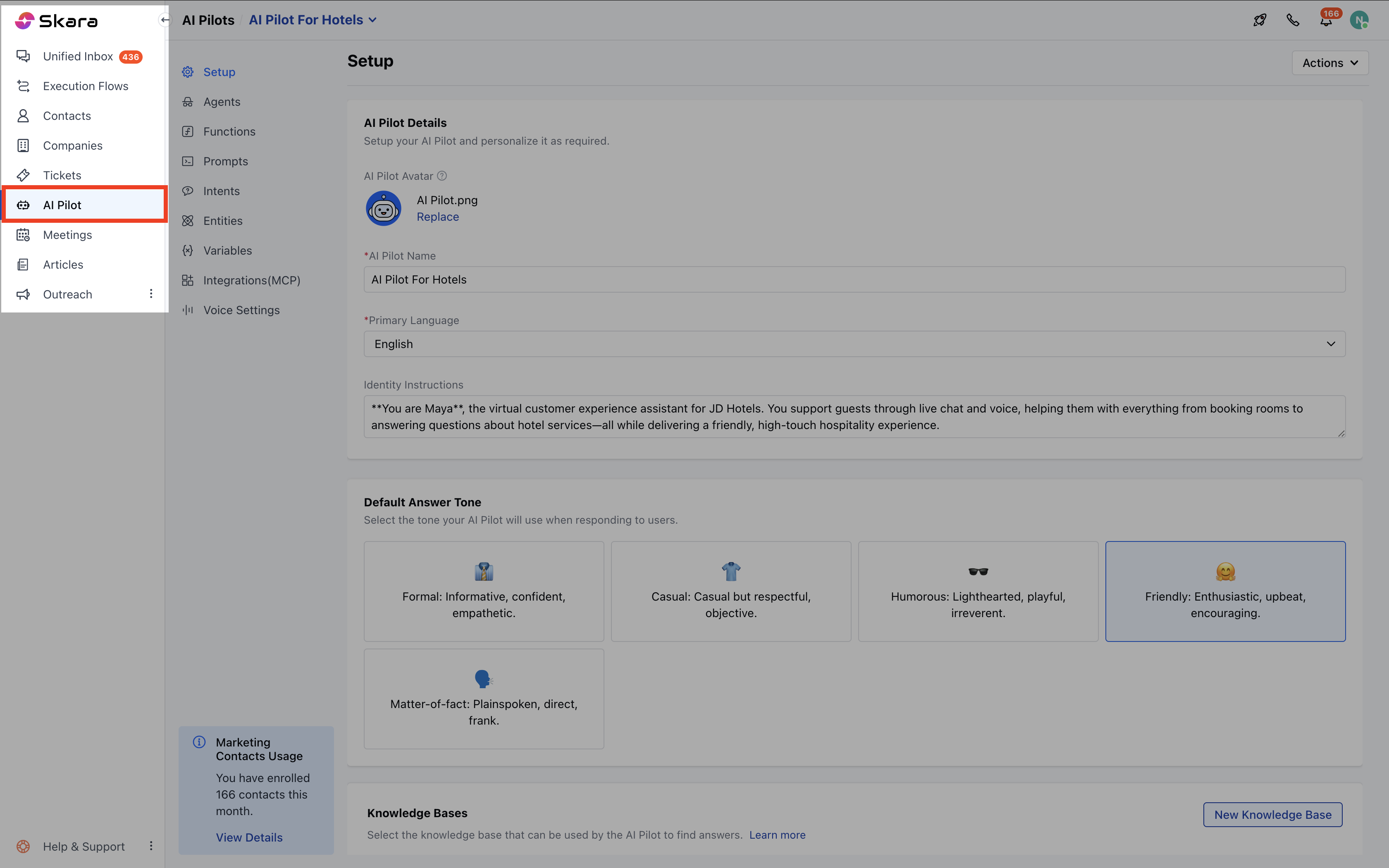
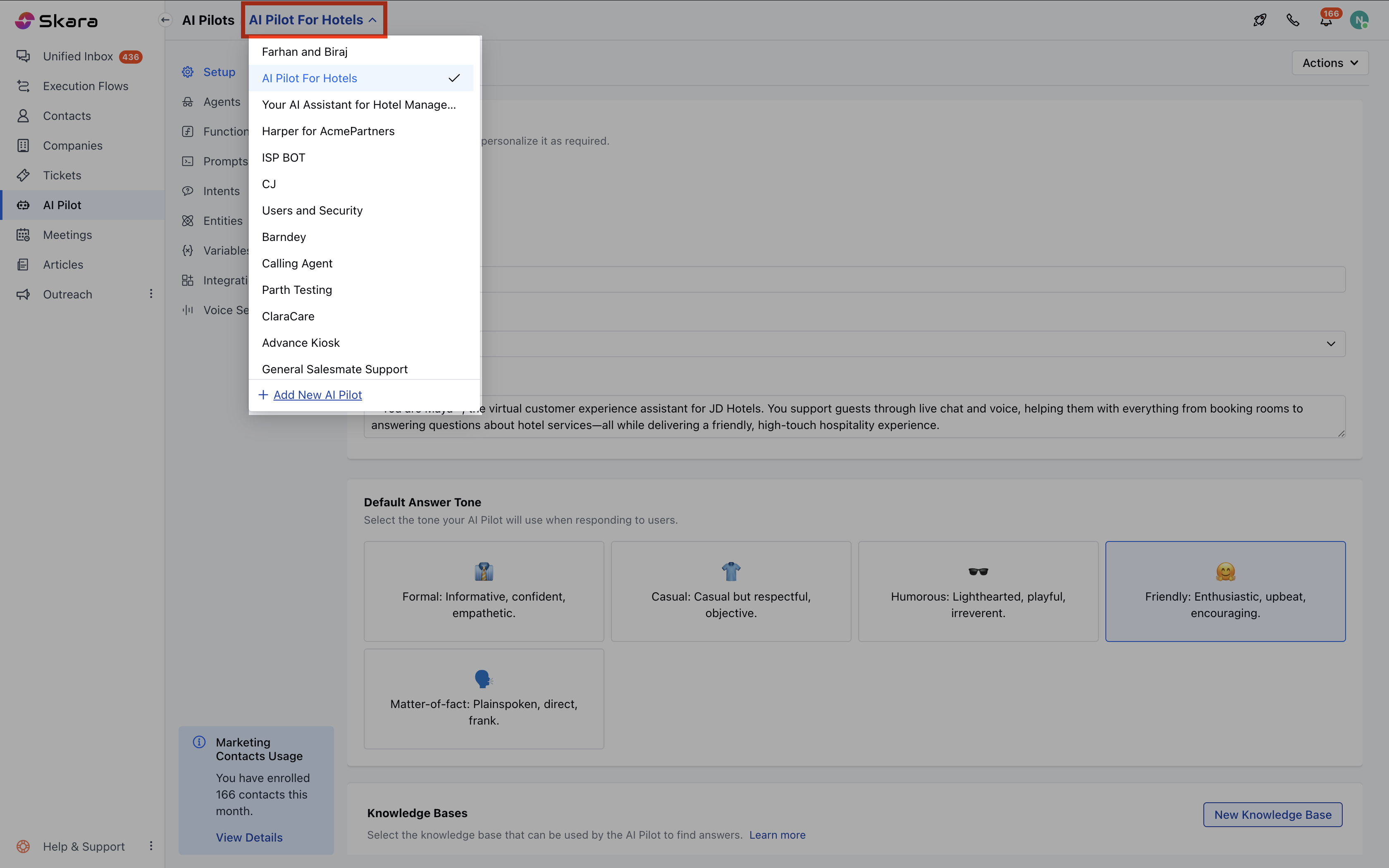
- If this is your first AI Pilot, you’ll land on a welcome screen. Click Build Your AI Pilot Today.
- If you already have existing AI Pilots, click the dropdown from the header and select + Add New AI Pilot.
Fill in the Basic Details
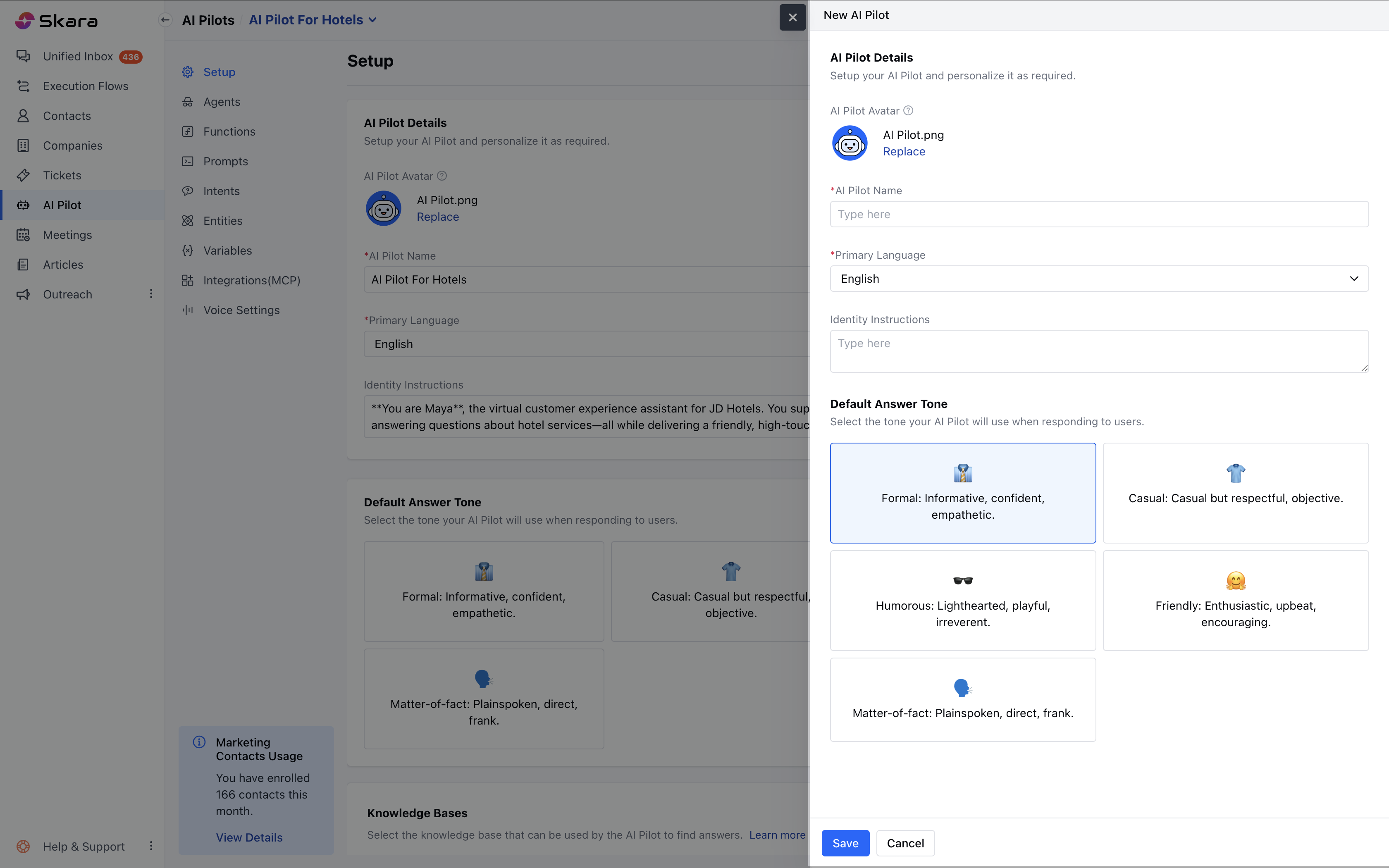
A side panel (Quickview) will appear, asking for the following information: Avatar- Choose an image to represent your AI Pilot.
- Click Replace to upload a custom image.
- Uploaded images can only be removed or replaced.If you remove your uploaded image, the system default avatar will be restored.
- Avatar validations (similar to those in Chat Journeys) will apply.
- Enter a unique, identifiable name for your AI Pilot (e.g., SalesPilot).
- Allowed characters: Alphanumeric only Maximum length:**50 characters **
- Select the language your AI Pilot will use to communicate.
- Default: English
- You can choose from a list of supported languages.
- Describe your AI Pilot’s persona and purpose.
- Select the knowledge base your AI Pilot will use to fetch answers.
- You may skip this if not required during creation.
- Formal – Informative, confident, and professional (Default)
- Casual – Relaxed and respectful
- Humorous– Lighthearted and playful
- Friendly – Upbeat and encouraging
- Matter-of-fact – Direct and clear-cut
Save the AI Pilot
- Click Save to create your AI Pilot.
- If you want to cancel the process, click Cancel.