To Manage Knowledge Base Roles & Permissions:
- Navigate to the Profile Icon in the top right corner
- Click on Setup .
- Head over to the Users & Security category.
-
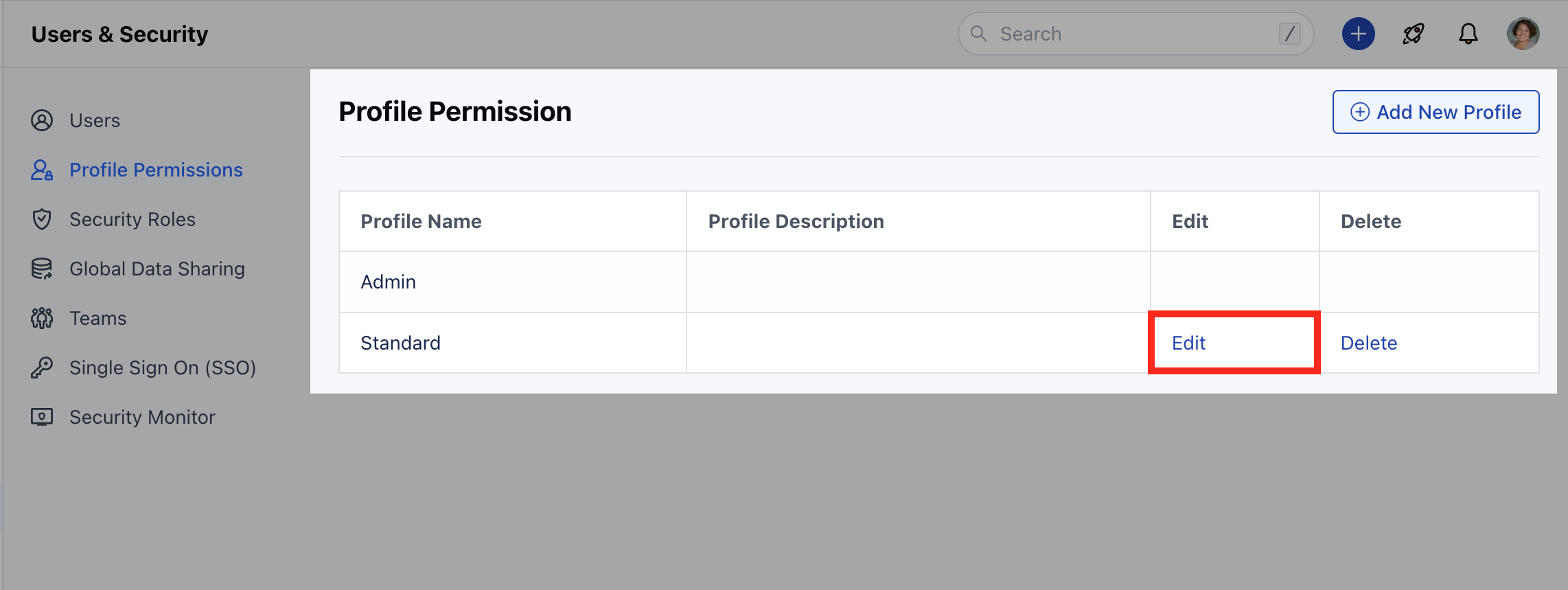
Click on Roles & Permission **

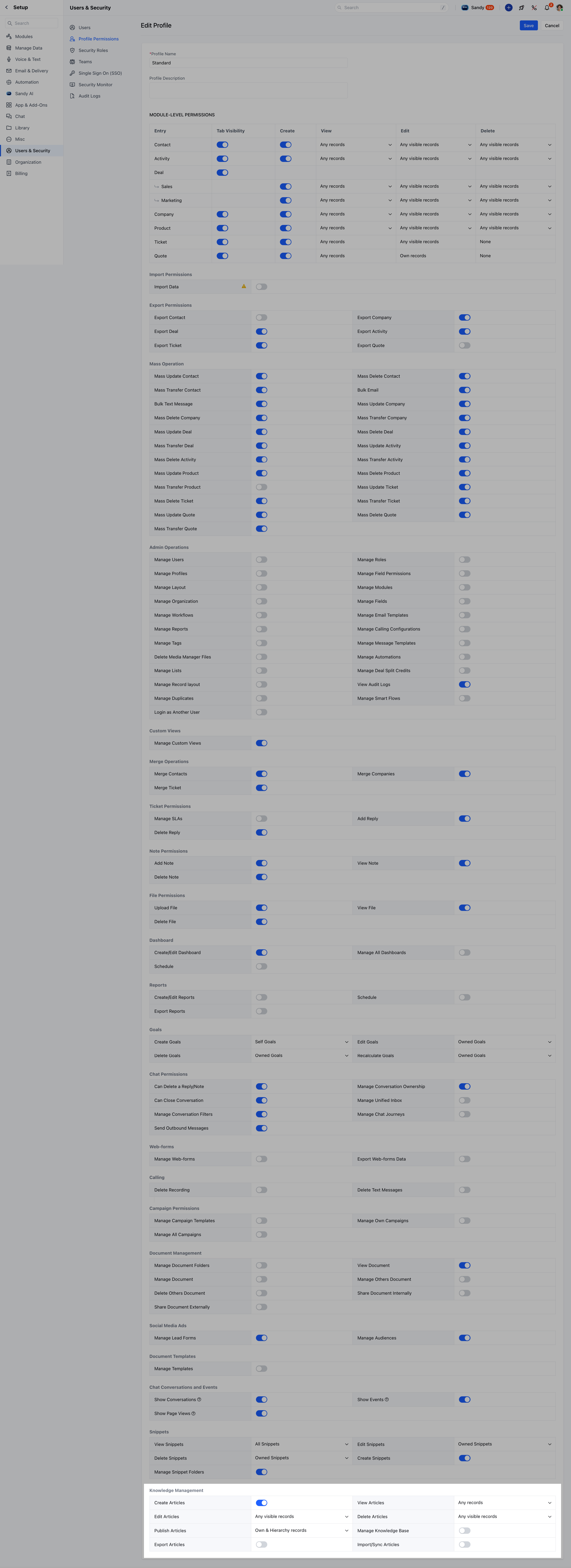
- **View Articles **:**None **: They can’t view any articles.
- **Own **: They can view only those articles that are owned by themselves.
- Own & Hierarchy: They can view the articles owned by themselves or their subordinates.
- **Any **: They can view all articles.
- **Edit Articles **:**None **: They can’t edit any articles.
- Own: They can modify only those articles that are owned by themselves.
- Own & Hierarchy: They can modify only those articles that are owned by themselves or their subordinates.
- Any: They can modify any articles that are visible to them.
- **Delete Articles **: Manage
- **None **: They can’t delete any articles.
- Own: They can delete only those articles that are owned by themselves.
- Own & Hierarchy: They can delete only those articles that are owned by themselves or their subordinates.
- **Any **: They can delete any articles that are visible to them.
- **Publish Articles **:**None **: They can’t publish or unpublish any articles.
- Own: They can publish or unpublish only those articles that are owned by themselves.
- Own & Hierarchy: They can publish only those articles that are owned by themselves or their subordinates.
- **Any **: They can publish or unpublish any articles that are visible to them.
**Note:**If any of the permissions below are enabled, you will automatically be able to view your own articles.
- **Organize Categories **: The permission to create, edit, and delete content categories and tags for better navigation.
- Without this permission, the user will not be able to access Knowledge Base category settings, the tab will not be visible.
- The option to manage categories from article listing will be disabled in the absence of this permission.
- Manage Knowledge Base: This permission allows the user to create, or update a knowledge base and its settings.
- Without this permission, the user will not be able to access Knowledge Base settings, the tab will not be visible.
- Export Articles: This permission allows the user to export articles that are visible to them.
- Import/Sync Articles: This permission allows users to import or sync articles from other platforms.