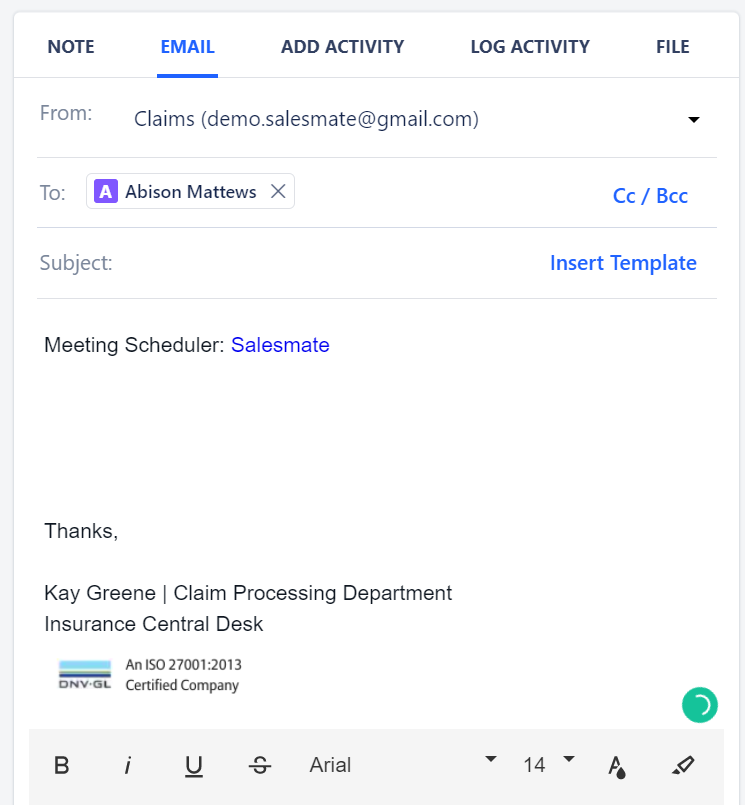
- Click on any contact >>Email.
- Click on Meeting.
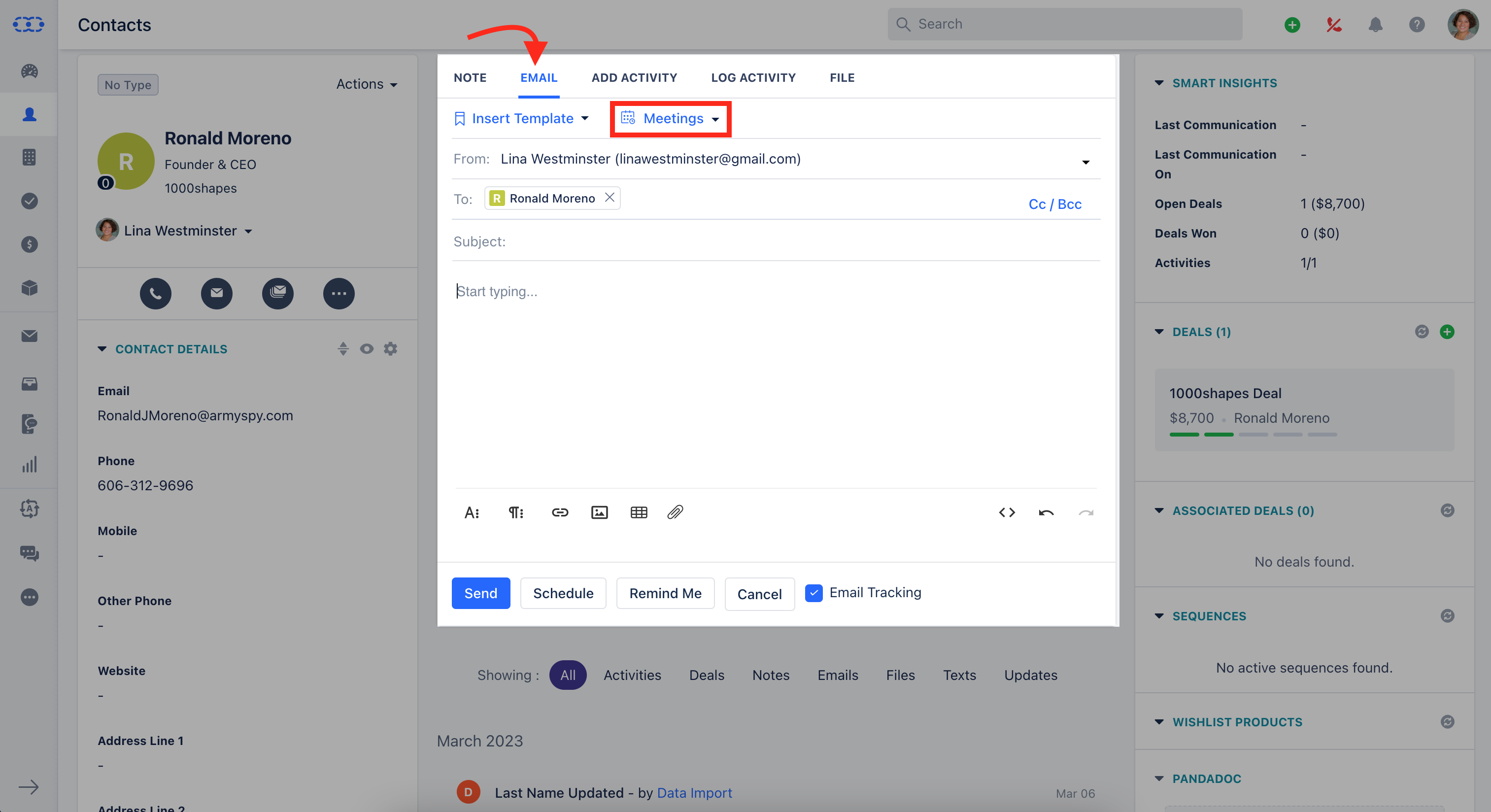
- When you click on the Meeting button you will get the popup where you can view the active meeting Links and the Timeslots.
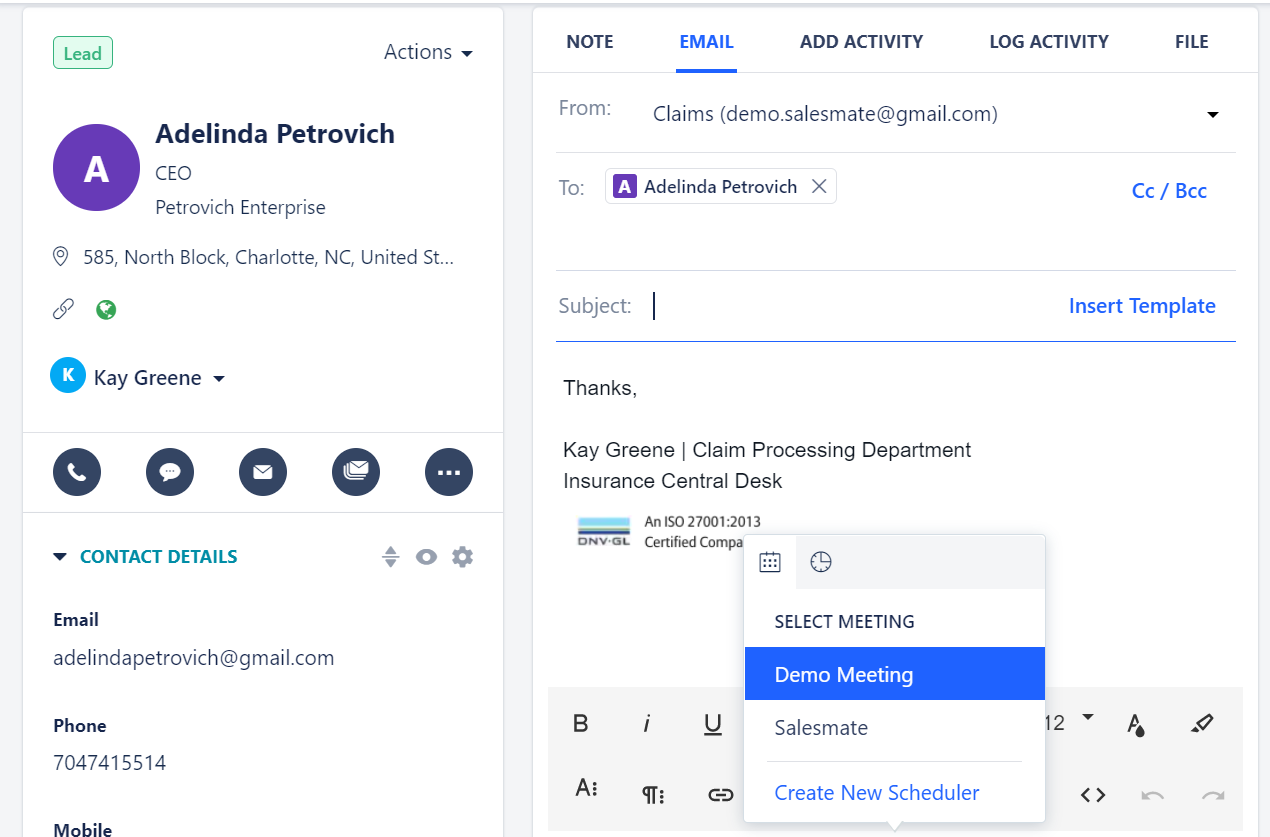
- Click on the scheduler that you want to insert in the email.
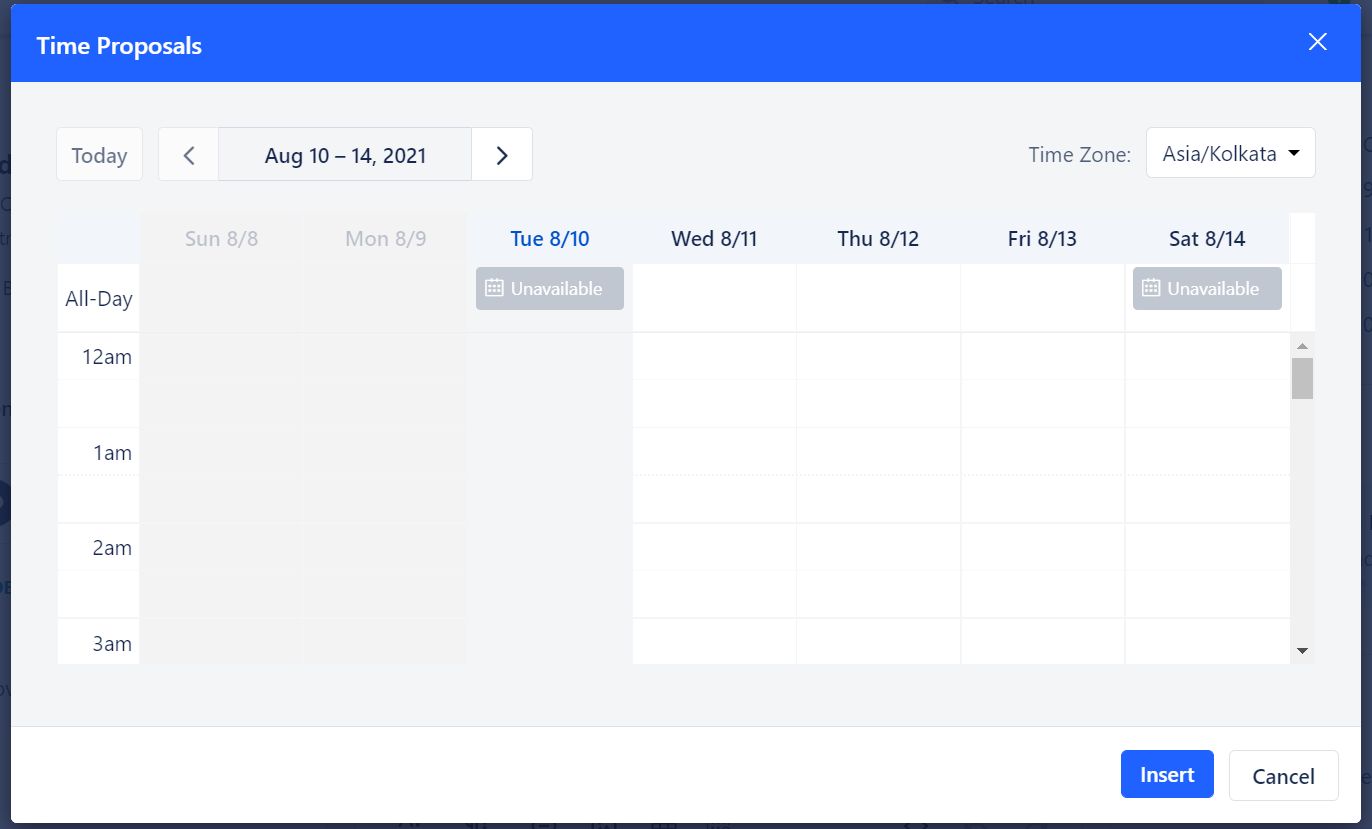
Picking Time on Email Scheduler
You can pick the time which you want to your customer and add it in the email. To pick the time:- Go to Email Compose Screen >> Click on Scheduler
- Click on the Pick Time(Clock) button.
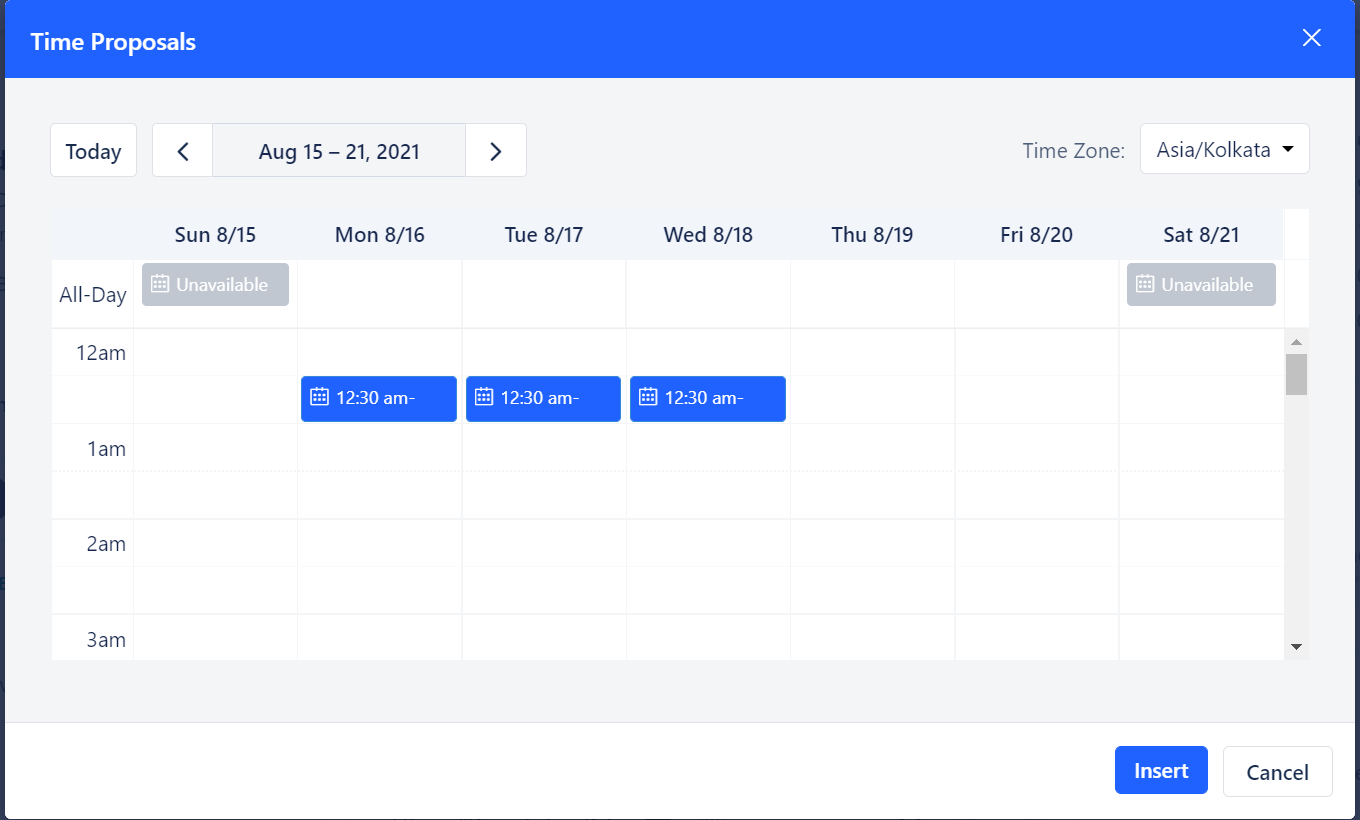
- Here, Grey indicates the slots that are already booked. You can select up to 3 slots to add to the email.
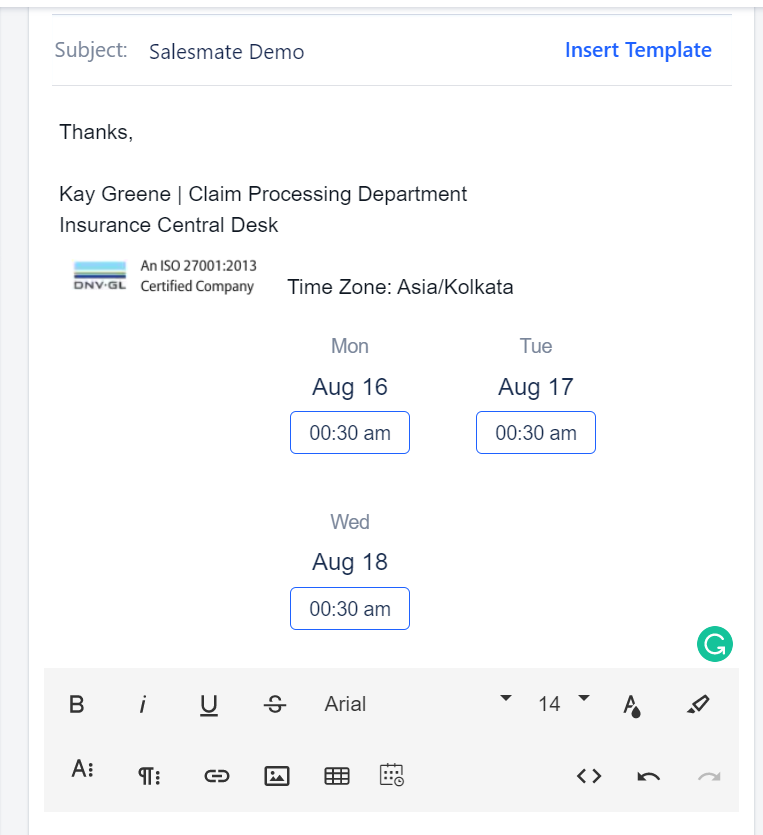
- Select the slots and hit on the Insert button.