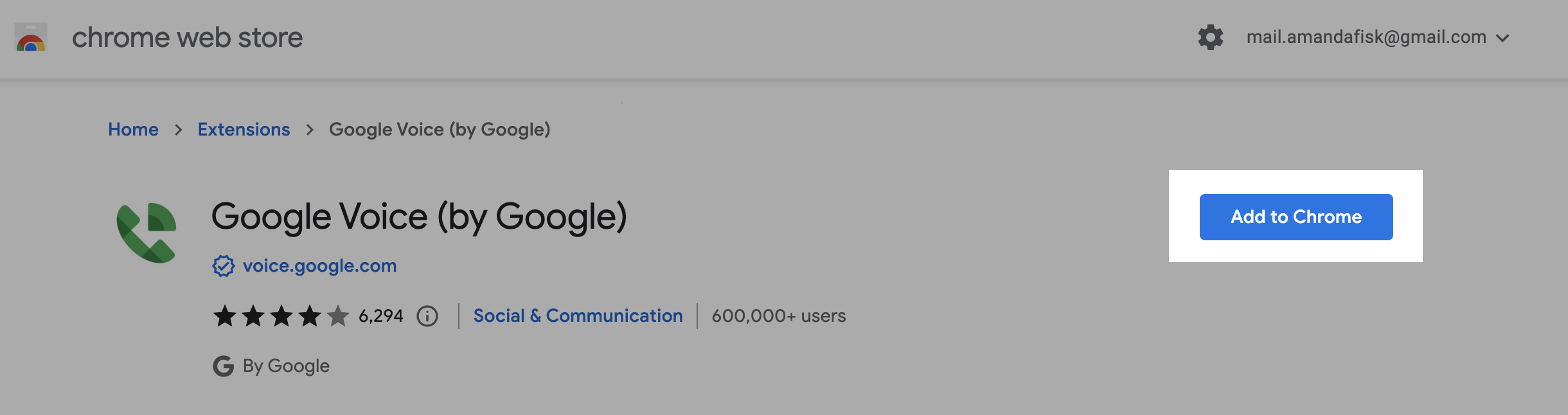
Install the chrome extension for google voice from the link provided -
Click HereClick on Add to Chrome button to add the extension to your chrome browser.Further, click on Add extension to confirm the installation.Once done you will receive a success message saying “Google Voice has been added to Chrome”.Finally, after adding the extension, you will be able to click on the ** G **reen phone icon ** and make the calls using Google voice.Note: Calls are not logged inside salesmate while using the extension.