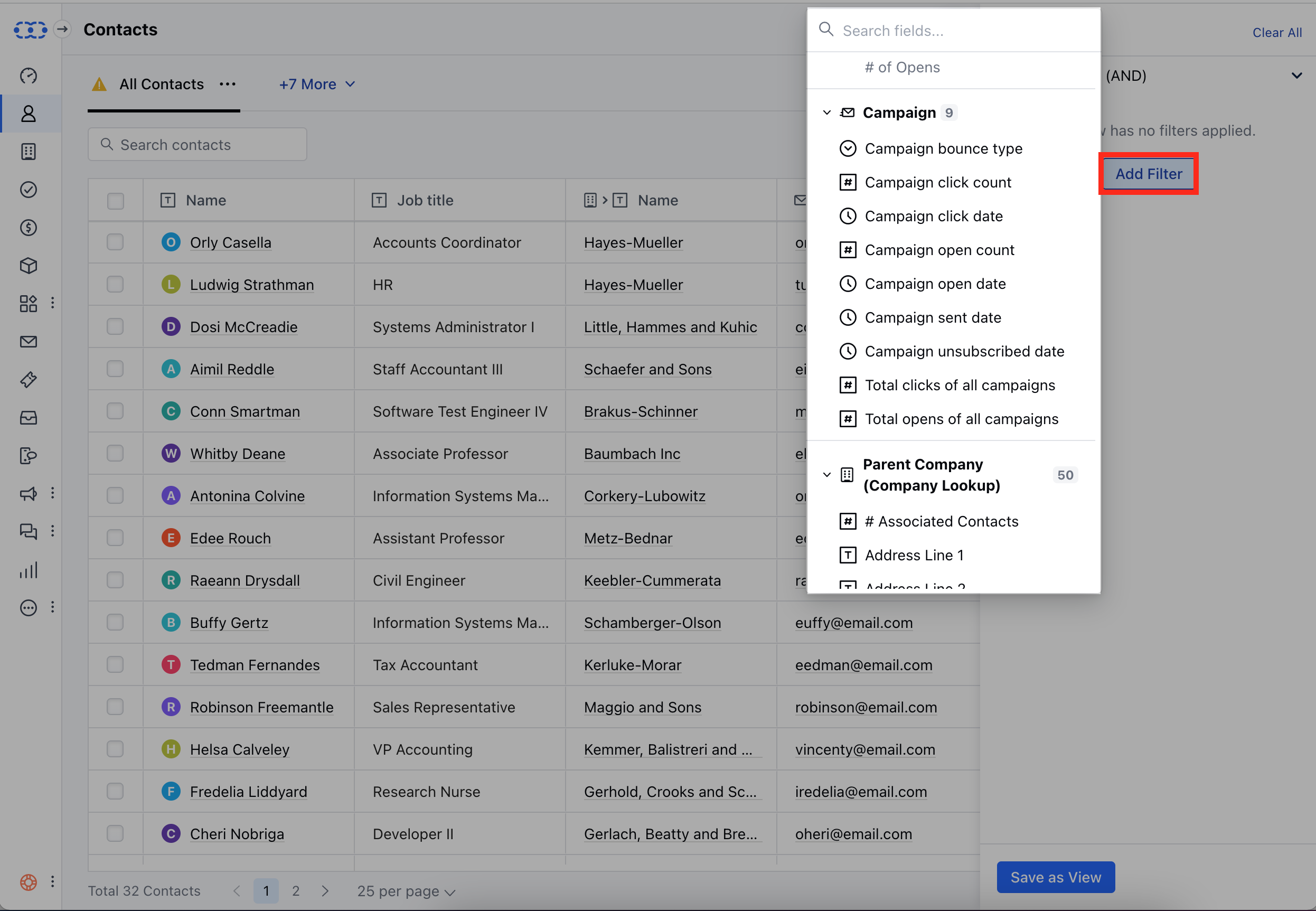
- Campaign Click Date- This option allows you to filter contacts based on the date of their clicks within a specific campaign.
- Campaign Open Count- This option allows you to filter contacts based on the number of times they have opened a specific campaign.
- Campaign Open Date- This option allows you to filter contacts based on the date of their interactions, specifically the opening of emails, within a particular campaign.
- Campaign Sent Date- This option allows you to filter contacts based on the date a specific campaign was sent to them.
- Campaign Unsubscribed Date- This option allows you to filter contacts based on the date they unsubscribed from a specific campaign.
- Total Clicks of All Campaigns-This option allows you to filter contacts based on the total number of clicks they have accumulated across all campaigns.
- Total Opens of All Campaigns-This option allows you to filter contacts based on the total number of times they have opened emails across all campaigns.