Topics covered:
Below are the steps to help you with navigation to setup:
- Navigate to the Profile Icon on the top right corner
- Click on Setup
- Head over to the Voice & Text category
- Click on Voice Apps
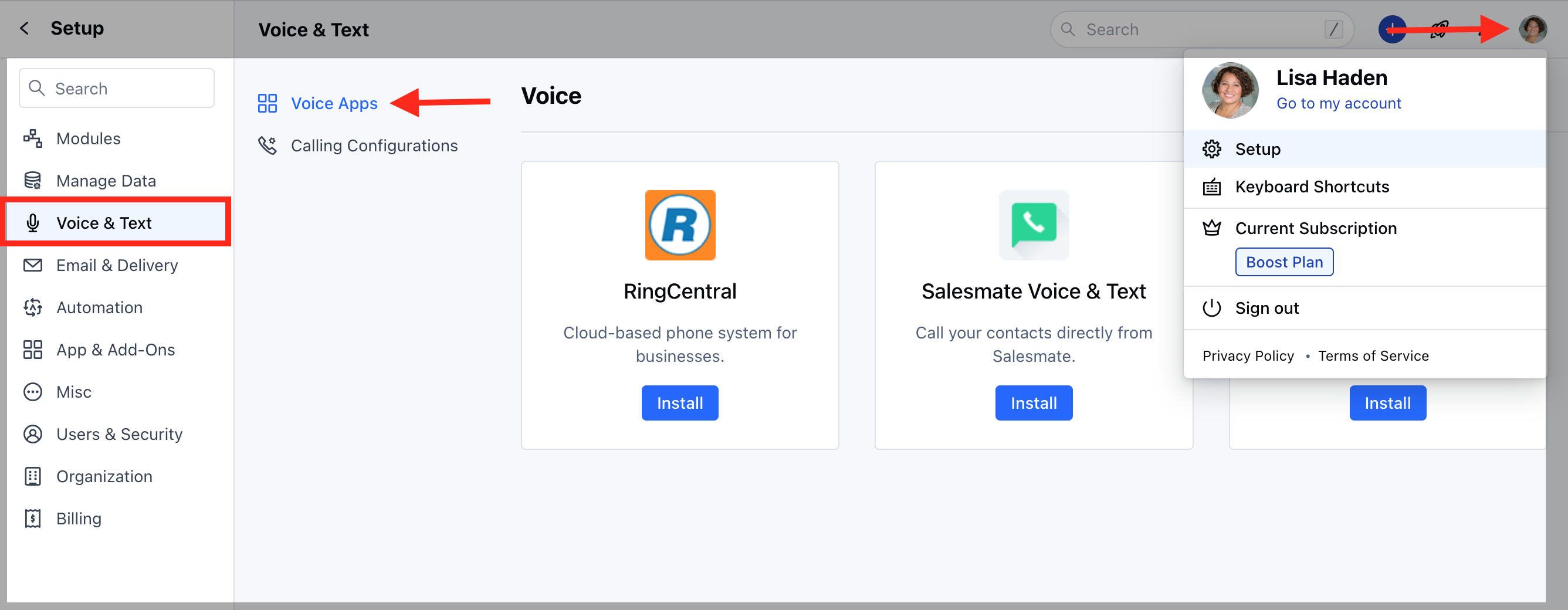
- Select Skara Voice & Text
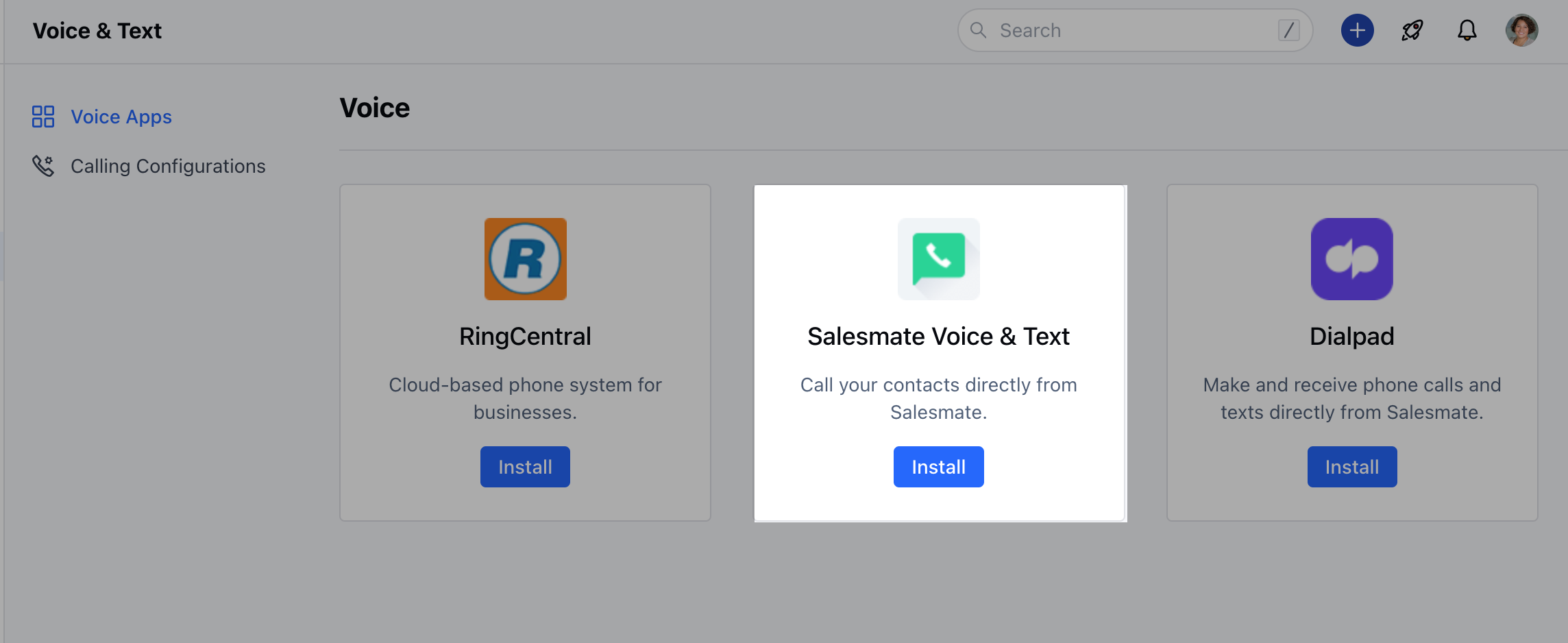
Skara Voice & Text (Native Calling Feature)
Skara’s built-in VoIP-based phone system enables you to call your clients from anywhere with our mobile and web apps. Get toll-free and virtual phone numbers in over 80 countries with a specific area code for everyone on your team. Utilize the top-class calling and texting features of Skara without any setup charges or hidden costs, and it takes less than 5 minutes to start calling. How to activate Skara Voice & Text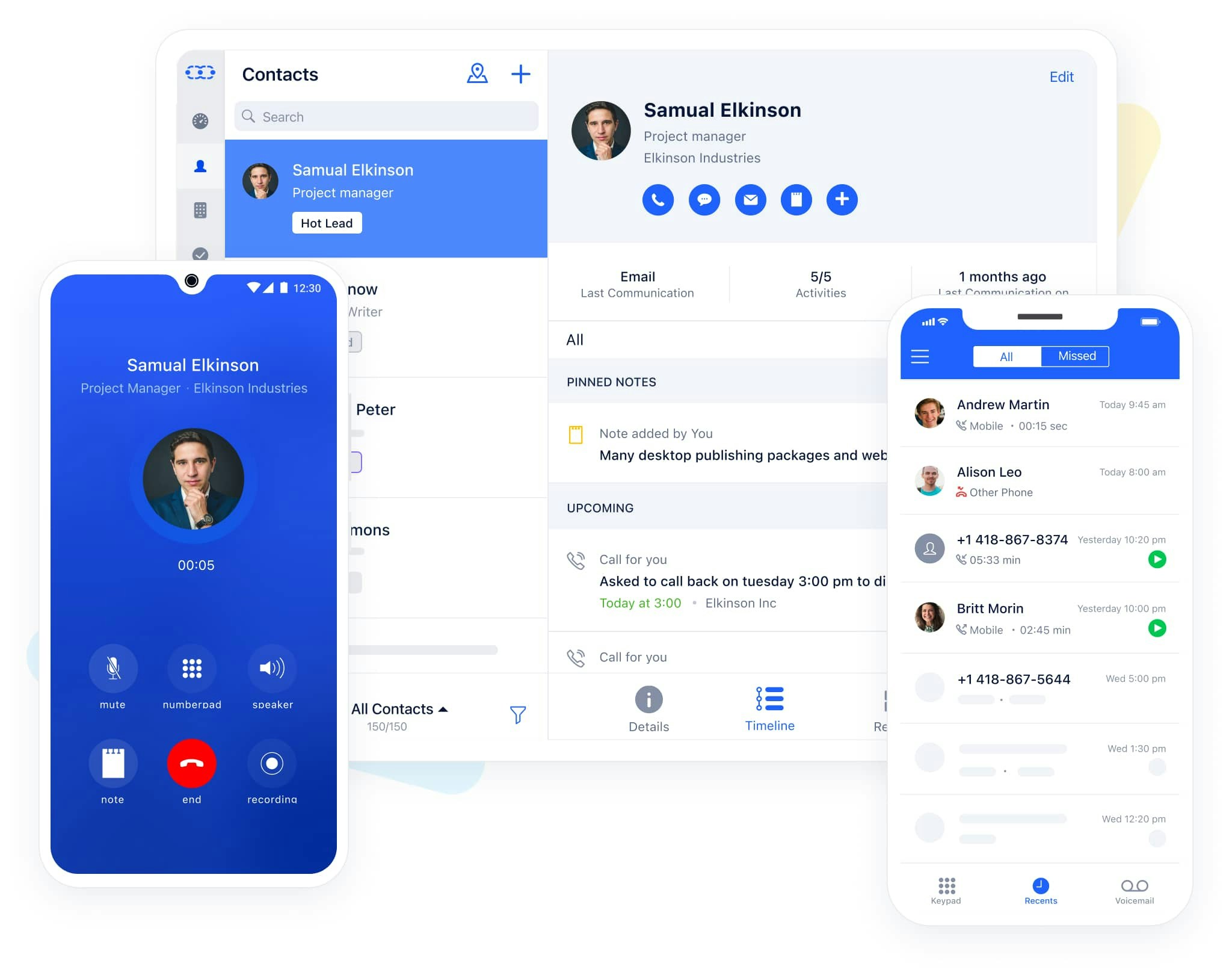 **
**
RingCentral
Available in the Pro Plan and above.
- RingCentral’s cloud phone system brings VoIP-based calling capabilities to Skara. With the native RingCentral integration, you can make and receive calls directly from Skara with a click of a button. All incoming and outgoing calls can be logged and recorded* effortlessly. Sales teams can save hours per week by dialing calls and logging the conversations by leveraging this powerful integration. Recorded calls are a great way to monitor and improve sales pitches and client conversations. Skara will automatically capture all incoming calls received when you were away and allow you to quickly log them later. How to activate RingCentral
Dialpad
Available in the Pro Plan and above.
- Dialpad is the most modern business communications platform. Taking into account every form of communication that you rely on and unifying it into one app. Calling a client? Meeting with your team? Texting a colleague? It’s all here, on all your devices. How to activate DialPad
JustCall