- *Available in the Pro Plan and above.
- ** Note: The user email id on Salesmate and DialPad should be the same then only it will allow you to send or receive a text in Salesmate.Dialpad is the most modern business communications platform. Taking into account every form of communication that you rely on and unified it into one app. Calling a client? Meeting with your team? Texting a colleague? It’s all here, on all your devices.Installing / Uninstalling the Dialpad app (Only for Admin)

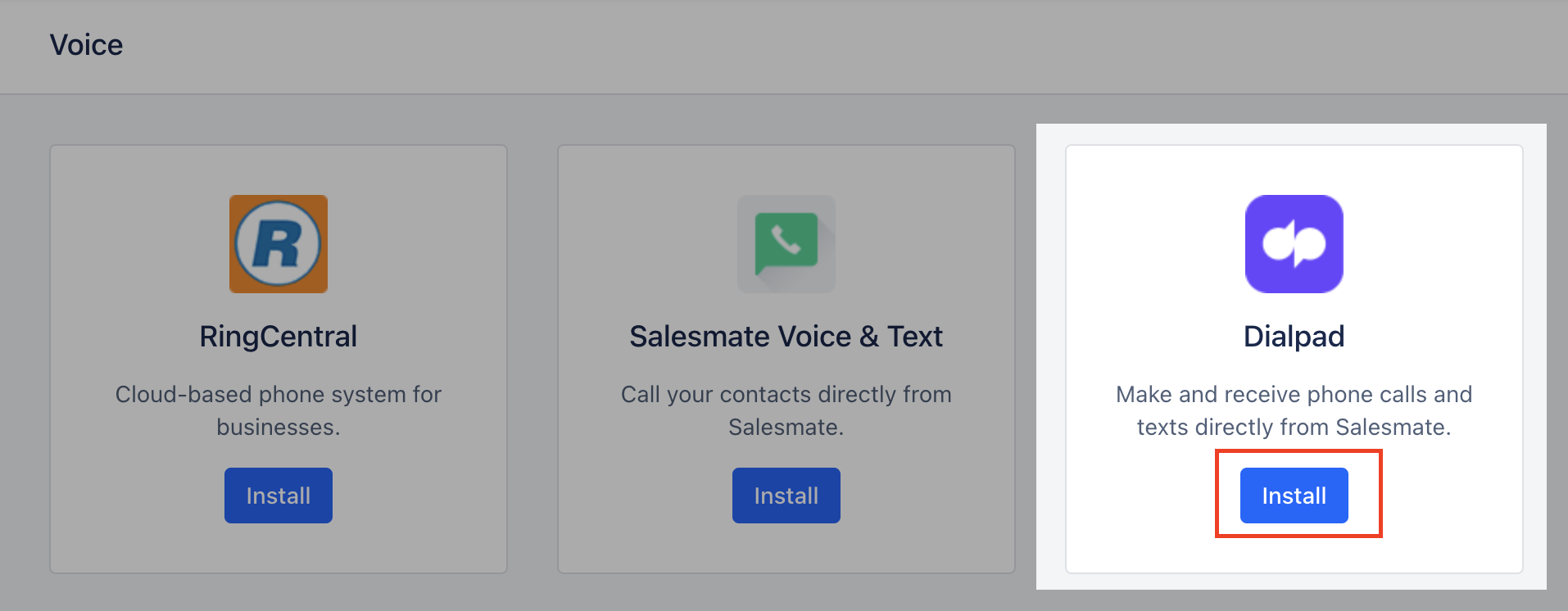
- Dialpad* Click on “Install” to install the Dialpad
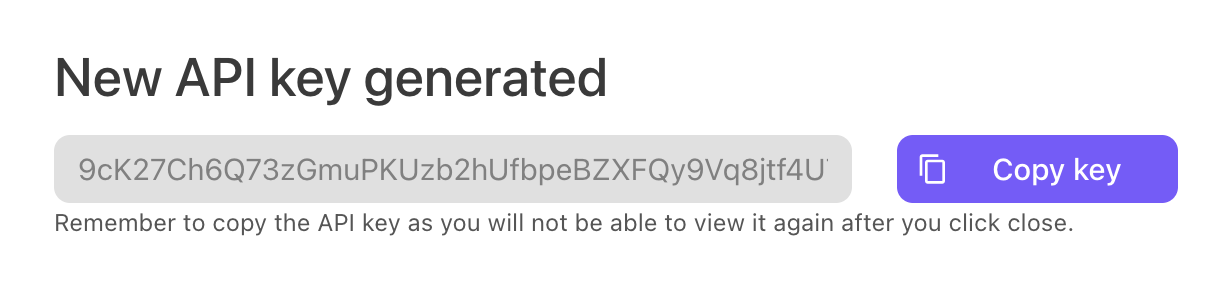
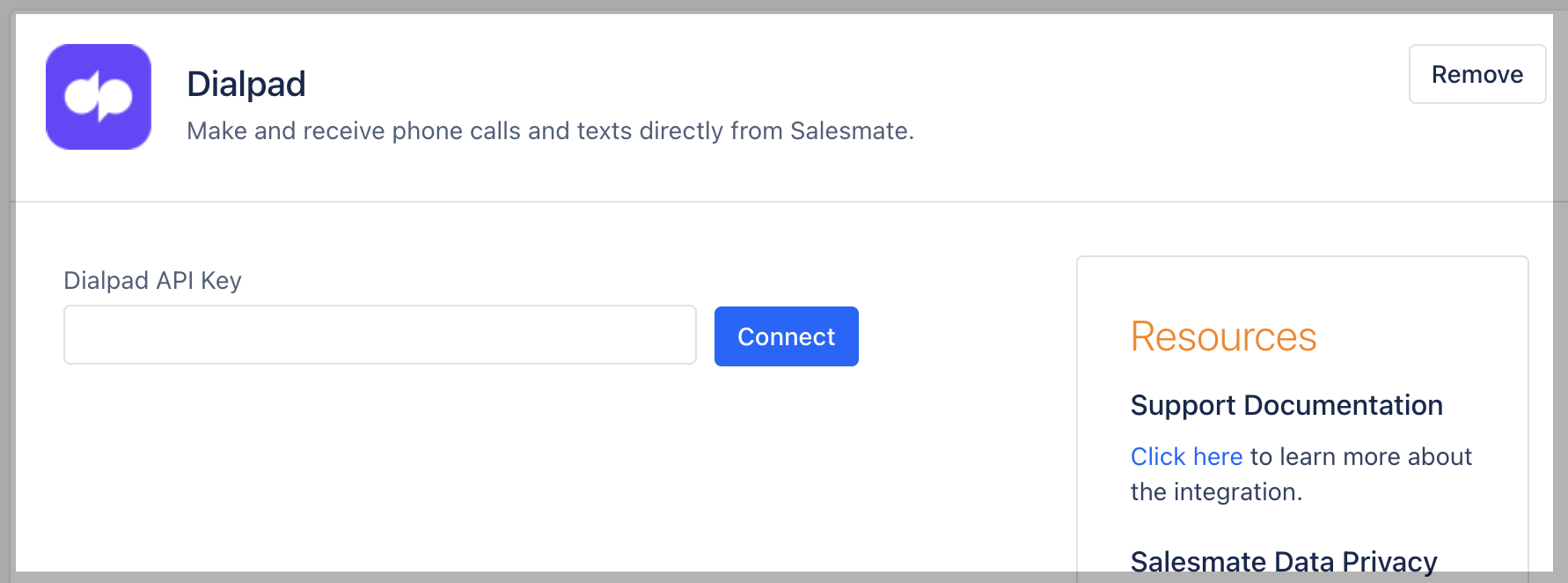
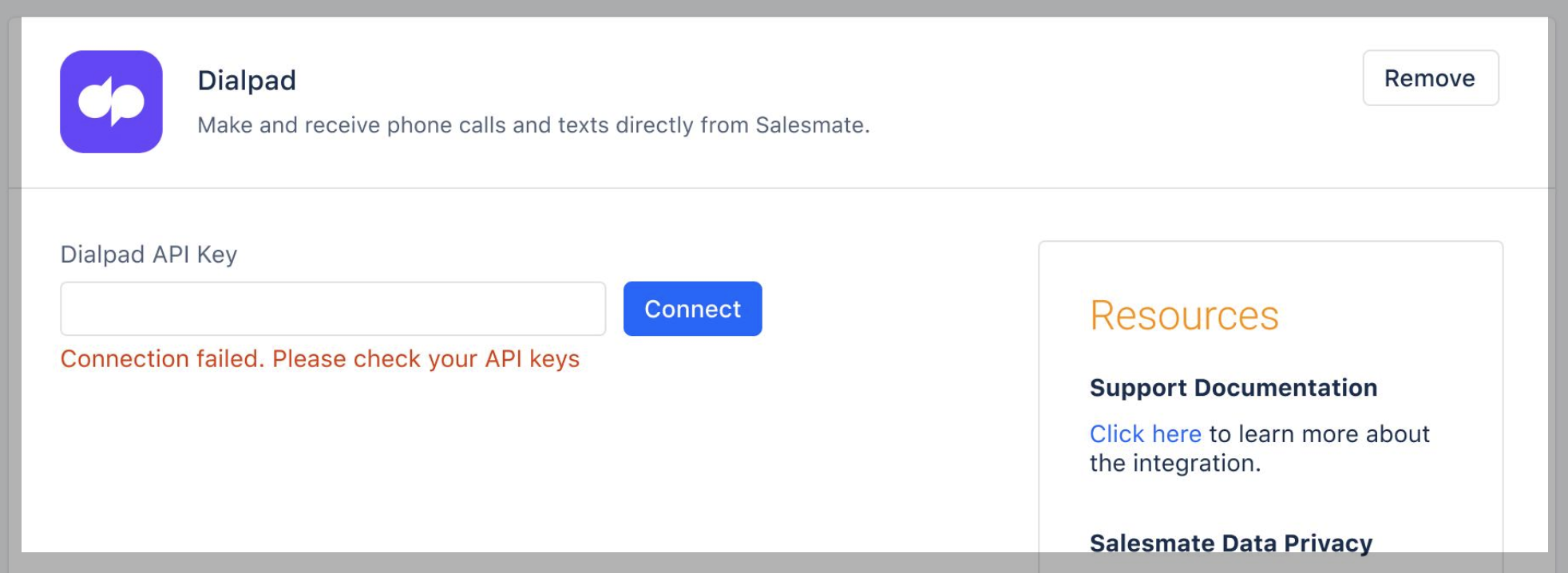
- Dialpad API keys can be generated from the native Dialpad account.
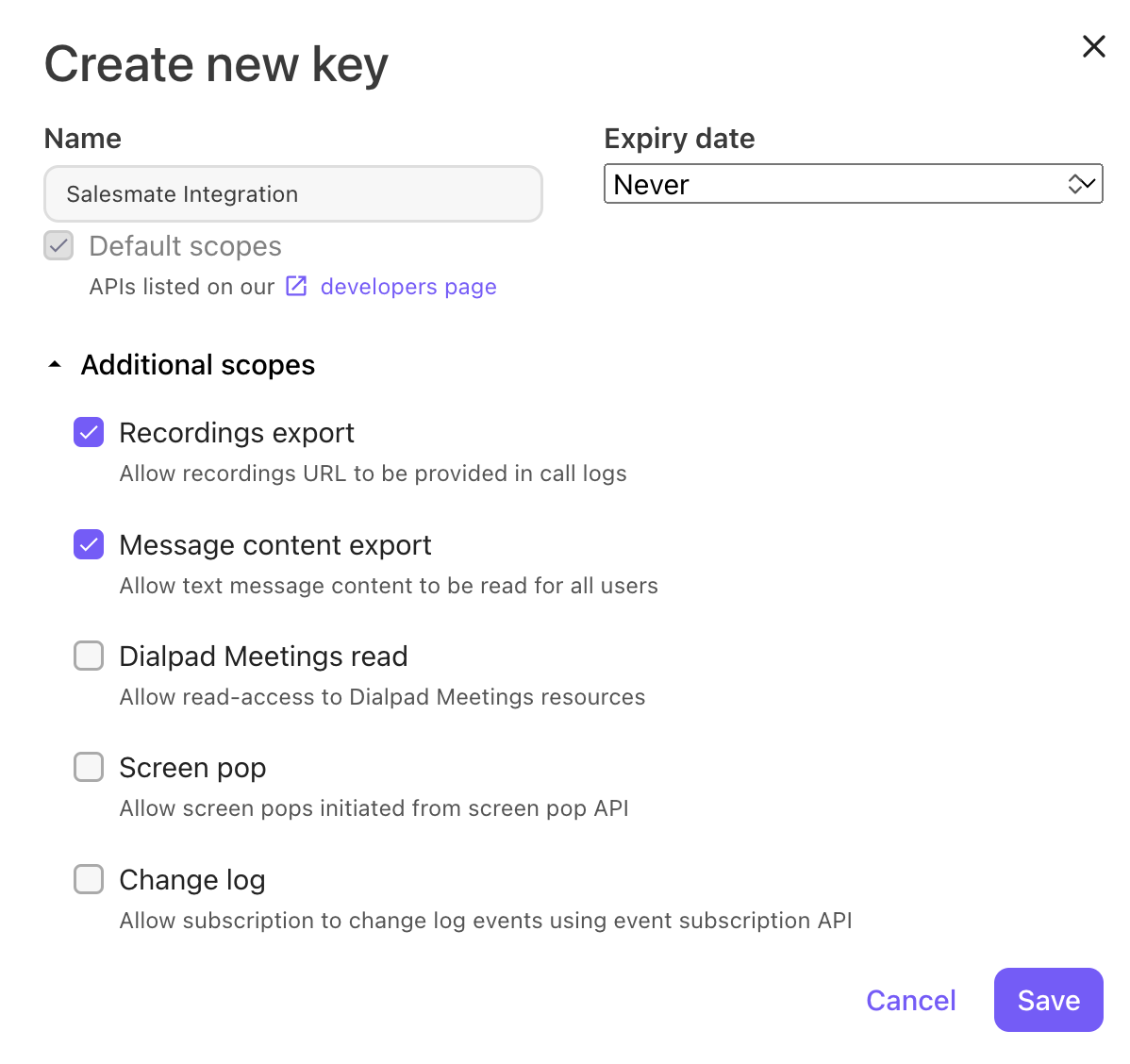
- Create Dialpad API Key
- **Navigate to My Company Select Authentication Select API Keys Select Add key Enter the API key’s name and expiration termsSelect desired Additional Scopes For Call Sync (Recording export should be selected)For SMS Sync (Message content export should be selected)
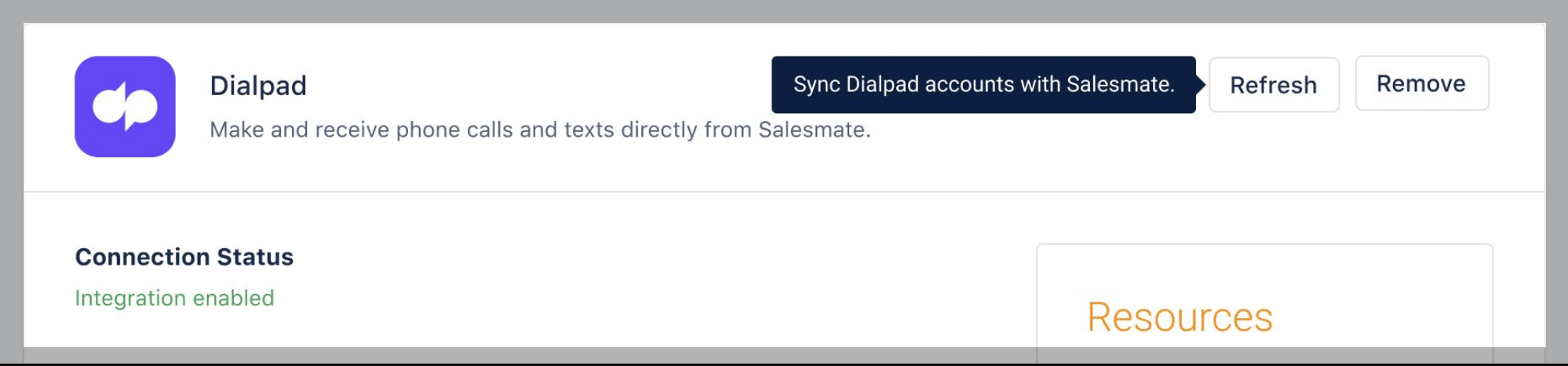
- ** Choose a user to assign calls and texts from unmatched users (not available in Salesmate). (Refer to Calling via Dialpad)
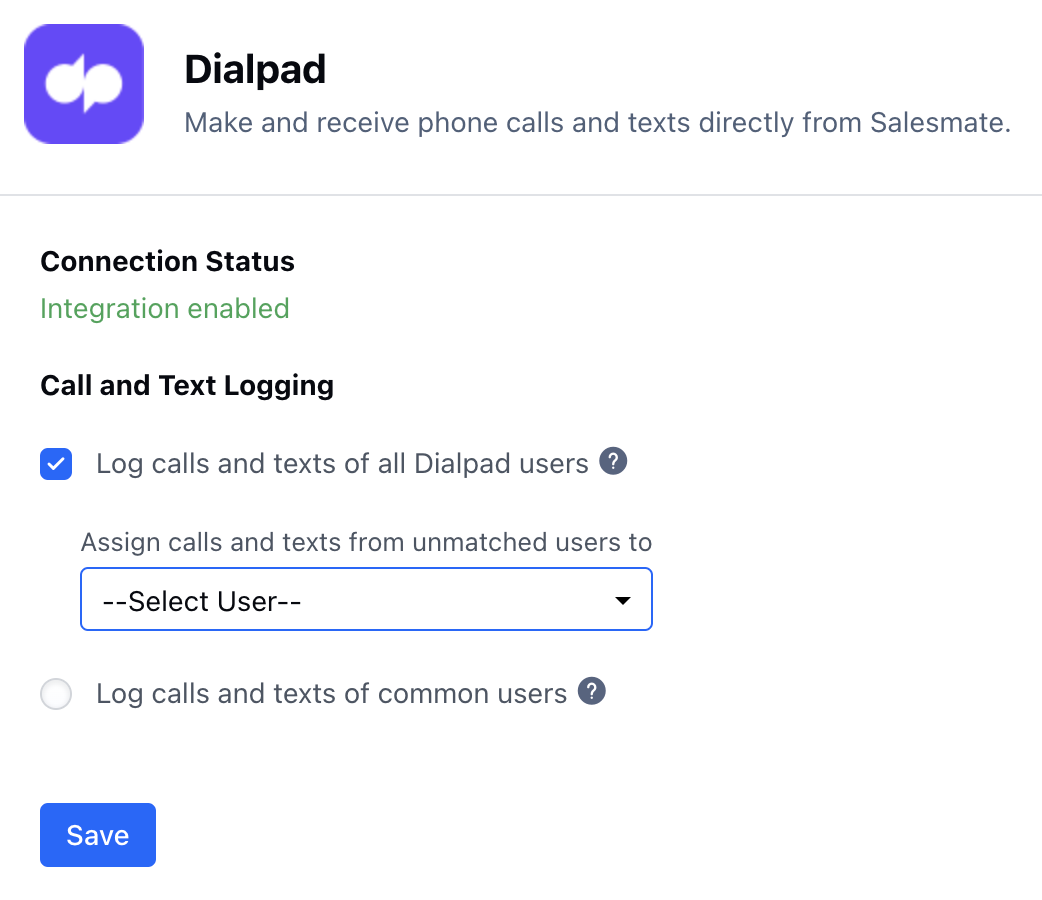
- *Log calls and texts of the users having both Salesmate and Dialpad accounts.
- **The users are auto matches based on their email.Log calls and texts of all Dialpad users (Default: Enabled)Log calls and texts of common usersClick “Save”**To uninstall the DialPad app.
-
**Navigate to the Profile Icon on the top right cornerClick on Setup Head over to Voice & Text categoryClick on Voice Apps
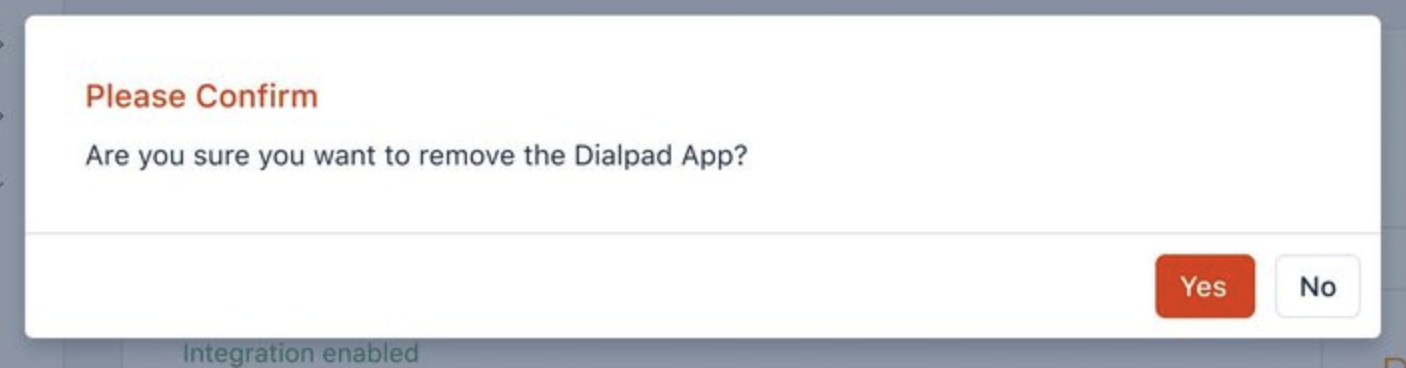
- Dialpad* Click on “Remove” to uninstall the Dialpad You will get a confirmation popup.“Are you sure you want to remove the Dialpad App?Confirm to remove the Dialpad app