

- If Skara cannot identify the visitor as a verified contact i.e. the email shared by the visitor belongs to him or not, then messenger will show an impersonation warning with every chat message sent by this visitor.
- Skara will auto consolidate contact information once the visitor is identified as verified contact after login or signup.
- The impersonation warning is removed once the visitor identifies himself by logging in with the same email in Skara.
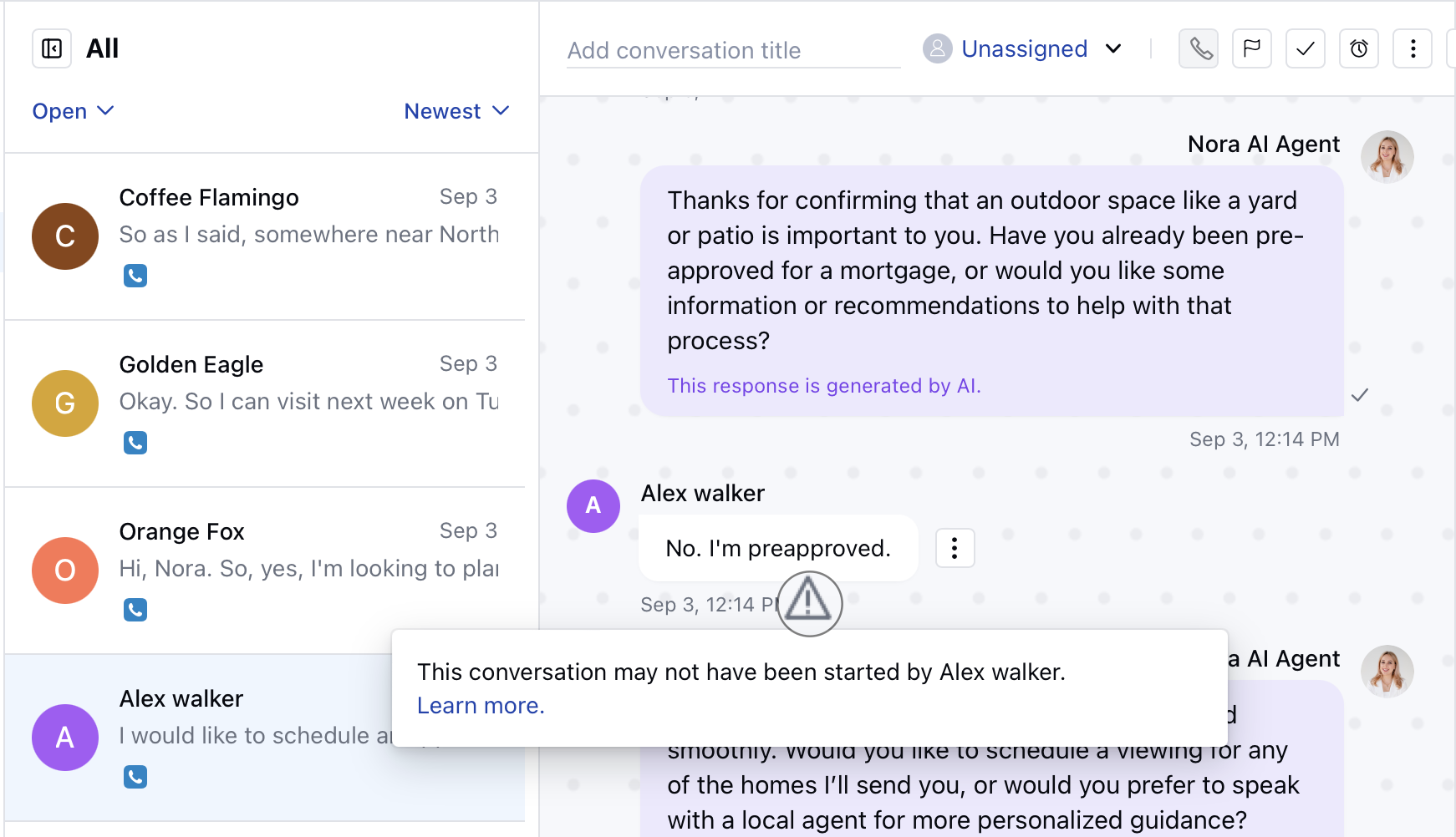
Note: This impersonation warning is only visible on the inbox side to users of the messenger.