You can insert text functions in the Email Template to append, prepend, uppercase, downcase, concat, and remove texts from a particular field. Topics covered:

Append

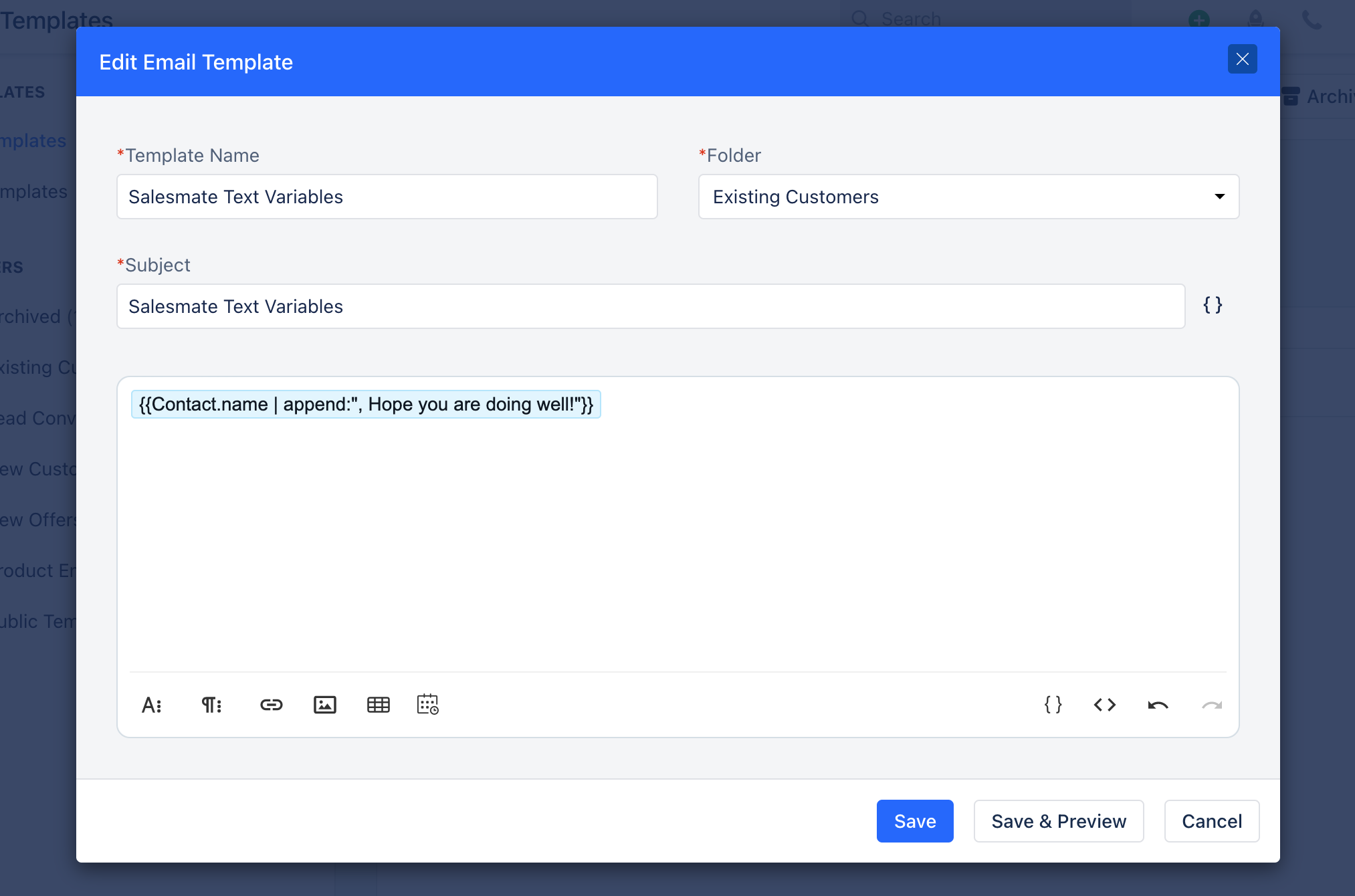
This function appends the text mentioned by you along with the value of the field.
  • Input:
| Append Example :{{Contact.name | append:", Hope you are doing well"!}} |
Screenshot
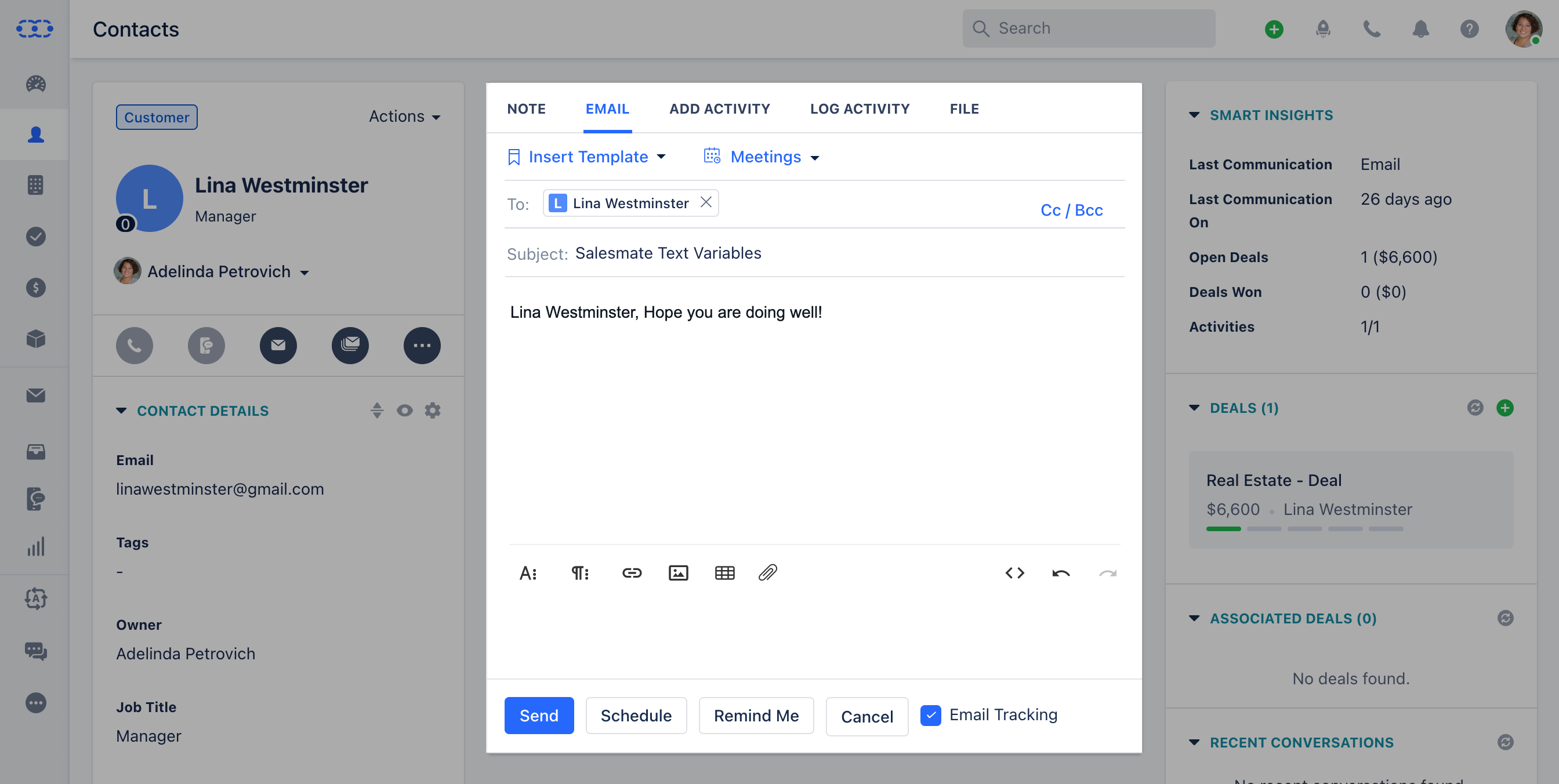
  • Output:
highlighter-rouge
Append Example: {Lina Westminster, Hope you are doing well!}
Screenshot

Prepend

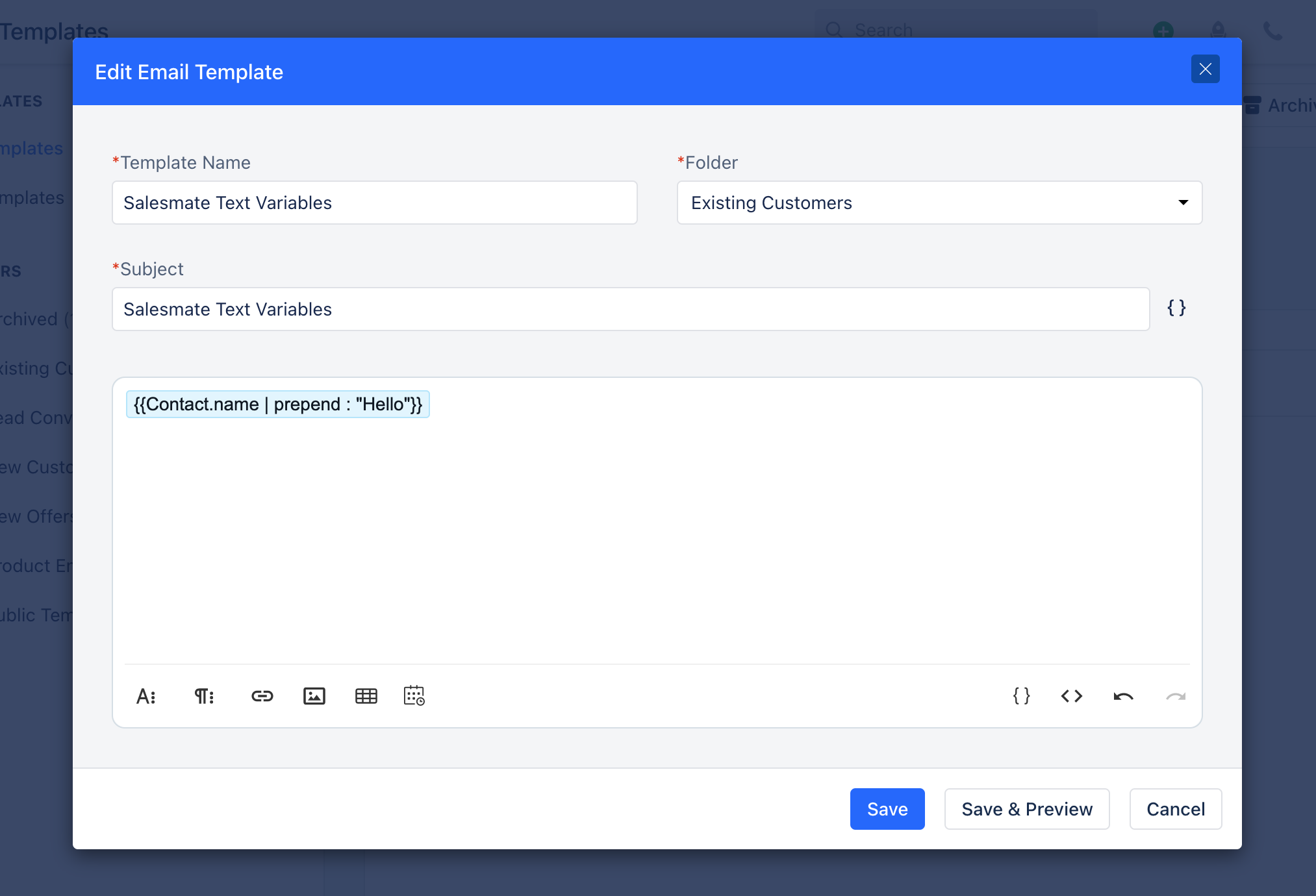
This function prepends the text mentioned by you along with the value of the field.
  • Input:
| Prepend Example : {{Contact.name | prepend : "Hello"}} |

Screenshot
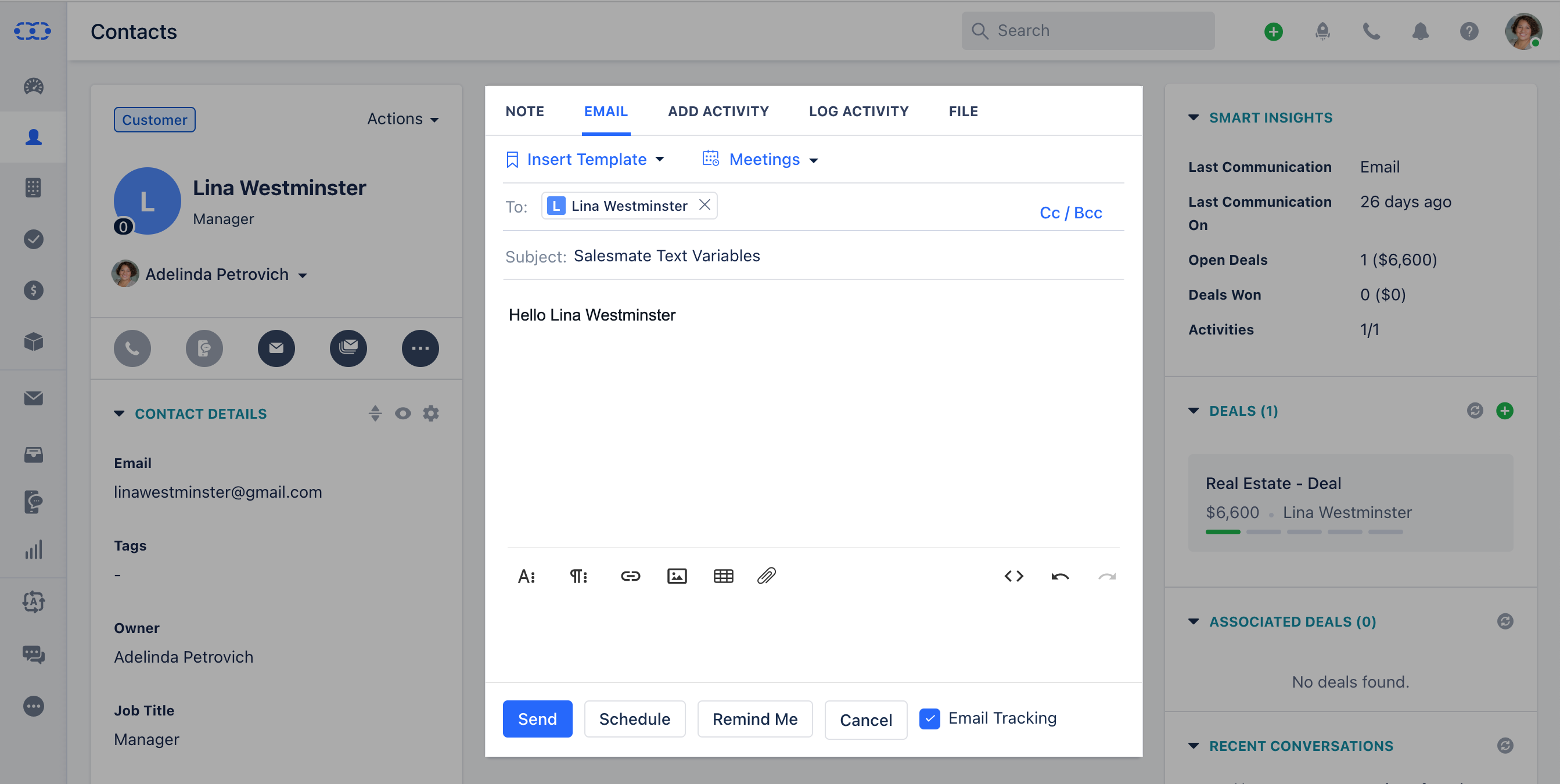
  • Output:
Prepend Example: Hello Lina Westminster
Screenshot

Uppercase

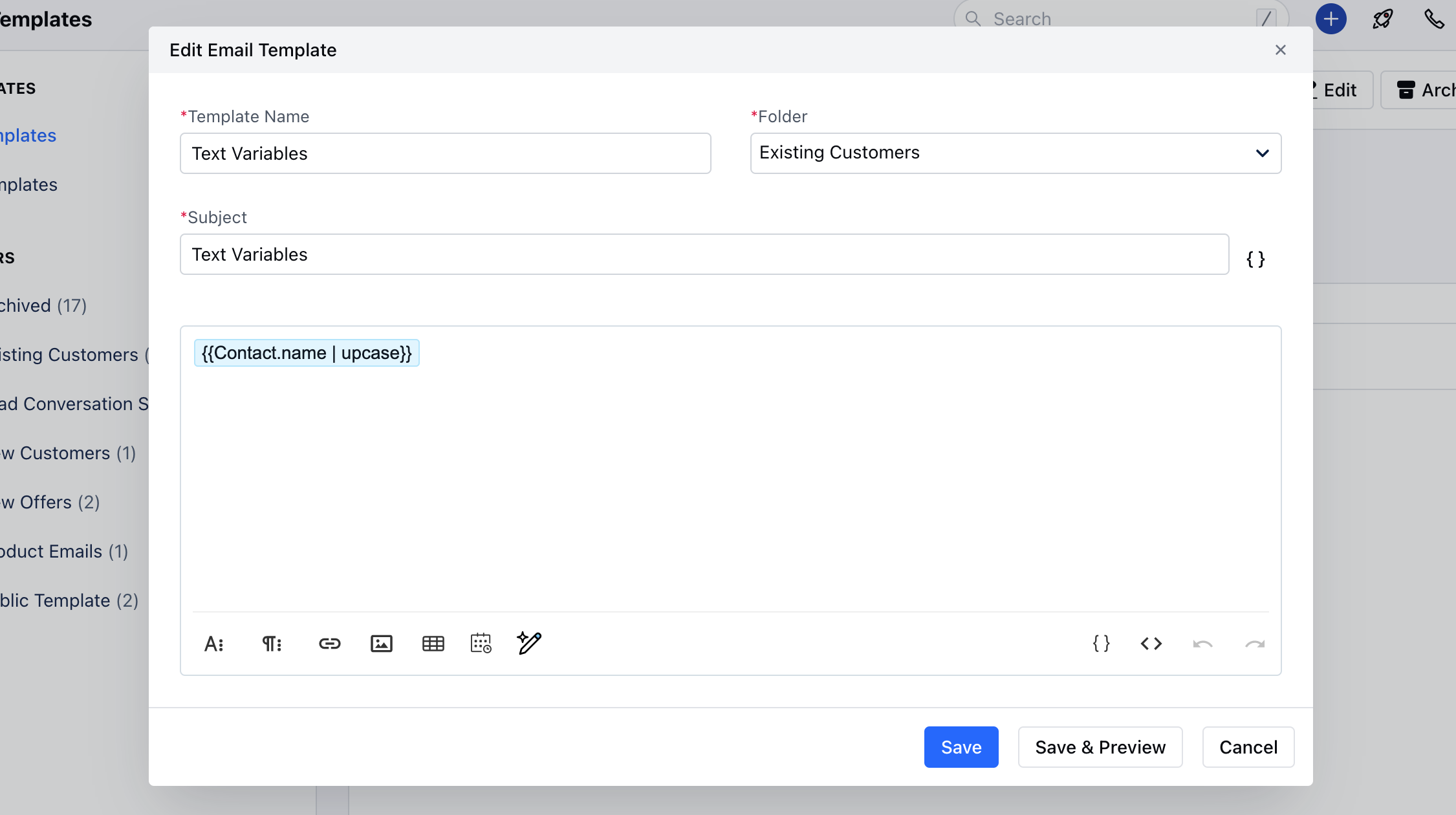
This function converts each character of the word in uppercase. Note: It has no effect on strings that are already all uppercase.
  • Input:
| Uppercase : {{"Contact.name" | upcase}} |

mceclip4.png
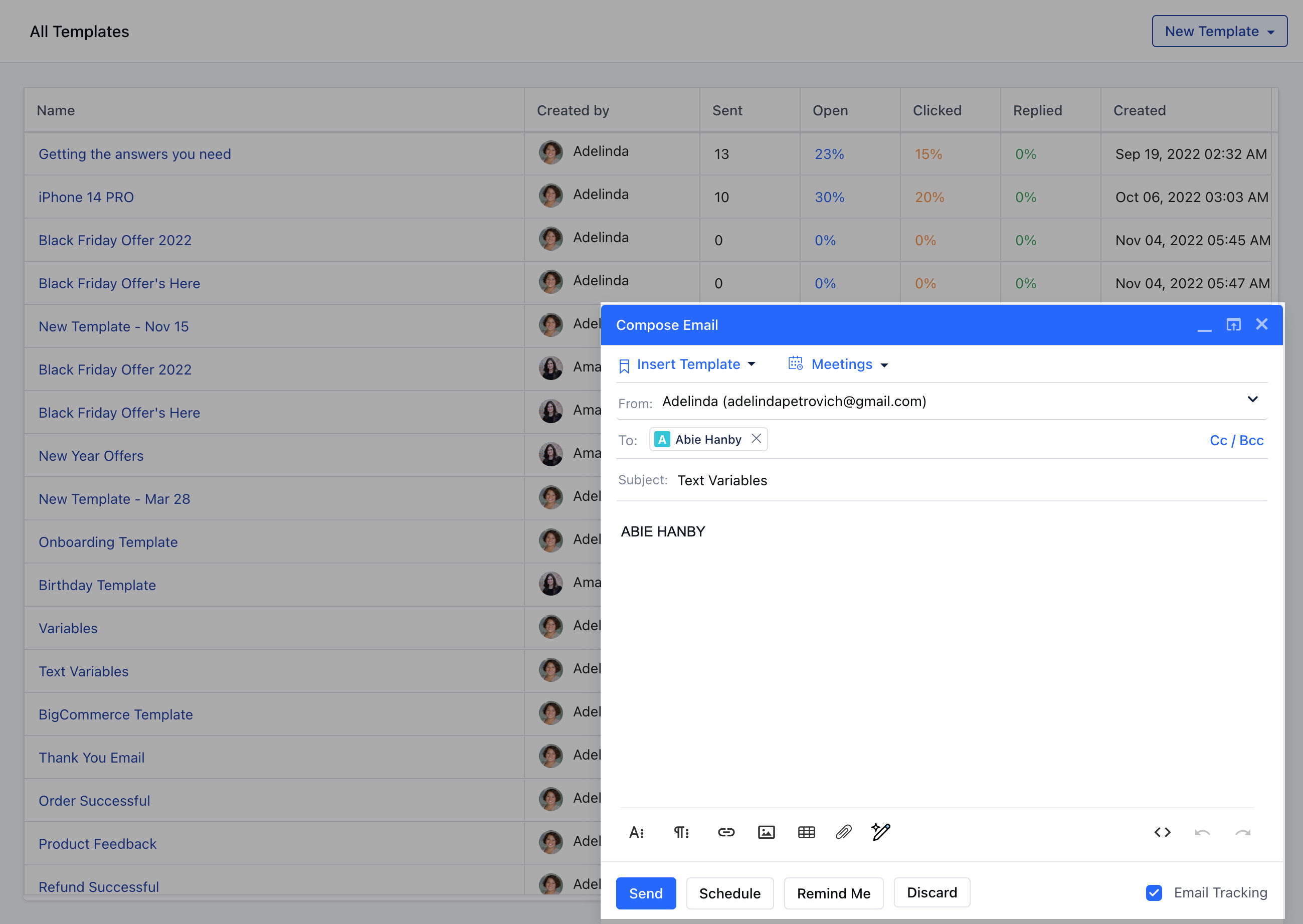
  • Output:
Uppercase: ABIE HANBY
mceclip3.png

Downcase

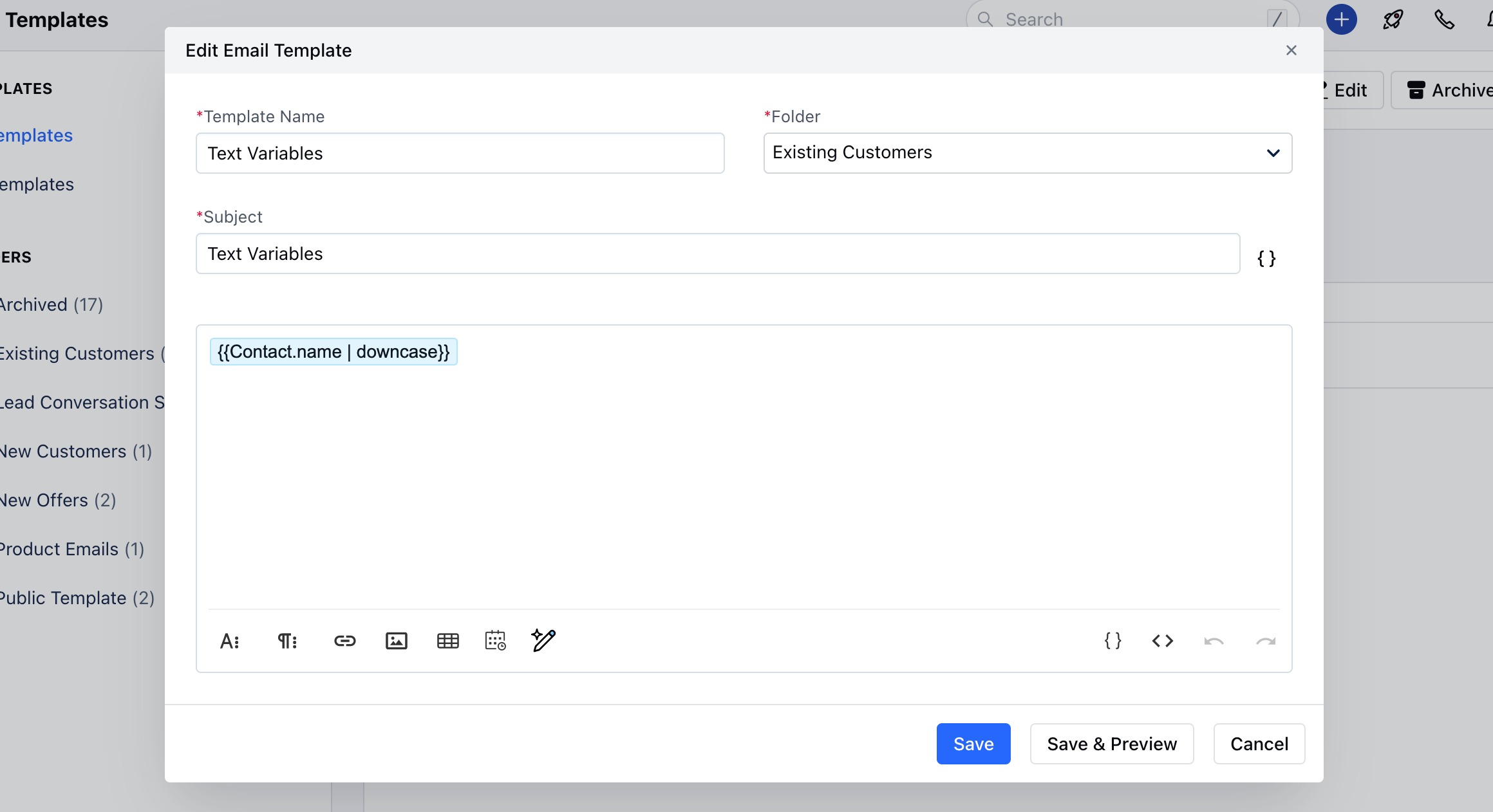
This function converts each character of the word in lowercase.Note: It has no effect on words that are already all lowercase.
  • Input:
| LowerCase: {{"Contact.name" | downcase}} |

mceclip0.png
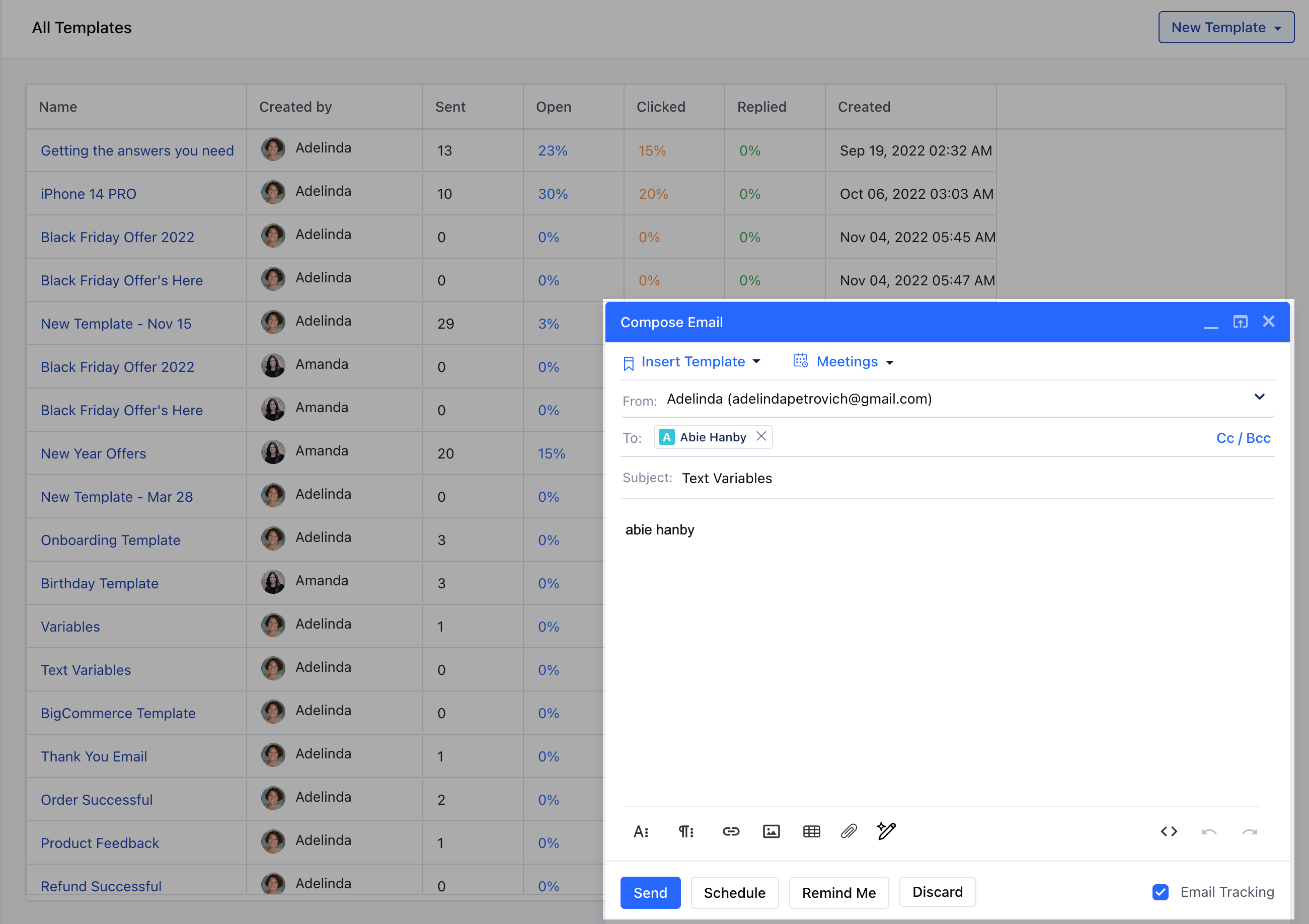
  • Output:
highlighter-rouge
LowerCase: abie hanby
mceclip1.png