

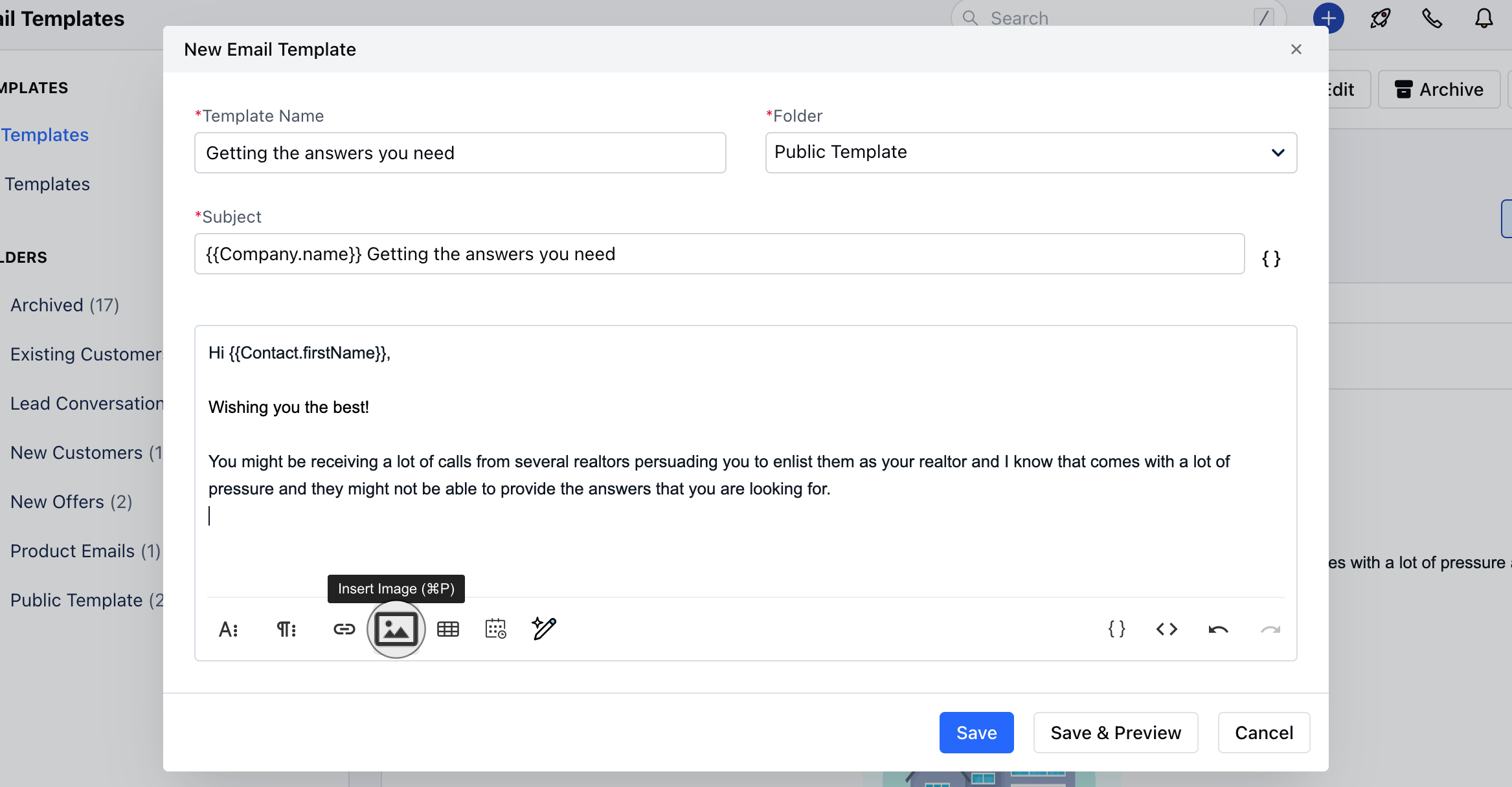
How to upload media files While creating an email template OR defining the email signature you can upload media filesHit the “Insert Image” button
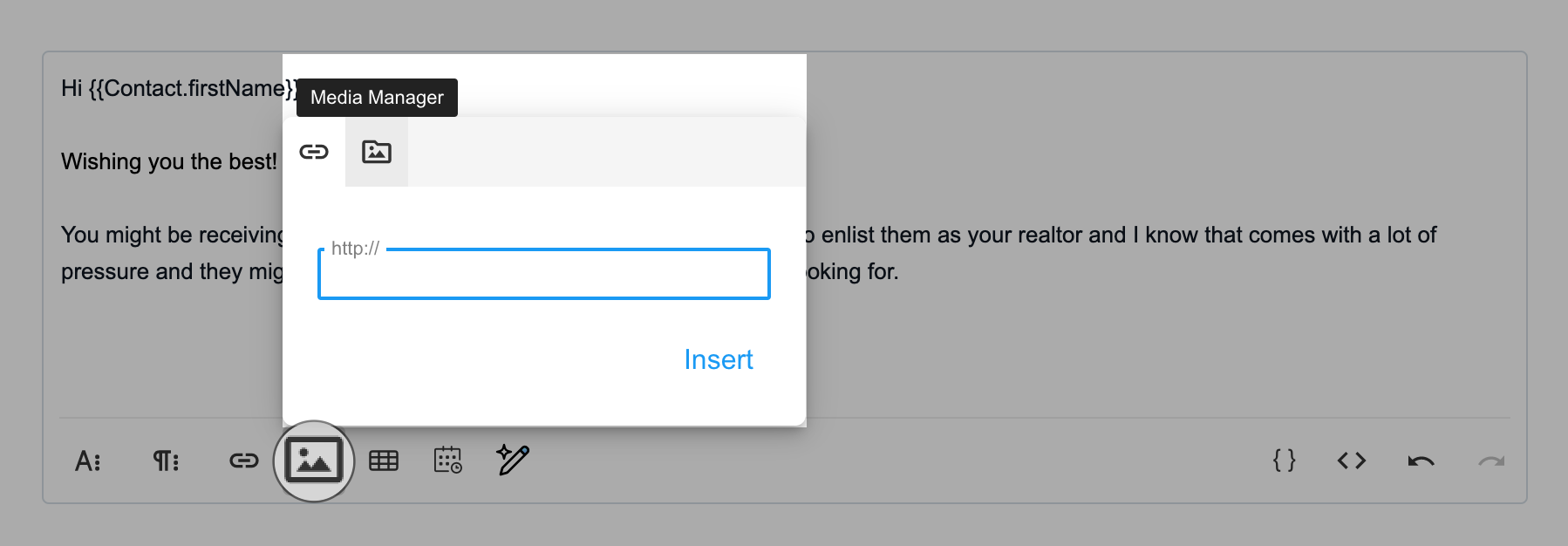

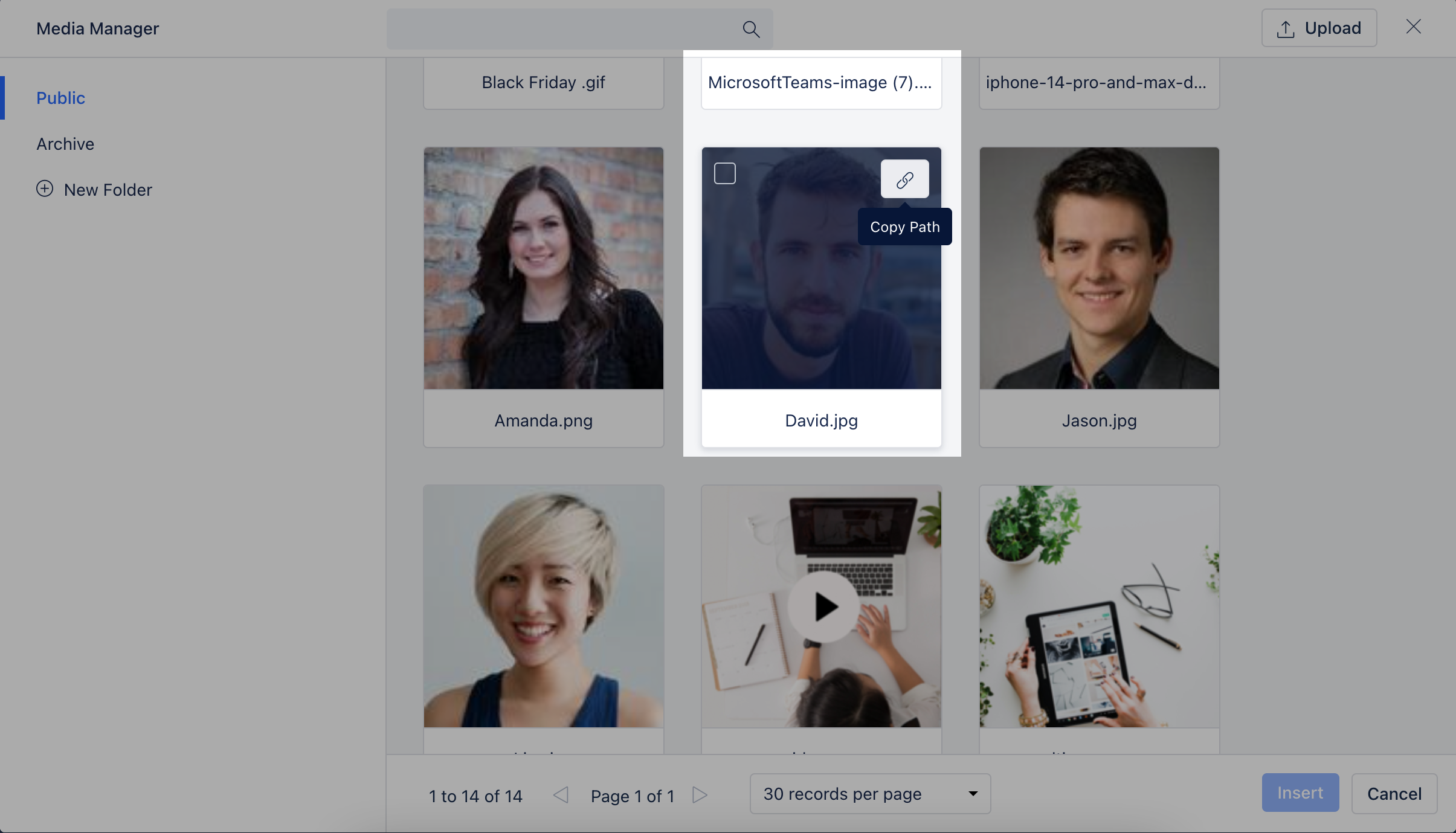
How to insert /use media files Once uploaded the file/s will appear in the respective folder you have uploaded themSelect the image and hit Insert to use the image

- OR Hover over the image and hit the Copy path button to copy the URL path of the image to be used
- *Note:**Any user can upload media files to the media managerFiles supported: JPG, JPE, JPEG, GIF, PNG, and BMP image files.No single file can be more than 1MB.
** Other Options in the Media Manager:Move files between folders **Archive / Unarchive Files.
- **Archived files:**It will not have any impact on your templates or already sent emails. You will not be able to use them in the future.
- **Delete files **: If these files are used anywhere in a template or sent emails then it will appear as broken.