

Topics covered:
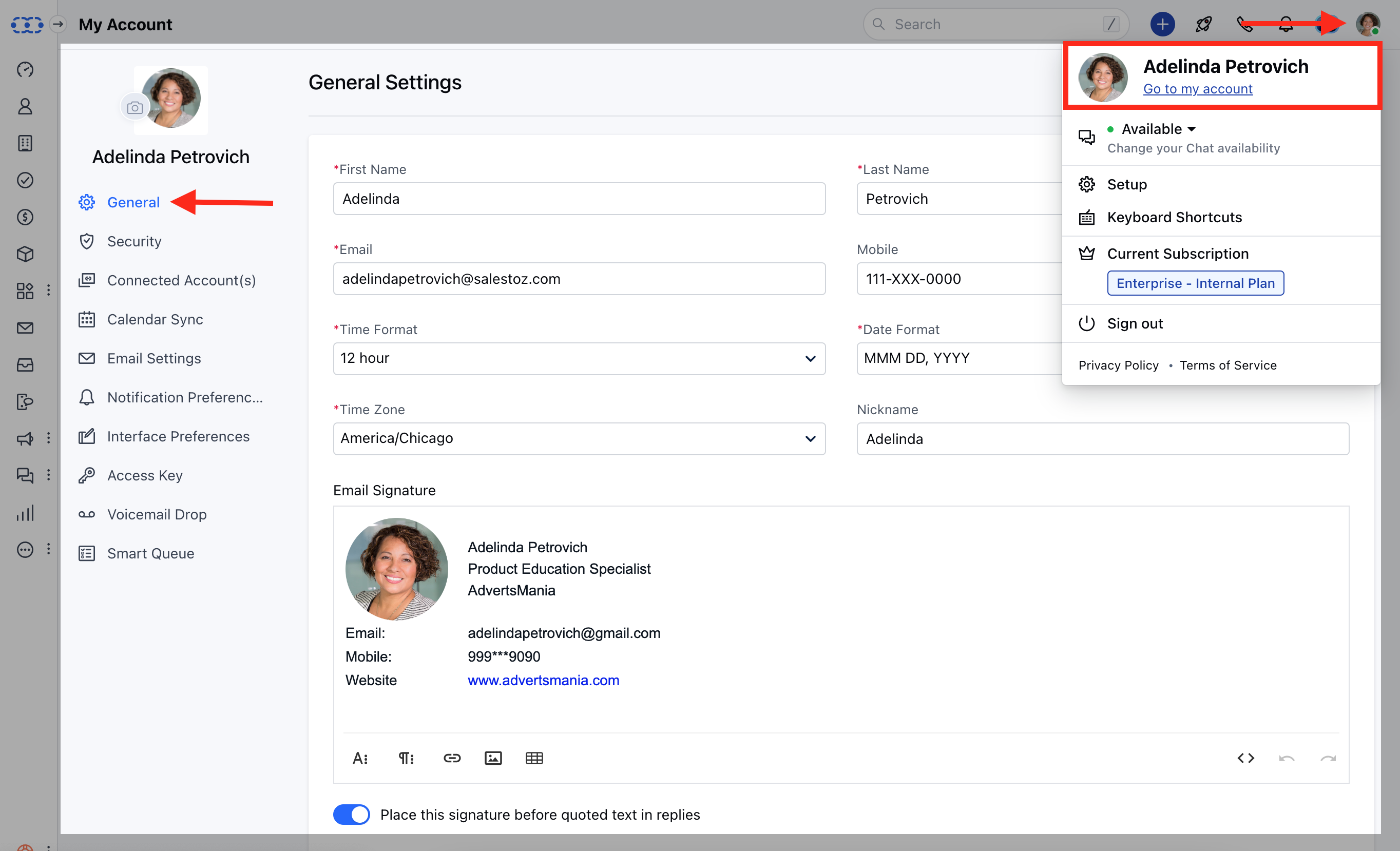
Adding your Signature
To add your email signature in Salesmate, Navigate to the Profile icon on the top right cornerClick on **Go to my Account.- **Under the General Settings towards the end of the page add your Email Signature
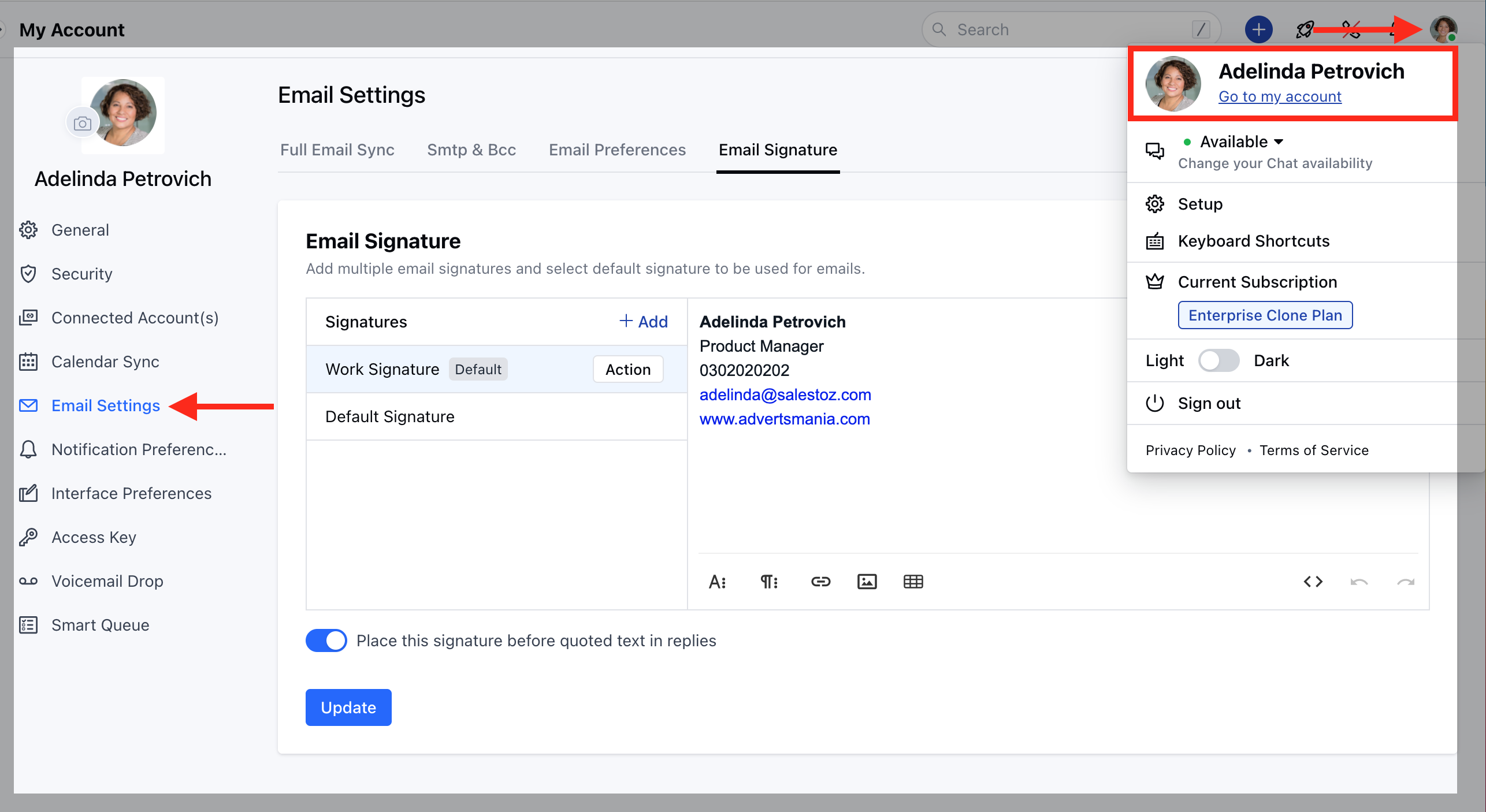
Adding Multiple Signatures
Navigate to the Profile icon on the top right cornerClick on **Go to my Account.- **Head over to the Email Settings Click on the Email Signature
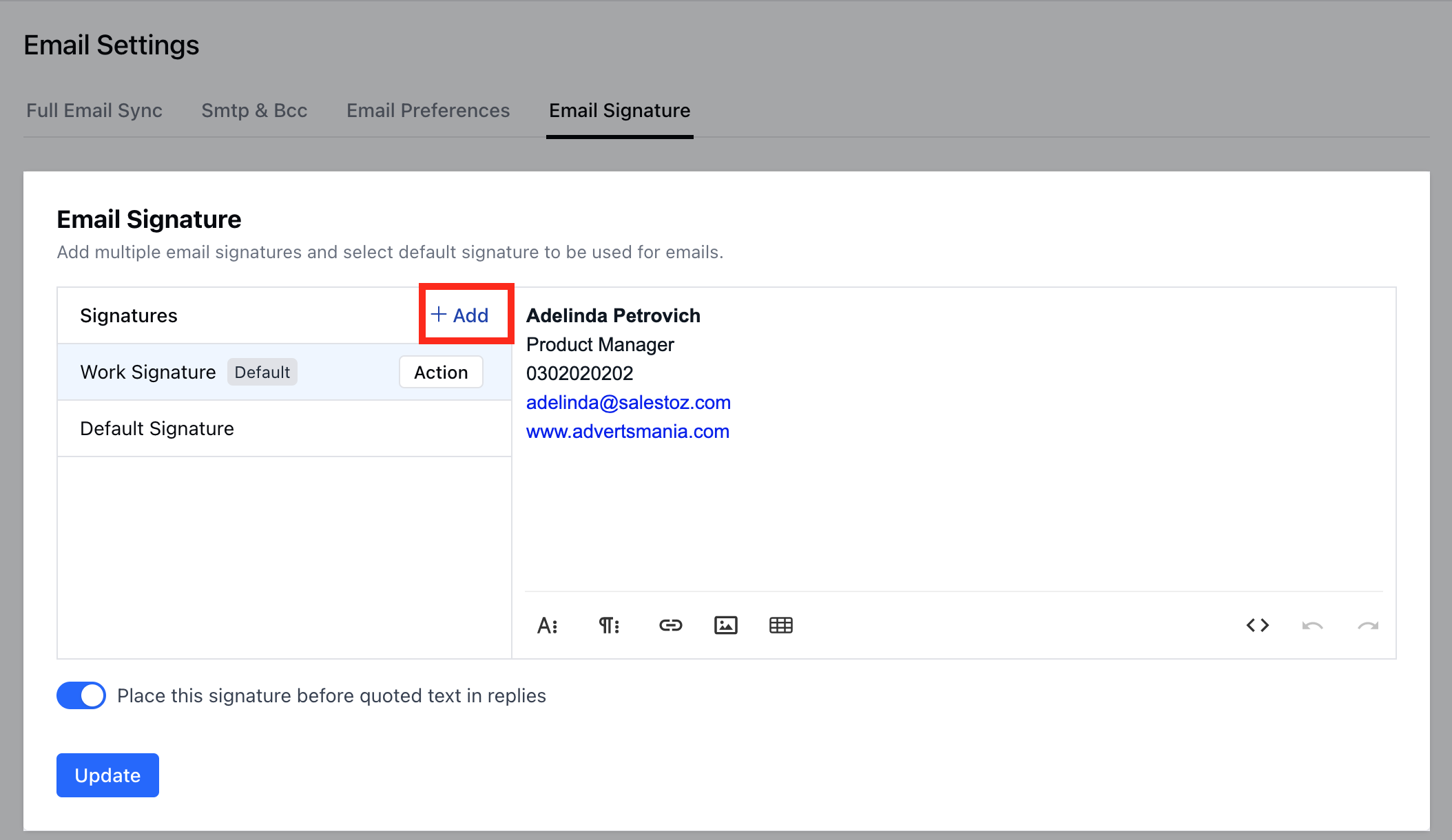
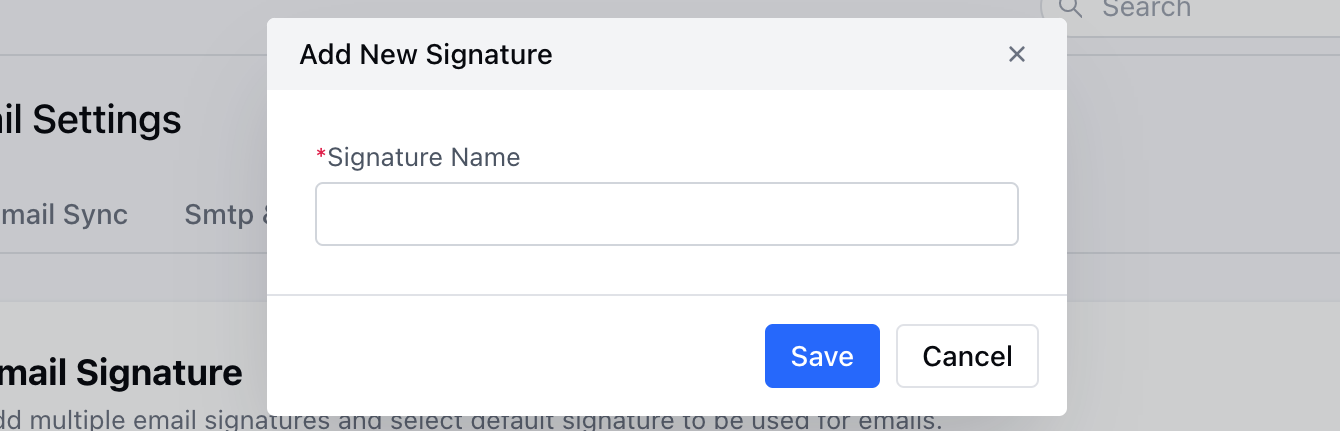
 **Note:**Select the position of the email signature - “**Place this signature before quoted text in replies **“HTML is supported by the email signature too. You can do so by adding the HTML source via button.The selected Default Signature would be used in Emails