

Topics covered:
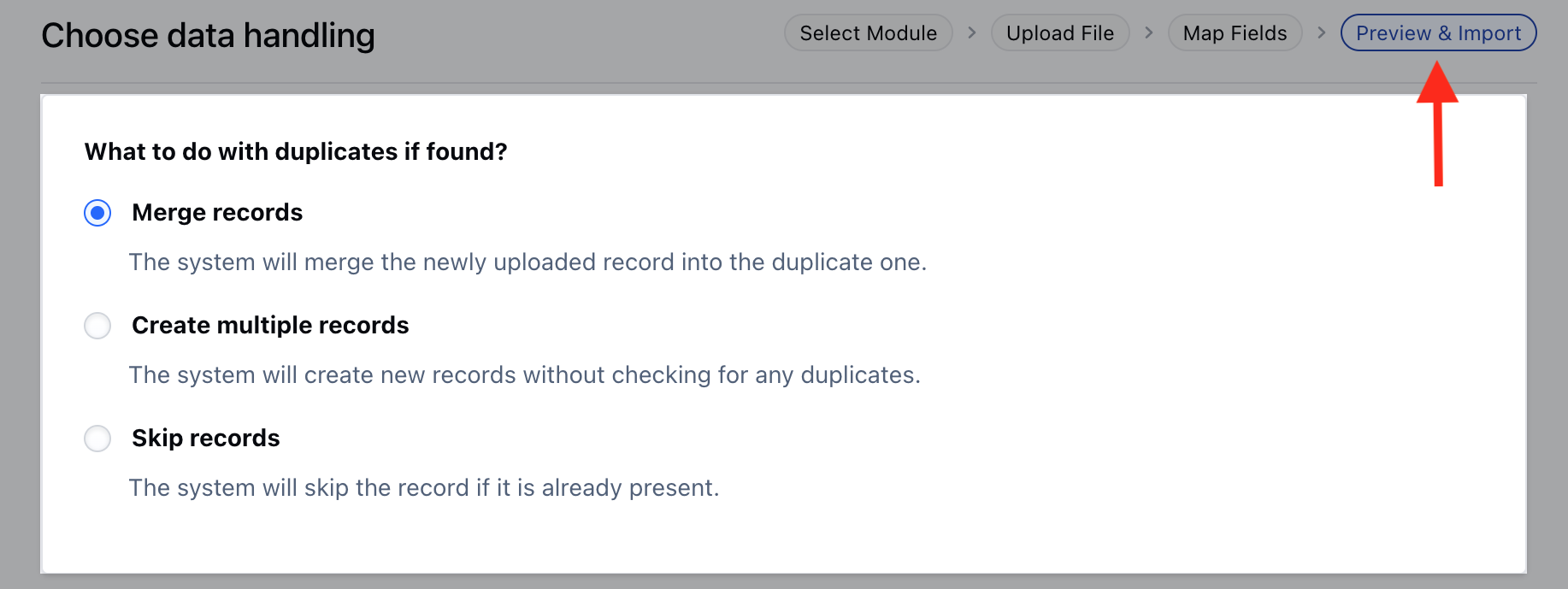
How to avoid duplicates:
The options are:- Merge Records: It updates an existing entry with the new fields if any and wipes off fields that are left blank. In case you do not wish to update a specific field you can skip it while in the mapping for import.
- Create multiple records : This will not check for duplicates and create a new record.
- Skip records : It will ignore the data fetched from the sheet and keep your record as it is.
Merging Duplicate Records
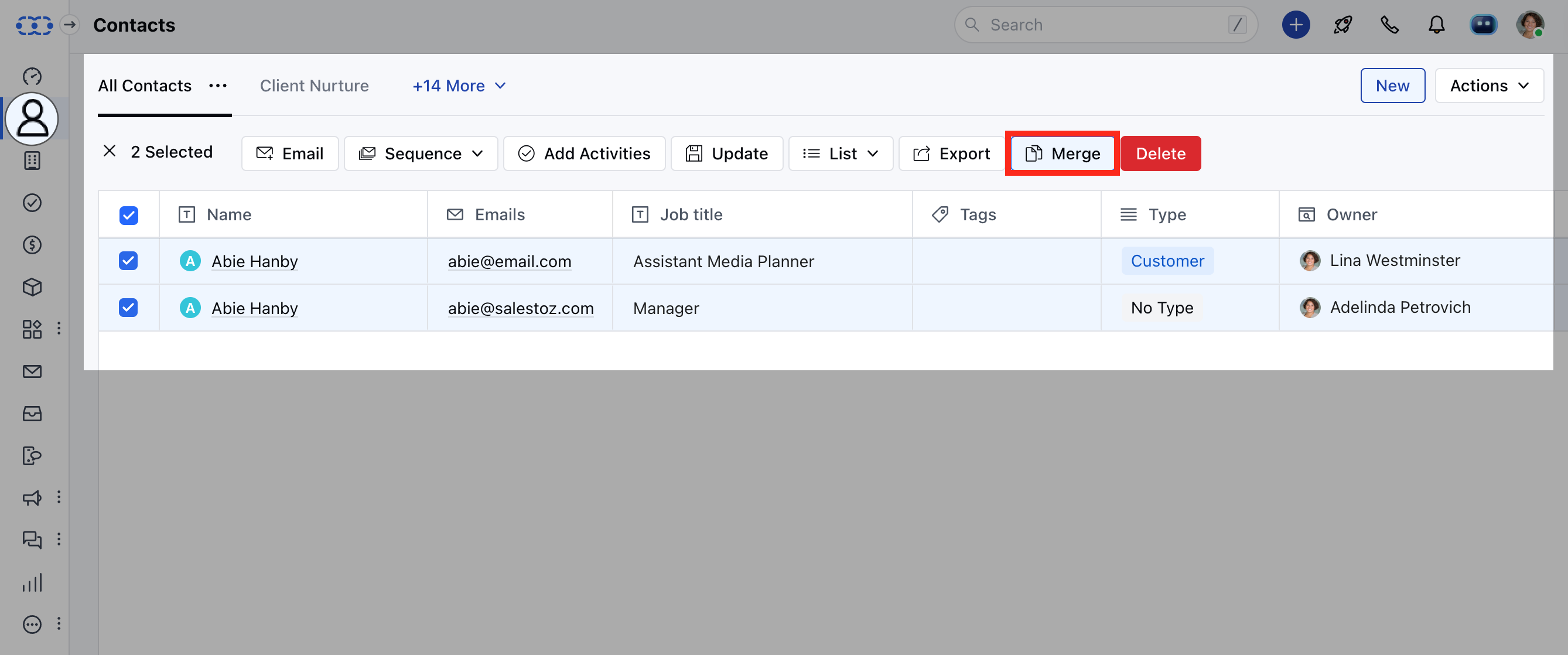
To merge the duplicate records,- Navigate to the preferred Module from the left menubar (Contacts, Companies & Custom Modules)
- Search for the contacts that you wish to merge. You can merge a maximum of 3 records at a time.
- Click on Merge. Learn More
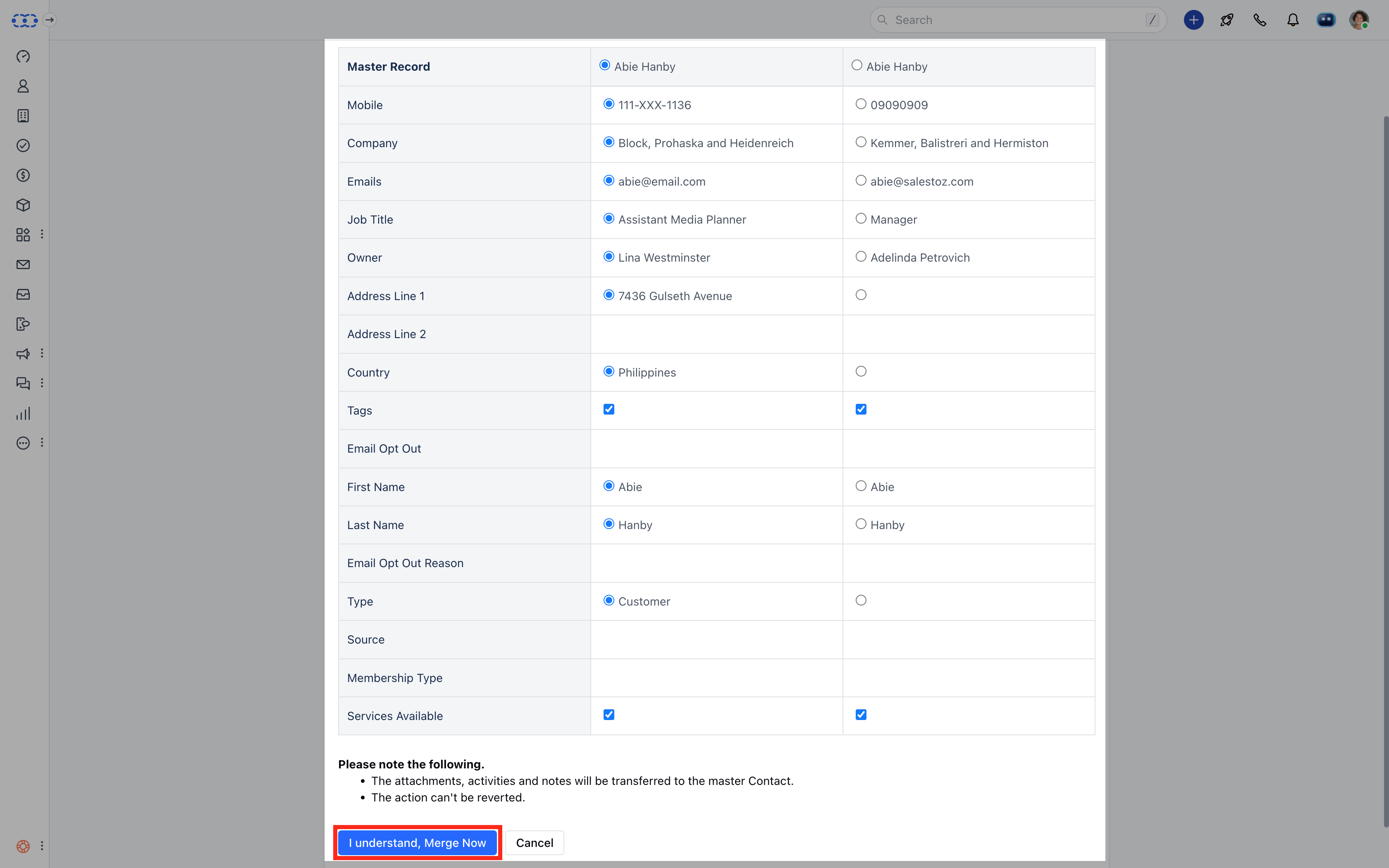
- Select the fields you want to keep in your master record.
- Click on I understand, Merge Now to combine the records.
Note:
- Max of three records can be combined into one master record.
- All your conversations ( notes, emails, activities, deals ) with all the records, will be merged into one master record.