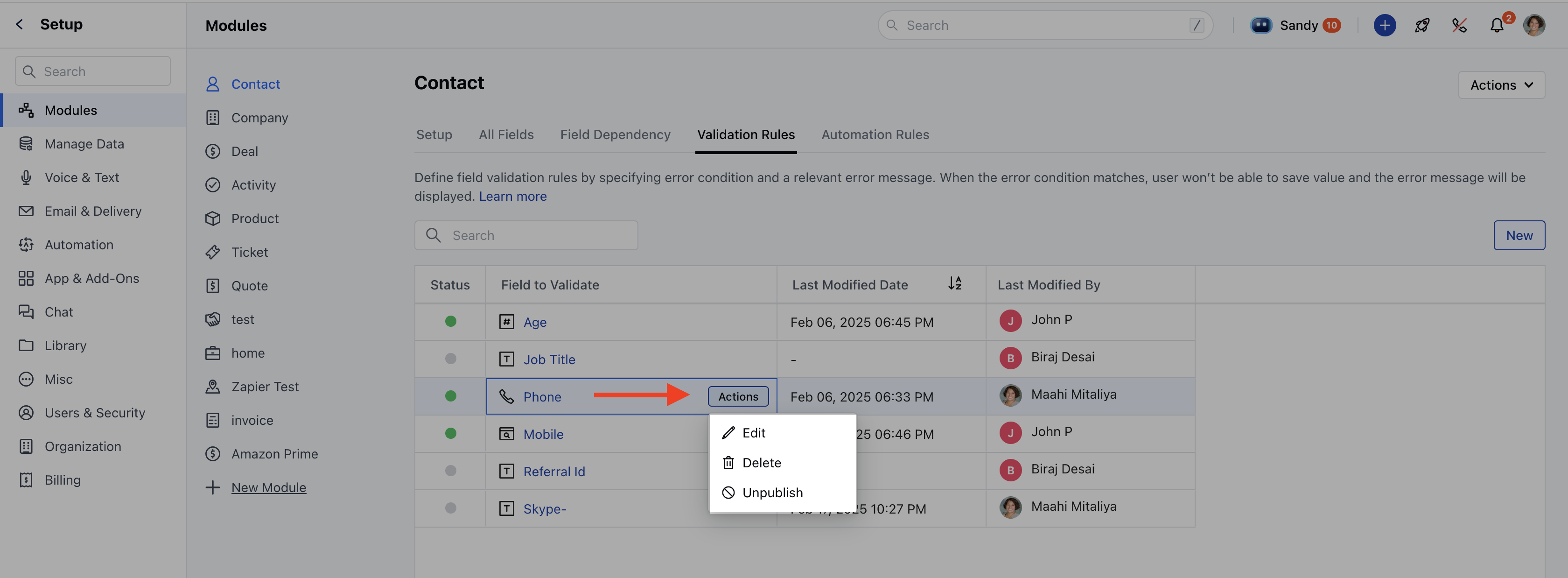
- Field to Validate: Specifies the field on which the validation rule is applied.
- Last Modified Date: Shows the most recent date when the rule was modified.
- Last Modified By: Displays the name of the user who last modified the rule.
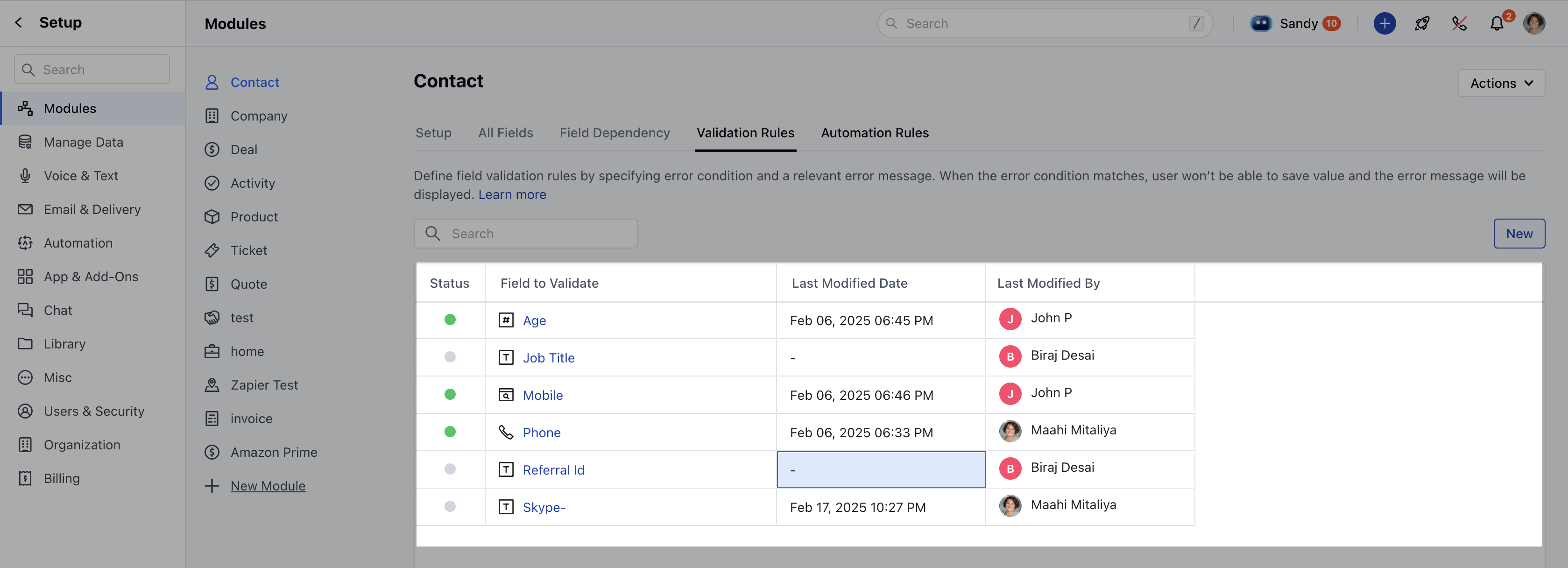
Sorting & Searching
Sorting can be applied to the Last Modified Date column.The default sorting is ascending based on the Field to Validate column.Users can search for rules by entering field names in the search bar.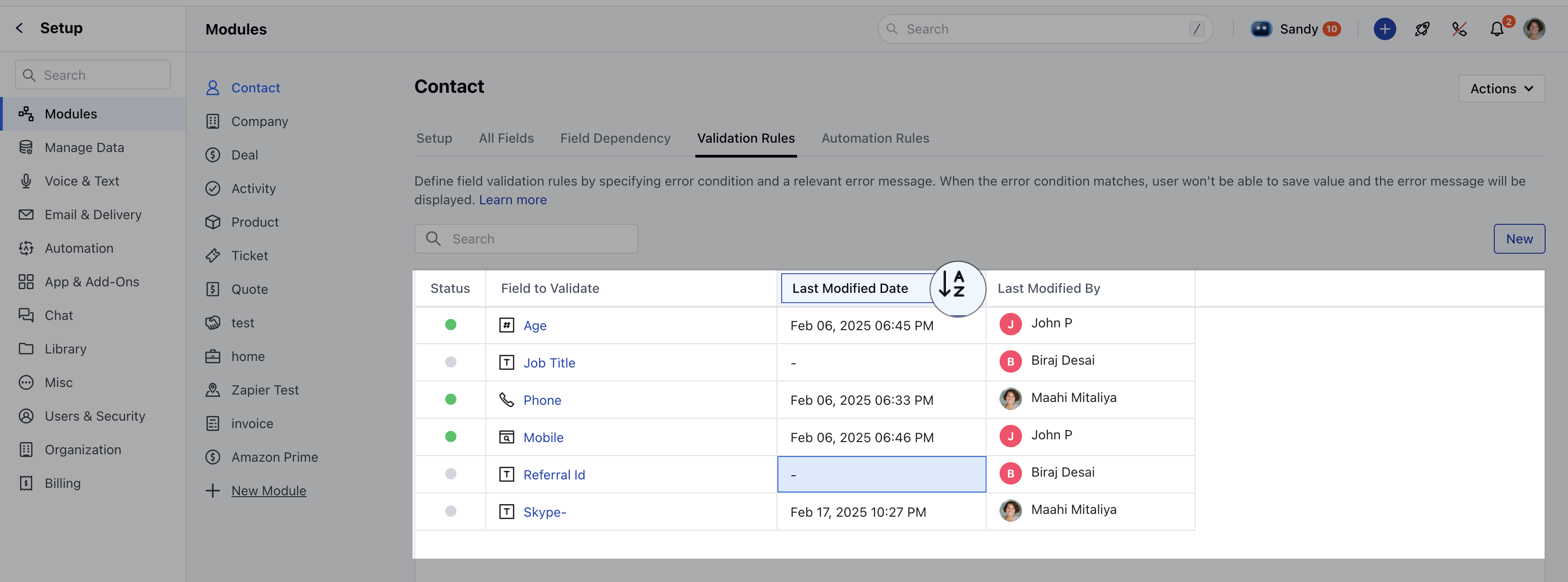
Actions
Users can perform the following actions on validation rules:Edit: Modify the rule as needed. Learn MoreUnpublish: Available only if the rule is currently published.- Delete: Remove the rule permanently.
- Learn More