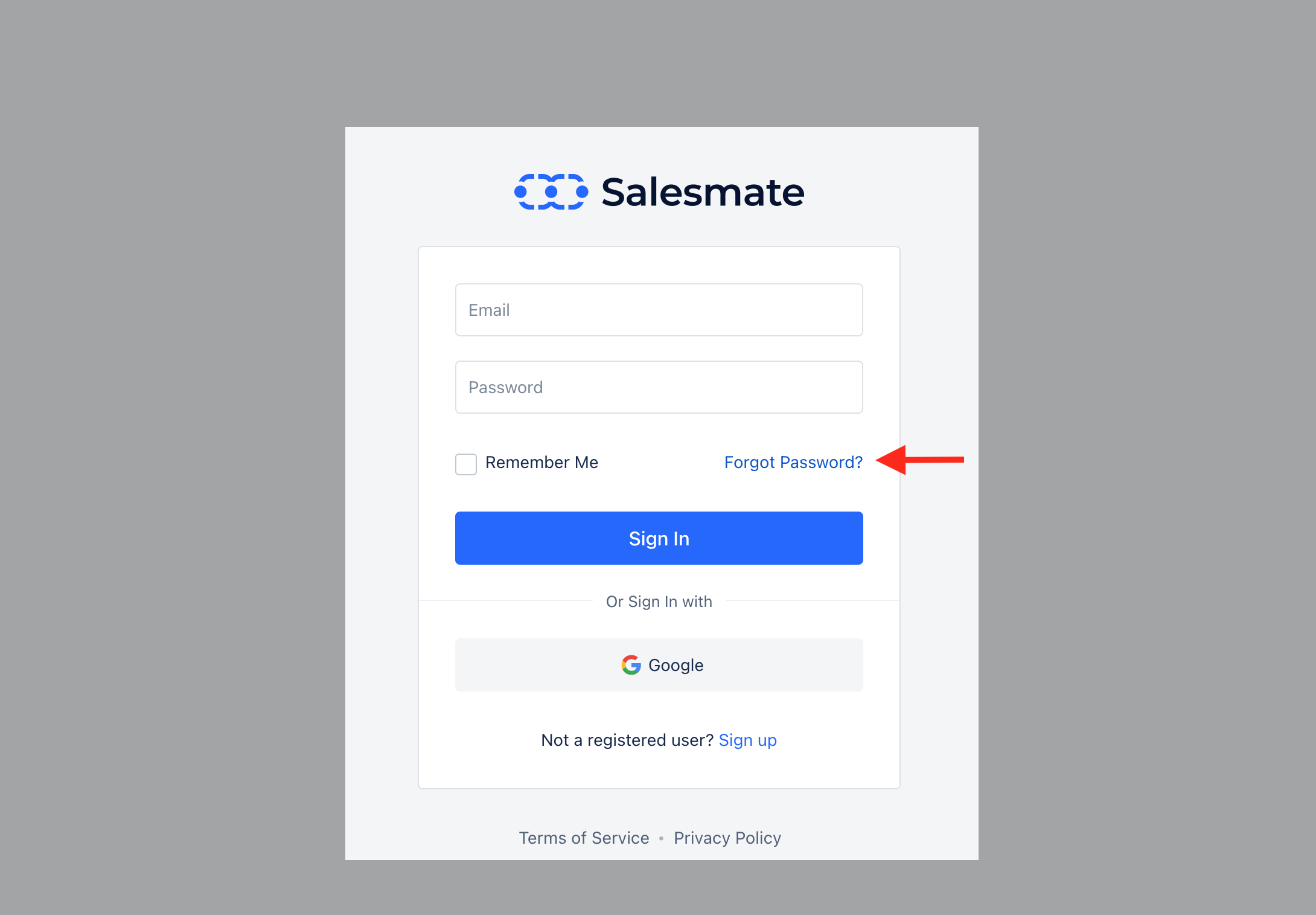
- On the login screen, click the “Forgot Password” option.
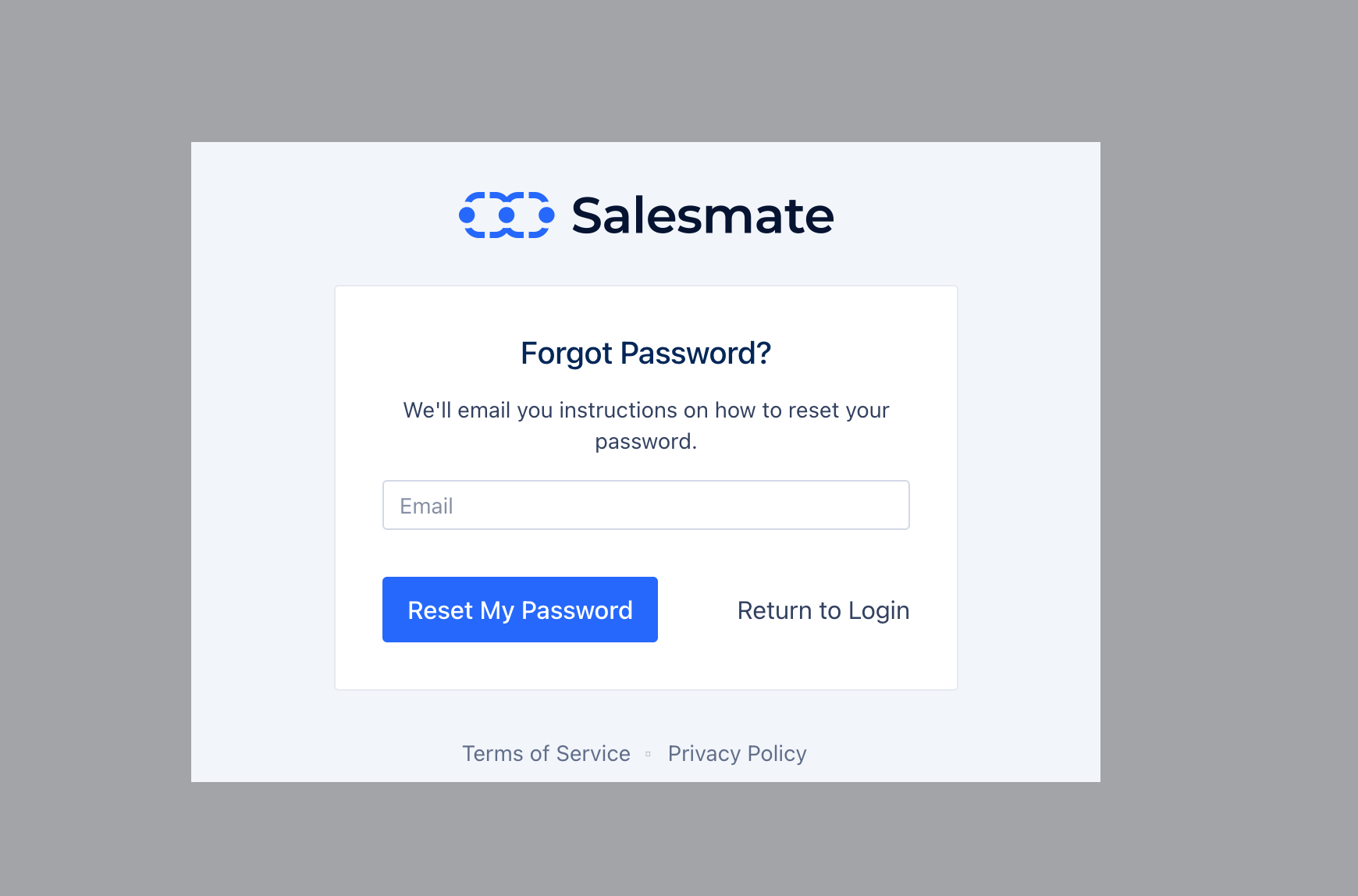
- Enter the email that you signed up with / use to log in to Salesmate
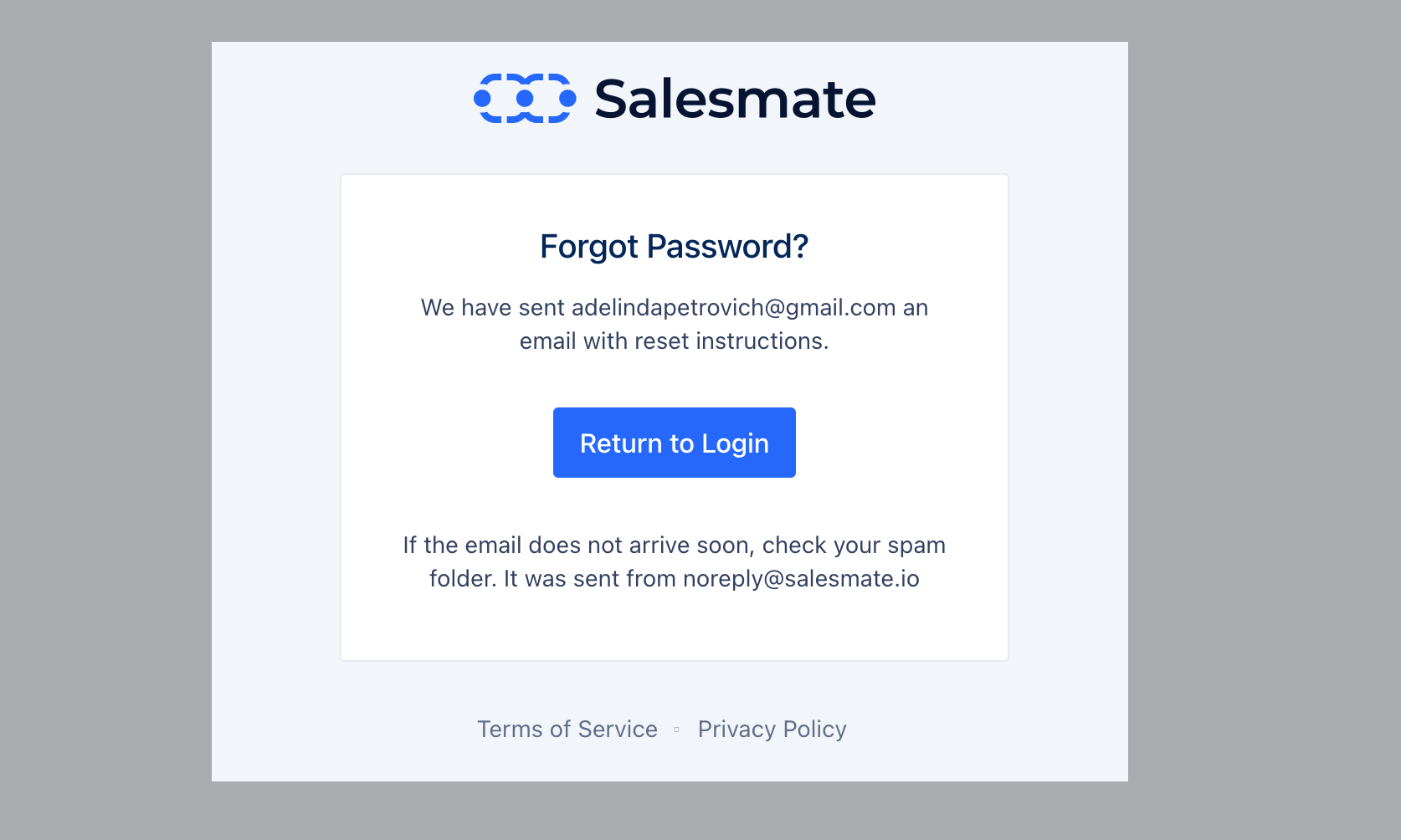
- Reset Email Notification , confirmation is displayed (Email sent from - noreply@salesmate.io)
- Click Reset Password, this will send you an email to the registered email
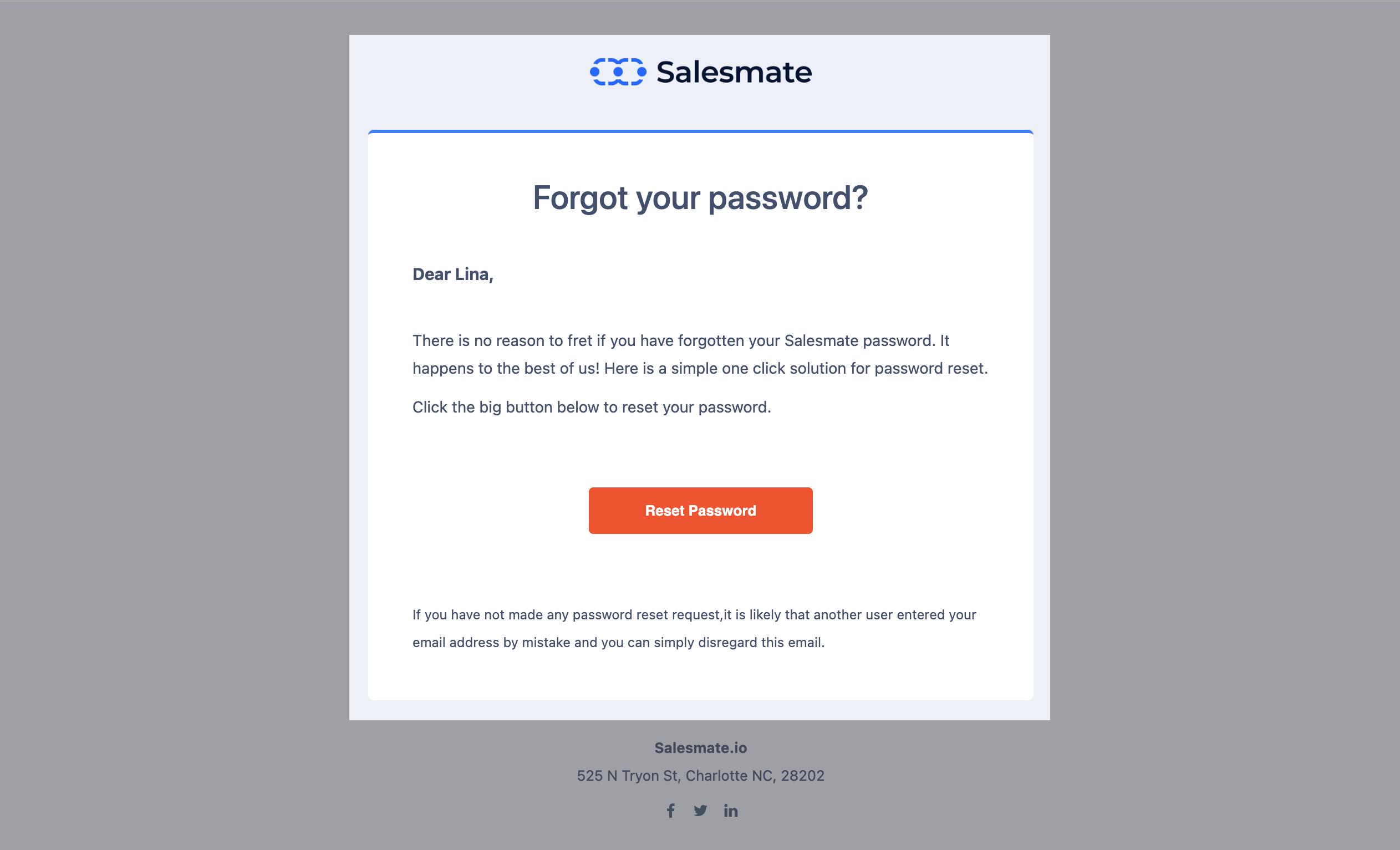
- Hit the “Reset Password” button in your email
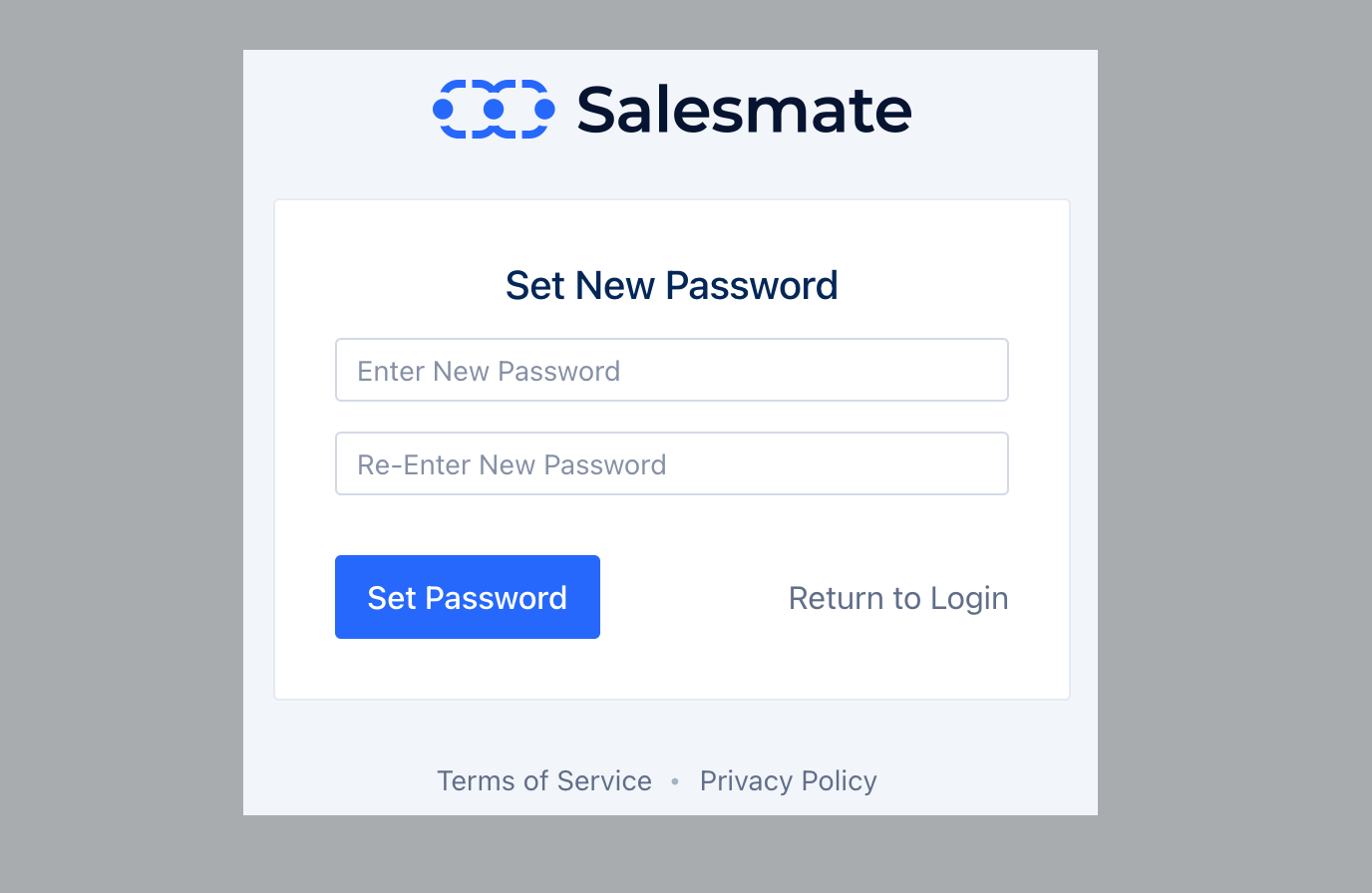
- In the new screen enter your New password and confirm by clicking on the Set Password option.
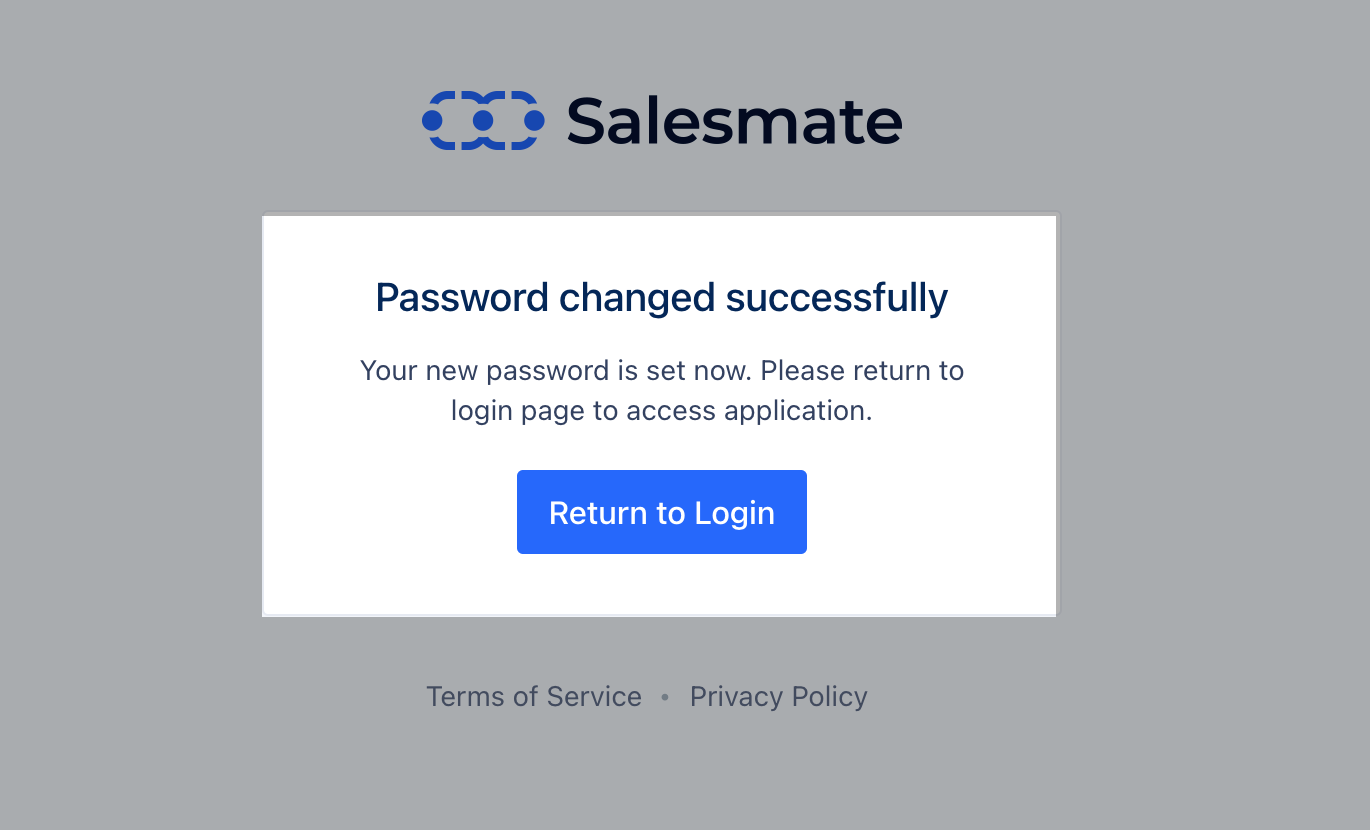
- This will reset your password.