Note: Please note that this feature is only available on Paid plans
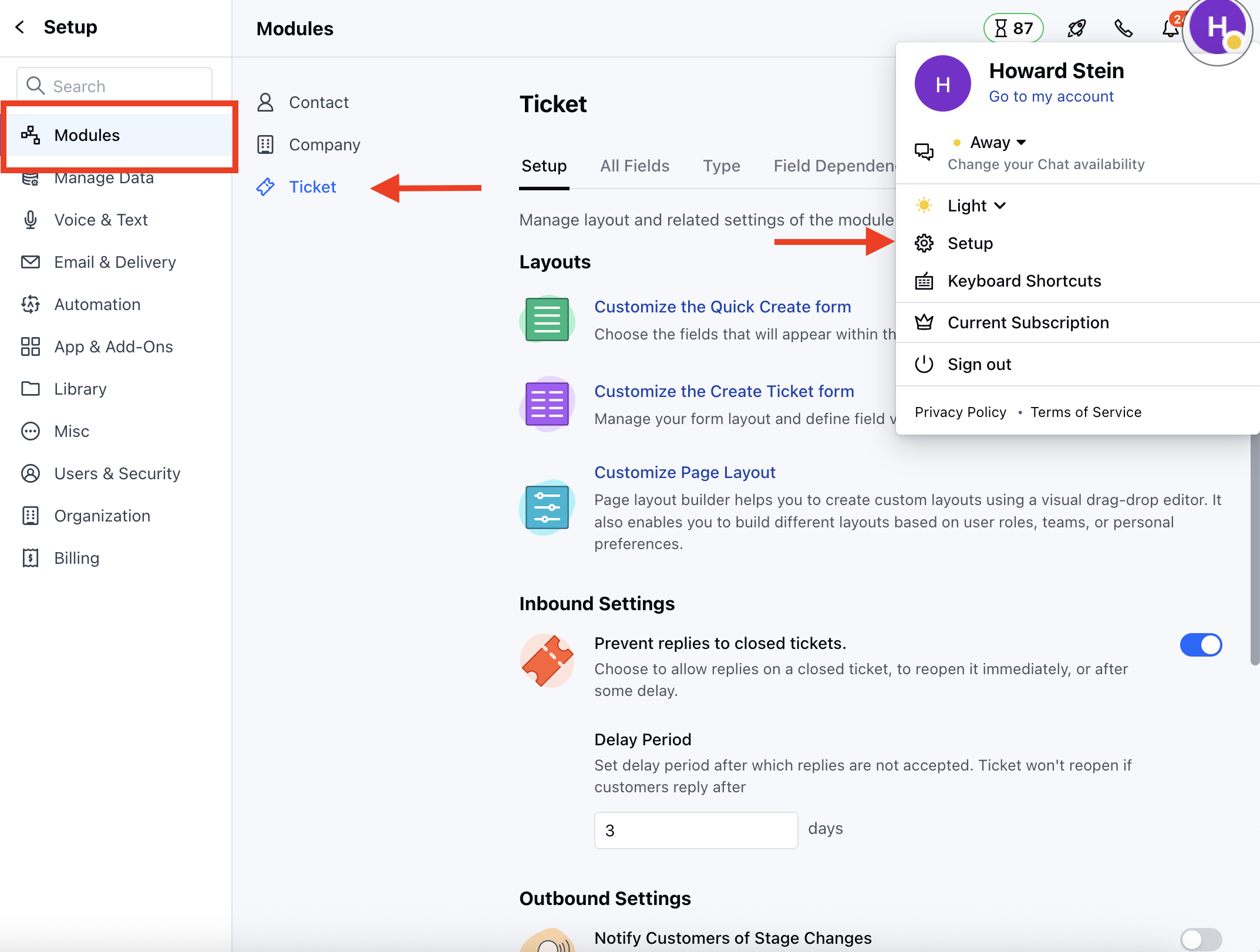
- Navigate to the Profile Icon on the top right corner
- Click on the Set Up
- Head over to the Modules category
- Click on the Ticket module
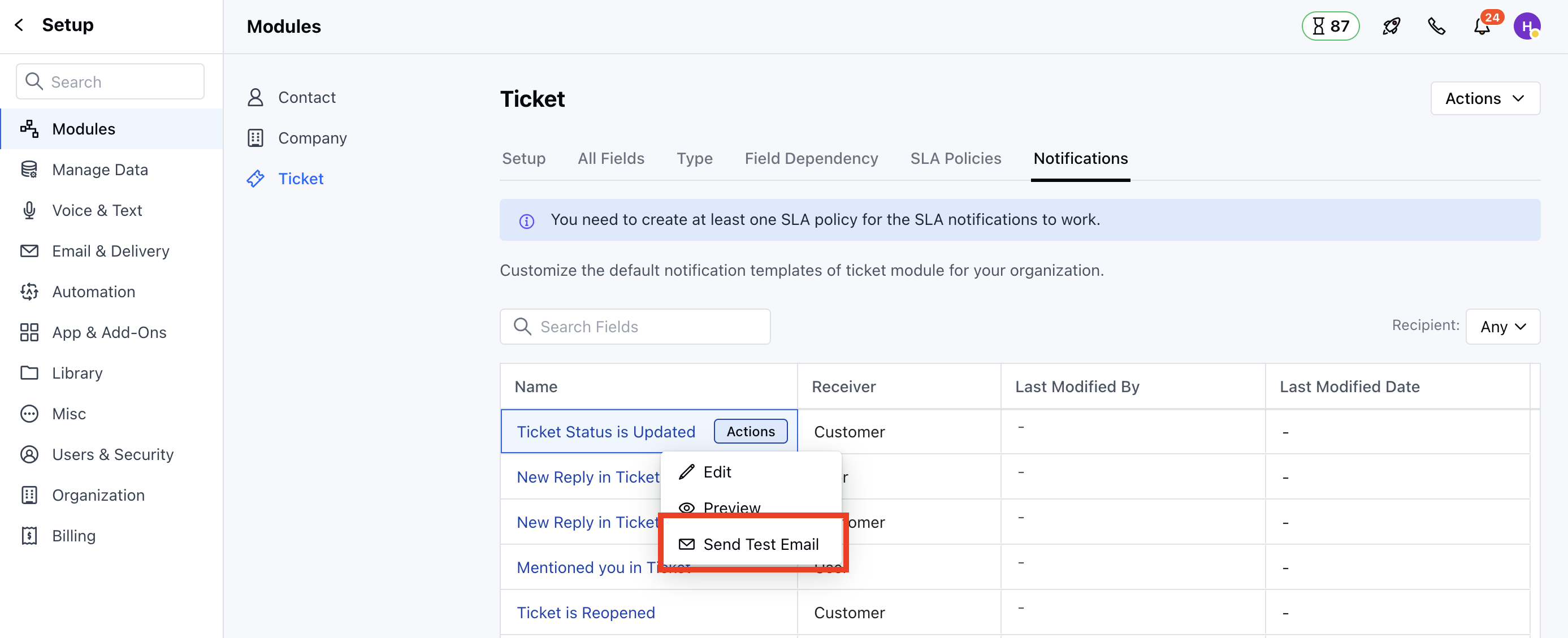
- Head to the Notifications section, You will the List of the Notification Templates
- Hover on the preferred Notification Template and select the Send Test Email option under Actions button.
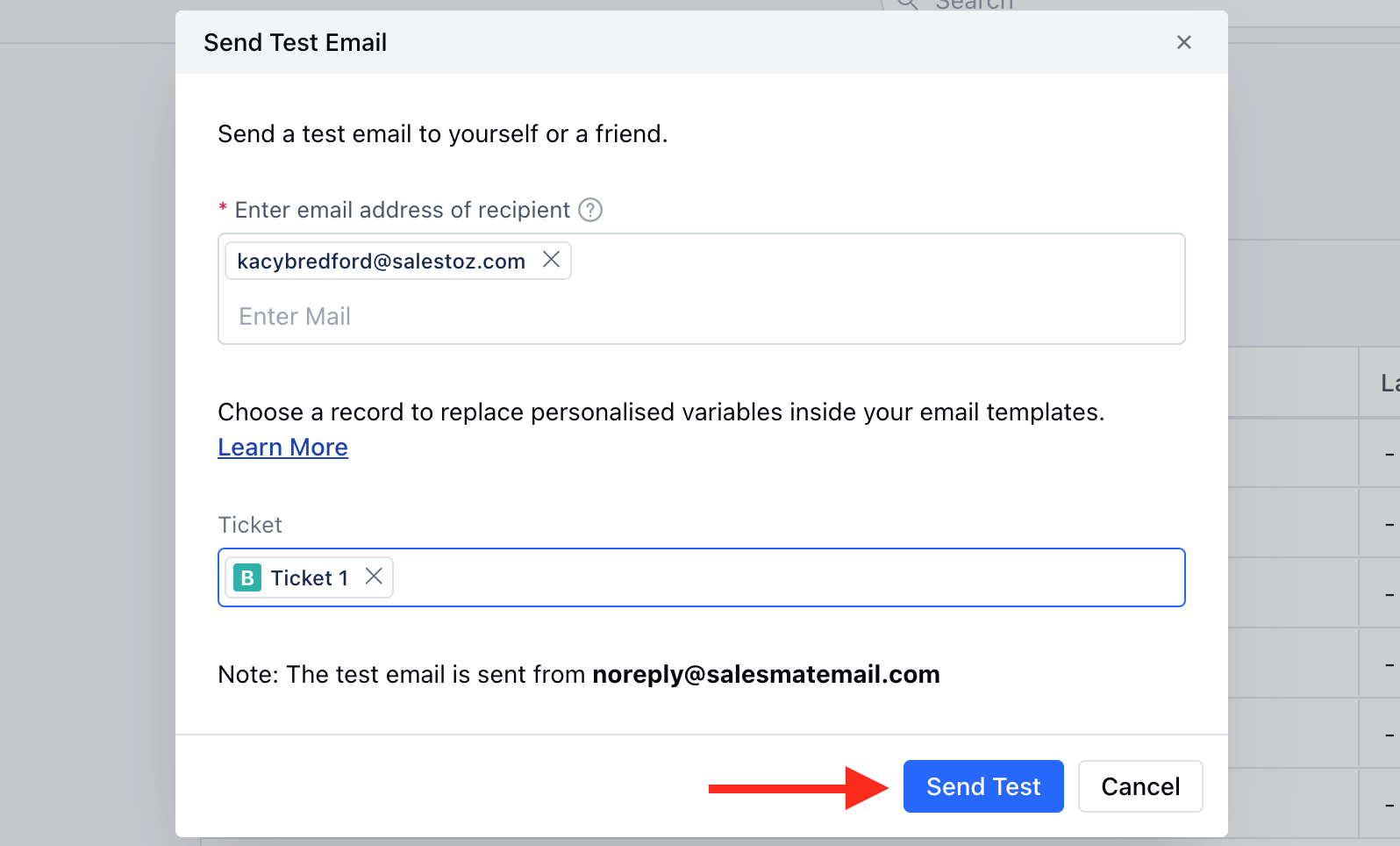
- A pop will appear to enter the Recipient and the Ticket * Once the information is added, click on Send Test