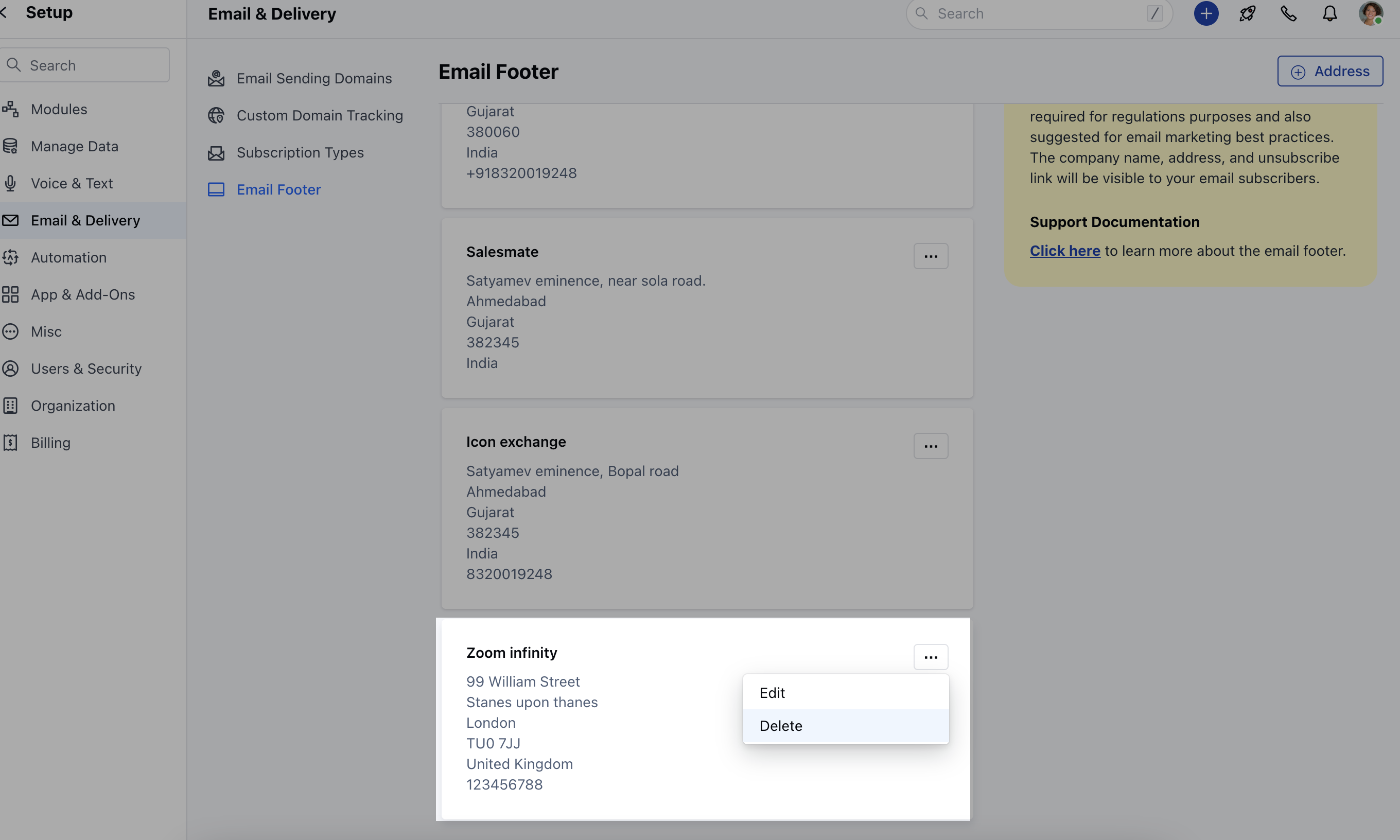
- *The footer section of your email resides at the very bottom, following all the main content and your email signature.
- ** Including an email address in the footer is not only necessary to comply with regulations but is also recommended for effective email marketing.Topics Covered **
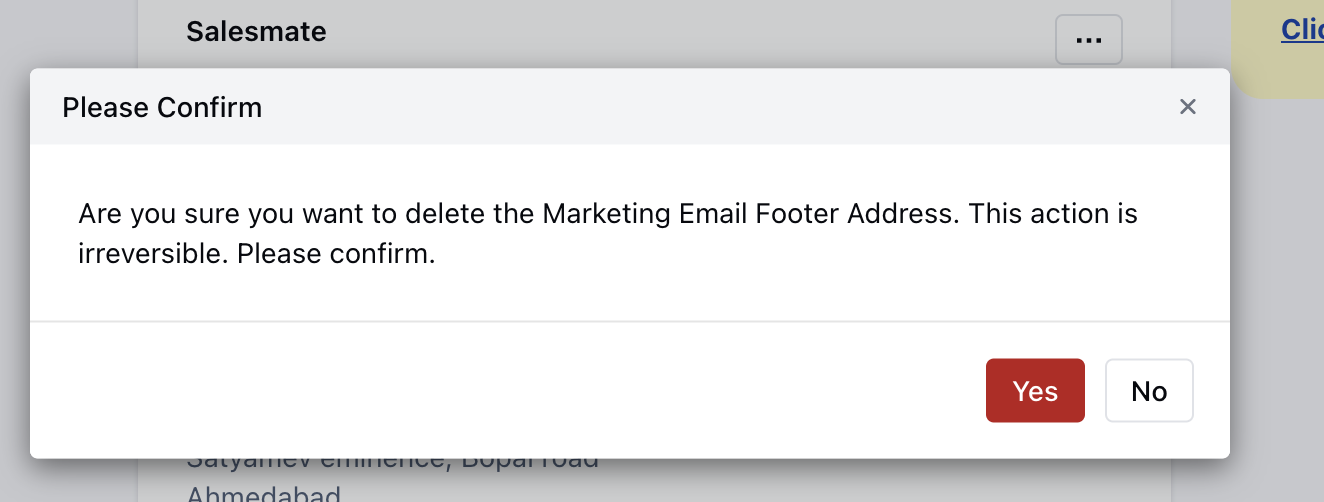
- How to Create a New Email Marketing Footer ** Deleting an Email Footer **
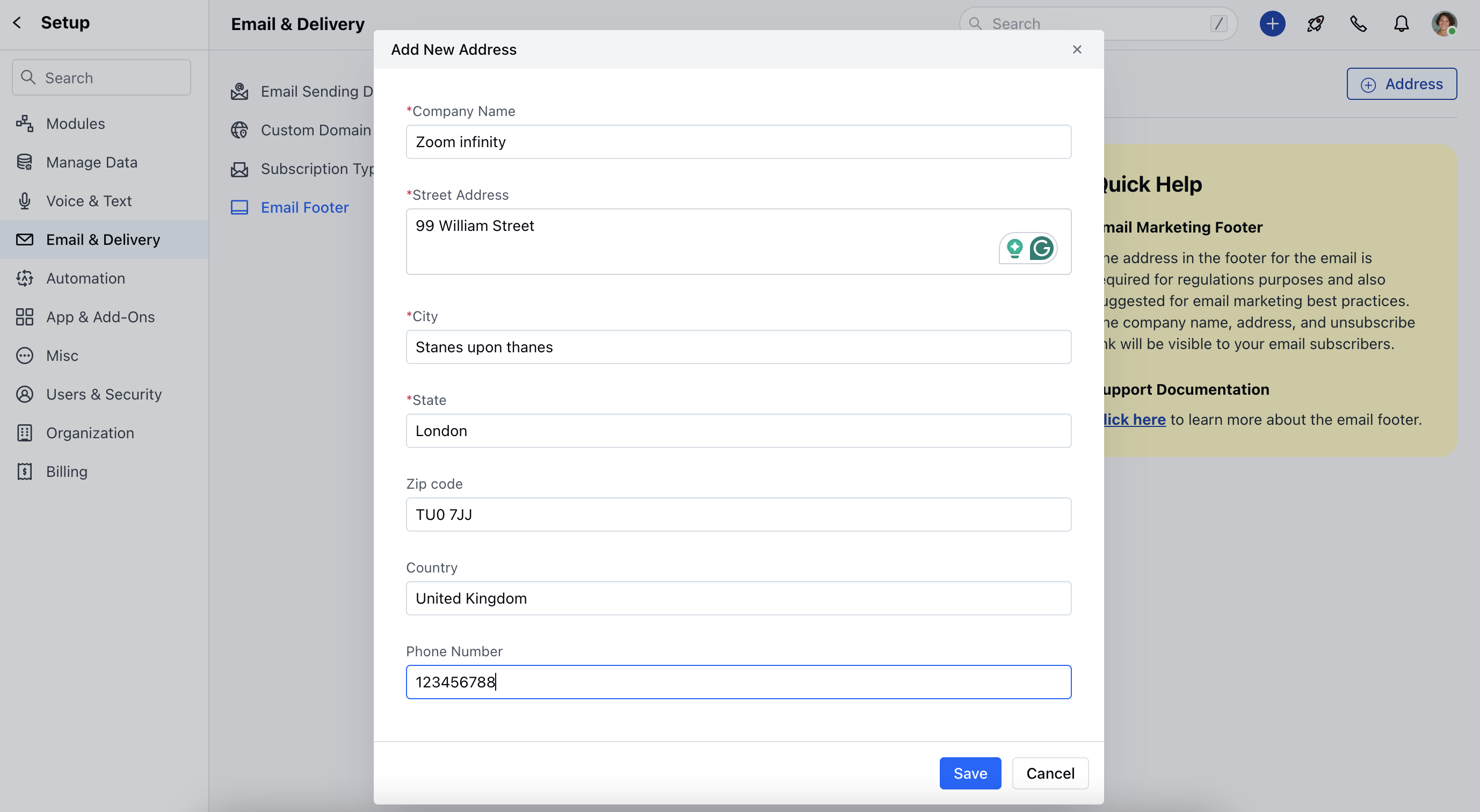
How to Create a New Email Marketing Footer
To create a New Marketing Footer Navigate to your Profile Icon on the Top right cornerClick on Setup Head over to Email & Delivery Click on Email Footer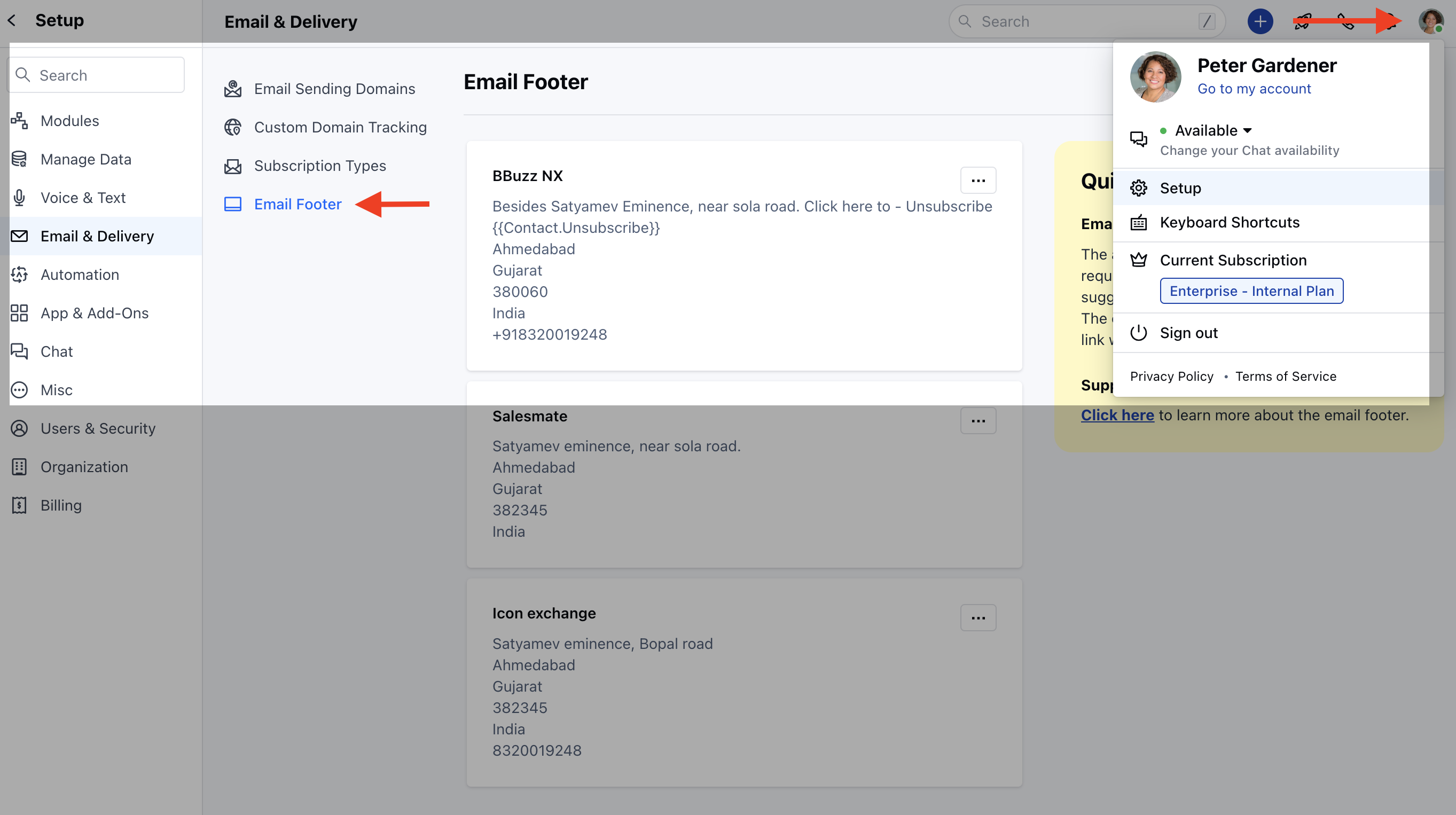
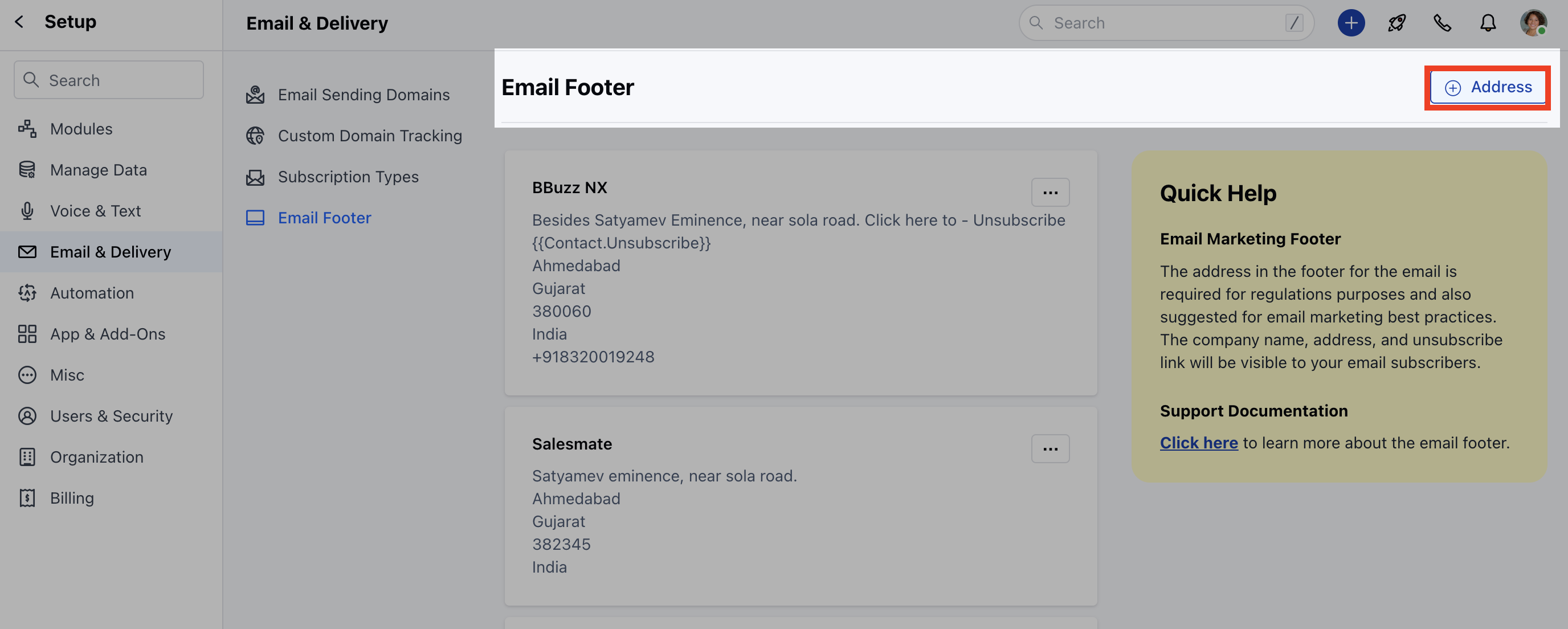
Deleting Email Marketing Footer
To delete the Email Marketing Footer, Navigate to your Profile Icon on the Top right cornerClick on Setup Head over to Email & Delivery Click on Email Footer