

Types of Seats
Core Seat: The Core Seat is the standard Skara license.
- A paid seat, counted towards billing.
- Gives full access to all Skara features and operations.
- Assigned by default whenever a new user is created. This seat is perfect for your sales reps, marketers, and admins who need to work actively in Skara every day.
- A free seat, not counted towards billing.
- Limited strictly to viewing data and reports.
- Cannot create, edit, or delete records; manage dashboards; compose emails; or access setup.
- Can only view smart flows and campaign details. This is the ideal way to keep stakeholders in the loop—without adding extra cost to your subscription.
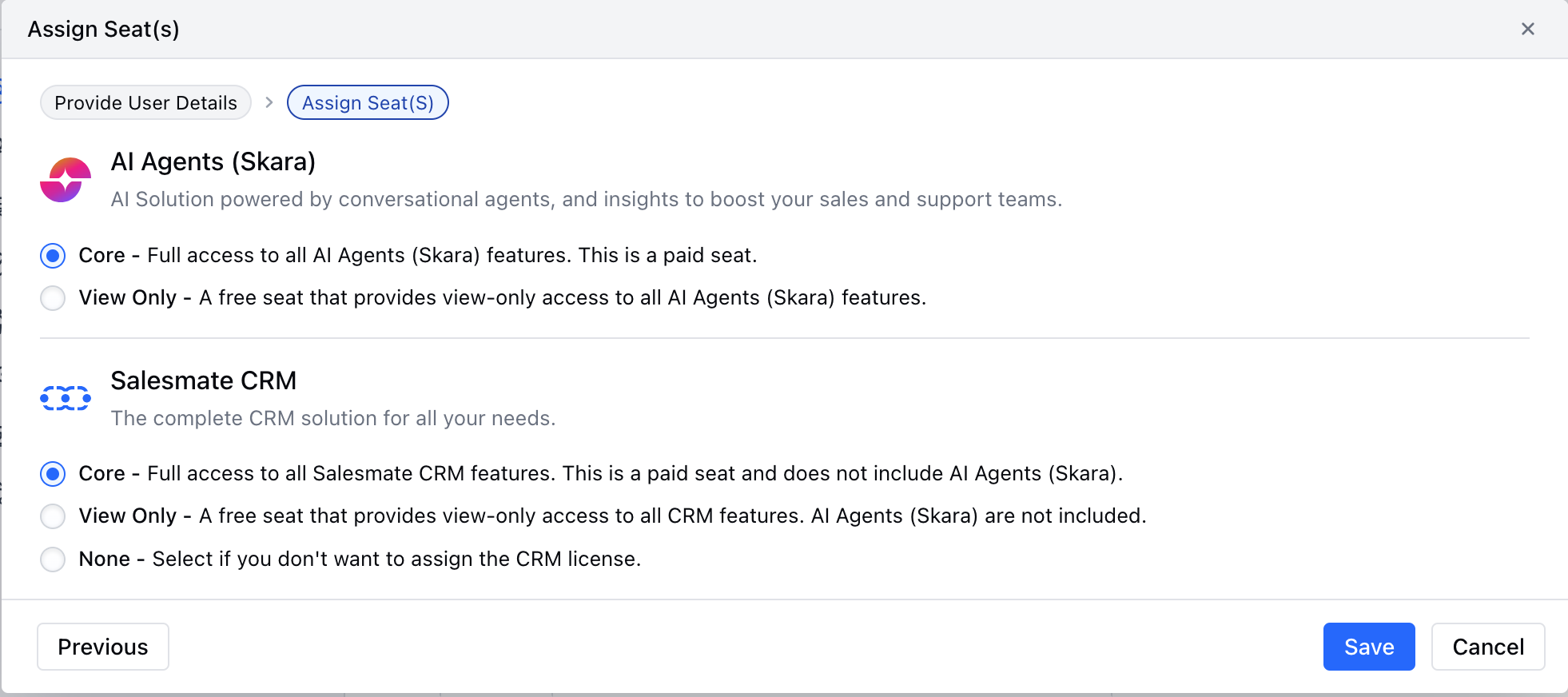
Skara Seats can be used for:
- Giving Core Seats to team members who need full access to Skara to manage the core features like records, Reports and automations.
- Sharing View-Only Seats with managers, consultants, or stakeholders who just need to see reports and dashboards without making changes.
- Saving costs by paying only for active users while still giving visibility to others. Making sure every user gets the right access based on their role.