

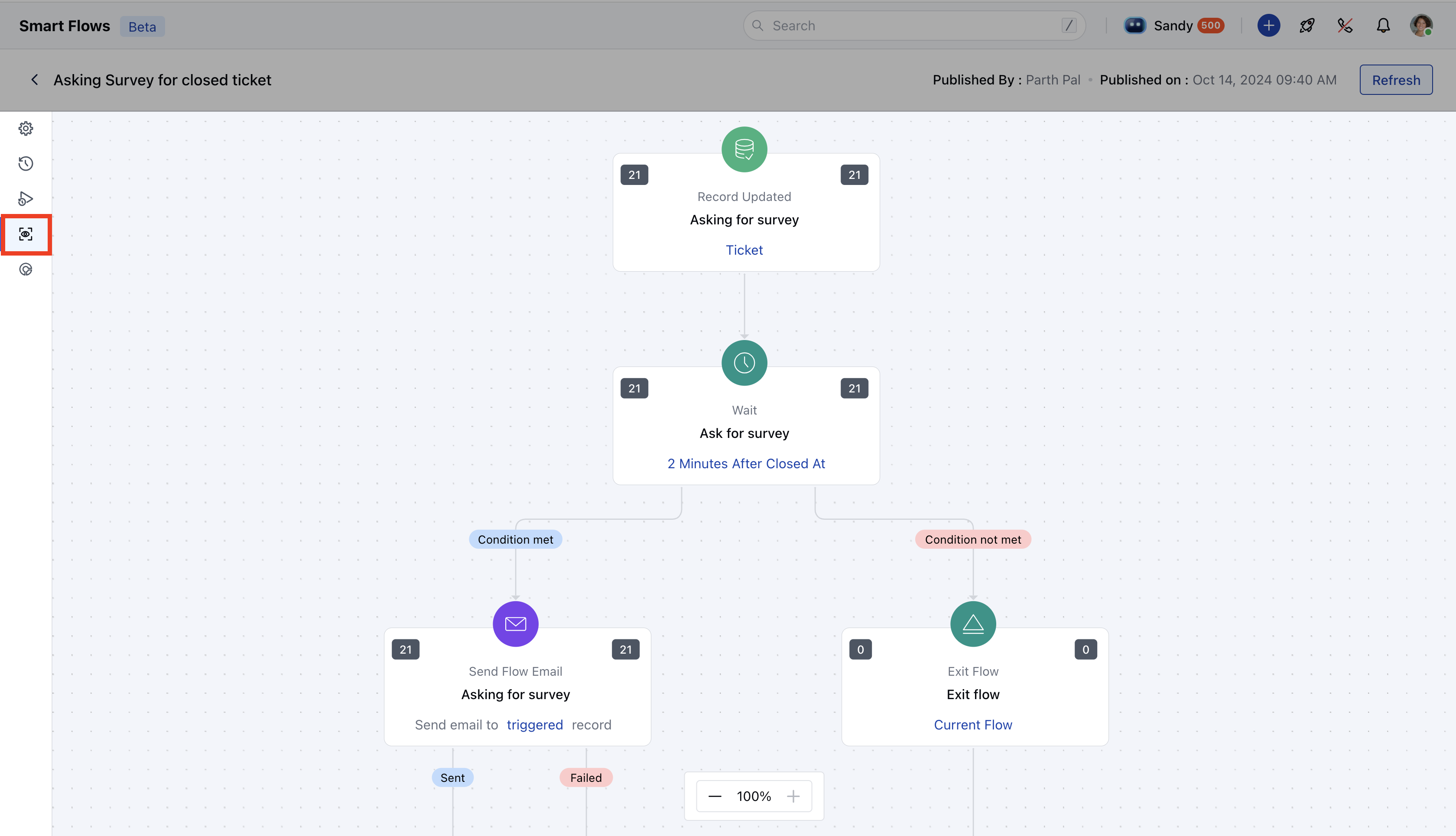
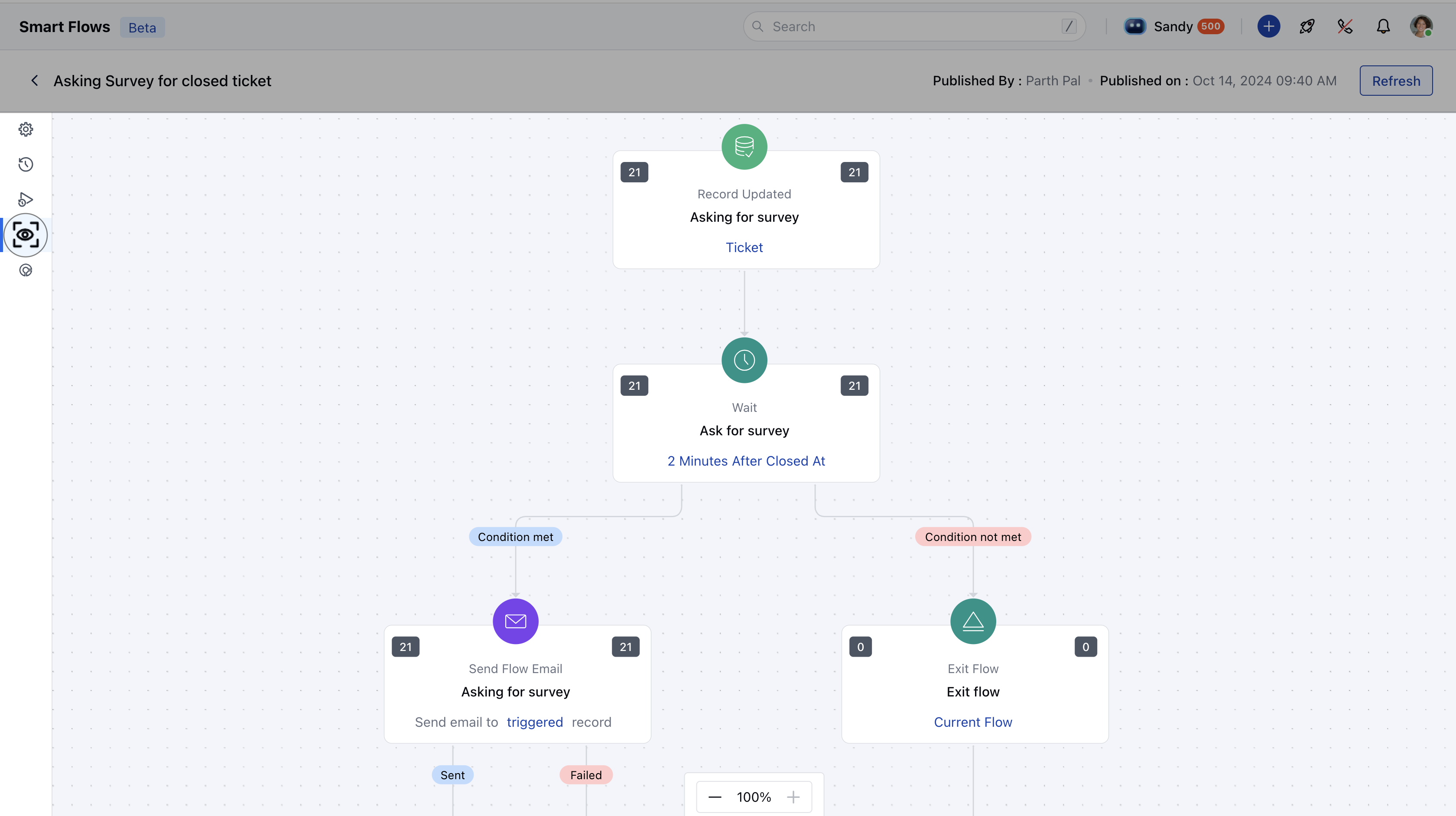
- Metrics in Live View: For each node in the flow, you can monitor the following metrics:
- Left Side Count: Displays the number of records that have reached this node.
- Right Side Count: Shows the number of records that: Successfully executed the step.Finished the flow.Were not eligible for the next step.
- **Refresh Logs:**To reload the latest data for the flow, click on the Refresh button located in the top bar.
- **Zoom In/Out:**Use the zoom controls in the bottom-left corner to adjust your view of the flow canvas. The default zoom level is 100%, but you can zoom in or out as needed.