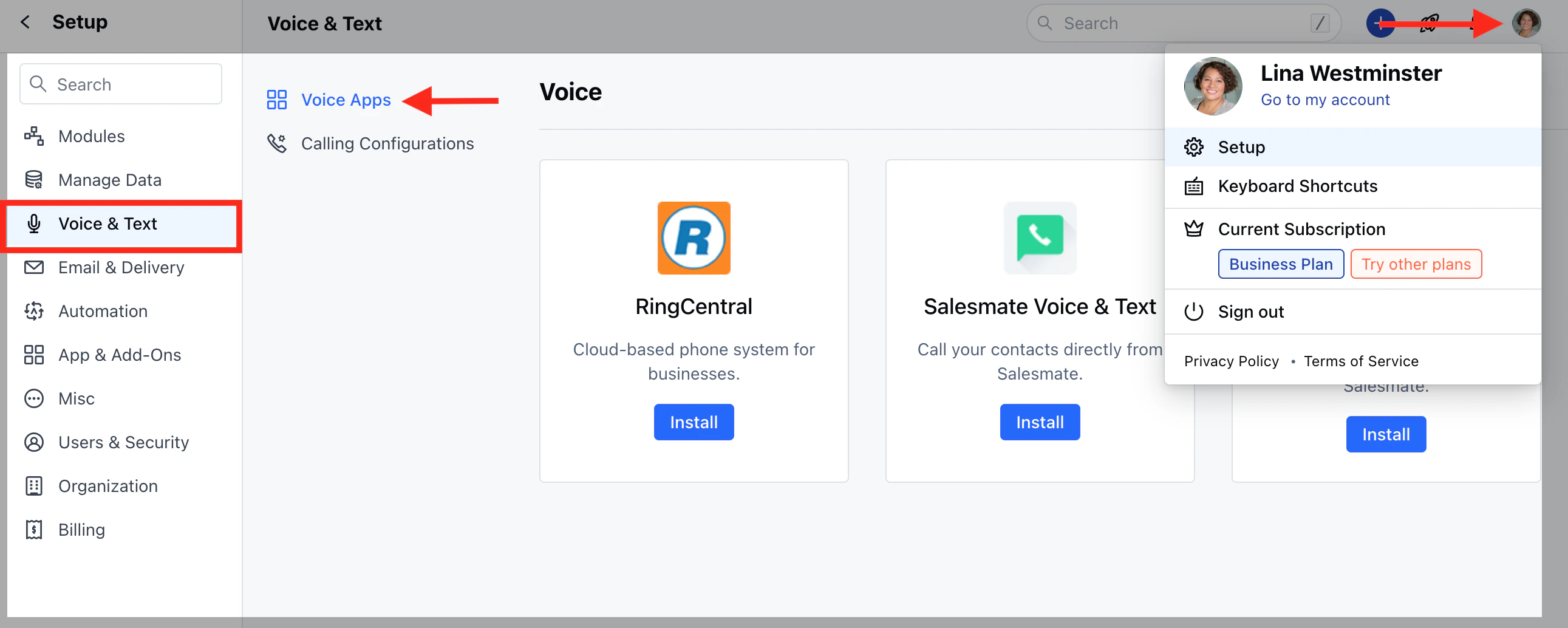
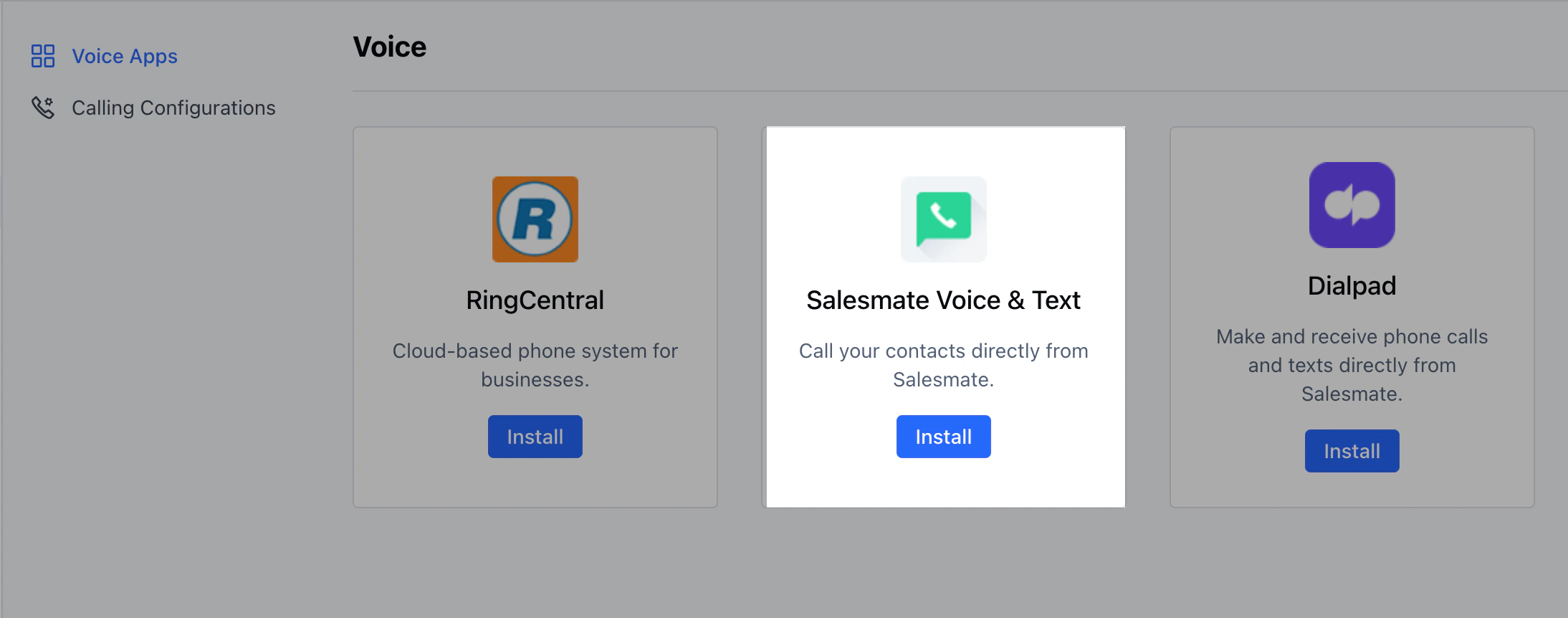
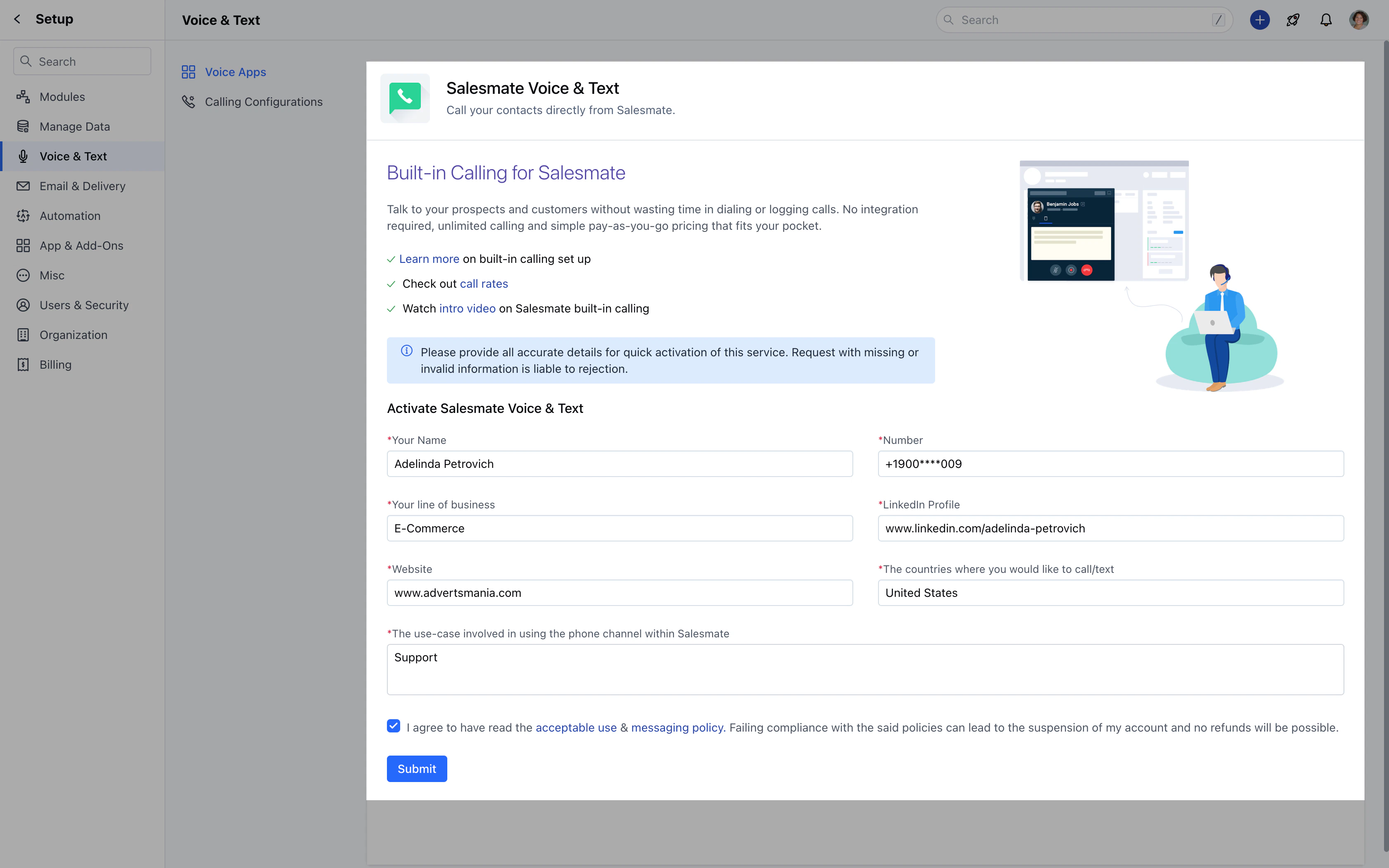
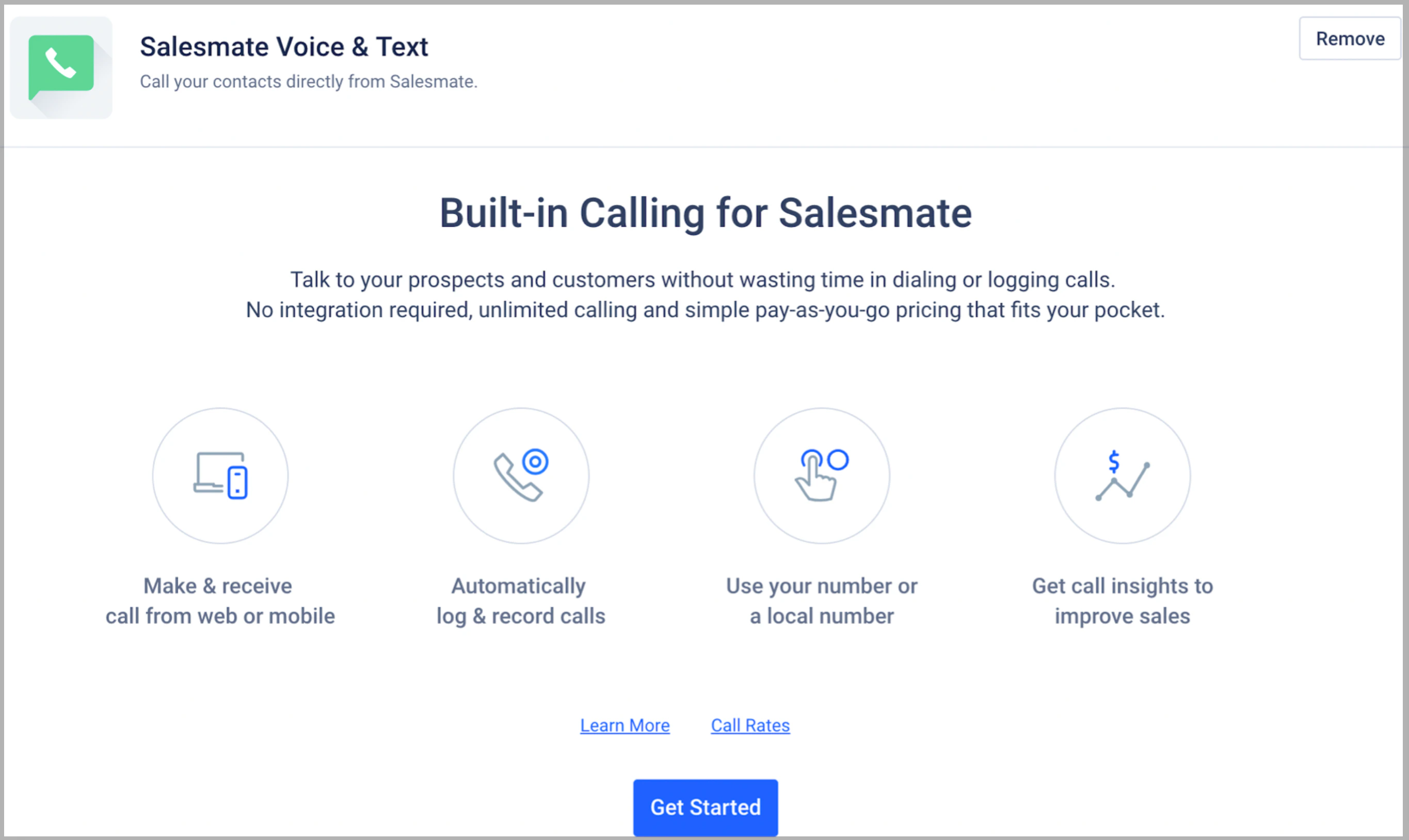
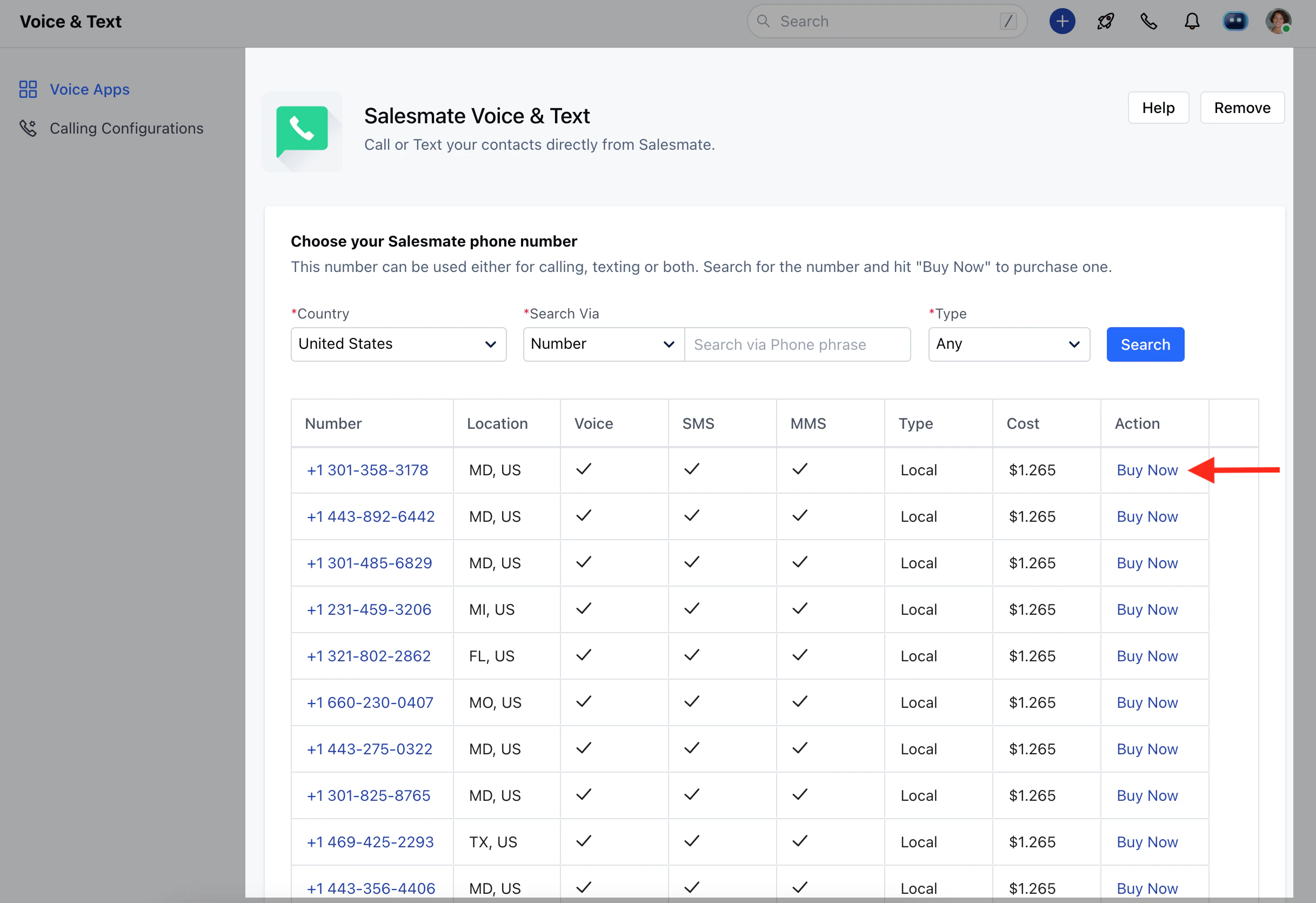
In Salesmate, to be able to call out of the app using Salesmate Calling, you will need to activate the Voice app.Below are the steps to help you with the activation :Navigate to the Profile Icon on the top right cornerClick on Setup Head over to Voice & Text categoryClick on Voice AppsClick on Install(Salesmate Voice & Text)To activate Voice and Text, you’ll need to provide us with the following information. Once verified, Salesmate Voice and text will be activated in your account.**Note:**It will take 24 working hours to validate the information and process the request. If any, additional information is required; it will be communicated via email.Once the calling feature has been activated you’ll get the below page.Select Get StartedYou will see the Salesmate Voice & Text page with the list of numbers to buy.Salesmate provides an option to choose the number on basis of
CountrySearch Via - Number and LocationTypeSelect the number of your choice and click on Buy Now.**Note:**Phone/Calling is an add-on service (pay-per-minute / pay-per-SMS service) to the CRM subscription. Thus you will be paying for a user subscription as well as load calling credits and utilize them towards purchasing the number, calling, and texting.