

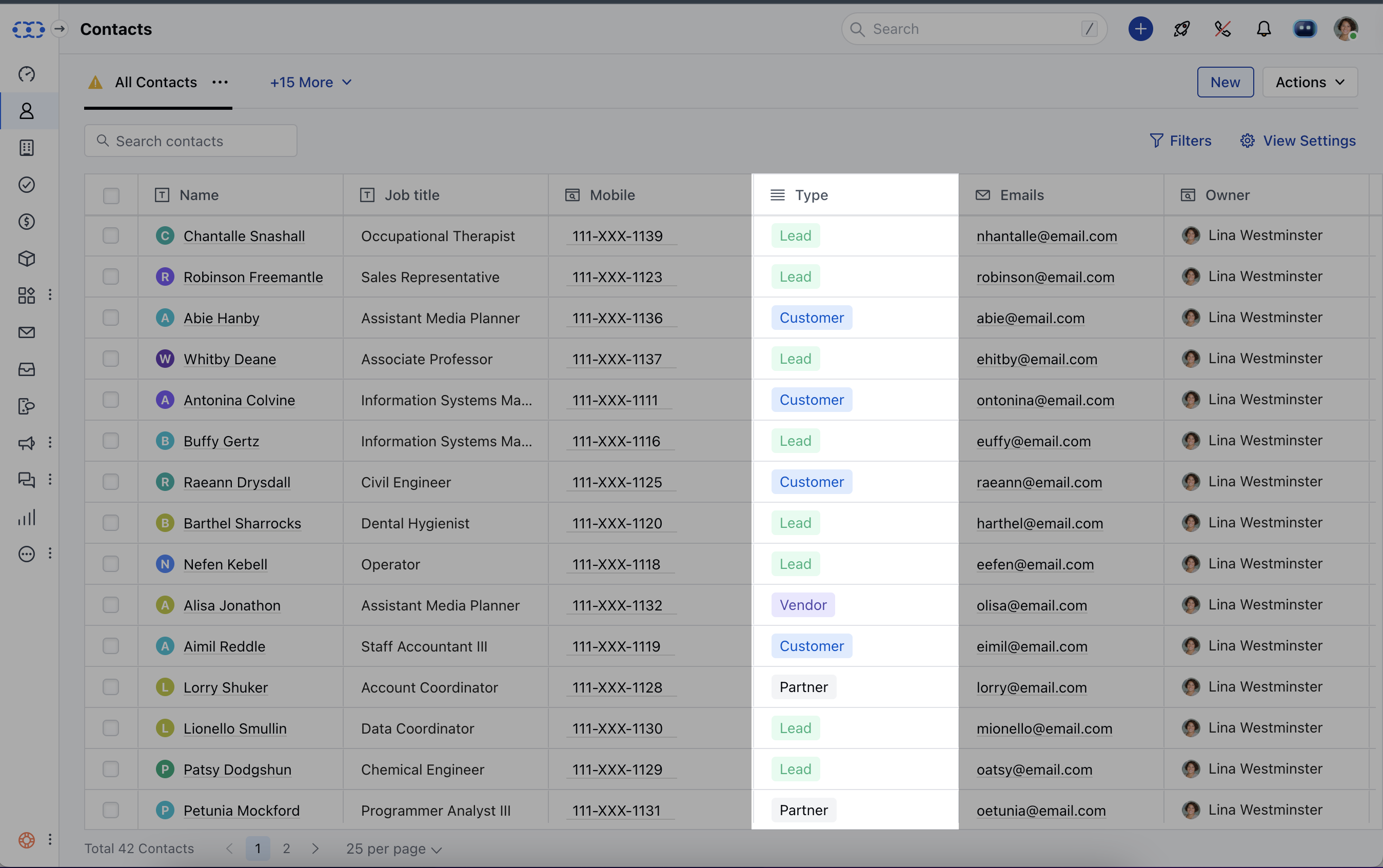
- When adding a Contact to Salesmate, you will get a dropdown to select a contact type.
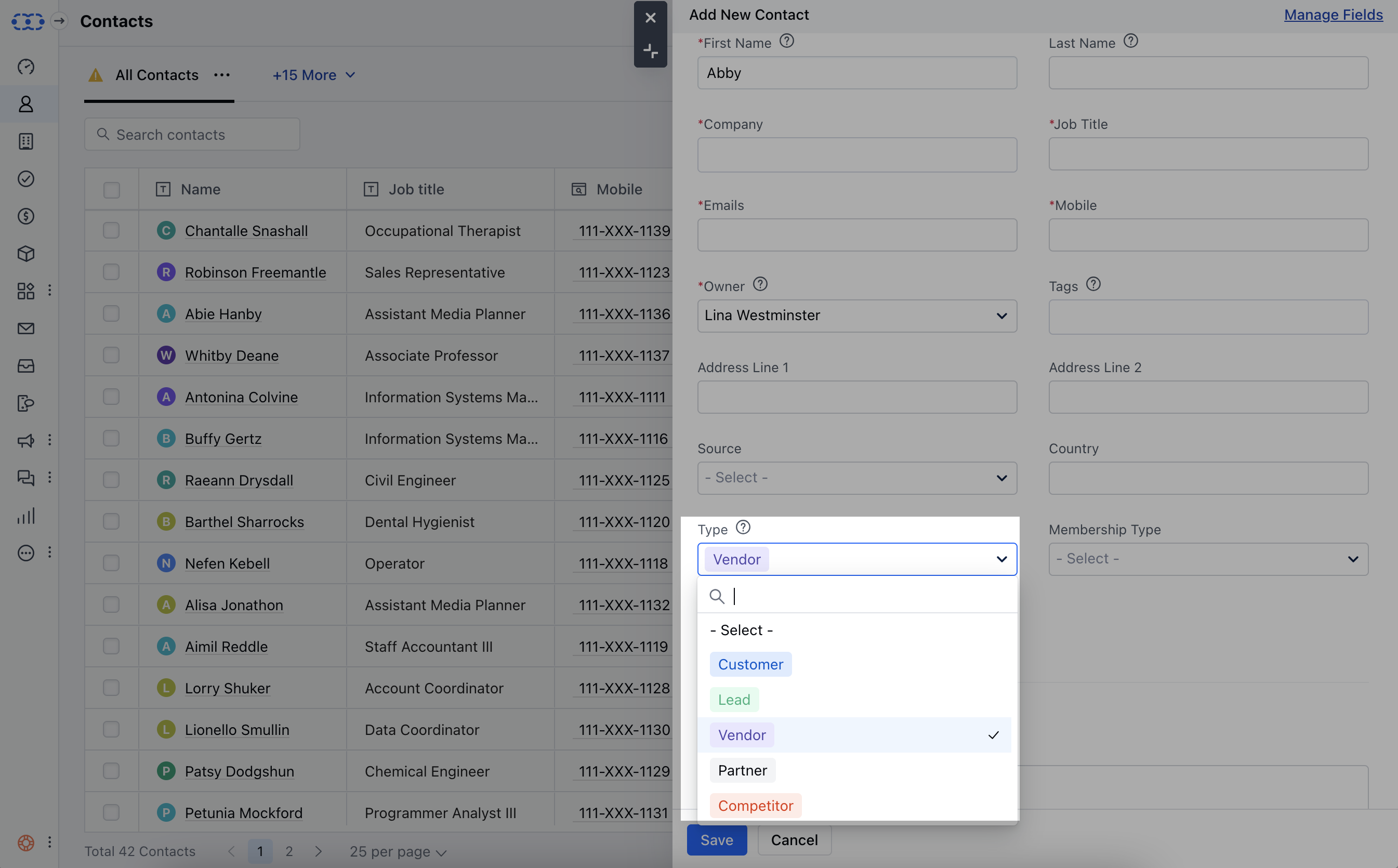
- Users with manage field rights can create a new contact type and edit existing contact types. All other users can easily use and assign contact types to records.
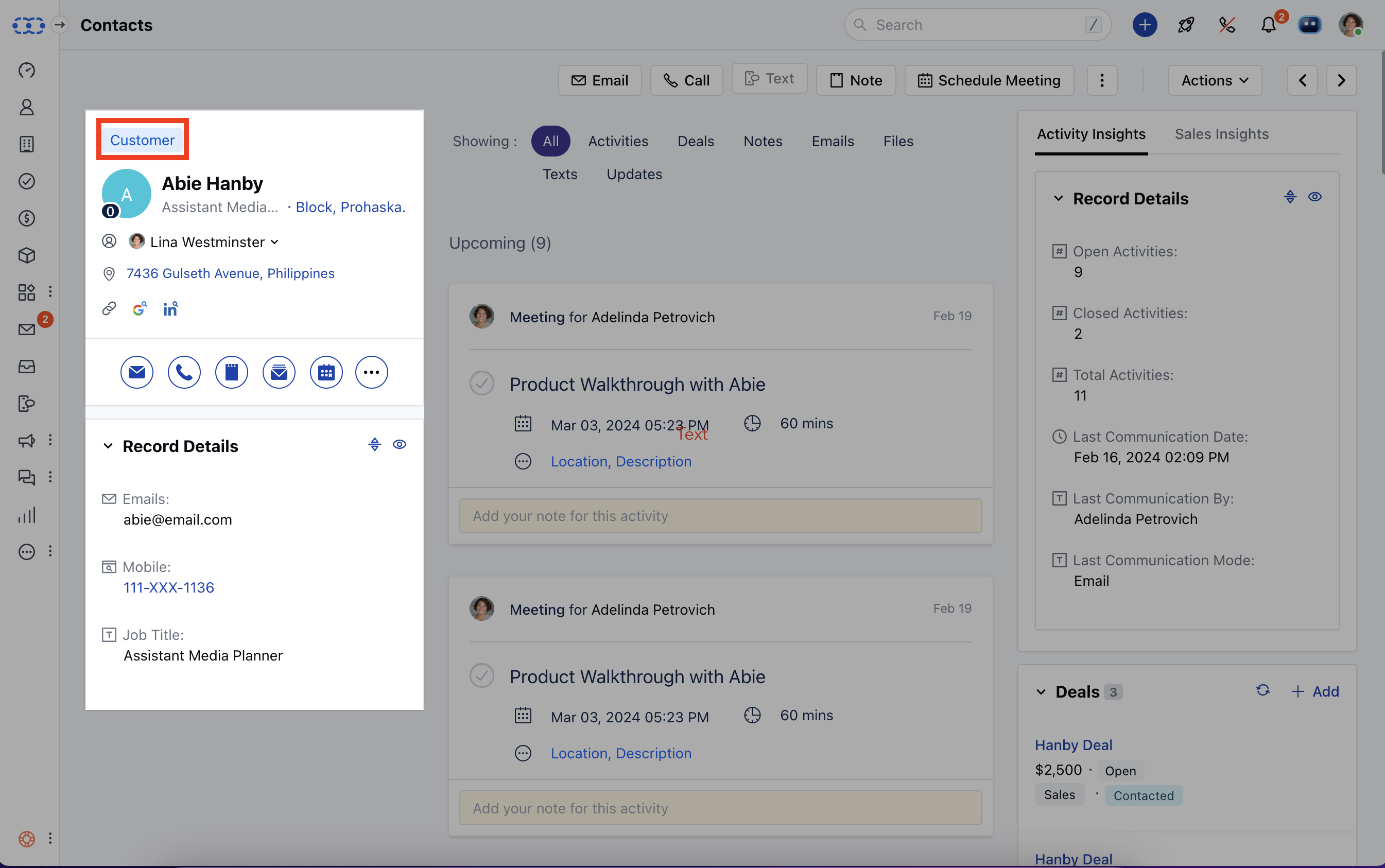
- You can also quickly change the contact type from the contact’s detail page too. The field appears above the contact name.
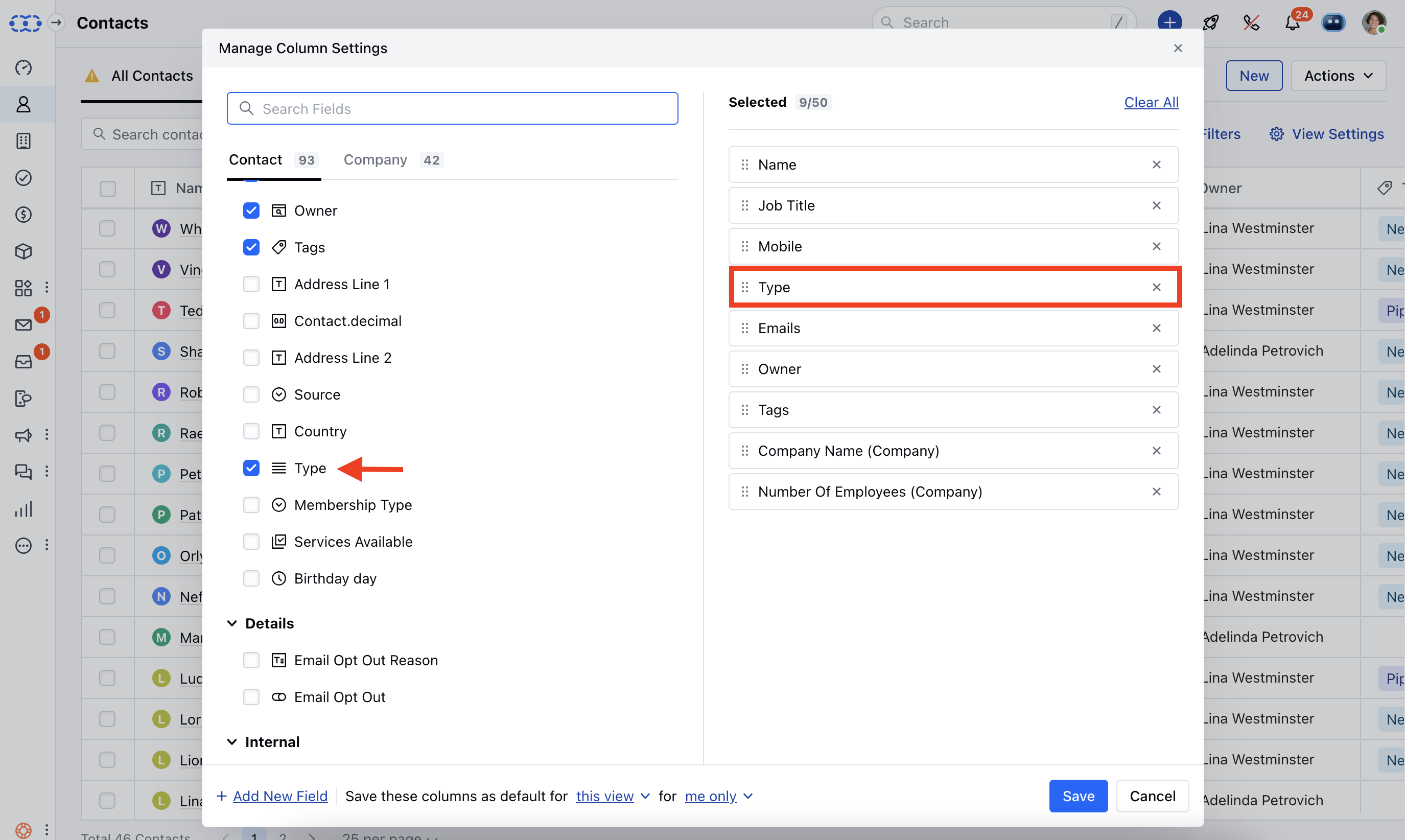
- **View contact types in List view **To view the contact types in the list view, you can click on the view settings button and choose contact type currently selected fields and hit Save.
- Further Reads:*
- How to add new contact types inside Salesmate?
- How to edit or delete the existing contact type inside Salesmate?
Note: If you can’t see the contact type field inside Salesmate, then please visit Setup >> Modules >> Contact and check if the field appears inside the unused field section.