

- Contact can be a member of a Company.
- Contacts can be your Lead, Enquiries which can be categorized under contacts.
- **Contact can have multiple deals open in the system at a particular point in time.
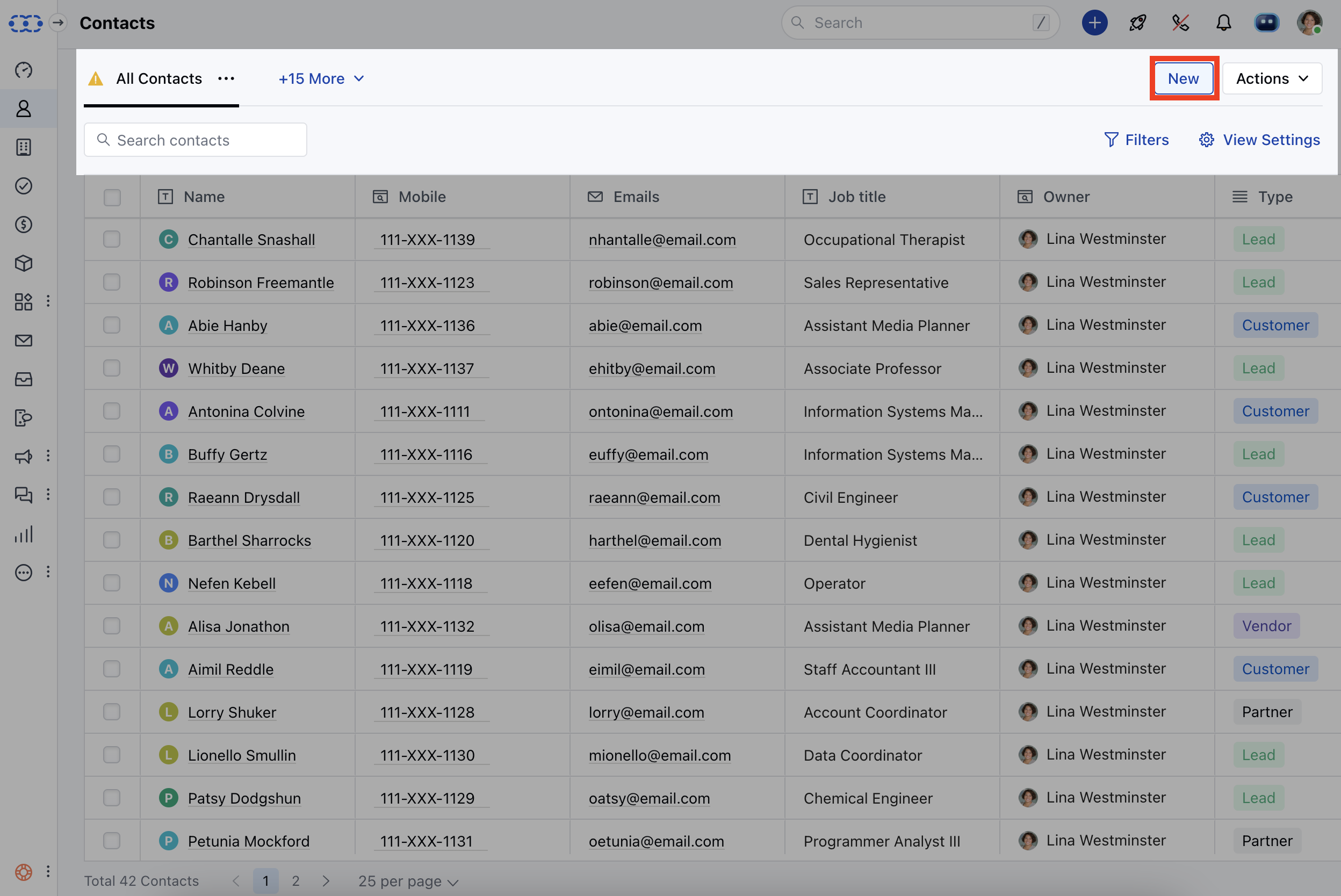
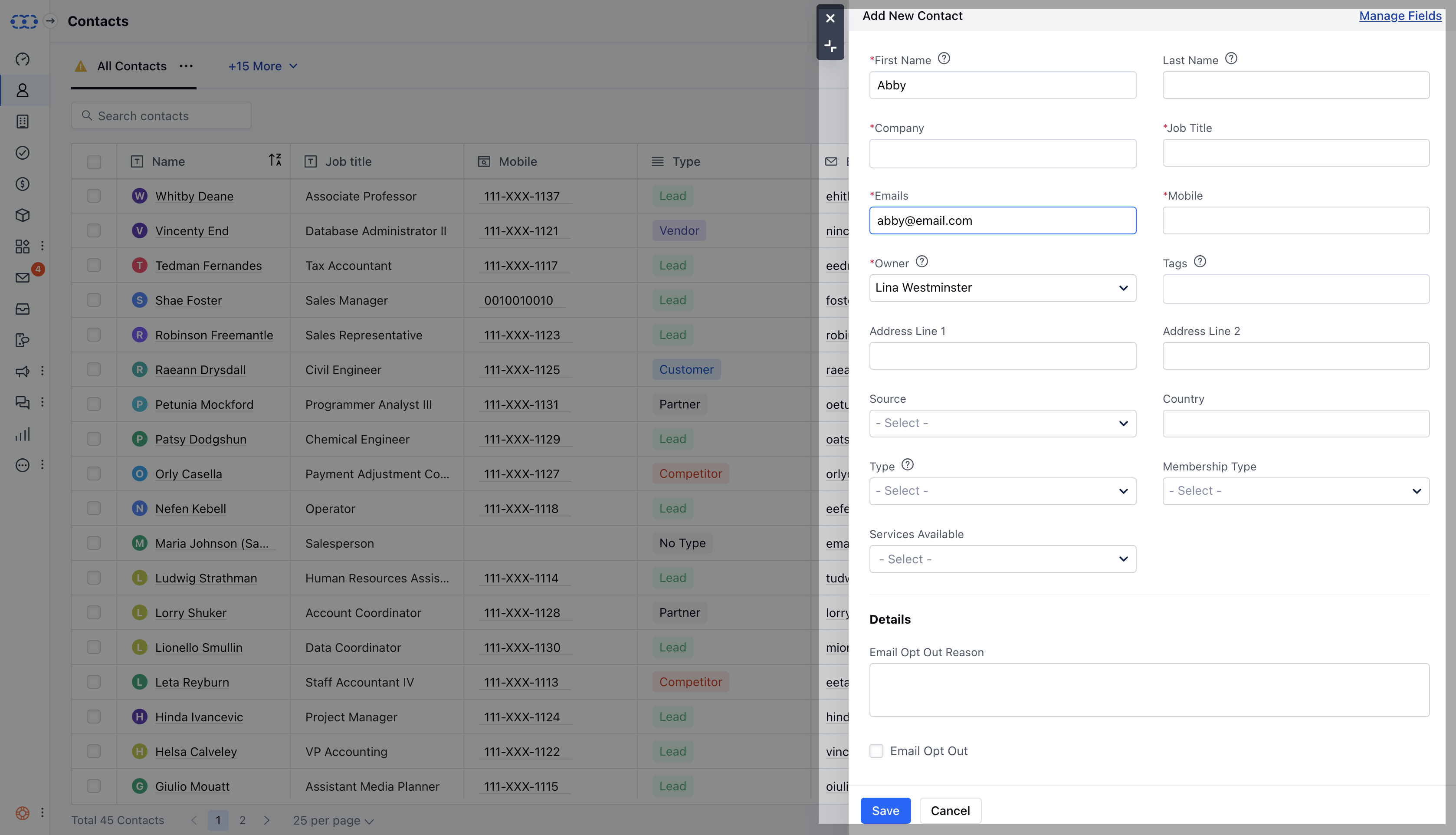
- ** Contacts can be added to the system by various methods:**Contacts **> New ( Contact Listing Page )
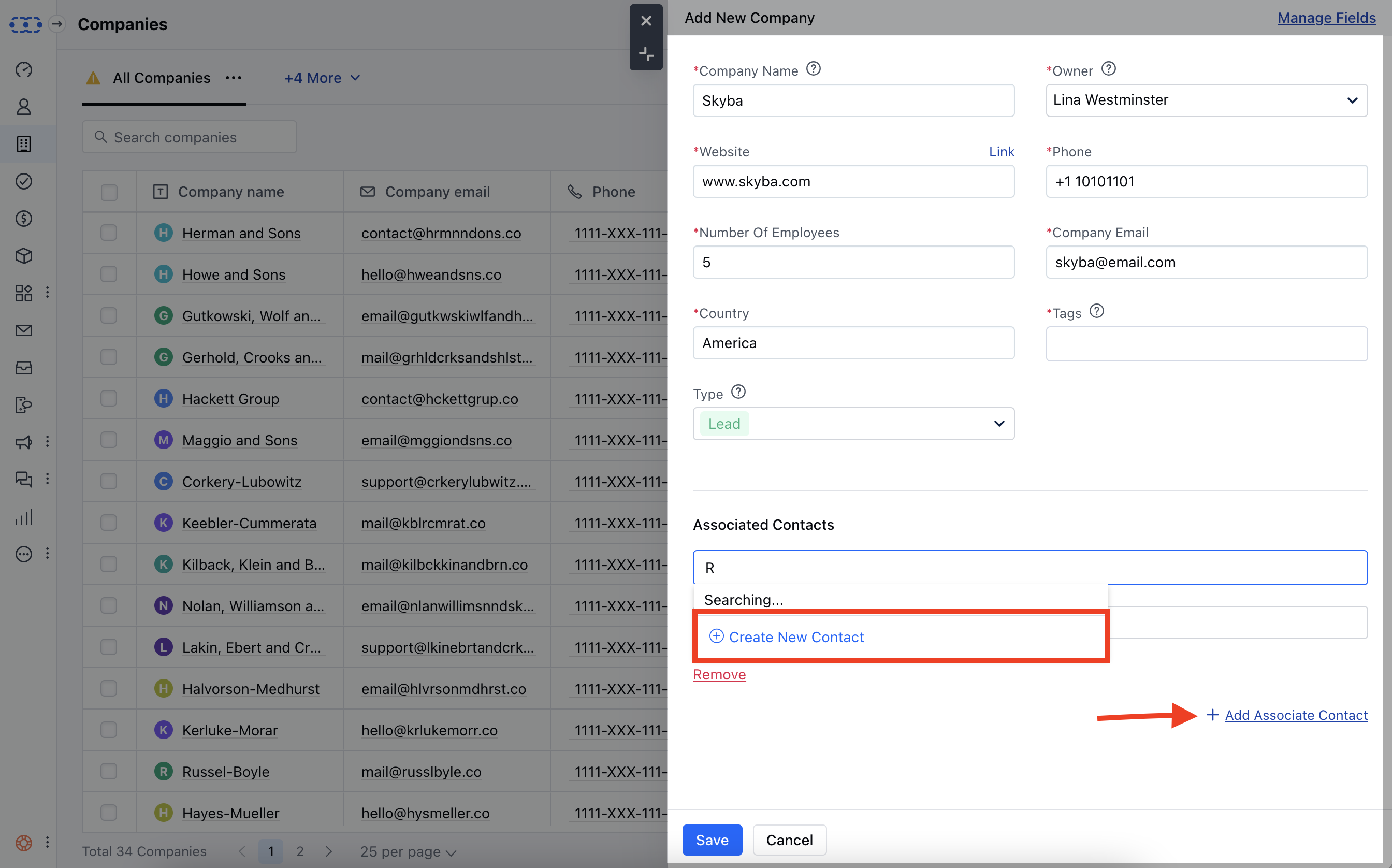
- **Company **> Add Associated Contact ( Add a Company Popup )
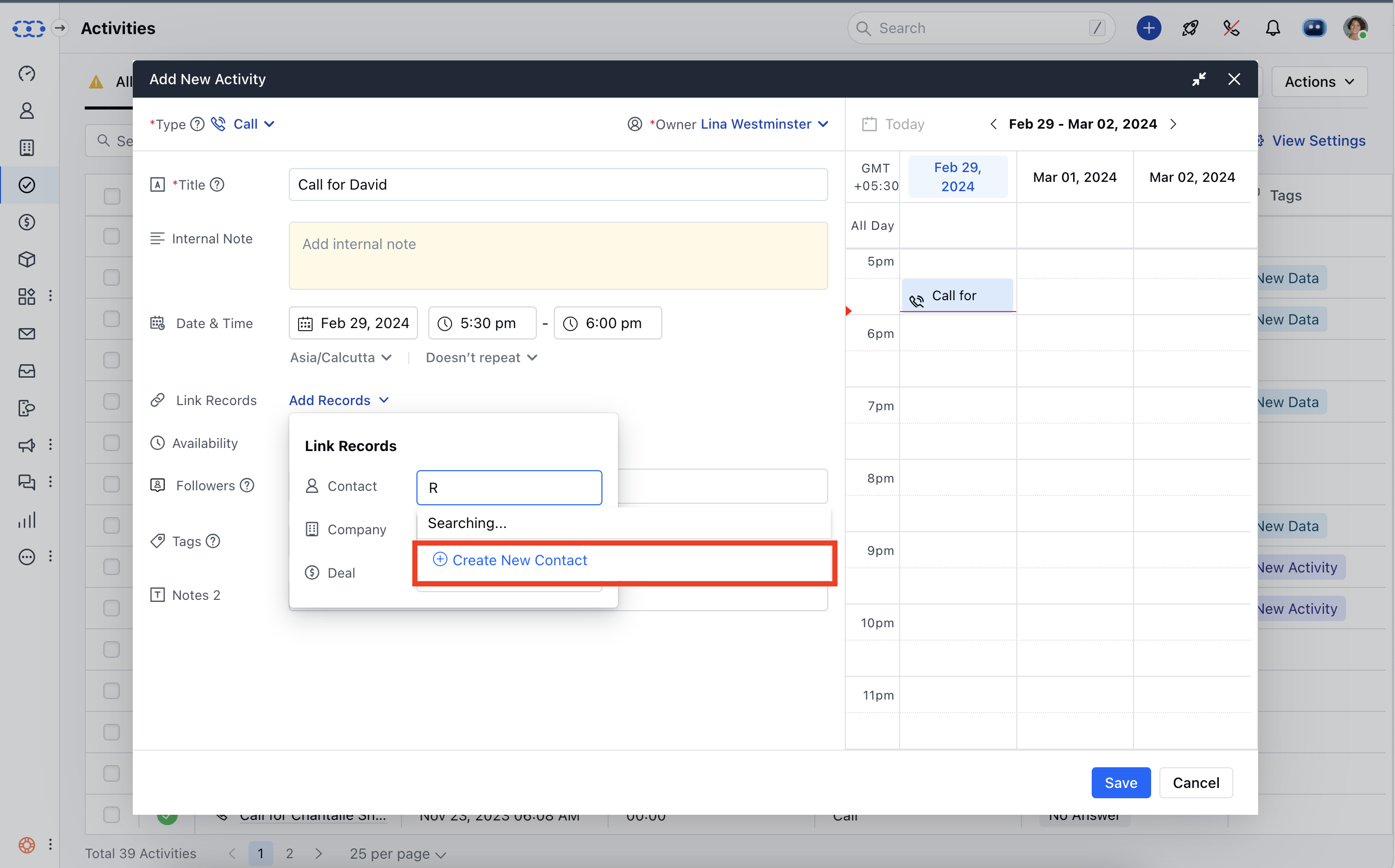
- **Activity **> Contact > Create New Contact ( Quick create a Contact )
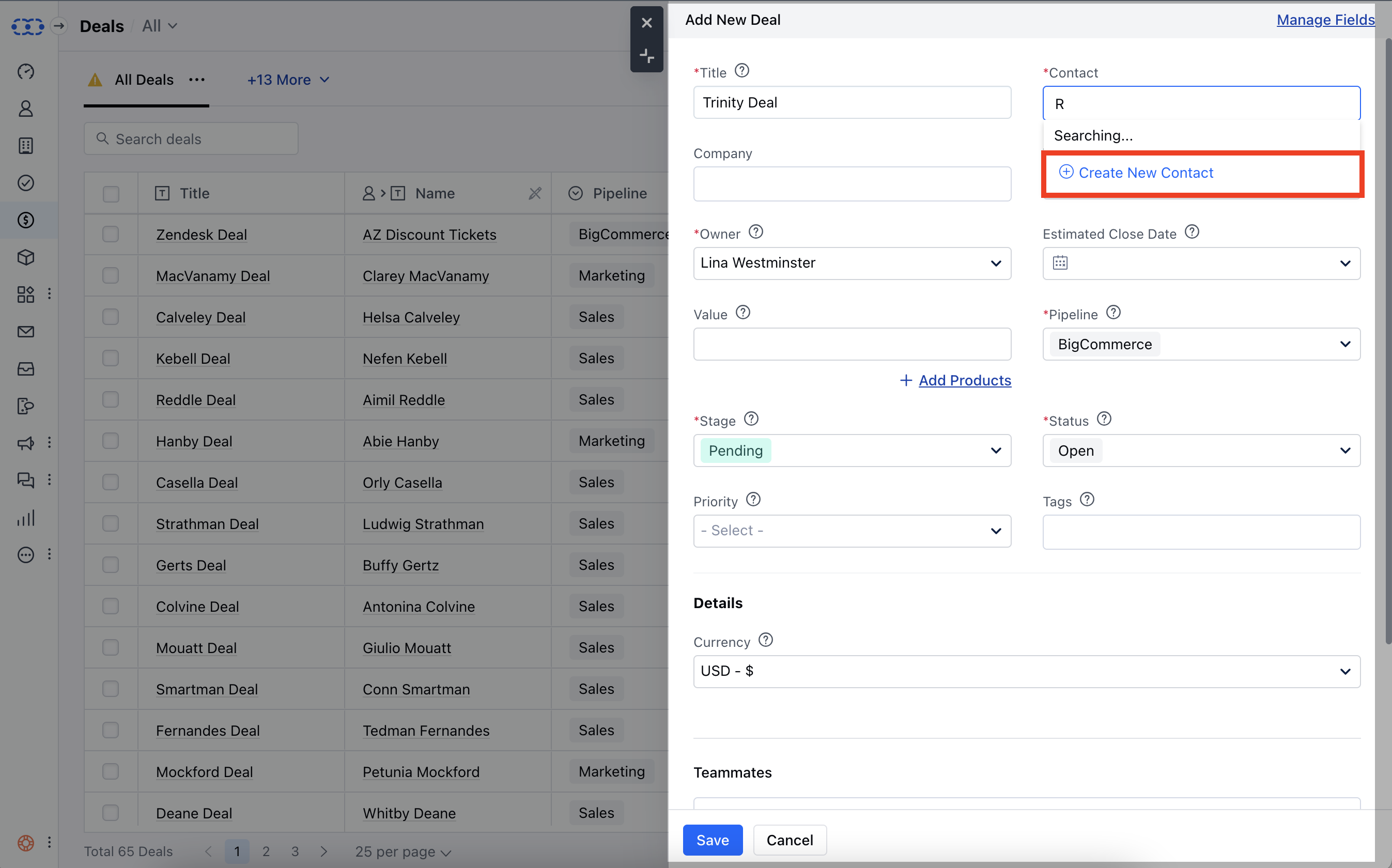
- **Deal **> Contact > Create New Contact ( Quick create a Contact )
- **Quick Add **
**Tip:**Contact can also be created by the shortcut key combination (ci). Whereas, a company can be created by the shortcut key (cc).