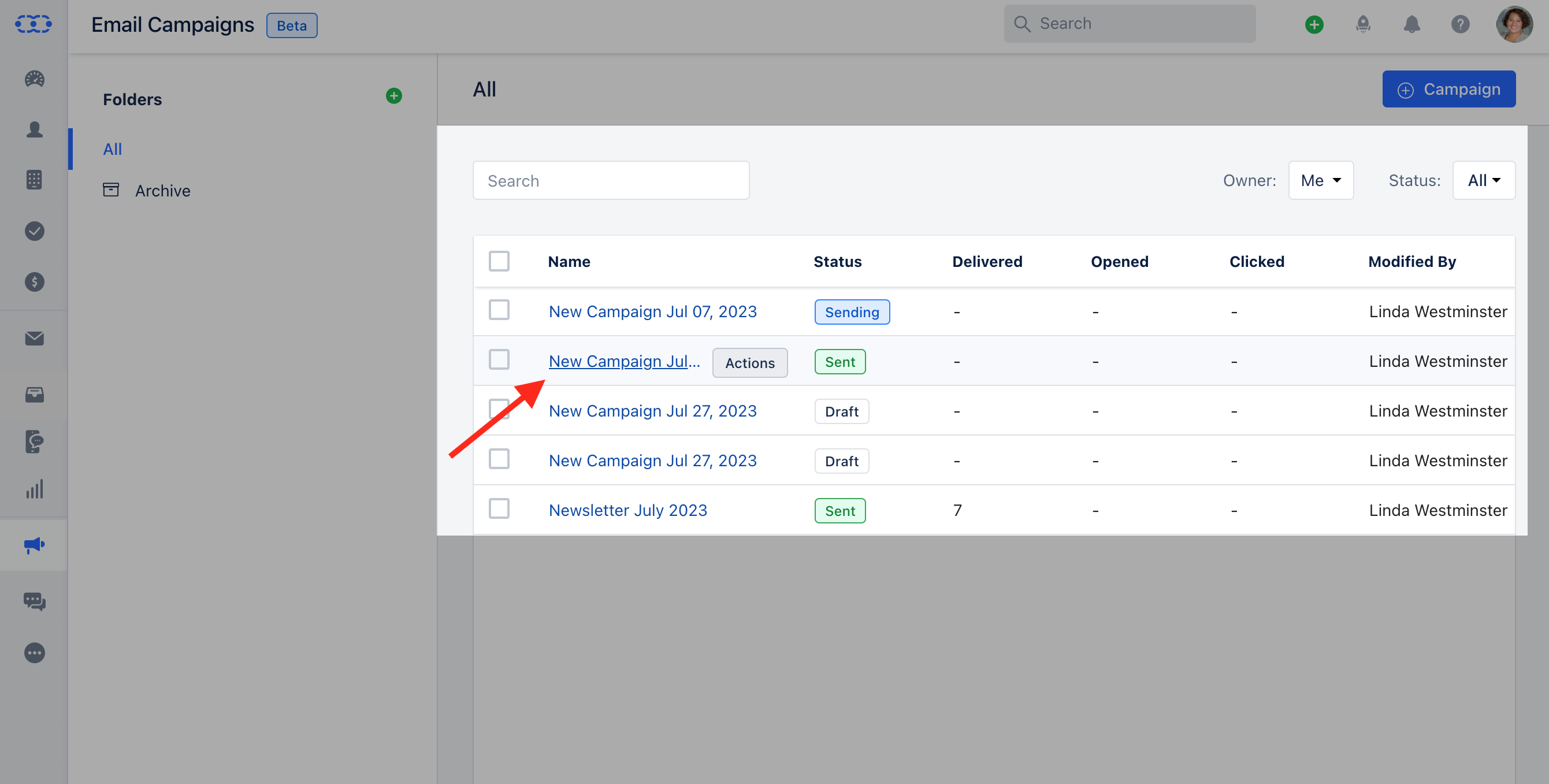
- Click on the* Campaign ** that you would like to get the insights for.
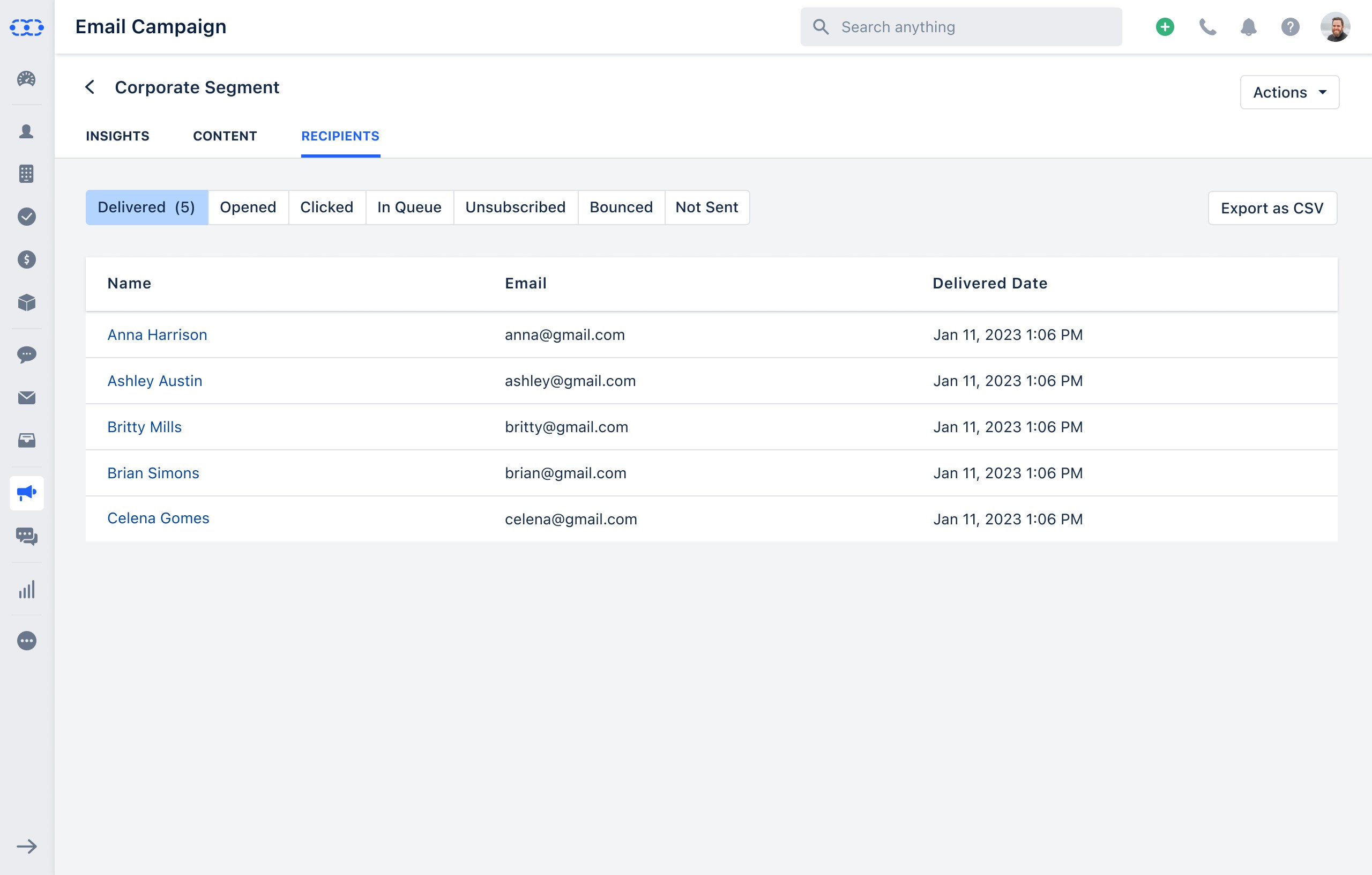
- Delivered- It displays the details of the contacts to whom the campaign was delivered to their inbox. The delivered section would have the details of the Contact ** Name, Email & the Delivery Date Opened- It displays the details of the contacts who opened the campaign emails at least once. The Opened section would have the details of the Contact **Name, Email, Count of Opens & Last Opened Date/Time **Clicked - It displays the details of the contacts who clicked at least once on the links embedded in the email campaign. This section would have the details of the Contact Name, Email, Count of Clicks & Last Clicked Time/Date In Queue- It displays the details of the contacts to whom the campaign is not sent yet i.e. who are still in the queue. This section would have the details of the Contact **Name & Email.
- **Unsubscribed - It displays the details of the contacts who have unsubscribed from the email campaign. This section would have the details of the Contact Name, Email & Unsubscribed Date Bounced- It displays the details of the contacts for whom emails were bounced. This section would have the details of the Contact **Name, Email, Bounced Date & Bounced Type Reason **Not Sent
- It displays the details of the contacts to whom the campaign was not delivered, either skipped for some reason or failed. This section would have the details of the Contact Name & Email You can also Export the Recipients detail as a CSV fileClick on the Export as CSV**