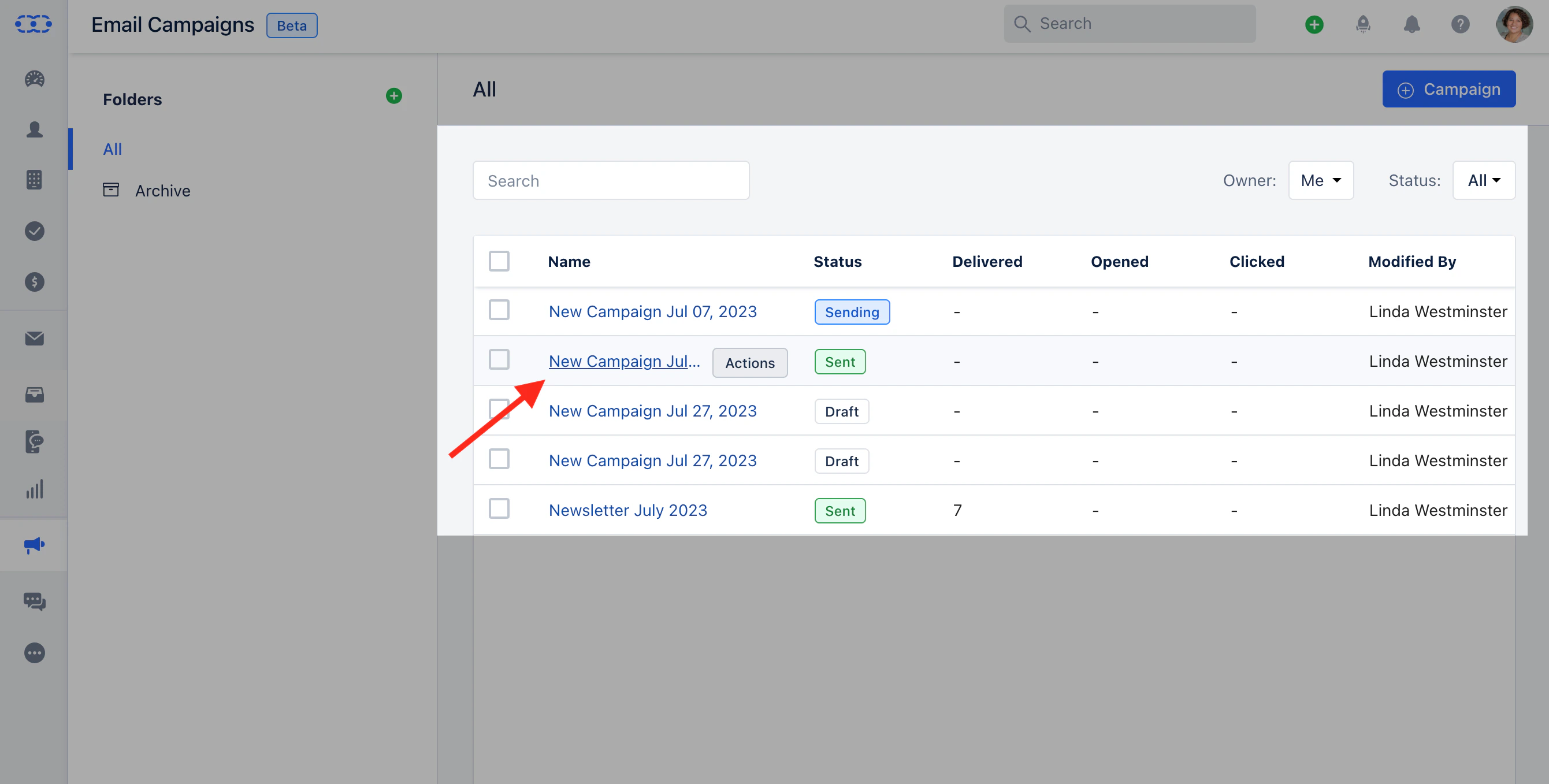
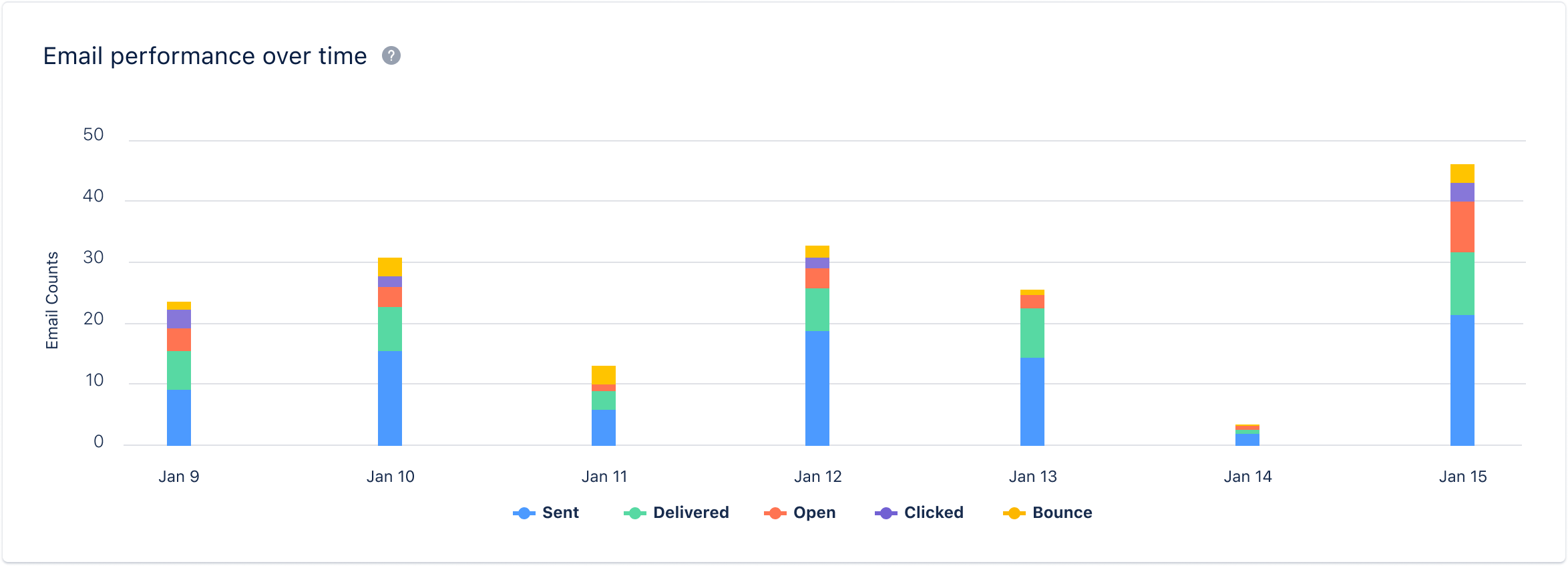
Once the Email Campaign has been sent, you get overall insights into the Campaign. Along with this, you can get Content Insights.To view the Content Insights,Navigate to the ** Outreach Icon on the left Menu bar.Click on Email Campaigns.*
Click on the* Email Campaign ** that you would like to get the insights for.
Head over to the Content section next to Insights. This screen looks similar to the Review screenHere you would get the Campaign History of,** List/View Name **Subscription Type **A/B Testing details(If Applied)**Footer details **Tracking details **Delivery Option **Email Throttle details **Links added to the Campaign **Template used for the Campaign ** If you have enabled A/B Testing, you can view the Campaign details used in both Variants.