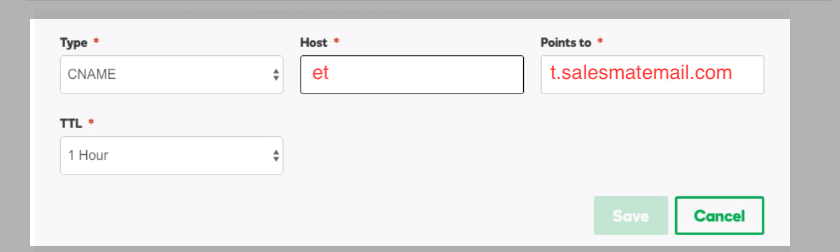
Email Open & Click Tracking allows automated email analytics to attract, capture, nurture, and most importantly, convert your prospects. Control your message with email templates, merge tags, open rate, and click tracking.Create unlimited email templates and get your message out faster so your reps can move on to the next task without wasting time. Salesmate tracks every template’s effectiveness by counting its usage, open rate, and reply rate. Why guess when we can pick the winning template for you?Topics covered:Documentation Index
Fetch the complete documentation index at: https://support.getskara.ai/llms.txt
Use this file to discover all available pages before exploring further.
Email Open & Click Tracking
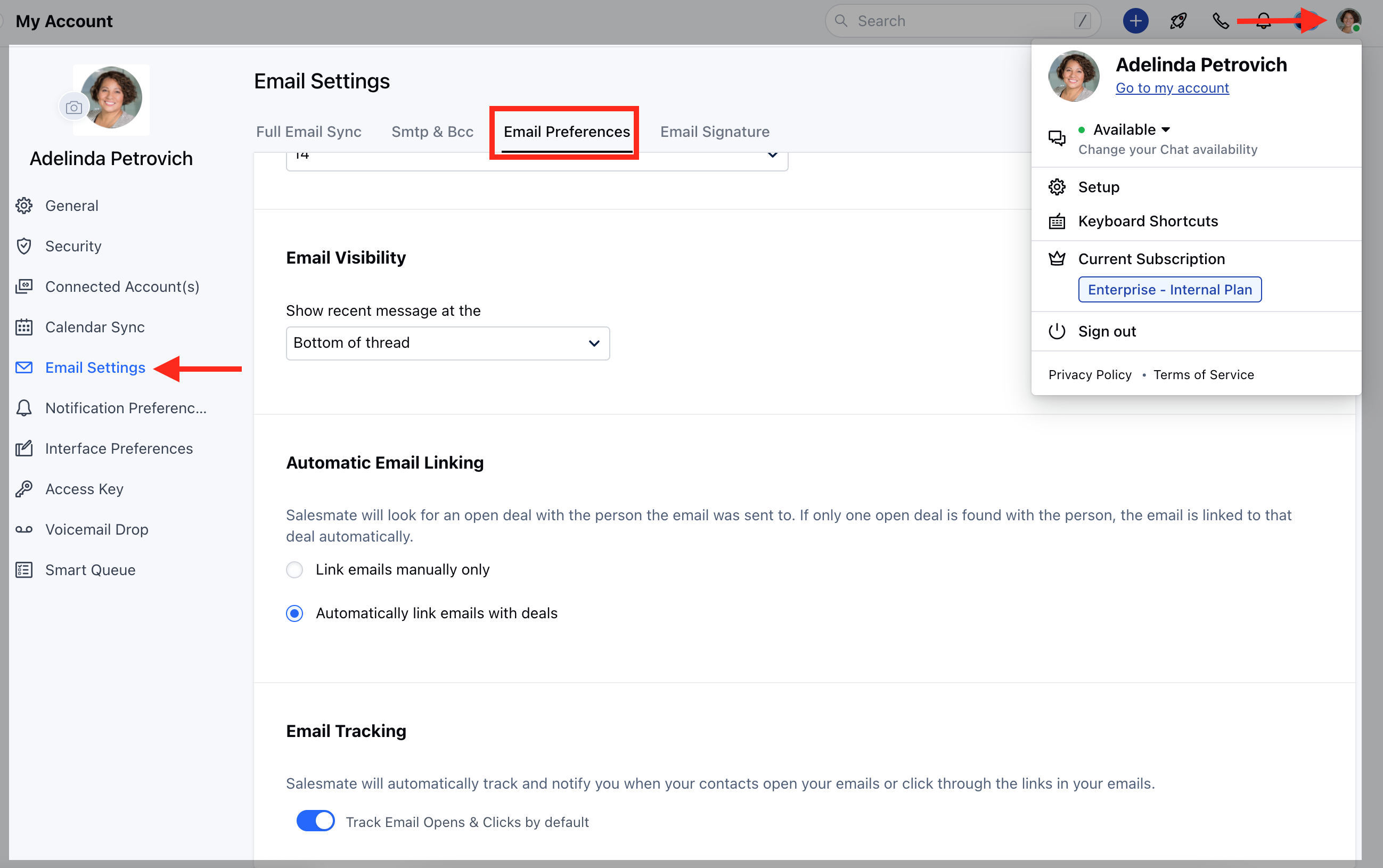
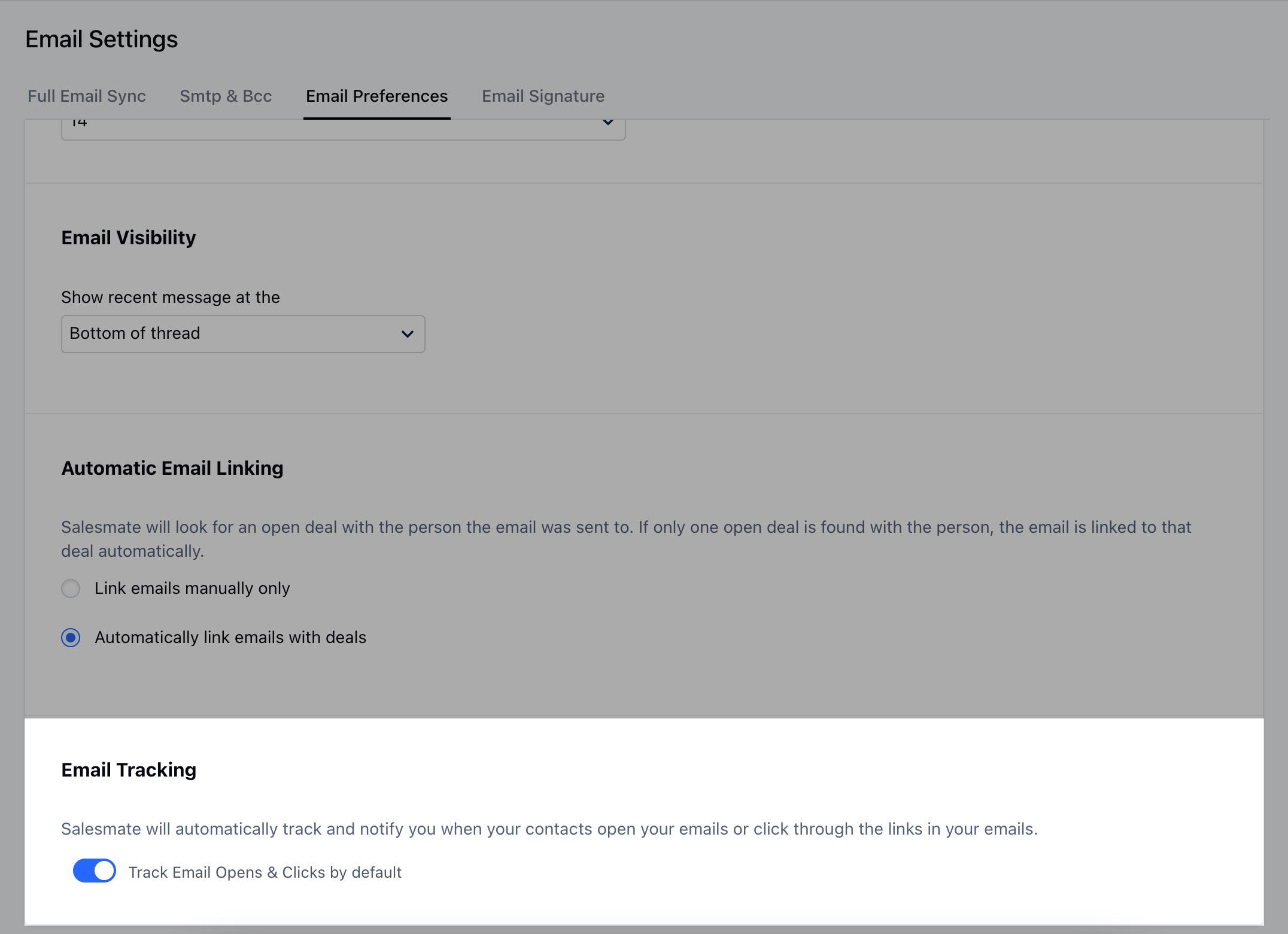
To enable this option, Navigate to your Profile Icon on the top right corner.Click on Go to my Account. Go to Email Setting Select Email Preference.
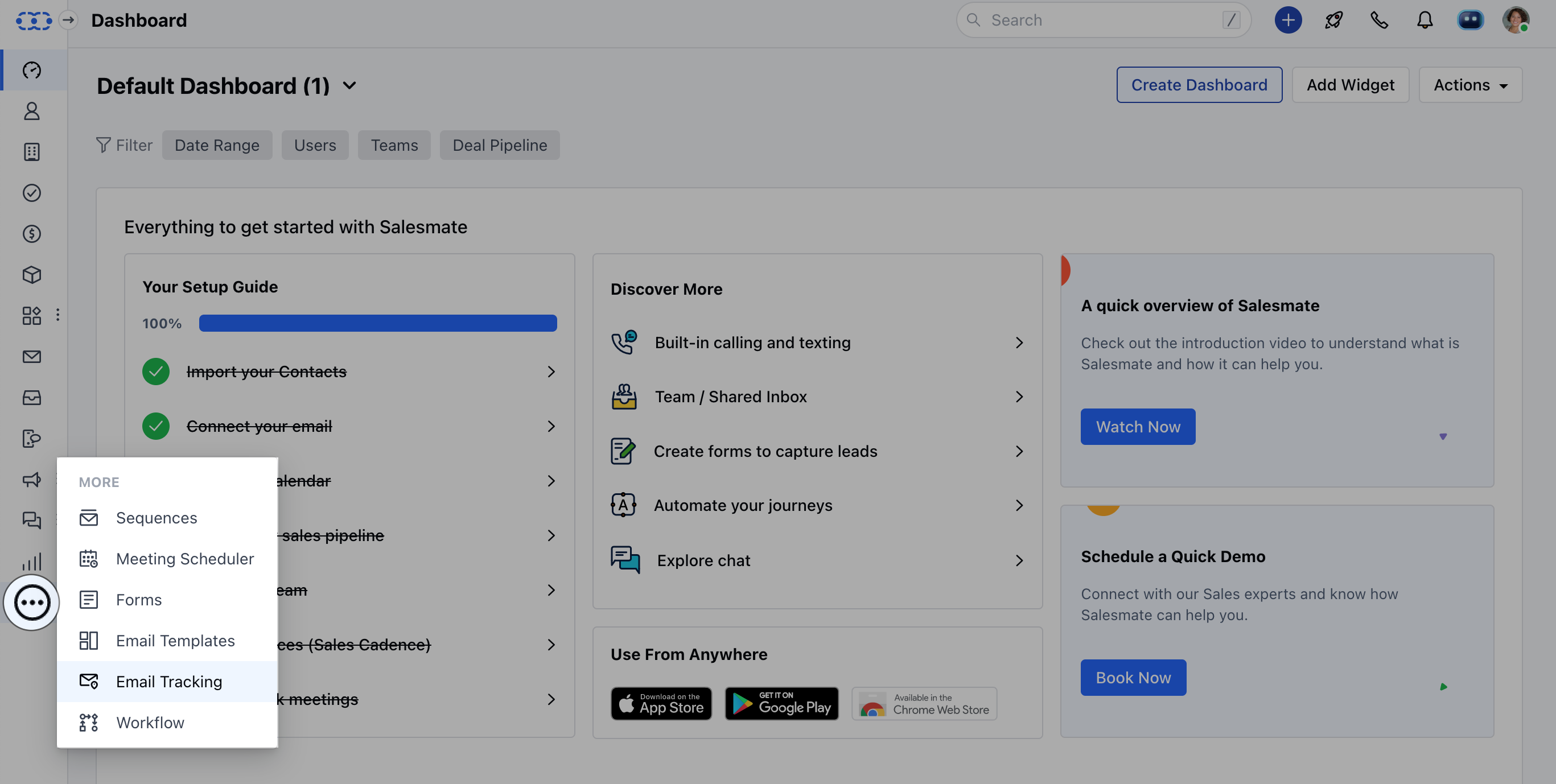
Email Template Usage Analytics:
Turn your best and most repetitive sales emails into ready-to-use Email templates. You can personalize, and optimize them using merge tags.While you send an email using any of these templates get to know its effectiveness by the Email Template Usage Analytics. You can get to know the usage i.e. Open, Use, and Reply Counts for the template.