

| Type | Host | Points to | TTL |
|---|---|---|---|
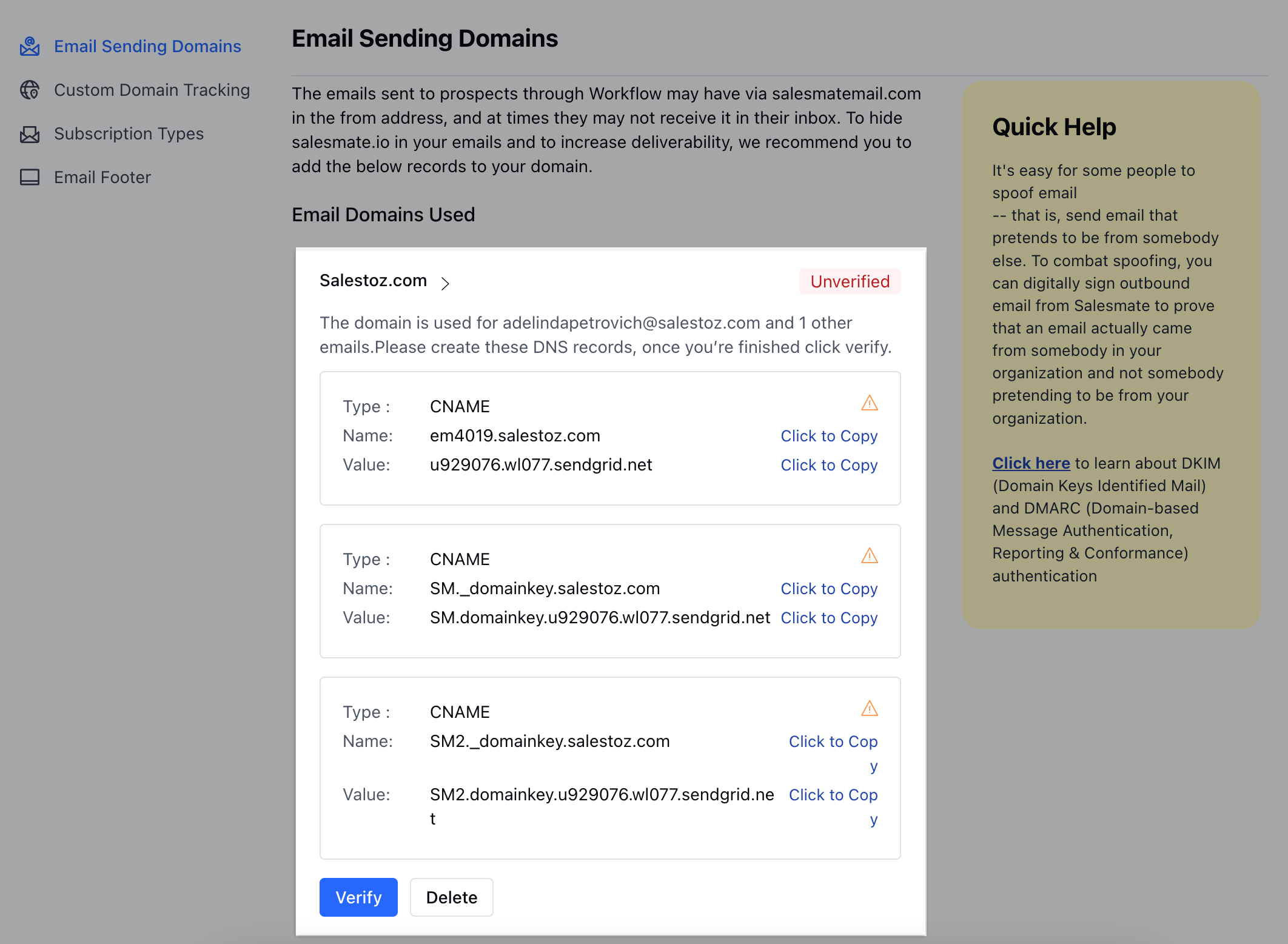
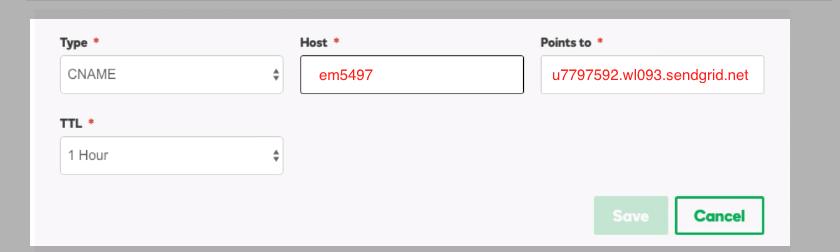
| CNAME | em5497 | u7797592.wl093.sendgrid.net | 1 Hour |
| CNAME | s1._domainkey | s1.domainkey.u7797592.wl093.sendgrid.net | 1 Hour |
| CNAME | s2._domainkey | s2.domainkey.u7797592.wl093.sendgrid.net | 1 Hour |
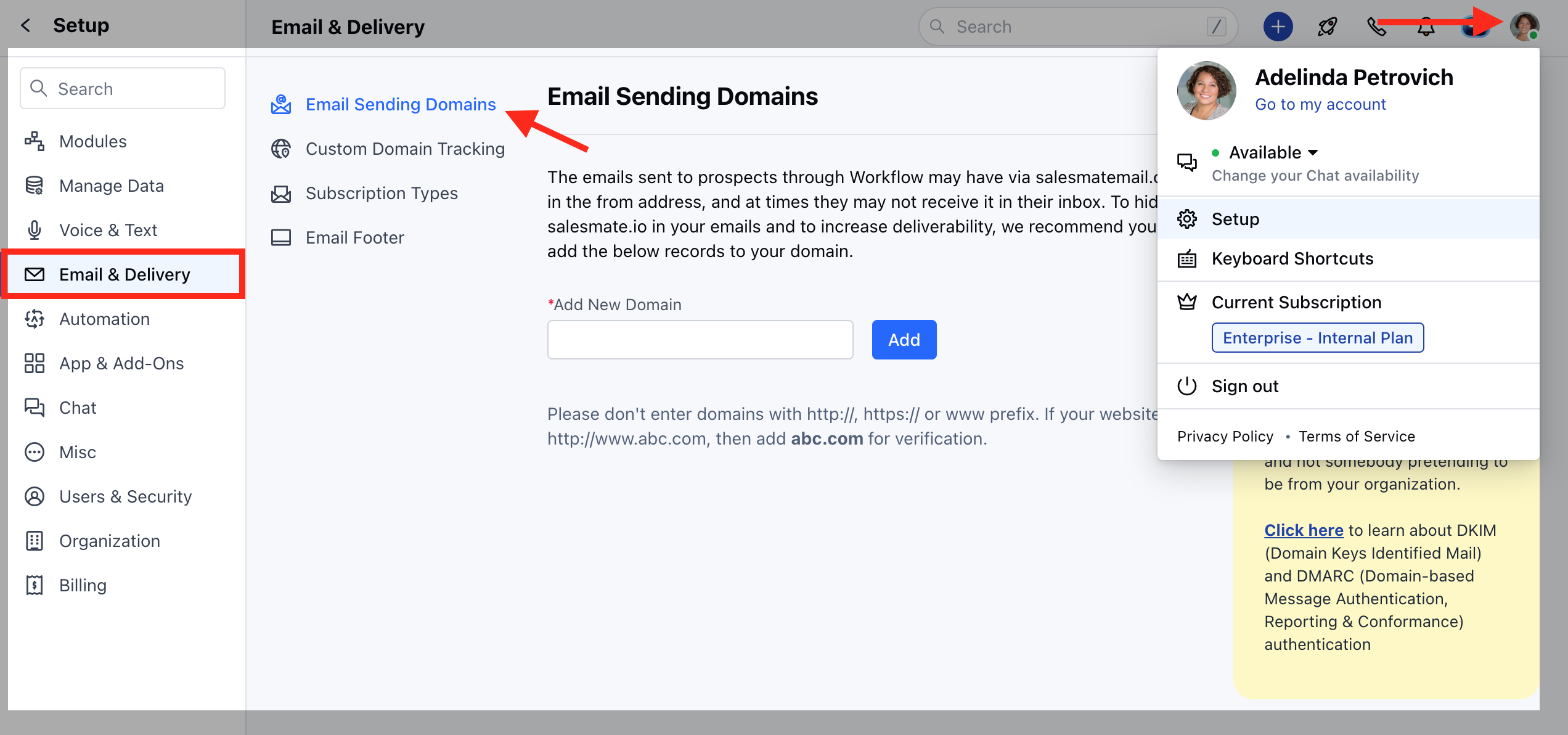
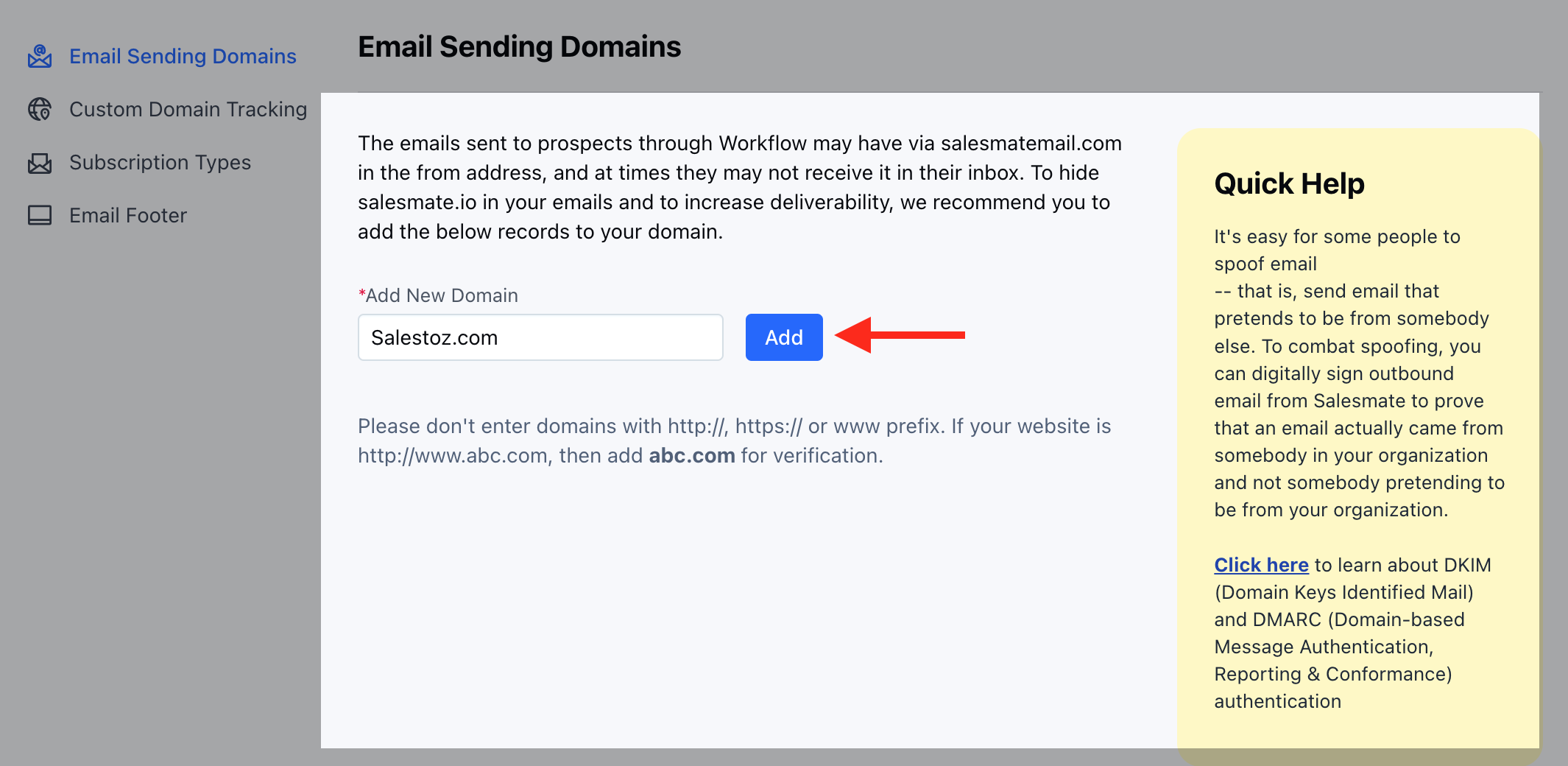
| Note: Some domains need you to specify the complete Host thus enter:em5497.demo.io, s1._domainkey.demo.io & s2._domainkey.demo.io respectively | Save your changes when you’re done. After you’ve published the records in your Domain Name System, log into your Salesmate account as AdministratorWait for about 30 minutes ( This could take as long as 24 - 48 hours depending on your service provider )In Salesmate, navigate to Setup > Sales Automation > Outgoing Email Setting Hit the verify button to verify your domain nameOnce verified the domain will be tagged as verified.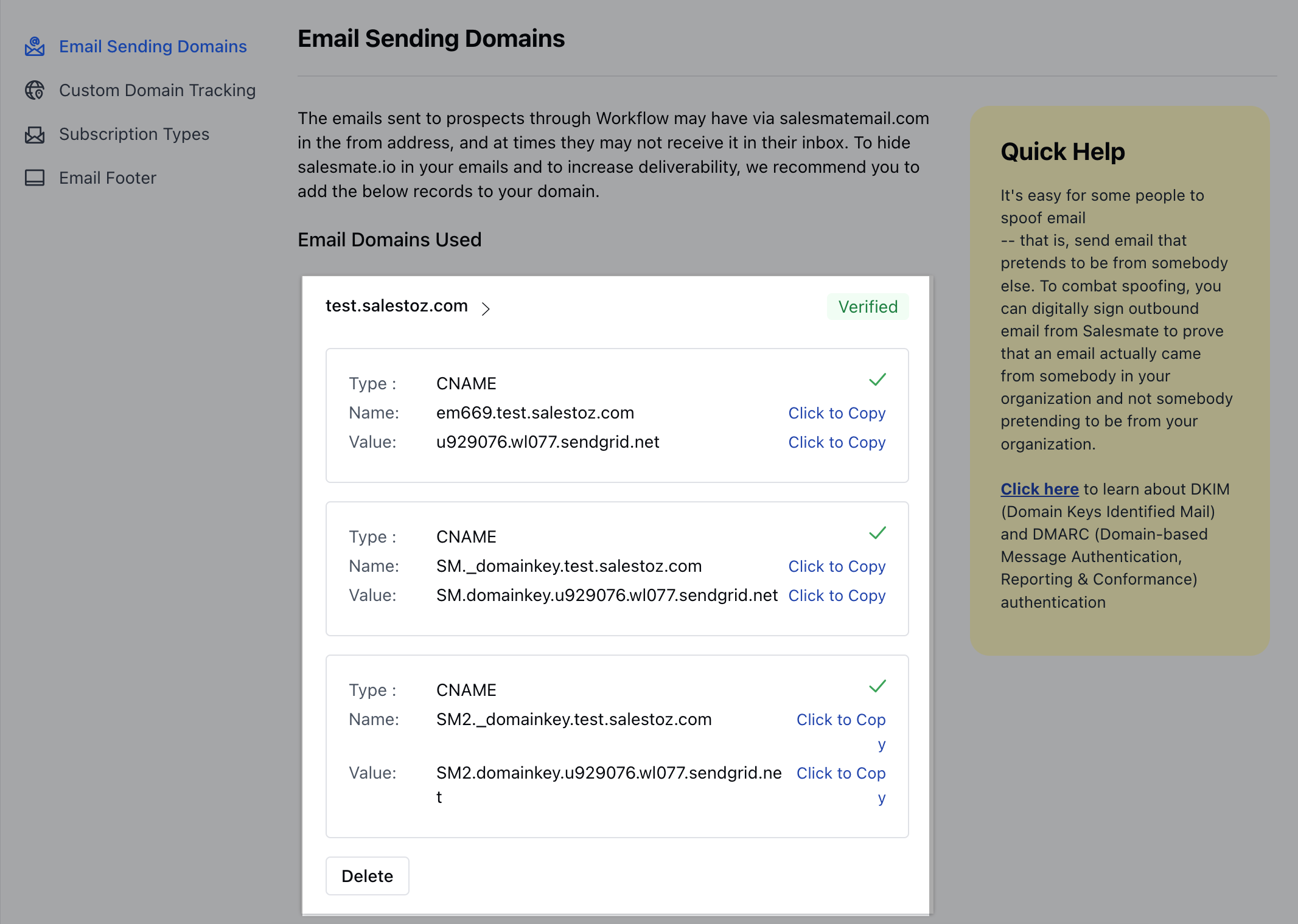 |
- *Note:**You can expect a propagation time from 30 minutes up to 24 hours. This is because it takes time for the DNS to take effect across the internet. The actual time of propagation may vary in some locations based on your network setup.