Overview
Salesmate supports SSL-enabled click and open tracking. This feature is enabled automatically if you are using a shared IP address or have a non-authenticated domain. To enable SSL click and open tracking for an authenticated domain, additional configuration for SSL keys is required.Configuring SSL Certificates and Keys
In order for click and open tracking to work over SSL, Salesmate needs to present a valid certificate that will be trusted by the email recipient’s browser. For authenticated domains, Salesmate is not able to request and/or manage certificates, as it is not the record owner for the domain.To work around this restriction, you may use a CDN service, such as CloudFlare , Fastly , or KeyCDN to manage certificates and keys for your domain.Using CloudFlare
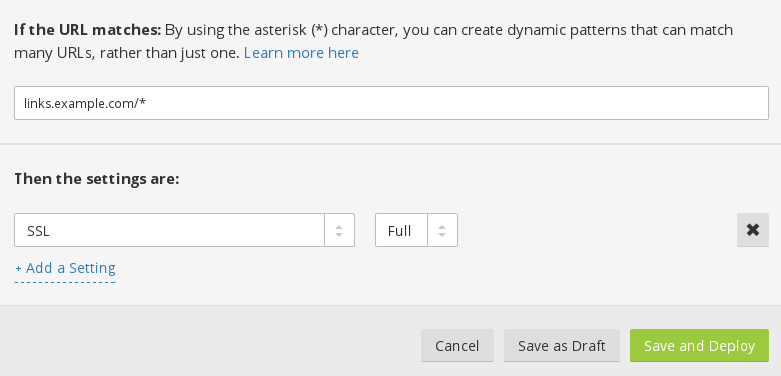
The following instructions assume you already have a CloudFlare account made, using either a Full DNS setup or a CNAME setup . You can compare the 2 different setups here . Note that a CNAME setup is only available to Business or Enterprise level CloudFlare plans.The instructions also assume that you have set up a valid custom tracking domain (branded link) on your account. This step is essential for the following instructions to work. Begin by logging into your CloudFlare account, and navigating to the DNS settings for your domain.



Using Fastly
- Sign up for Fastly or log in to an existing account.Click Configure on the Dashboard.Click the gear icon to open the Manage Service menu and click Create.
salesmatemail.com : 443 The connection on the SSL port 443
- Domain:
lt.example.comEnter your custom tracking domain here. Ensure it matches the domain configured in the Custom tracking domain settings. This value will be what recipients see in your SSL enabled click tracking links. - Description:
Salesmate(or whatever you like)Finally, click the Create. The new service will appear in the list of available services.Contact Salesmate support to validate your CDN settings and enable SSL click and open tracking.For more information, please visit Fastly’s documentation.
Using KeyCDN
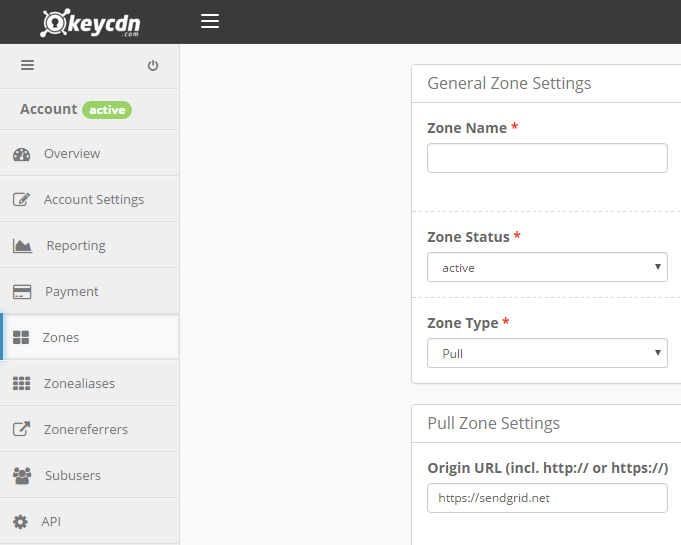
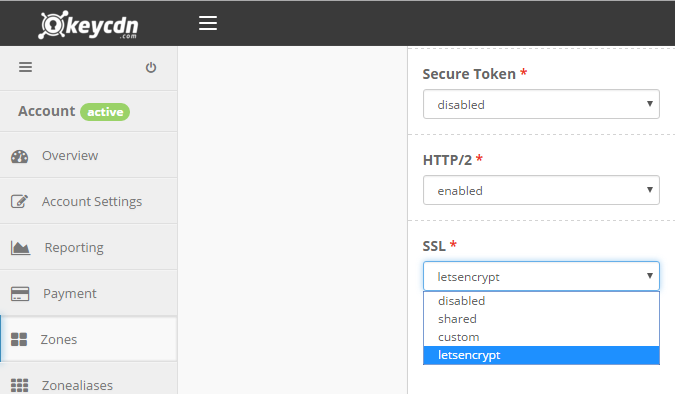
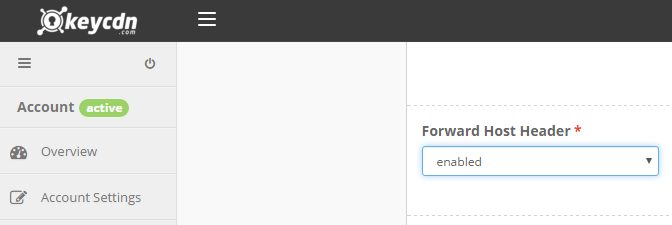
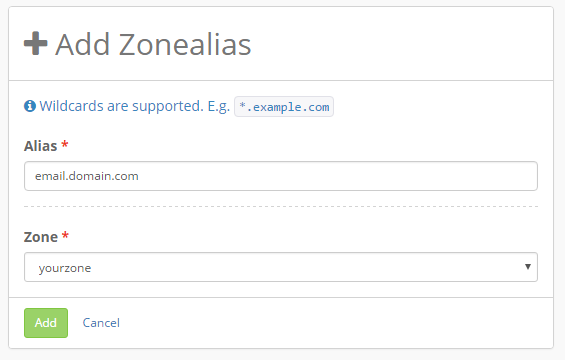
This section is maintained by KeyCDN, if you have any questions about KeyCDN please contact their support team. Sign up for KeyCDN or login to your existing account.Create a pull zone and point the origin URL to https://salesmatemail.com