Email threads are Salesmate’s way of showing you the full email conversation you’ve had with specific participants. If you have the Email configured in Full Sync, the emails you send and receive will be automatically put into threads within the Salesmate Mail tab.To ensure this works smoothly and as intended, we highly recommend you send emails from within the Salesmate app using Full Email Sync.Documentation Index
Fetch the complete documentation index at: https://support.getskara.ai/llms.txt
Use this file to discover all available pages before exploring further.
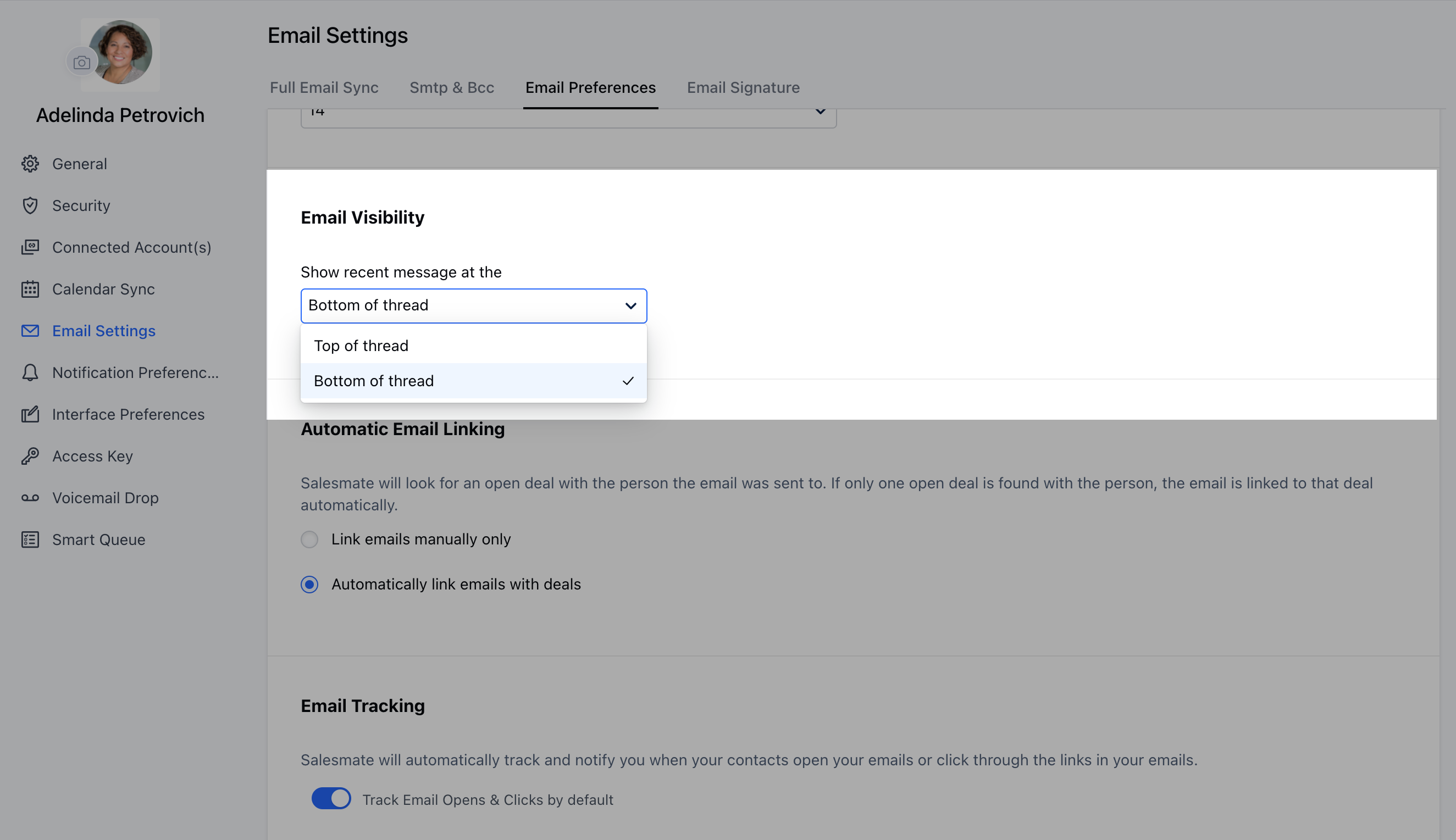
Email Threading Order Users can choose their preference for the order of new emails coming in an email thread i.e. whether they should come on to the top or at the bottom under the Email thread
Navigate to the Profile Icon on the top right cornerClick on Go To My Account Head over to the Email Settings Under Email Visibility, Select your preference.Once selected, the preference will get auto-saved.