

Email Templates
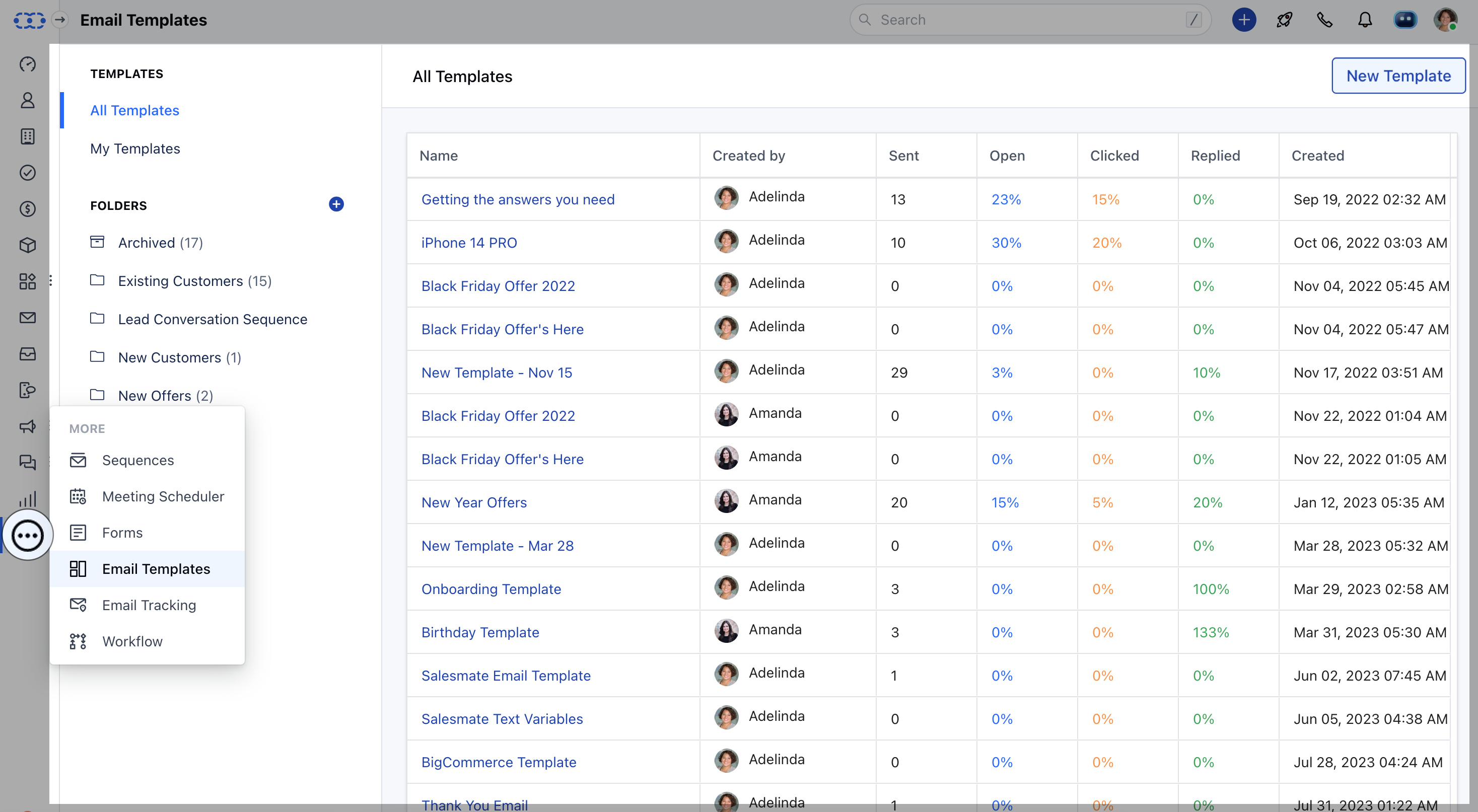
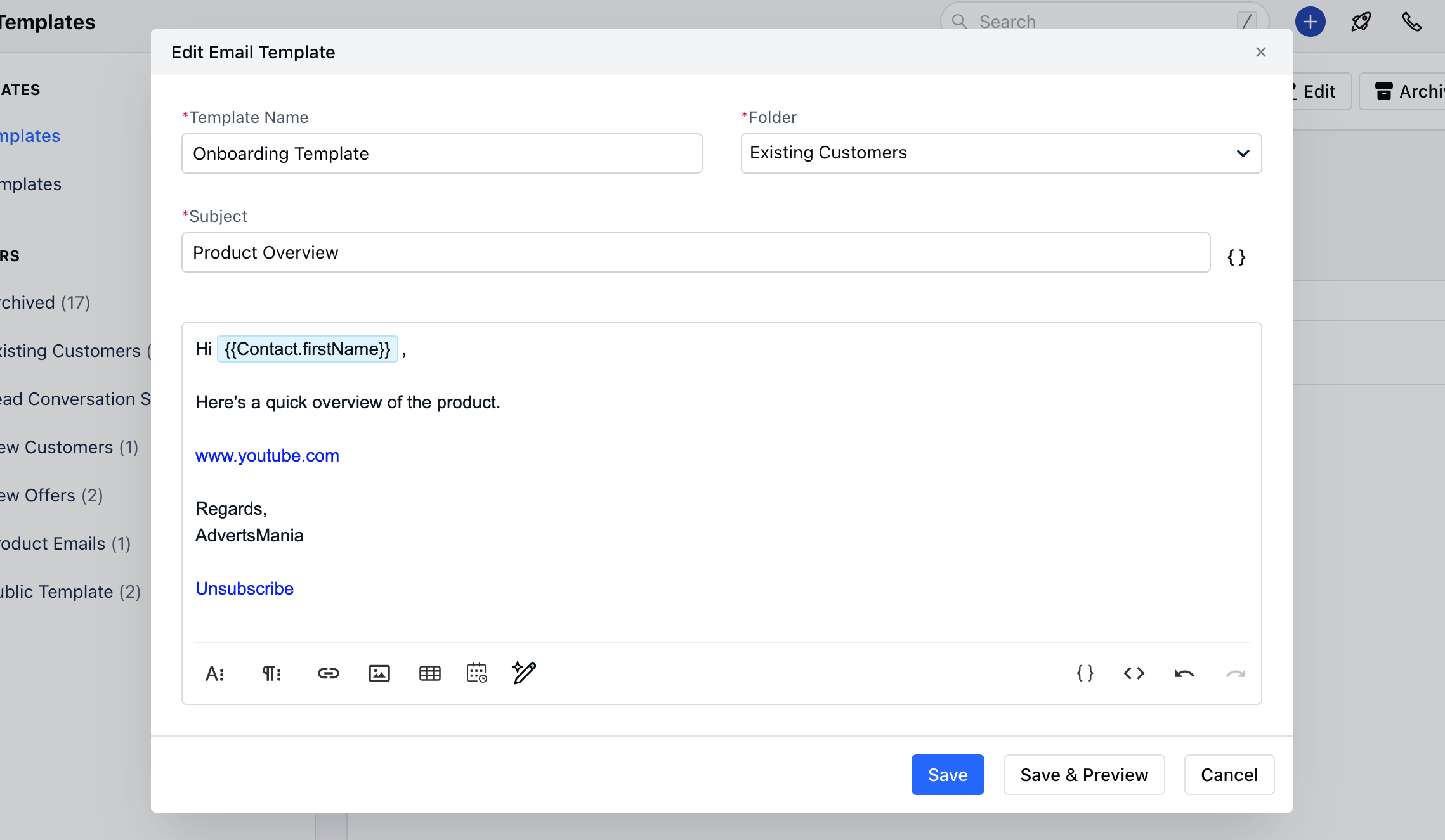
To add the Unsubscribe link to Email Templates:- Navigate to the More Icon on the left menu bar.
- Click on Email Templates.
- You can add the Unsubscribe link to existing templates or create a new one by clicking New Template.
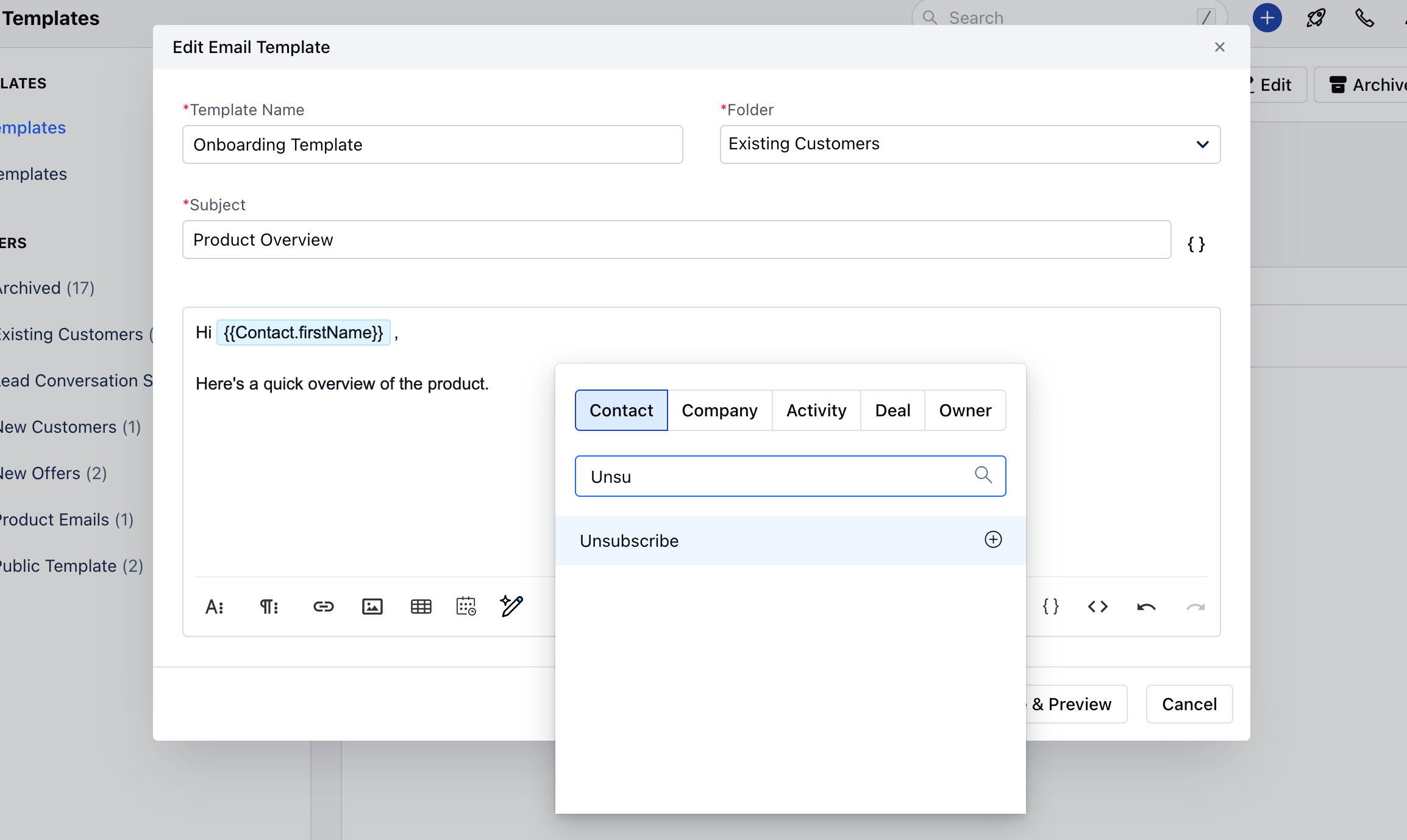
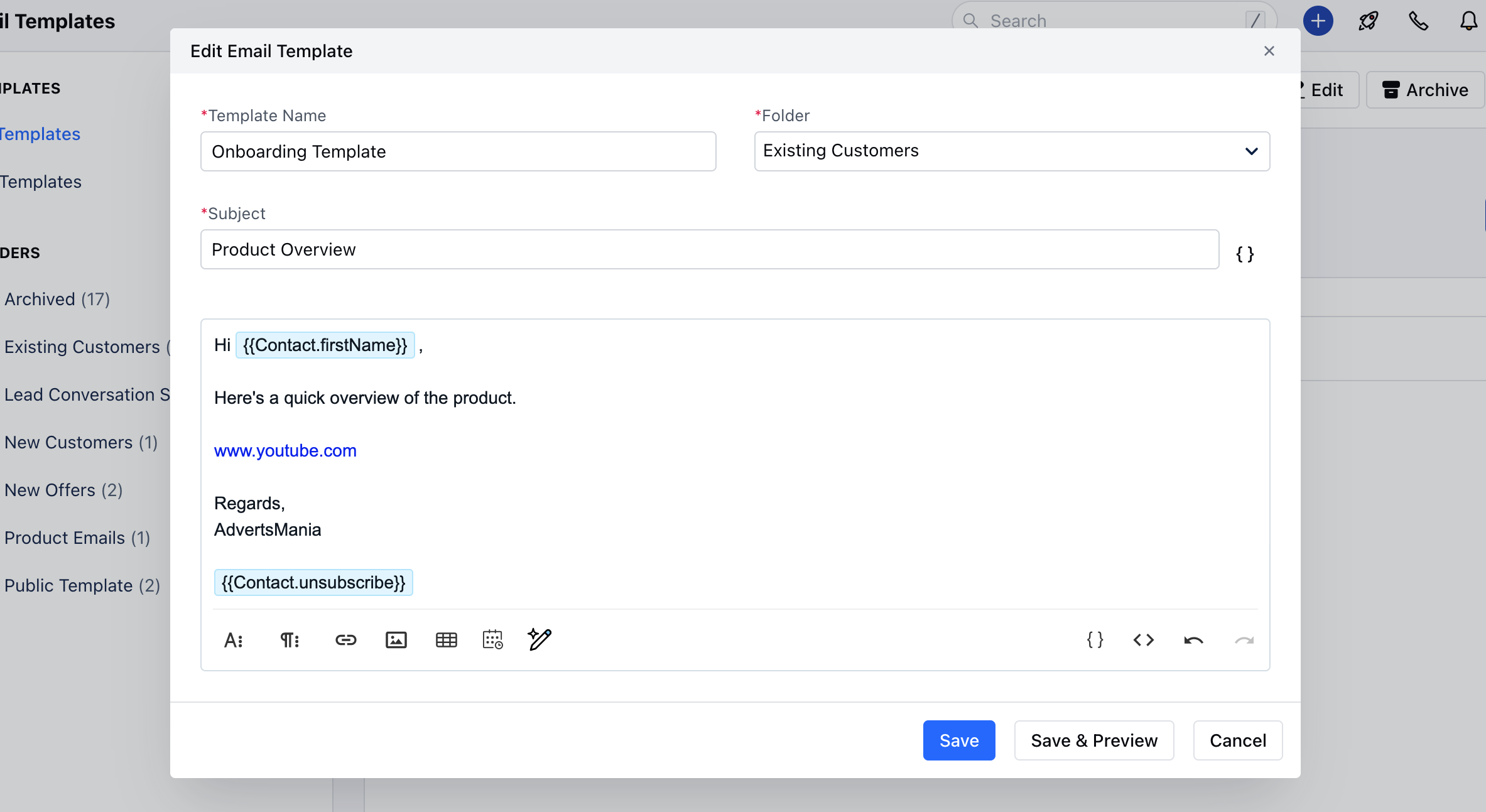
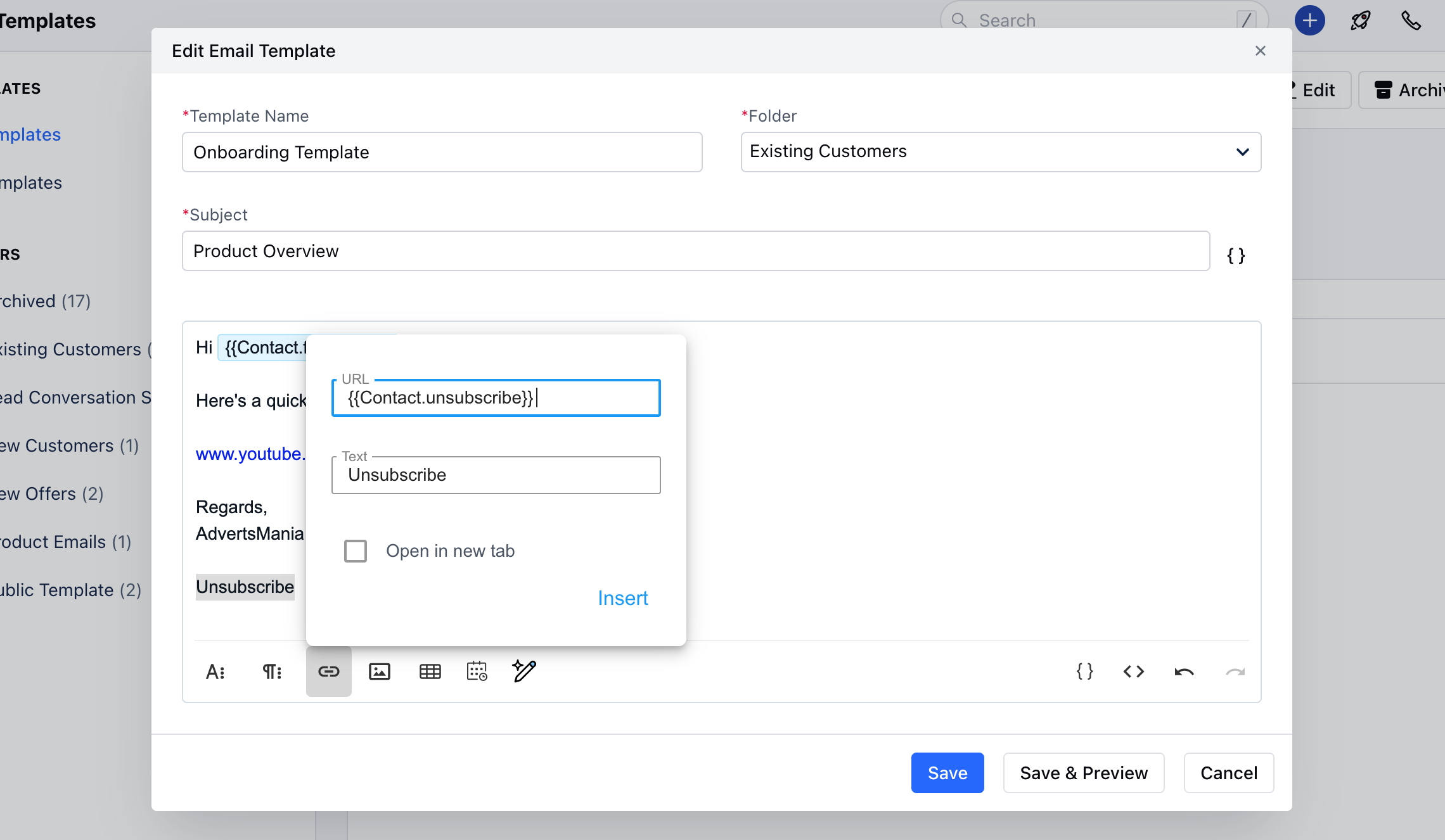
{{Contact.unsubscribe}}, type Unsubscribe, then go to Insert Link.
Now paste the copied attribute into the URL field and click Insert.
Campaign Templates
To add the Unsubscribe link to Campaign Templates: You can create a new template or select one of the predefined templates.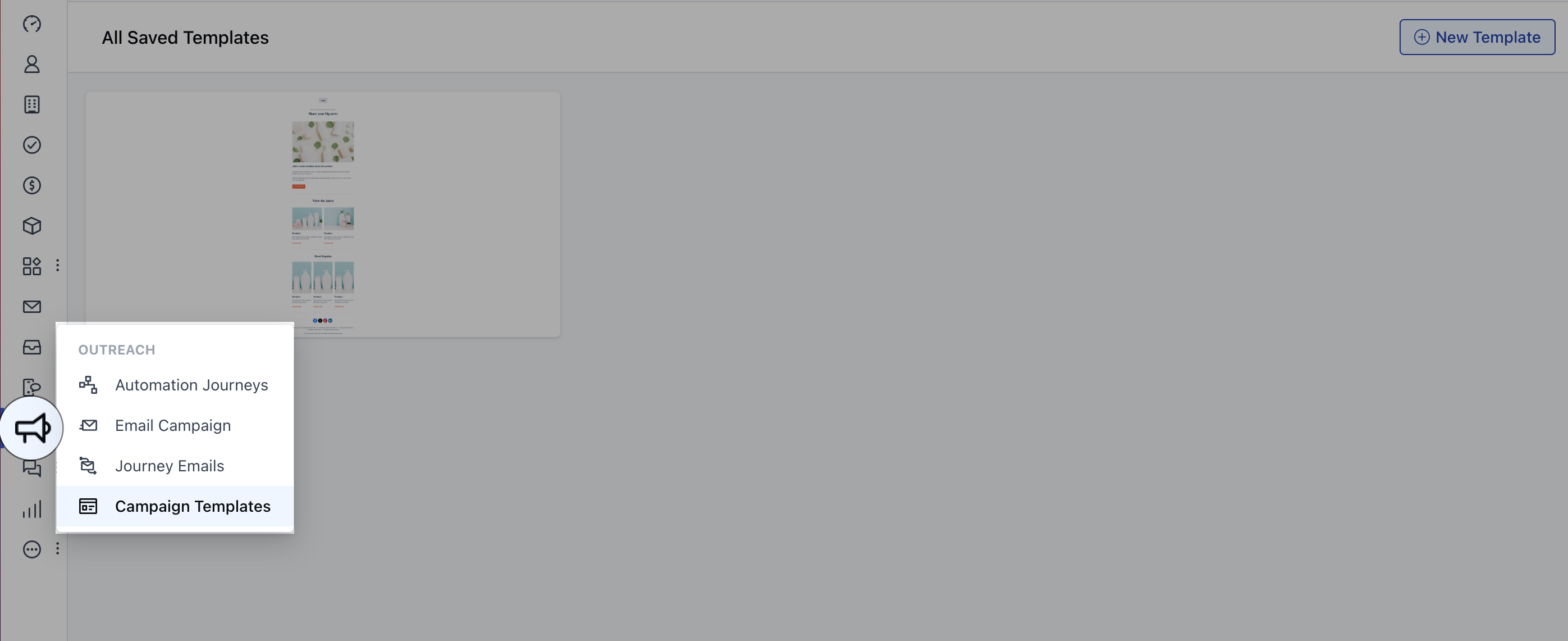
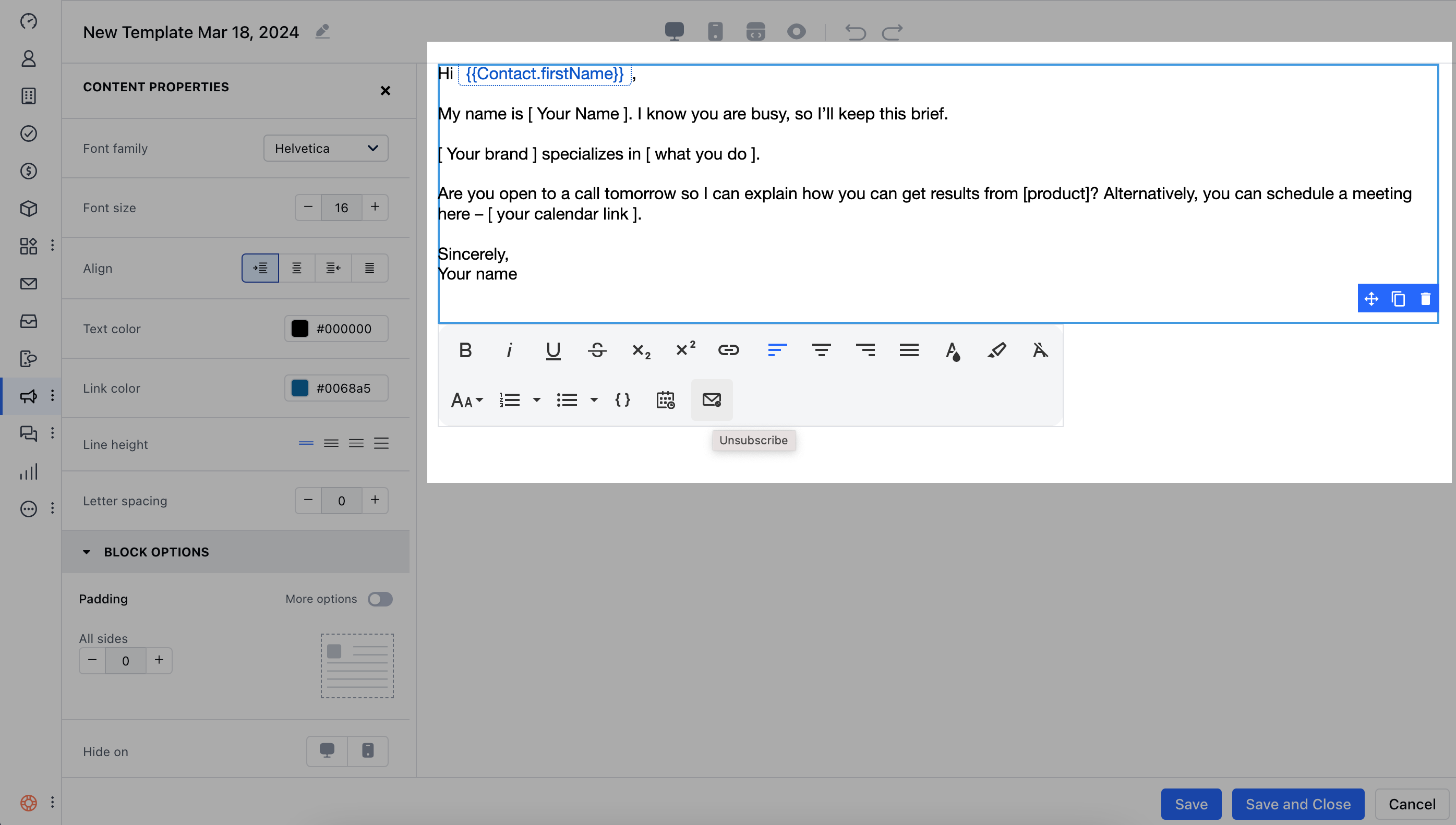
- Drag and drop the Text block into the editor.
- Select the Unsubscribe option from the toolbar.
- I no longer want to receive these emails
- I never signed up for this mailing list
- The emails are inappropriate
- The emails are spam and should be reported
- Other (fill in the reason below)
-
- Email Opt-Out:
True
- Email Opt-Out:
- Email Opt-Out Reason: (the chosen reason)