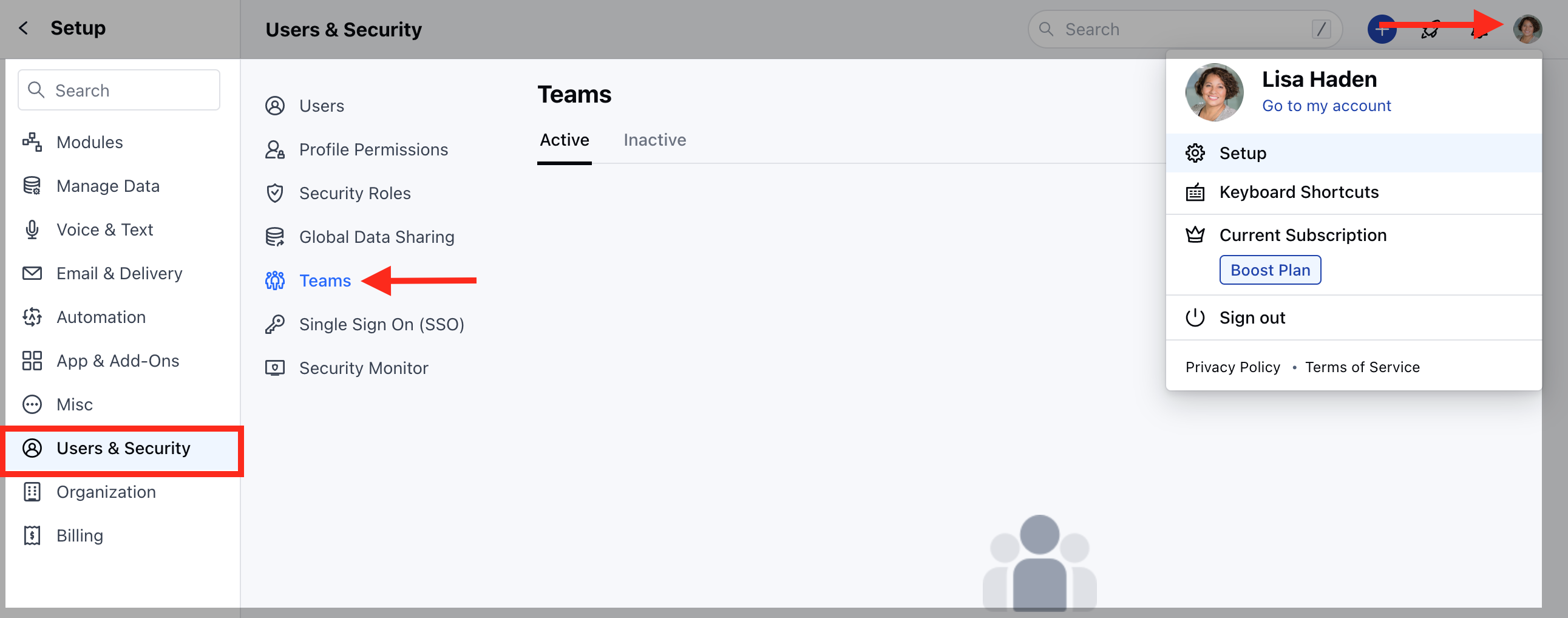
To create a team :
- Navigate to the Profile icon on the top right corner
- Click on Setup
- Head over to Users and Security
- Click on Teams
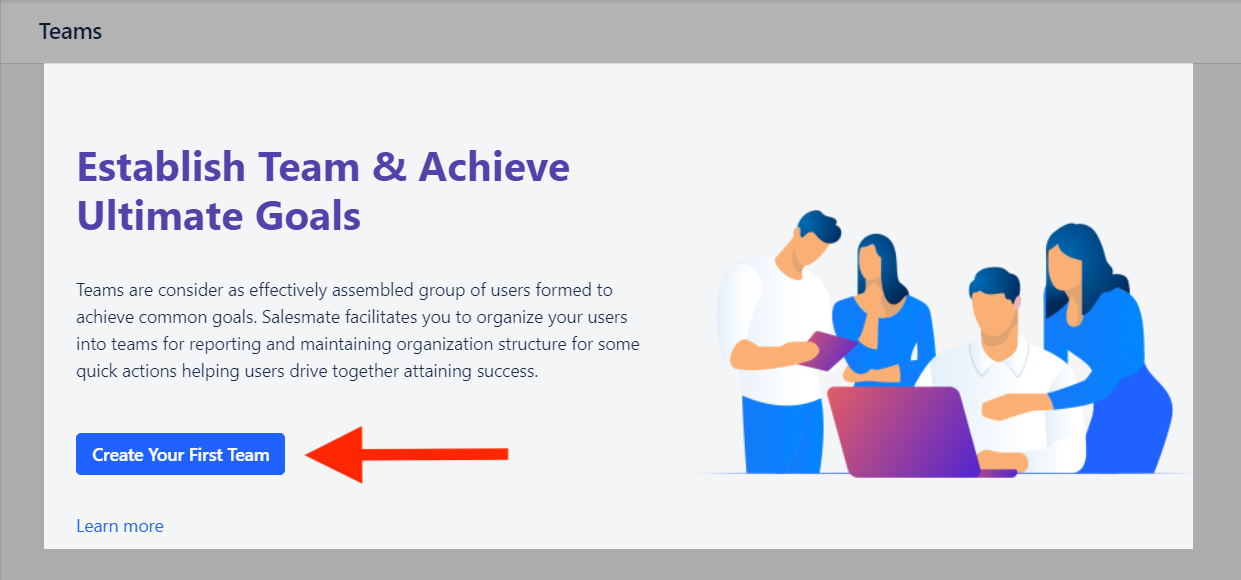
- Click on the “Create Your First Team” button to create your team.
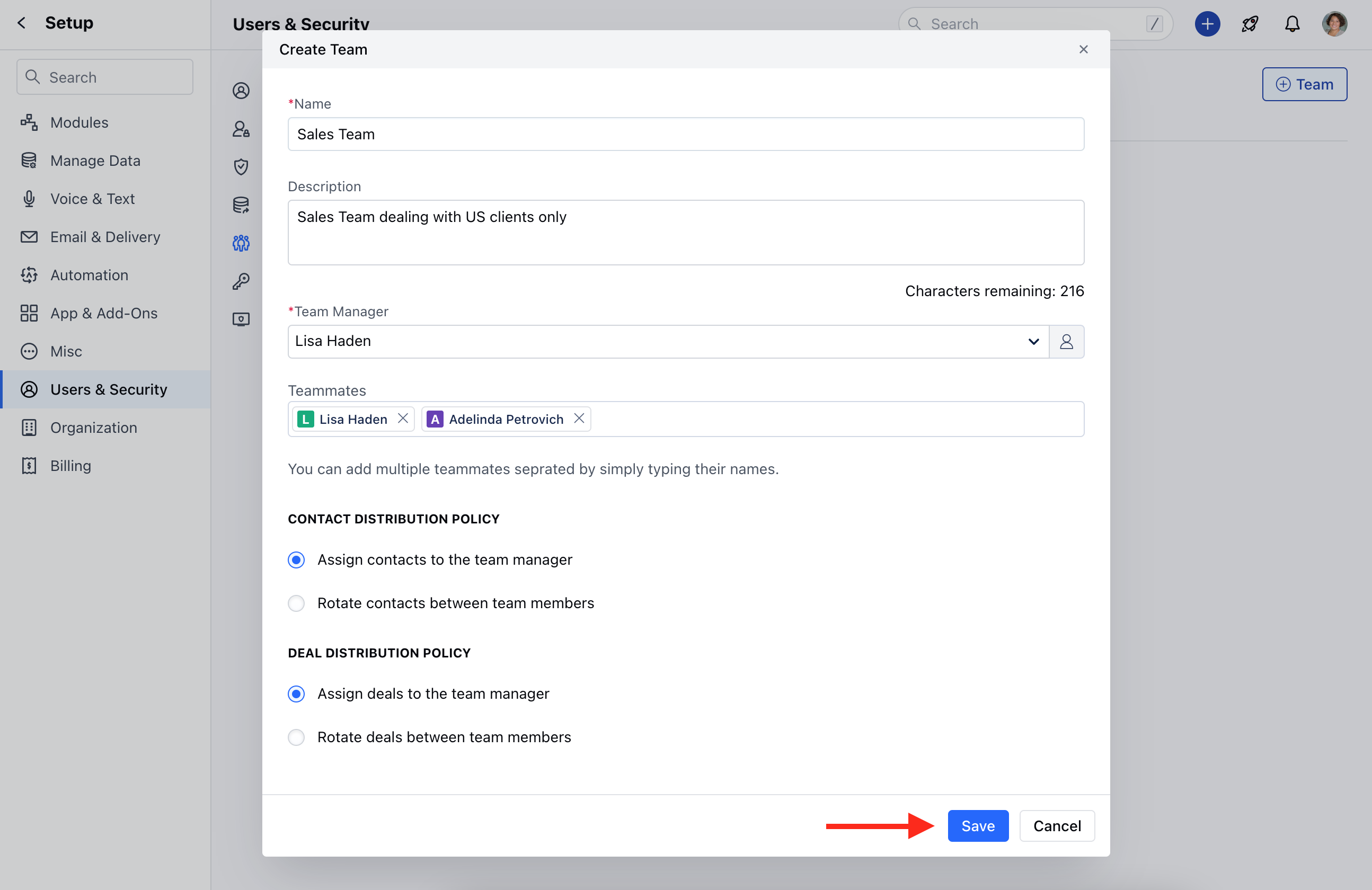
- Fill in the following details
- Name of the team[ Example: Sales, Customer Success, Projects Management, etc ]
- Description of the team[ Helps you identify what this team is for ]
- Select a Team Manager[ An active Salesmate user of your account who gets the right to add other members to the team ]
- Add Teammates[ Select the list of users or at least one user who will be part of this team. ]
- Select “Contact Distribution Policy” and “Deal Distribution Policy”.
- Click on Save
- Once the team is created it will be listed in the Active tab. Also, in this way, you can create multiple teams.
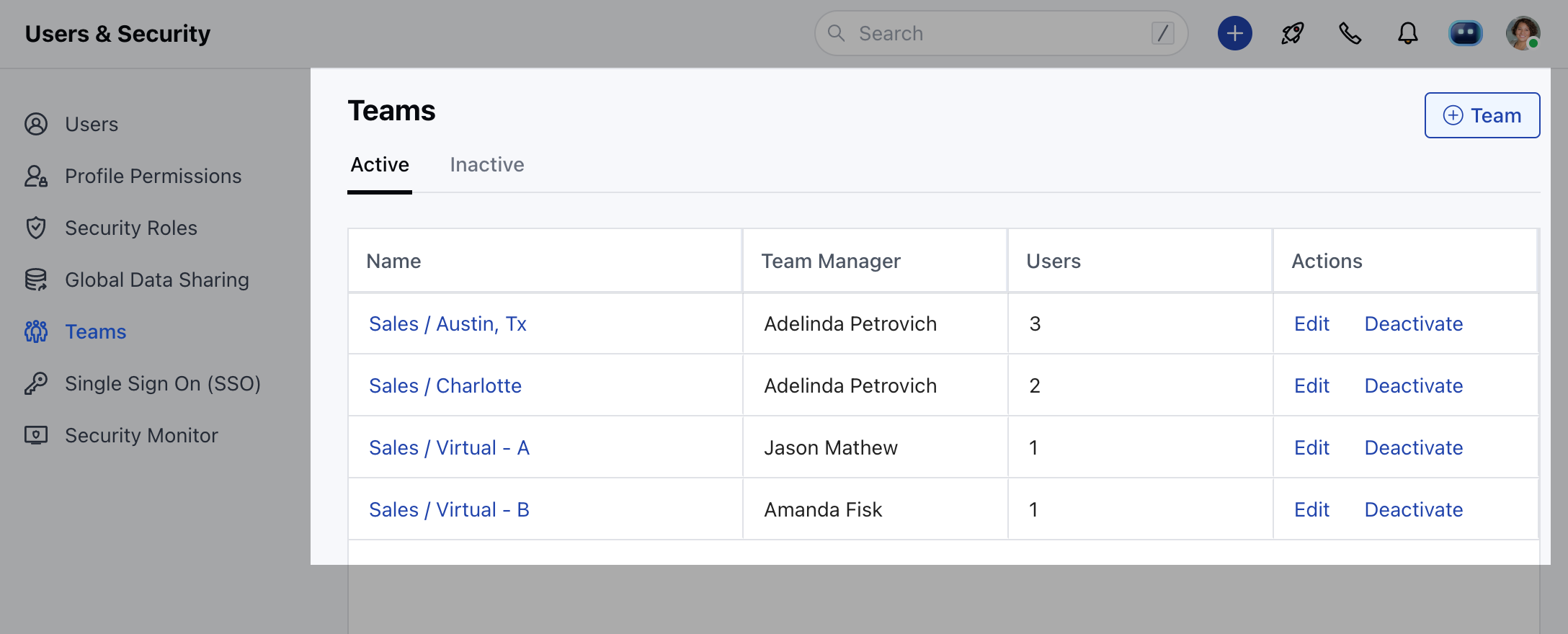
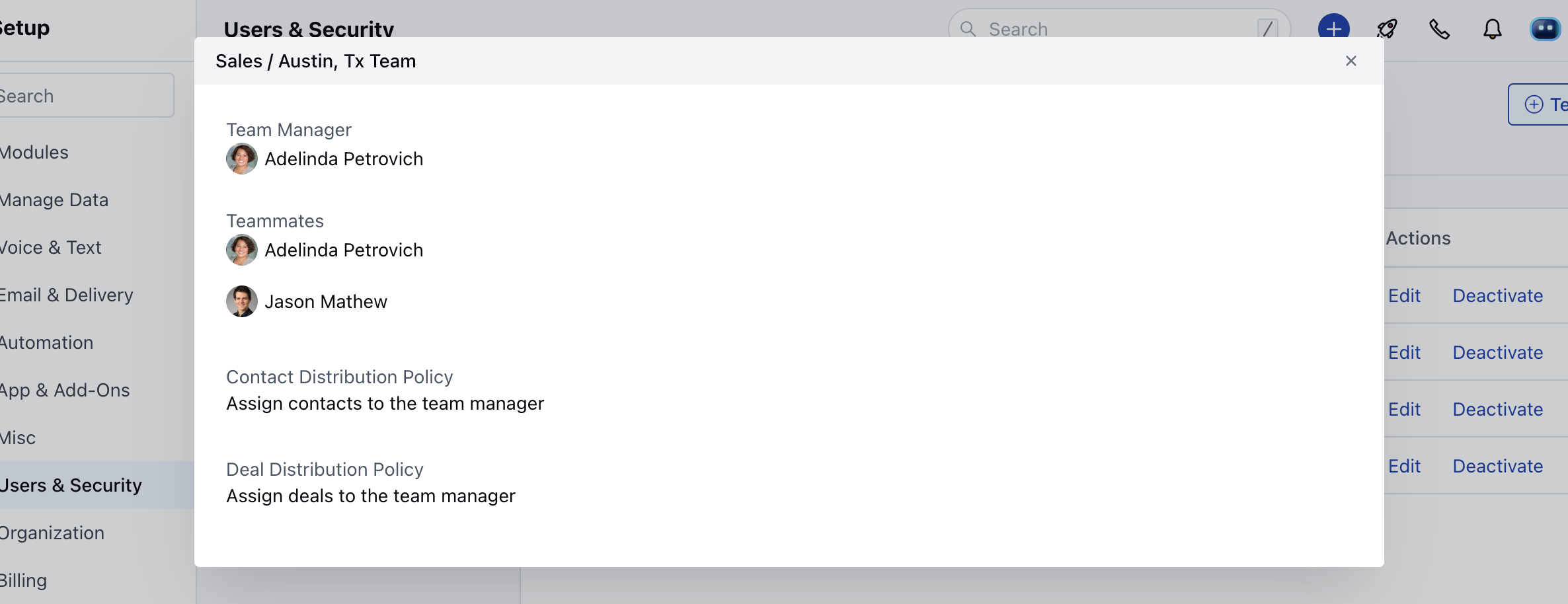
- You can click on the Team Name to view its details over a pop-up.