

Note: Only users with an “Admin” role can perform this action.
To Delete a Team :
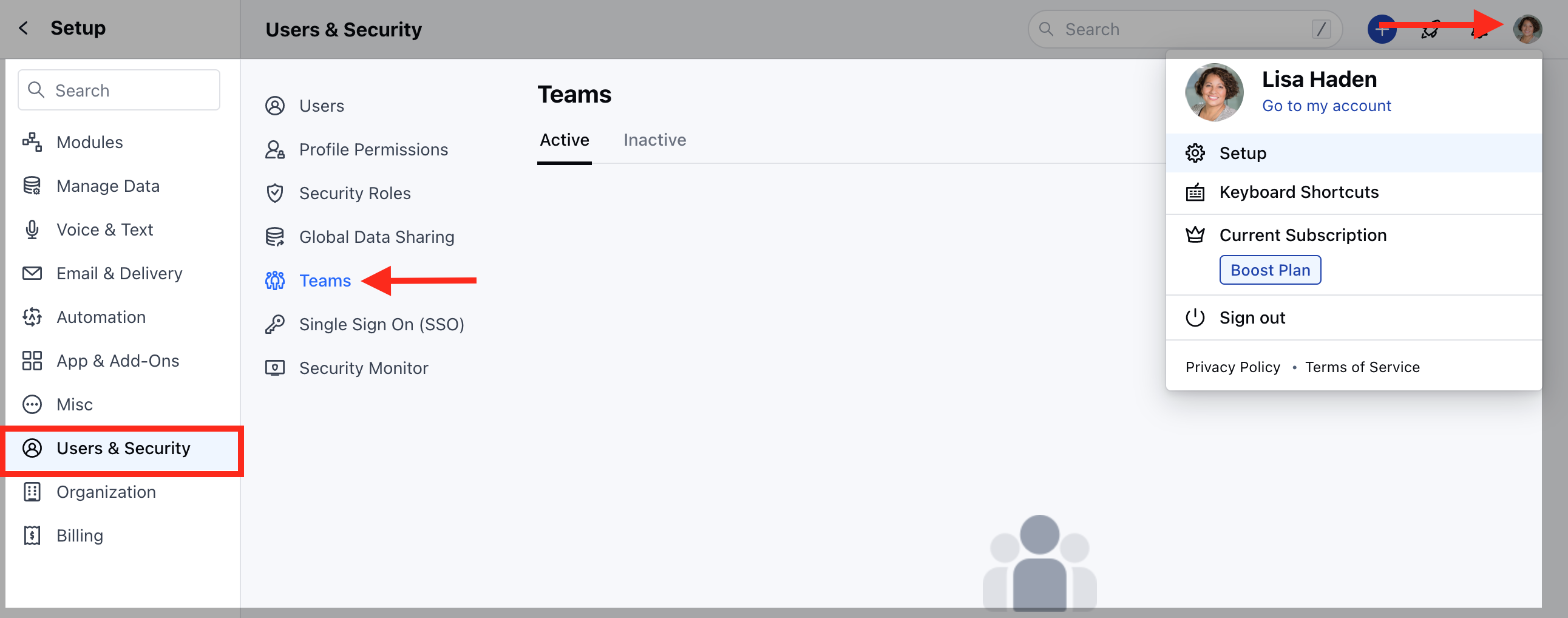
- Navigate to the Profile icon on the top right corner
- Click on Setup
- Head over to Users and Security
- Click on Teams
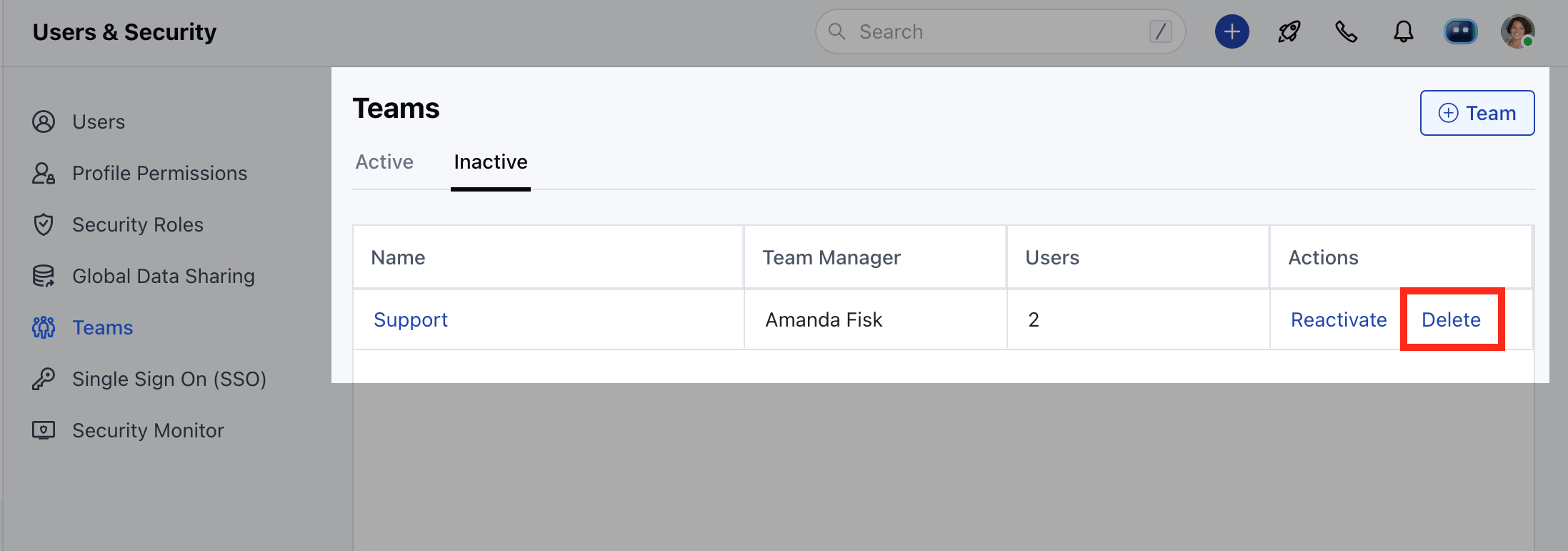
- Click on the Inactive tab to view a list of “Inactivated” teams
- Click on Delete to delete a team.
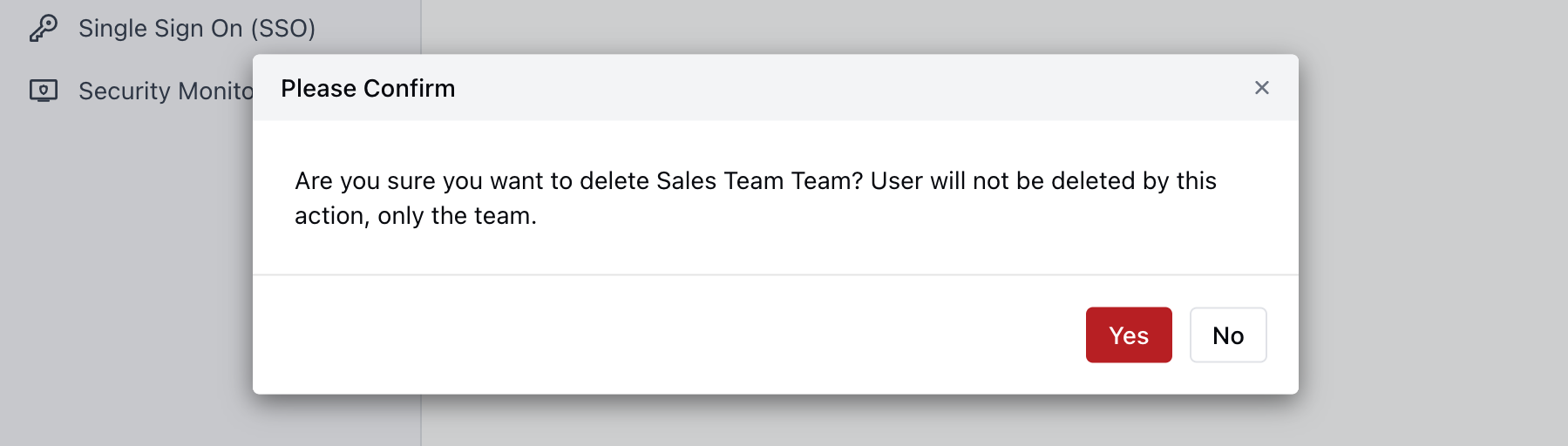
- Confirm “Yes” to delete a team.
- If a view has been created using this team it will first ask the user to change or delete such view before deleting the team.
- A deleted team cannot be recovered.
- It will no longer appear in filters.
- It will not appear for Team mentions.