Note: Only users with an “Admin” role can perform this action.
To Reactivate a Team :
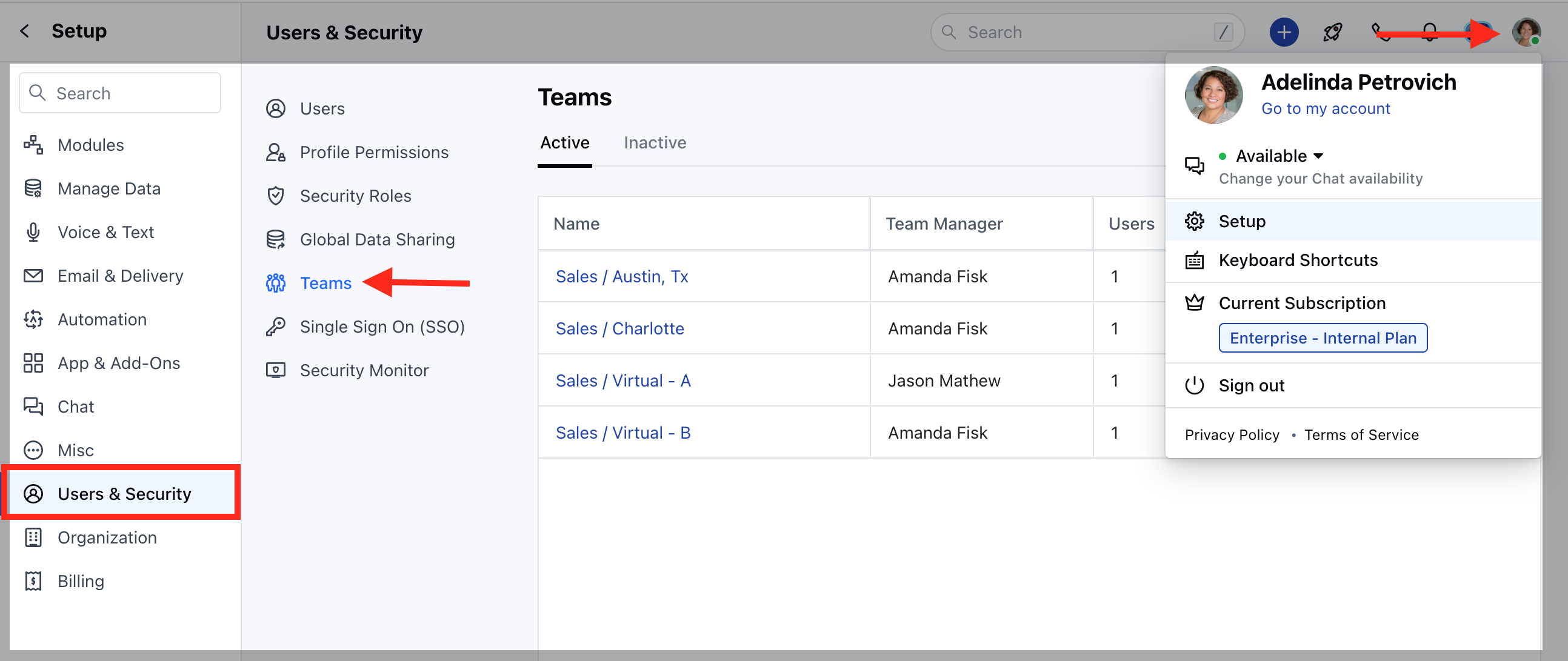
- Navigate to the Profile icon on the top right corner
- Click on Setup
- Head over to Users and Security
- Click on Teams
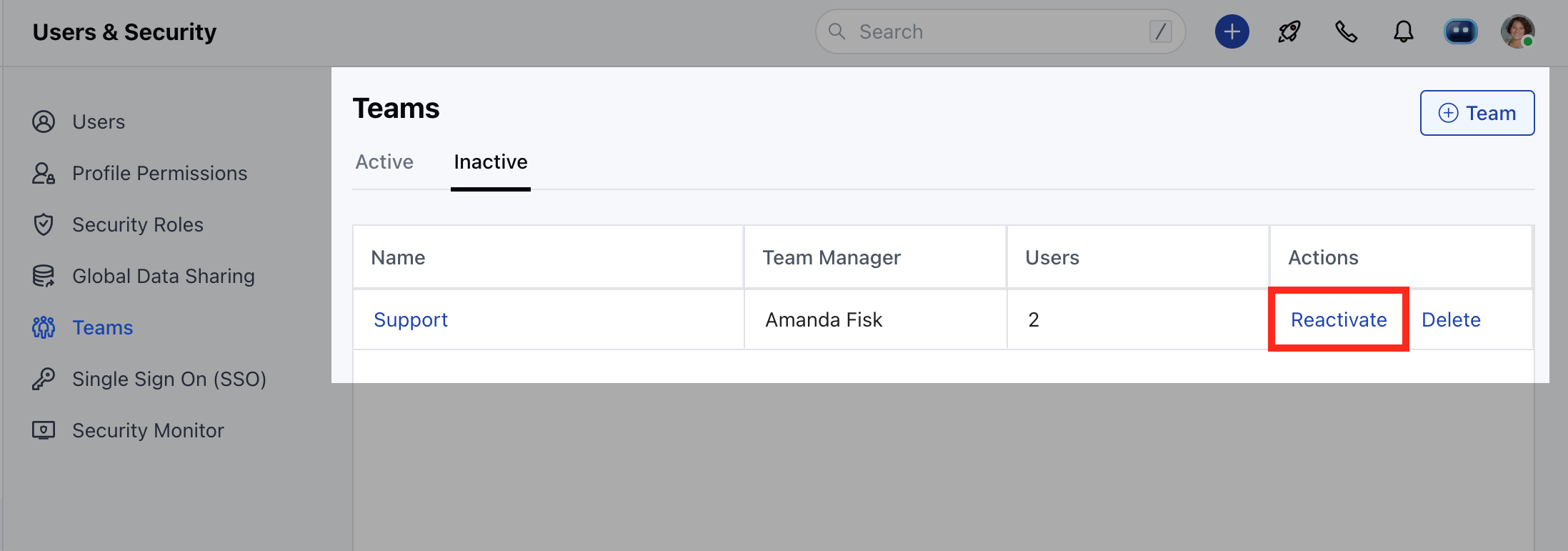
- You will find a list of already inactive teams under the “Inactive” tab
- Click on “Reactivate” to activate the team.
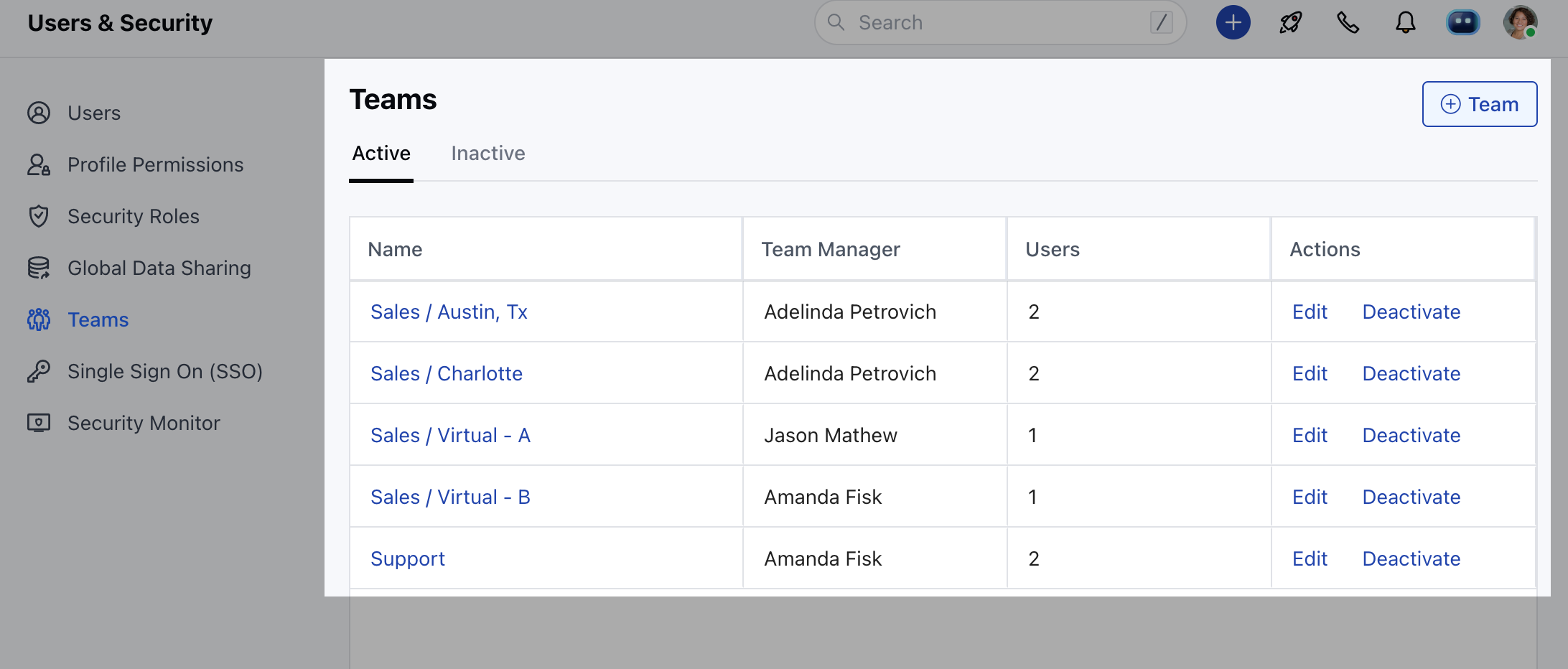
- Once reactivated the team will appear in the list of “Active” tab.