

To filter records by Teams :
- Let’s take an example of filtering contacts by Teams
- Navigate to the Contacts Module
- Click on the Filter (funnel) icon to filter the records
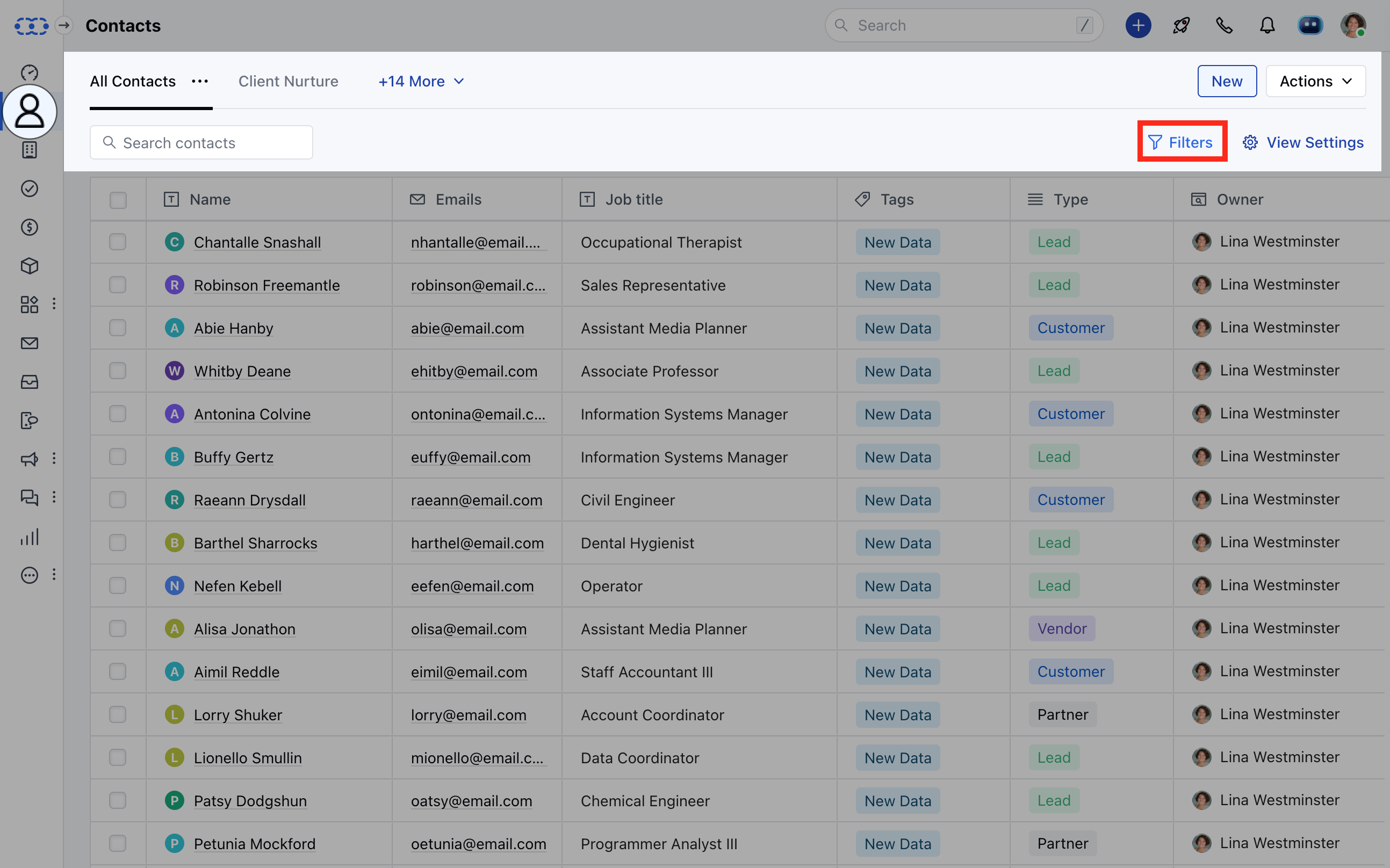
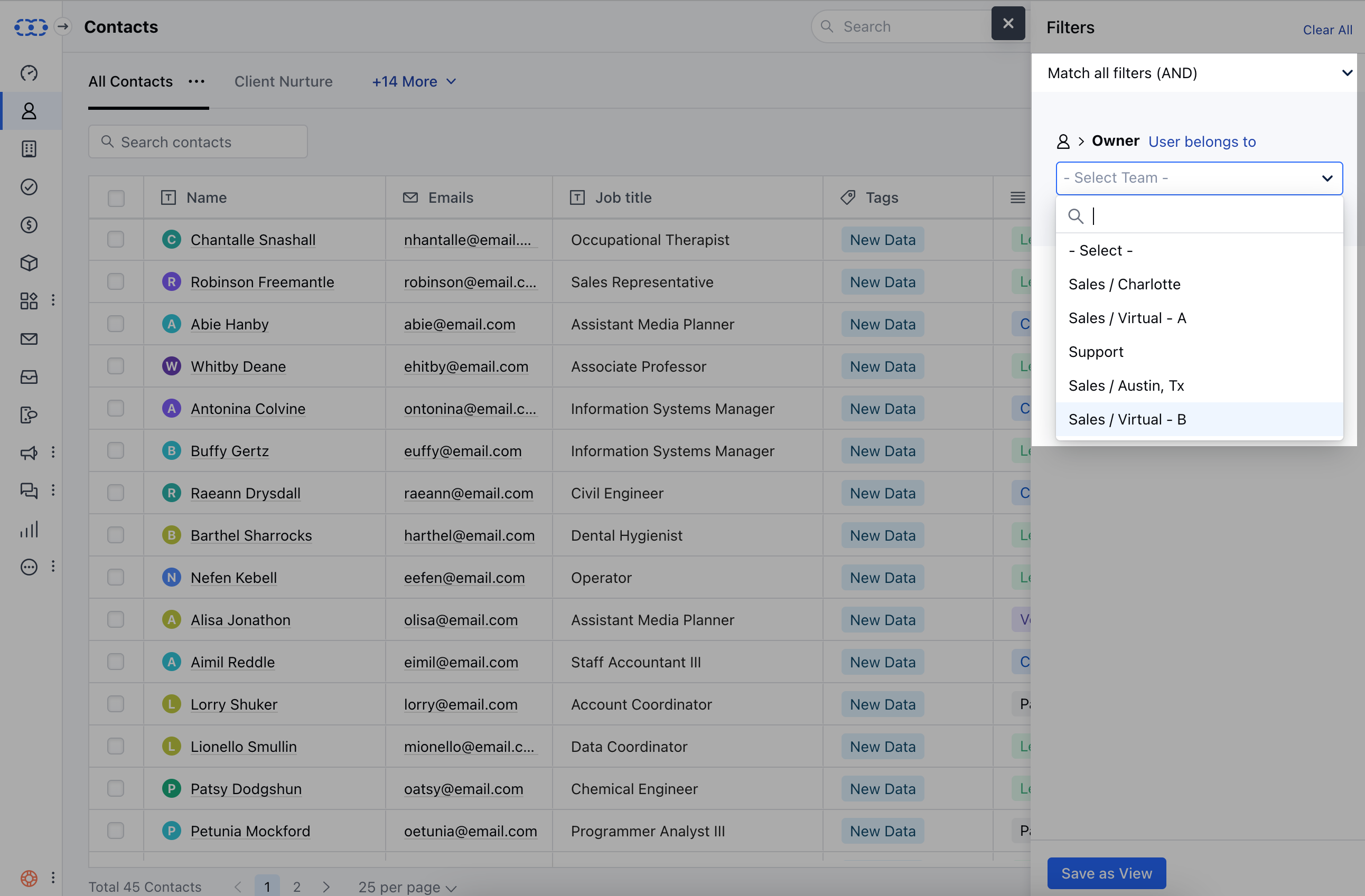
- Click on Add filter and select “Owner” and from the drop-down menu choose”User belongs to”.
- Select any of the pre-created active teams
- You will get a list of all records owned by the user belonging to the selected team.
Note :
- You can create similar filters for other modules (companies, activities, and deals) as well.
- While creating a new filter only active teams will be listed.
- While editing a filter, if the current team has been deactivated, then you will be able to see it on the list.
- You can also utilize the team’s feature under your automation. Learn more
- If the Team has been deleted then opening the filter will show a blank value.