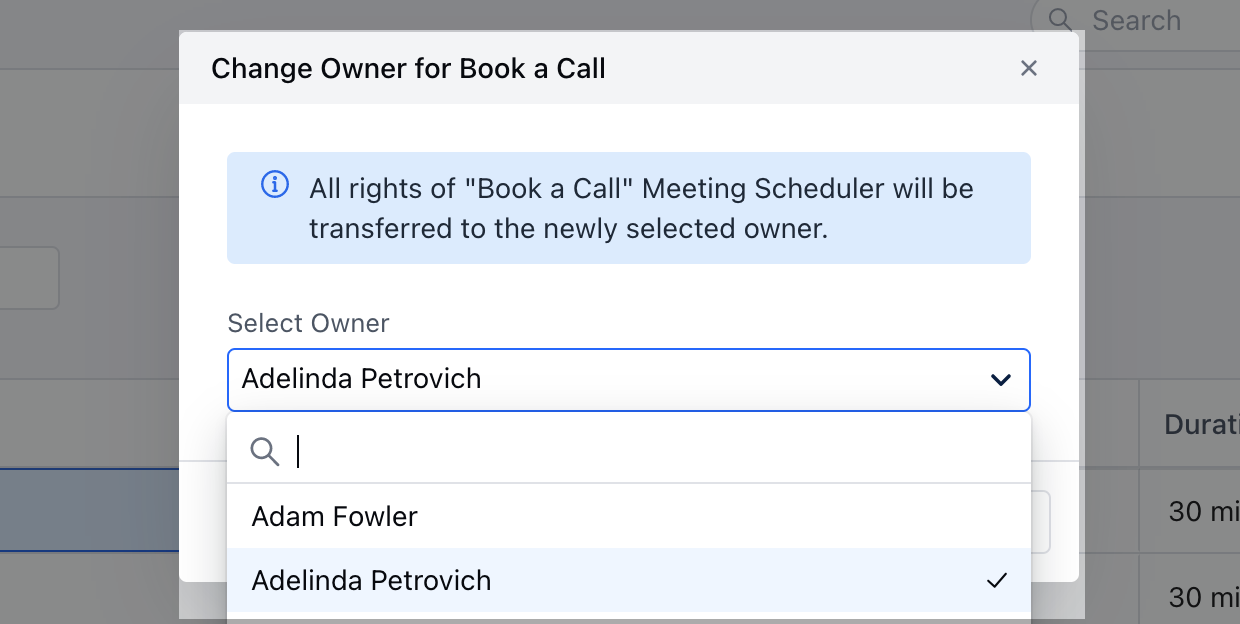
- Navigate to the More option from left sidebar menu
- Click on **Meeting **
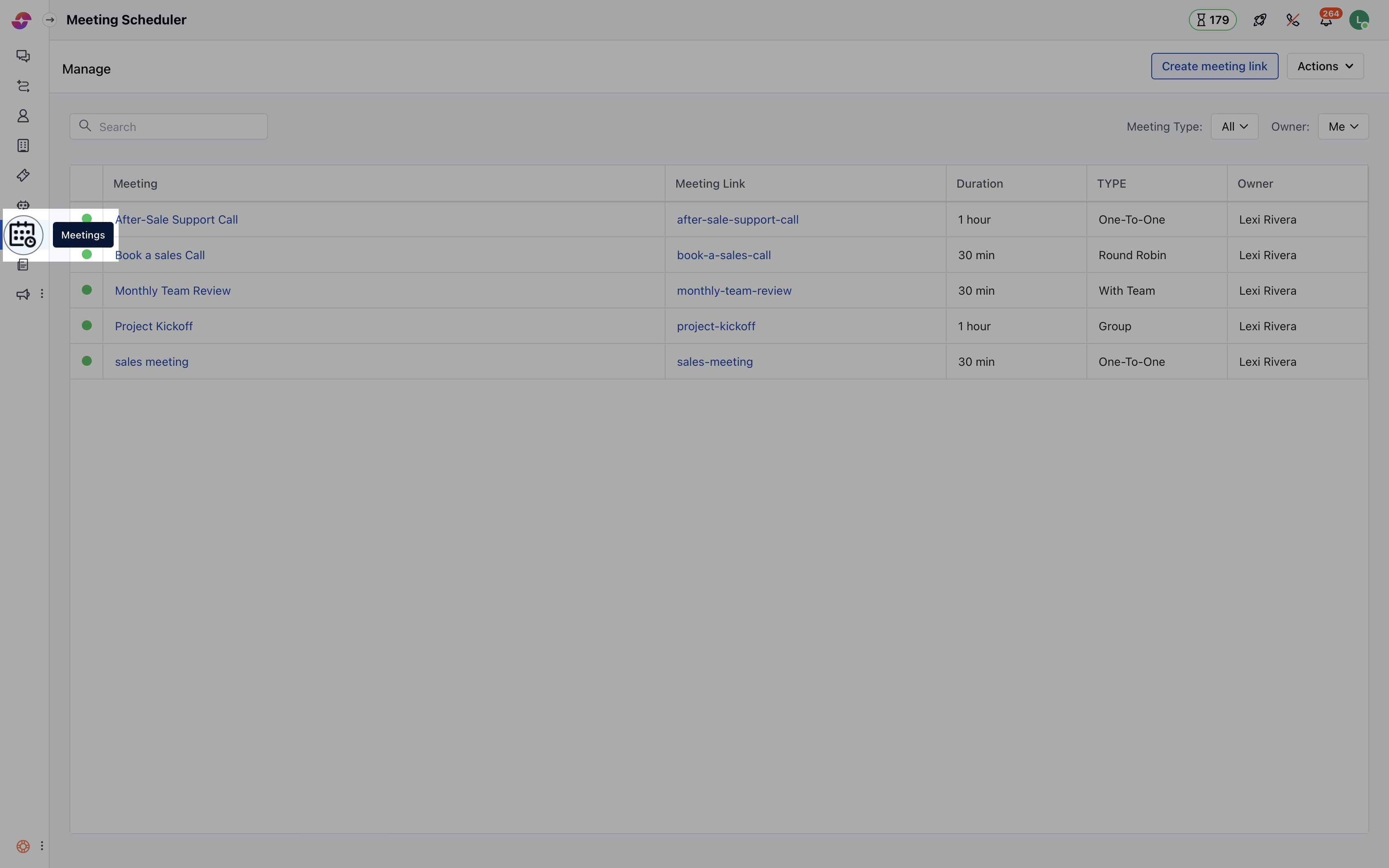
- Hover over the Meeting name of which you wish to change the ownership
- Click on the Action button
- Hit theChange Owner option
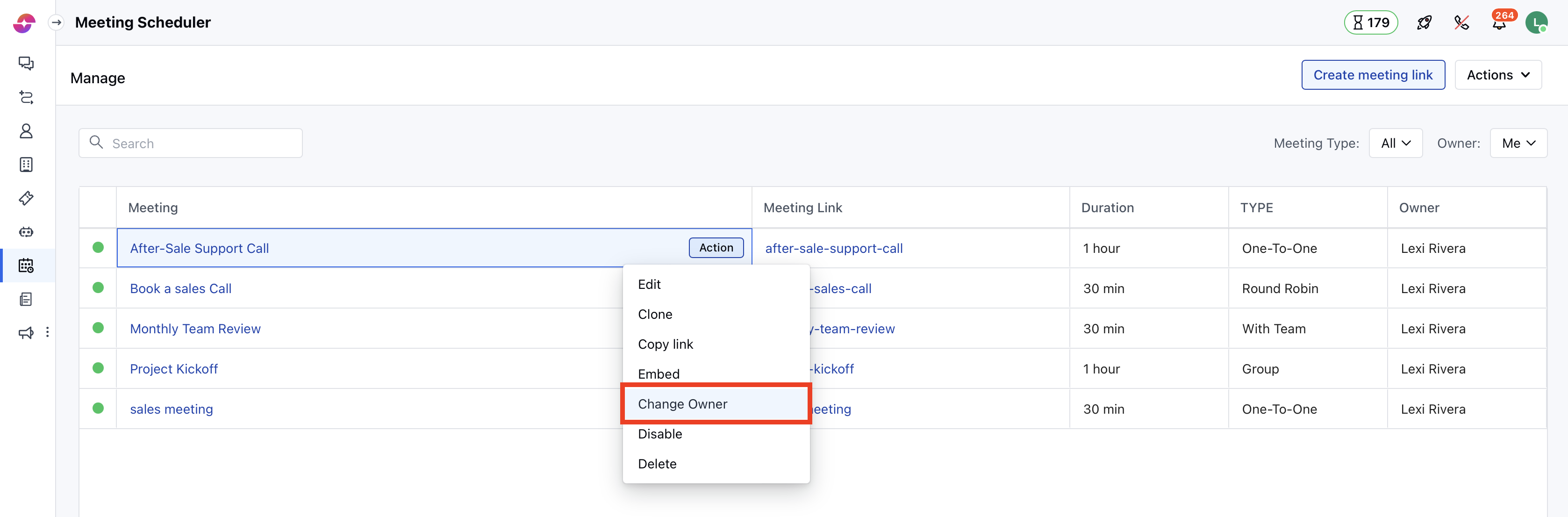
- Select the Owner (User) to whom you want to transfer the ownership of the particular Meeting.
- All rights of the relevant Meeting will be transferred to the newly selected owner.
- Click on Save to return back to the Meeting menu List.