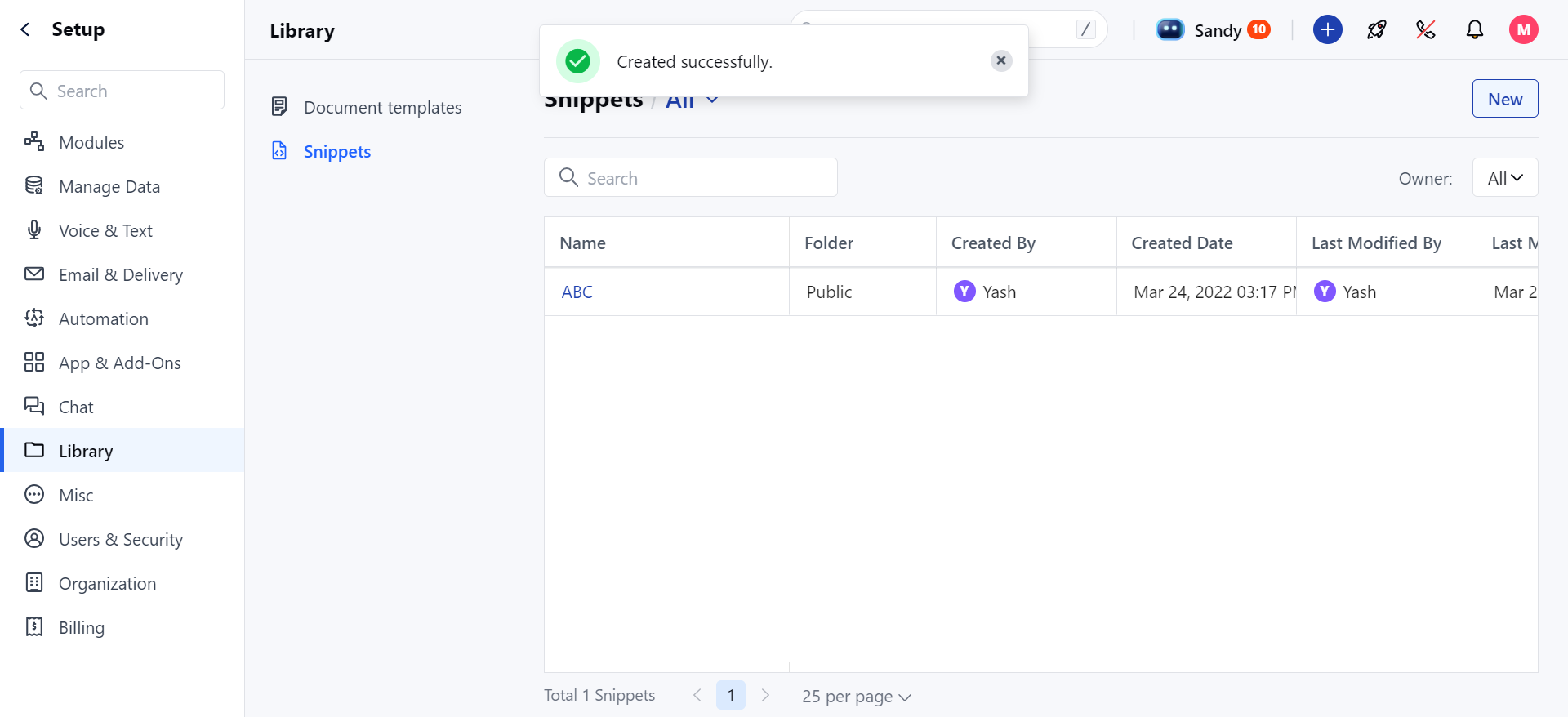
Steps to Create a New Snippet Folder
- Navigate to the Profile Icon in the top right corner.
- Go to Setup .
- Select Library and then choose Snippets from the menu.
- Under All Options, click on the
- “+ New Folder” button.
- Enter the desired name for your folder in the Folder Name field.
- Select a folder privacy policy:
- Only Me: The folder is private and accessible only to you.
- Public: The folder is accessible to everyone by default.
- Custom: Specify access for certain users or teams.
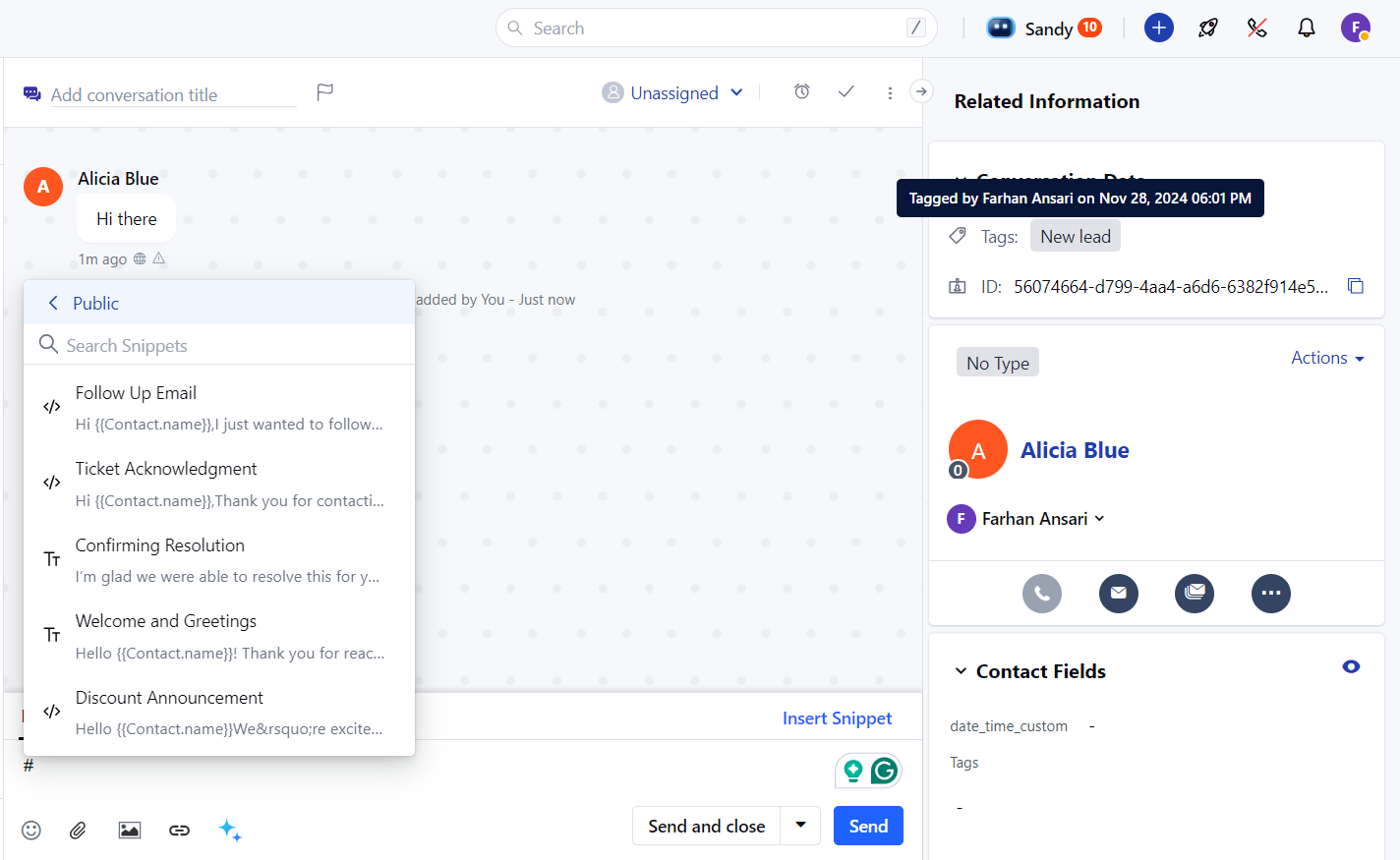
- Click on Save .
- Upon successful creation, you’ll receive a message: “Created Successfully.”